
Creative Tools2 weeks ago
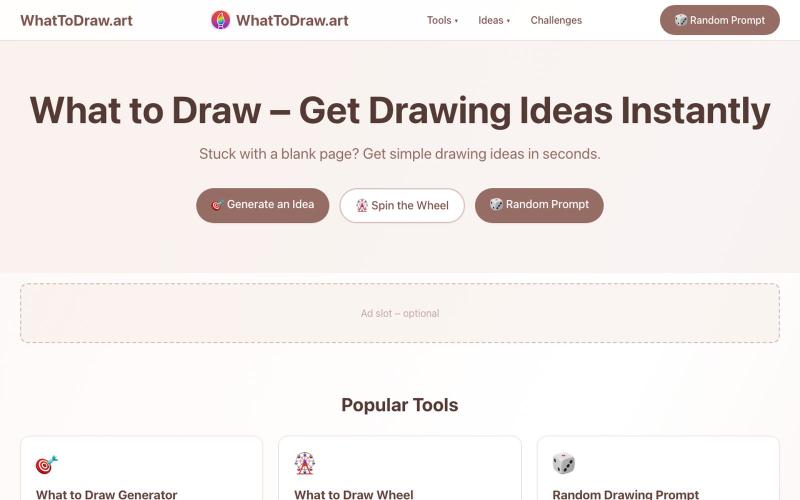
WhatToDraw.art – Drawing Ideas & Prompts
Get drawing prompts and ideas with an interactive game that scores your sketches.
画什么 — 从画圆开始,看看你画的圆可以得多少分
The full gallery
Tech stack
18 projects
Get drawing prompts and ideas with an interactive game that scores your sketches.
画什么 — 从画圆开始,看看你画的圆可以得多少分
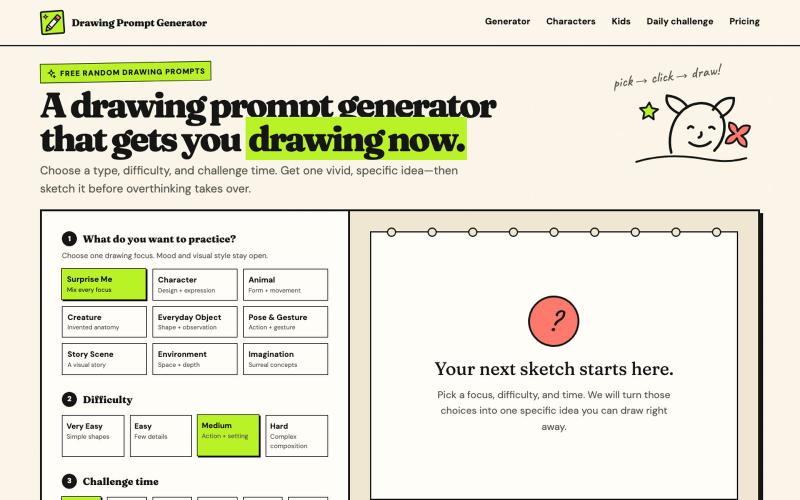
Create drawing prompts with AI images and timed challenges at various difficulty levels.
haowen8098 · V2EX
做了一个随机绘画题目生成器 它可以根据绘画类型、难度和挑战时间生成题目,还提供倒计时和可选的 AI 参考图: https://www.drawingpromptgenerator.com/ 目前还是早期版本
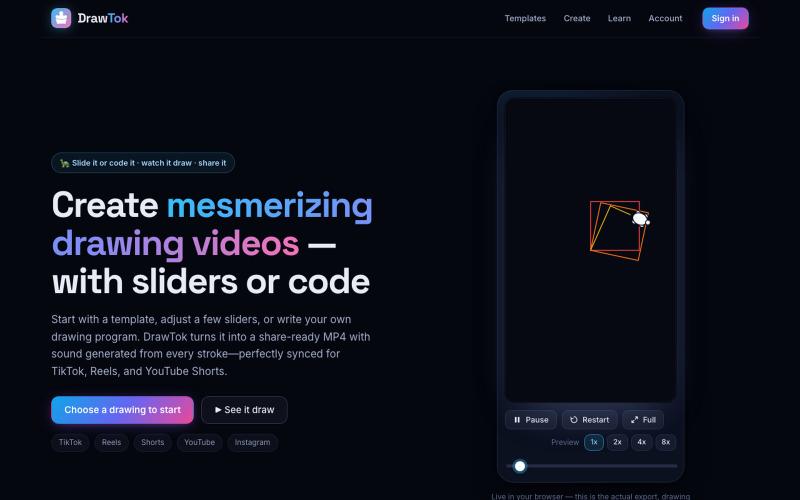
Generate drawing videos from templates or code, ready to share on social media.

@xfrigle · X
turn tiny Logo code into stunning drawing videos ready to share on social
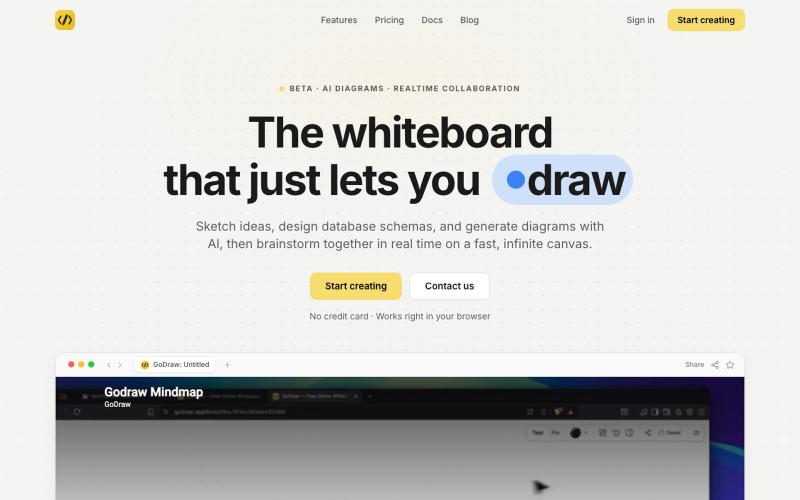
Draw and diagram online with instant collaboration, no sign-up required.

@rishabh21g · X
The whiteboard that just lets you draw
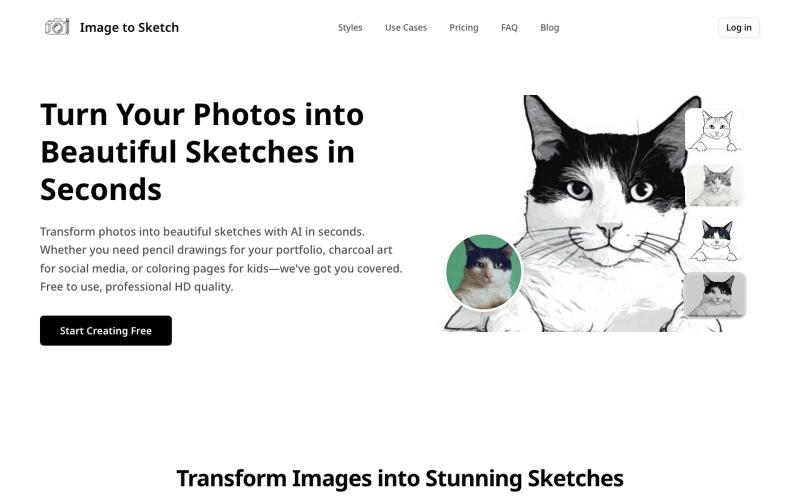
Convert photos into pencil drawings, charcoal sketches, or cartoon art using AI, instantly online.
image-to-sketch — 图片转素描 AI 小工具
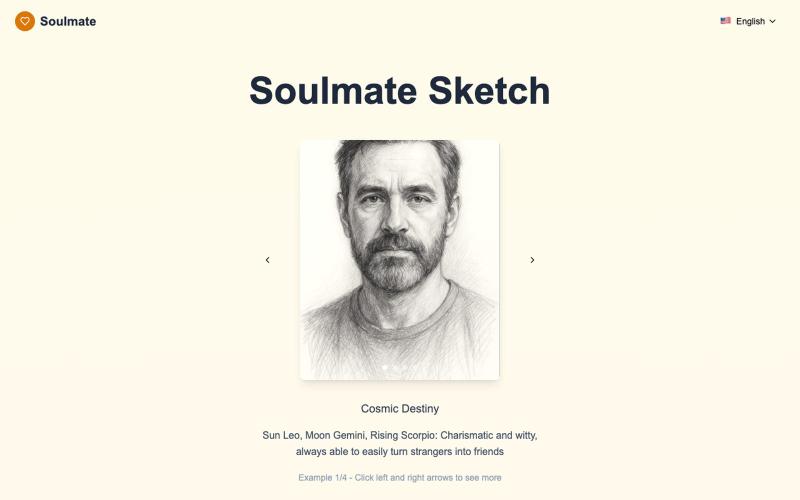
Generate personalized AI drawings of your soulmate in seconds.
Soulmate Sketch|AI 灵魂伴侣素描(占星画像生成) — 用 AI + 占星,为你生成专属的黑白手绘风格“灵魂伴侣画像”;10–20 秒极速呈现,多语言网站,移动端友好

Convert photos and videos to ASCII art, pixel art, mosaic, and more in your browser.

@kail_designs · X
Jokes aside but honestly (Landing page) was built with Claude (Opus 4.7) in 1 day. But no, it was not just four prompts or some random skills. Here's how I built the entire AsciiMagic landing page with Claude in one day👇 Started with a rough sketched wireframe. Then designed it in @paper Then I used the Paper MCP with Claude to recreate that design in code and get a solid first version running. From there, the real work began. I kept iterating with specialised Claude skills: • impeccable • frontend-design • emil-design-eng • review-animations • responsive-design • seo-audit Each one improved a different part of the experience. By the end, the page had: • Mobile-first responsiveness • Better SEO optimised copy • Smooth micro-interactions • Cleaner frontend architecture Then came the part people don't see. For the next 5–6 hours, I wasn't asking Claude to "make it prettier." I was: • Fine-tuning layouts • Uploading and compressing assets • Moving files across diff
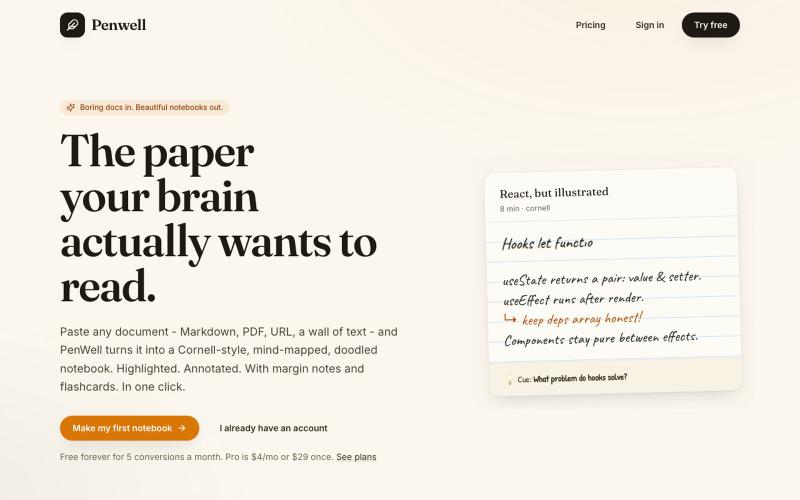
Paste a document to generate a Cornell-style notebook with mind maps and doodles.

@penwellapp · X
Boring docs in. Beautiful notebooks out. Try it here: 🚀 We just launched on Product Hunt! Your support would mean the world: #BuildInPublic #ProductHunt #AI #Notes #IndieHackers #CornellNotes #Productivity #StudyNotes #Penwell
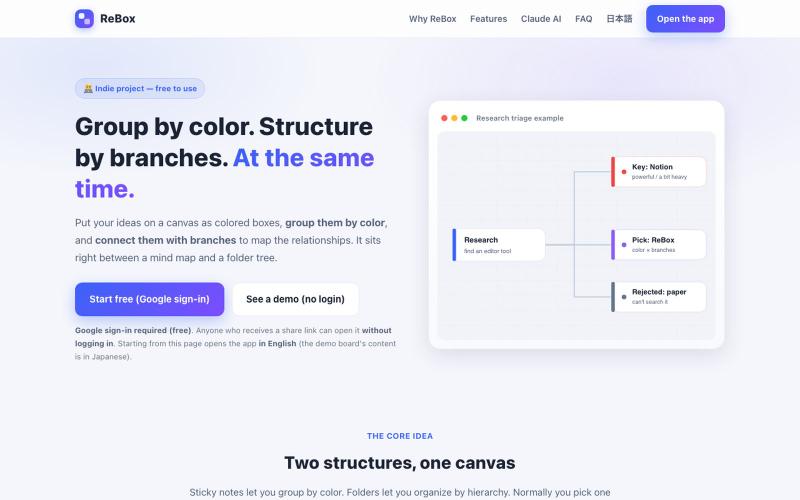
Create visual boards that group ideas by color and structure them with branches, then share without login.

@shiftibis · X
Indie project 📝 ReBox: visual boards where color = group and branches = a file tree — both at once. Share links open without login (anyone with the link can edit). A Claude connector builds boards for you. English UI just shipped. #buildinpublic
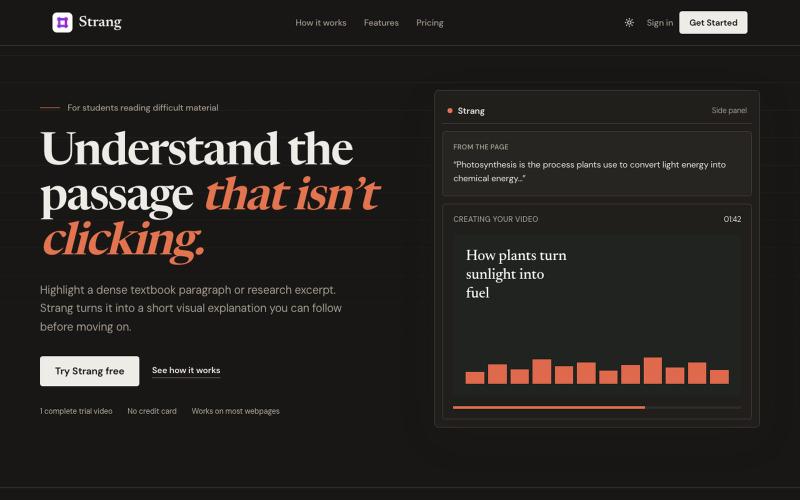
Highlight dense passages to generate short visual explanations without leaving your browser.

@Berbir12 · X
Dense reading shouldn’t stop your momentum. Highlight the passage that isn’t clicking. Strang turns it into a short visual explanation, right inside your browser. One complete video is free.
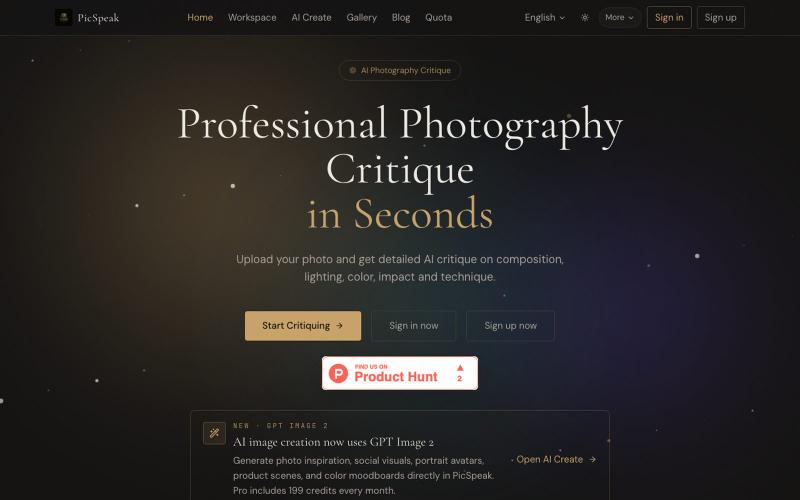
Upload a photo to get AI critique on composition, lighting, and color, then generate visual references for your next shoot.
PicSpeak — 基于 AI 的摄影点评 Web 应用,上传一张照片,几秒钟内即可获得对构图、光线与色彩的专业分析,同时可以向社区展示你的优秀作品。
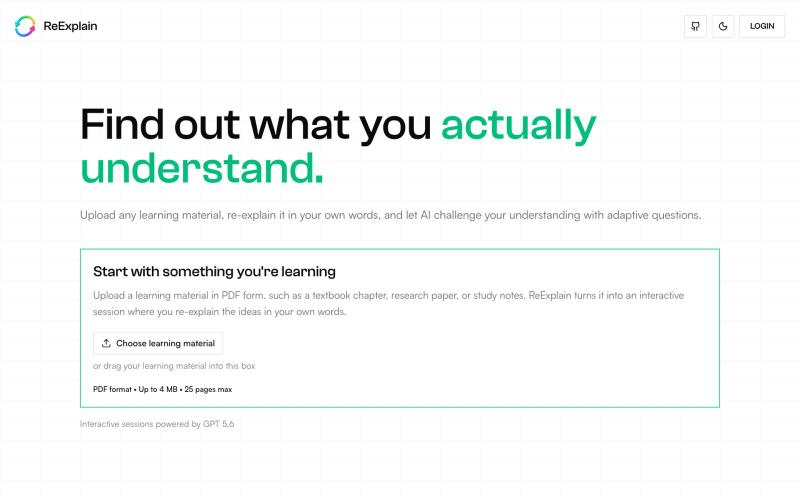
Re-explain any learning material in your own words with adaptive questions that reveal what you actually understand.

@indrajit_tweets · X
Most AI learning tools explain concepts for you through summaries, notes, quizzes, and flashcards. But recognising an answer is not the same as understanding it. That’s why I built ReExplain ( for the @OpenAI Build Week Hackathon. ReExplain flips the roles - the AI becomes the curious learner, and you become the teacher. You explain the material in your own words, while the AI listens, identifies gaps, and asks follow-up questions that challenge you to think deeper. Powered by GPT-5.6 Luna and built with Codex, ReExplain is now live on Product Hunt! If the idea resonates with you, I’d really appreciate your upvote and support 😄 🔗 Product Hunt Launch Link: Watch the demo, try it, and share your feedback! #ProductHunt #OpenAI #BuildWeek #AI #EdTech #Hackathon