
Productivity1 month ago
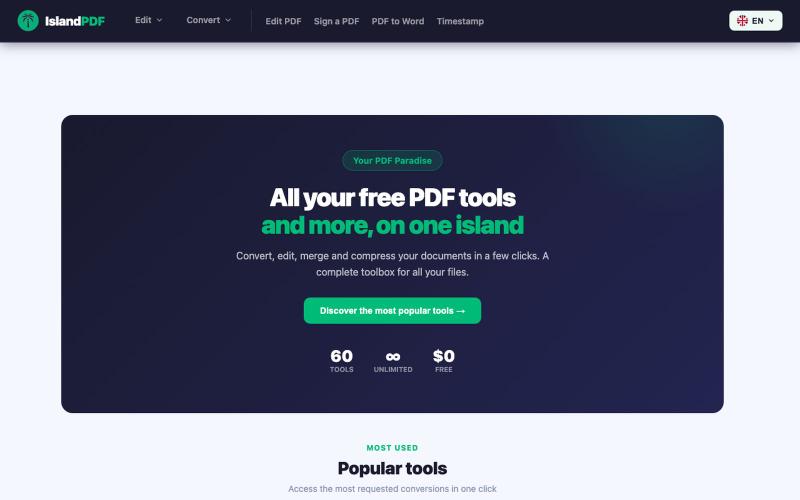
IslandPDF — Your PDF Paradise
Convert, edit, merge and compress PDF documents in your browser.

@IslandPDF · X
The full gallery
Tech stack
20 projects
Convert, edit, merge and compress PDF documents in your browser.
@IslandPDF · X
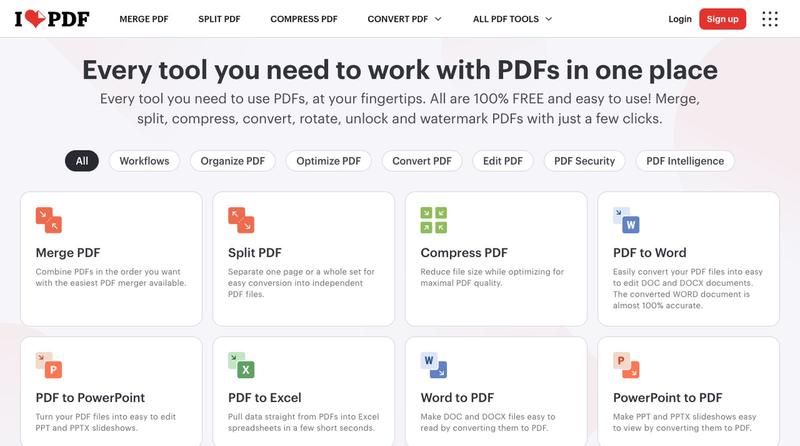
Compress, merge, split, convert, and edit PDF files directly in your browser.
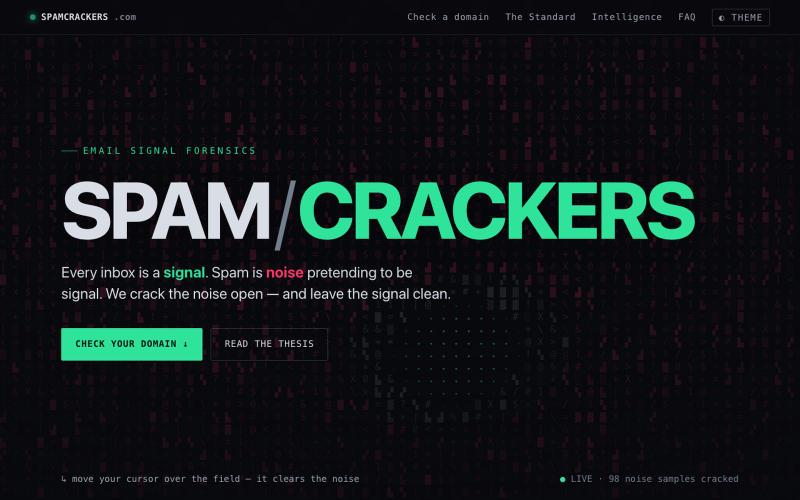
Grade a domain's email protection: check SPF, DKIM, DMARC, and MX records in your browser.

@domainfyrbrand · X
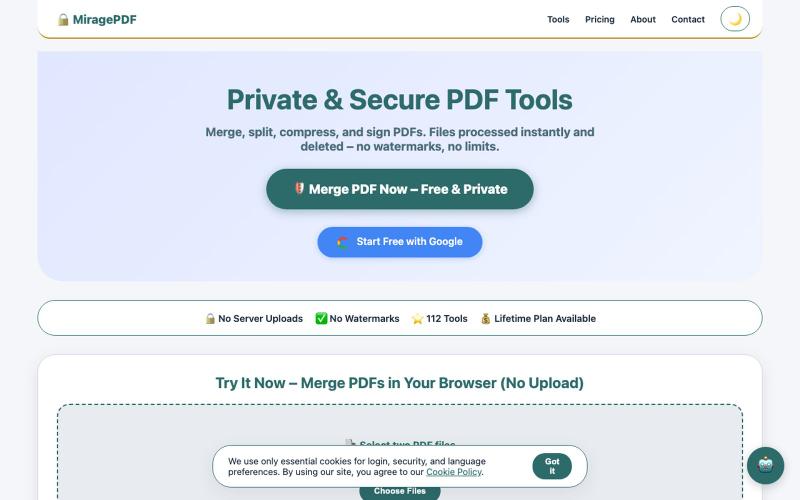
Free PDF tools in your browser for merging, splitting, compressing, and protecting files.

@magictoolshup · X
This unique website handles everything for you with great precision and professionalism. A key feature is that it never uploads your files—they remain solely within your browser for maximum privacy. Give it a try,you will discover something impressive.
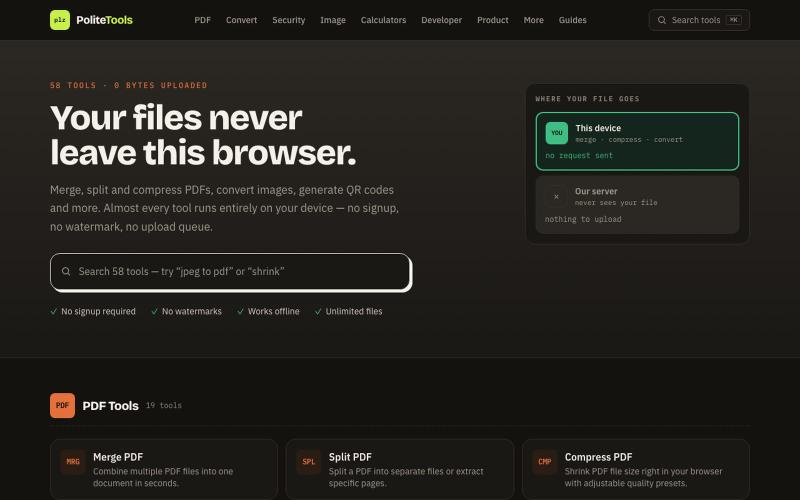
Free online PDF, image, QR and text tools. 100% private — every file is processed in your browser and never uploaded to a server.

@codechandra · X
Free online PDF editor with 51 tools for merging, signing, OCR, and translation—works offline, no login needed.

@zubidavies · X

Format, convert, and process PDFs and images with 450+ privacy-friendly browser tools.

@tentaco_cc · X
Hey! I built 🐙 It’s a privacy-first web space packed with over 450+ free micro-tools for tech, design, marketing, and PDFs. The best part? Everything runs 100% locally in your browser. No registration, no ads. Let's connect! 🛠️
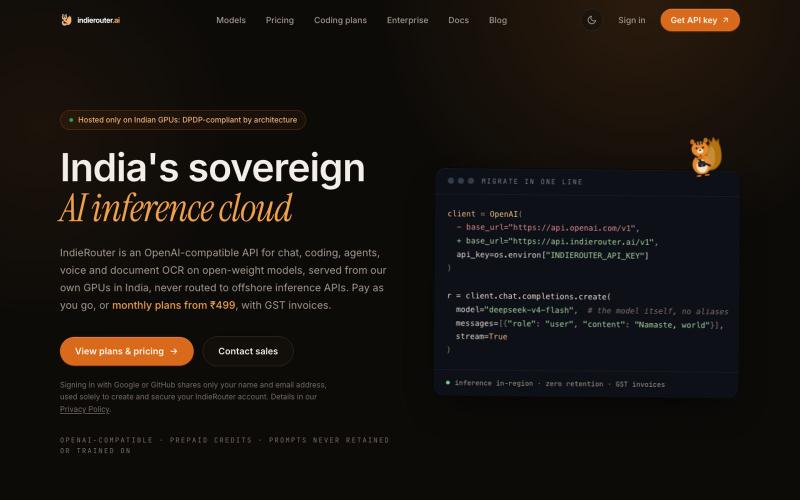
Sovereign inference on open-weight models, hosted only on Indian GPUs, never offshore. OpenAI-compatible API, GST invoices, DPDP-compliant by architecture.

@IndieRouter · X
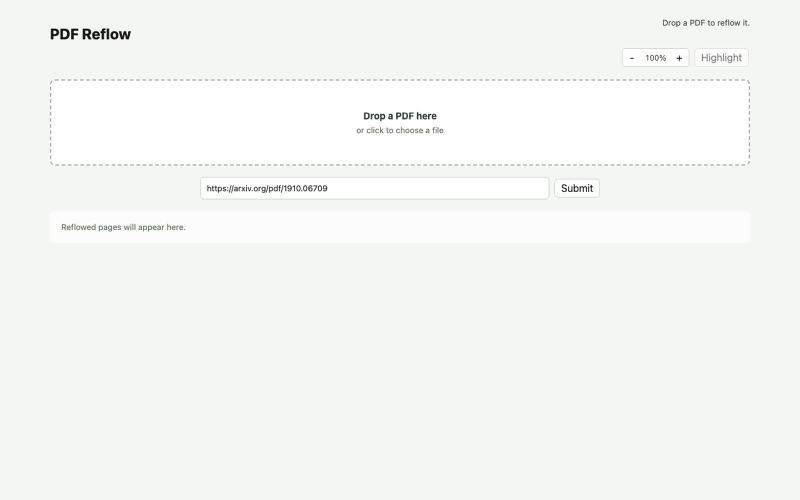
Reflow PDFs in your browser using a local AI model.
ldenoue · HN
Show HN: PDF reflow in the browser with local AI model
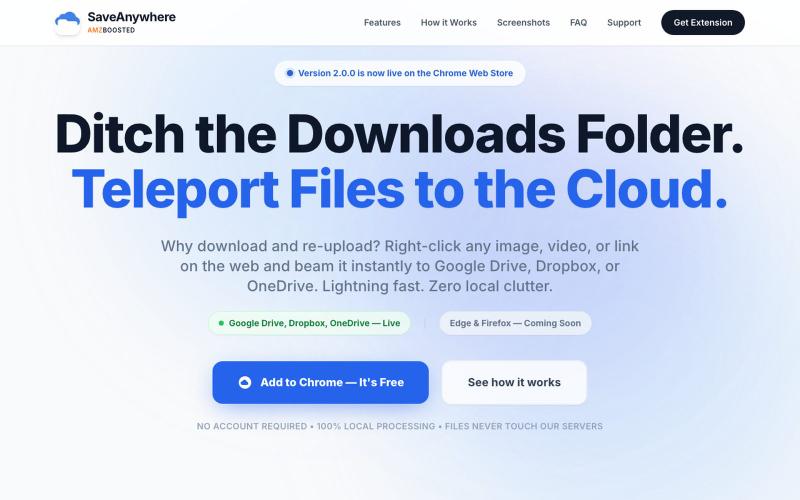
Chrome extension that saves files, images, and links directly to Google Drive, Dropbox, and OneDrive with local processing.

@SaveAnywhere · X
Free chrome extension :
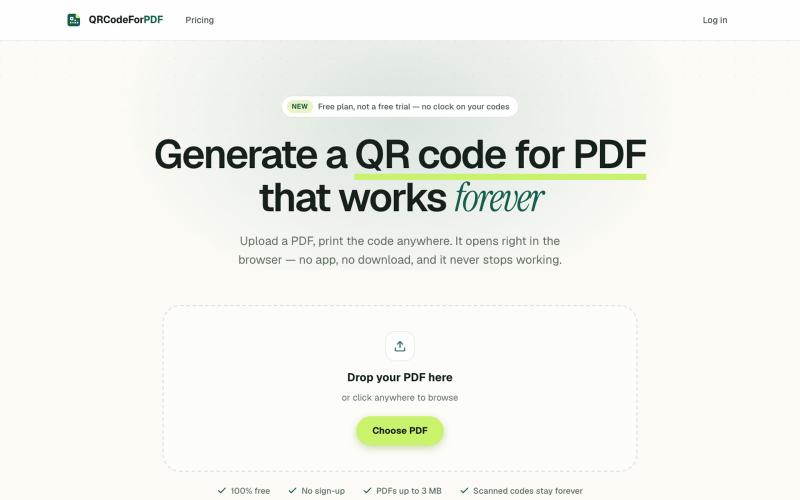
Create QR codes for PDFs that open in the browser without downloads or sign-ups.
EdenSu · V2EX
做了个托管 PDF 的二维码工具 最近老婆一直在抱怨给老外传 pdf 文件很麻烦,之前一直是走邮件附件。麻烦在于文件一改就得重发一遍,对方手上可能还留着旧版本,来回确认到底看的是哪一版特别费劲。 想着不如给她生成个二维码或者短链接,文件更新了直接换后面的,链接不变。搜了一圈现成的工具,试了几家都有点别扭。有的免费能生成,点下载却要注册。还有的会在扫码后的落地页上放广告,但那是发给客户看的东西,不太合适。 干脆自己做了一个: https://qrcodeforpdf.app 传个 PDF ,出一个二维码和短链接,扫了在浏览器里直接打开,不用下载也不用装 App 。文件可以随时替换,码和链接都不变,已经发出去或者印出去的都还能用。不注册就能生成和下载,PNG 和 SVG 都没有水印,应该是比较完美的,刚好也作为自己的一个小项目,也欢迎大伙们试用给建议,逐步优化!

Free in-browser PDF tools for merging, splitting, converting, and editing without uploading files.
u/Key_Caramel_5578 · Reddit
Built a free PDF toolkit solo (with AI help) — need feedback on the in-browser text editor before I keep pushing on it Been heads-down on this for a while: thepdftool.in Standard PDF stuff : merge, split, compress, convert, OCR — but most of the conversion tools run entirely client-side (WASM), so files never leave your browser for those. Built solo, leaned on AI tools for a good chunk of the code and debugging. The feature I care most about right now is an inline text editor :— click i