
Creative Tools1 month ago
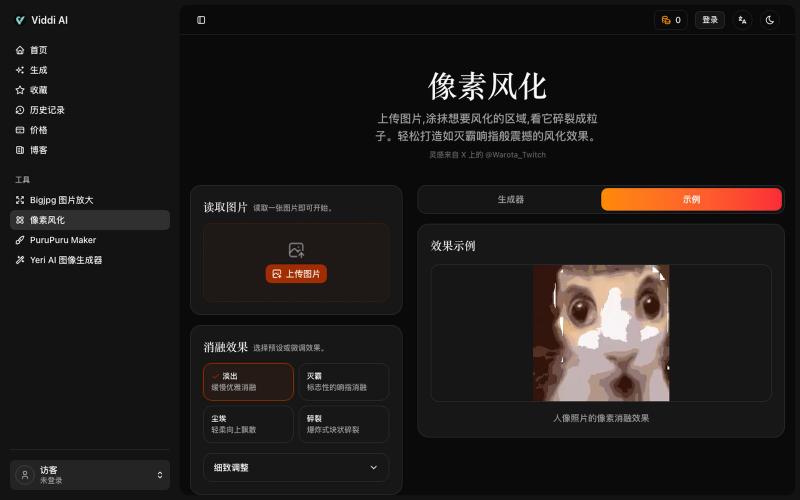
像素风化——将任意图片化为尘埃
Upload an image and paint areas to dissolve them into pixel particles.

@wanai666 · X
我做了一个,左边这个网站点进去可以用
The full gallery
Tech stack
18 projects
Upload an image and paint areas to dissolve them into pixel particles.
@wanai666 · X
我做了一个,左边这个网站点进去可以用
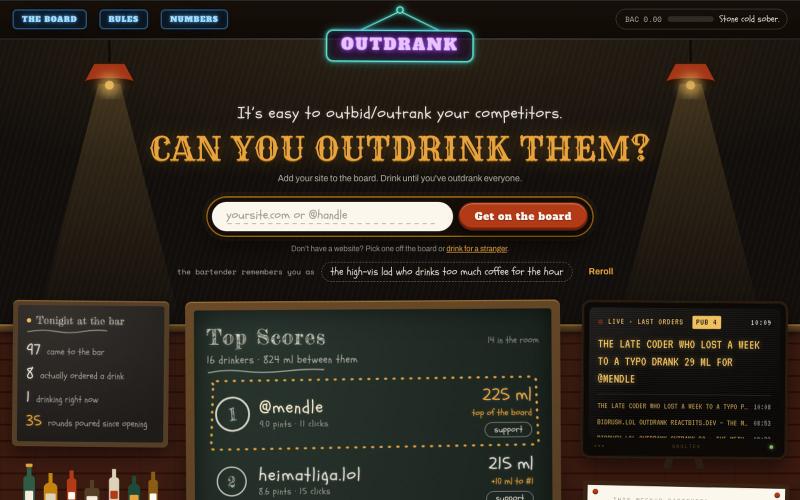
A leaderboard where websites compete by getting people drunk on their behalf. Play drunk minigames, put millilitres on a project’s tab, move it up the board. No money, no voting.

@mikeinsoftware · X
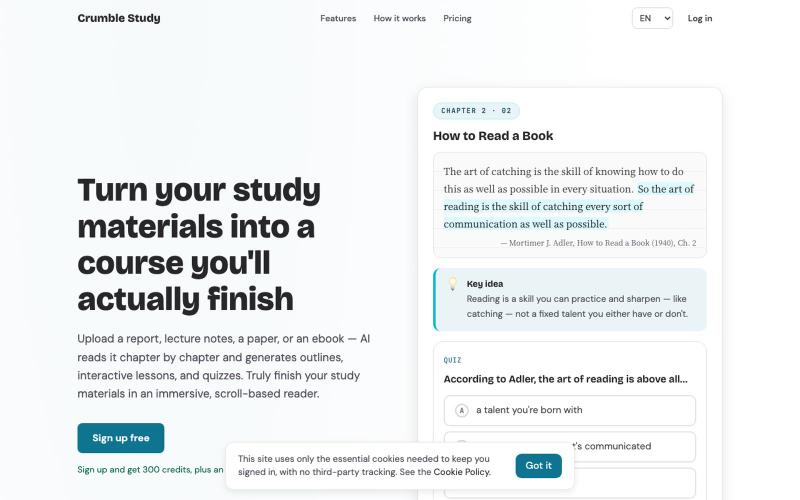
Upload a PDF, EPUB, HTML, or Markdown file. AI reads it chapter by chapter and generates outlines, interactive lessons, and quizzes — so you can truly finish your study materials i

@moonrollr · X
1. crumble study 2. you drop in a textbook or a report and it becomes a course you actually finish, chapter by chapter, instead of a chat you have to interrogate 3.
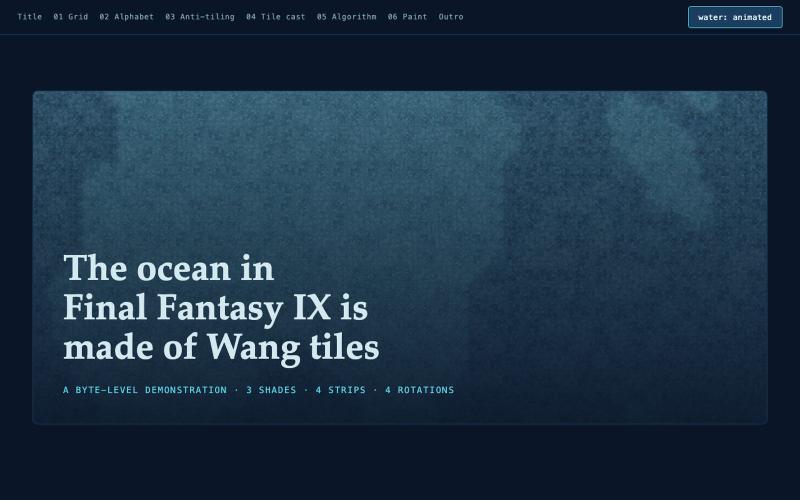
Interactively paint and decode procedural Wang tile patterns from FF9's ocean.
jawnston · HN
made a fun little website with AI to explain how the Oceans in FFIX are authored after days of slamming my head against the keyboard trying to deconstruct it
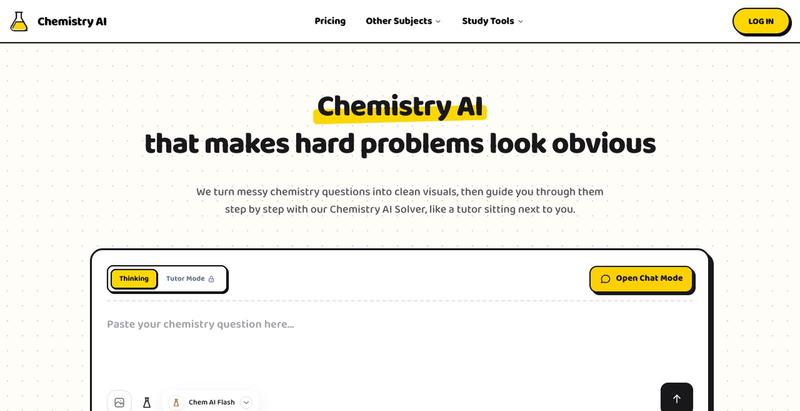
Solve chemistry problems and balance equations interactively with AI-powered step-by-step guidance, no signup required.
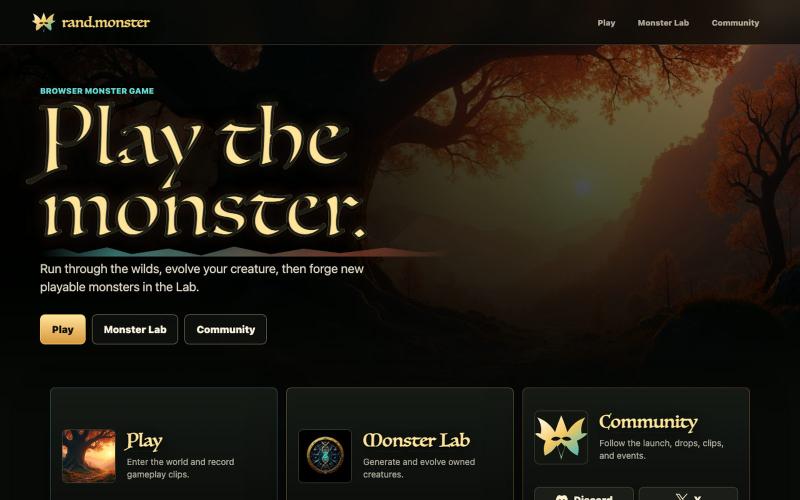
Forge creatures in a 3D game with GPU-simulated water physics.

@rand_monsterlab · X
A monster walks into a GPU-simulated pond. Reactive SPH water in the browser with @threejs + WebGPU. Every movement sends ripples through Coming soon. Follow @rand_monsterlab: #ThreeJS #WebGPU #VibeCoding #IndieGame #Monster
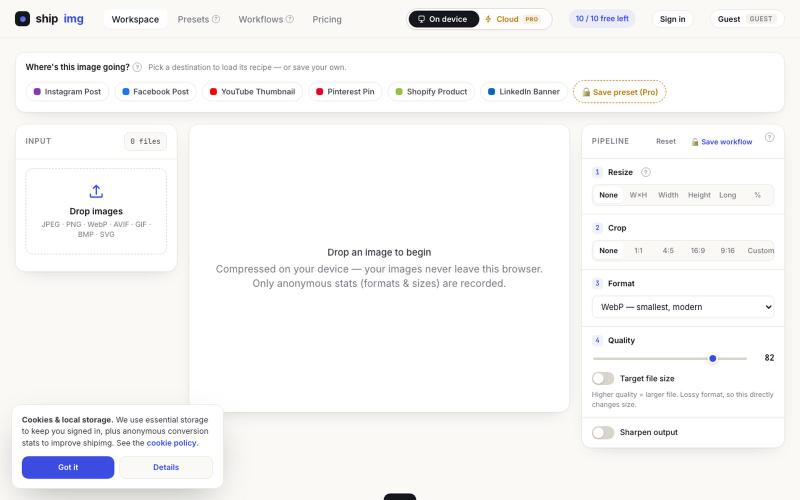
Convert and compress images in multiple formats directly in your browser without uploading files.

@SamoreVaibhav · X
The online image converter experience: → upload → wait → download → "free limit reached, upgrade now" → open competitor site → upload the same files AGAIN → next week: which site was it? what size did I use?? I got tired of this loop. So I built Runs 100% in your browser — files never upload, so there's no limit to hit. Save your presets once, they're there forever. My first SaaS. Launching in public 😁

Push a Docker container to instantly get a public HTTPS URL—no YAML or CI/CD setup required.

@Real_Fake_Joe · X
Built an MCP server or a bot with Claude Code tonight? docker push → public HTTPS URL in 30 seconds. No repo. No YAML. No new CLI. No cloud to understand. And your laptop can go to sleep. — free Docker hosting for the things you build in an evening.
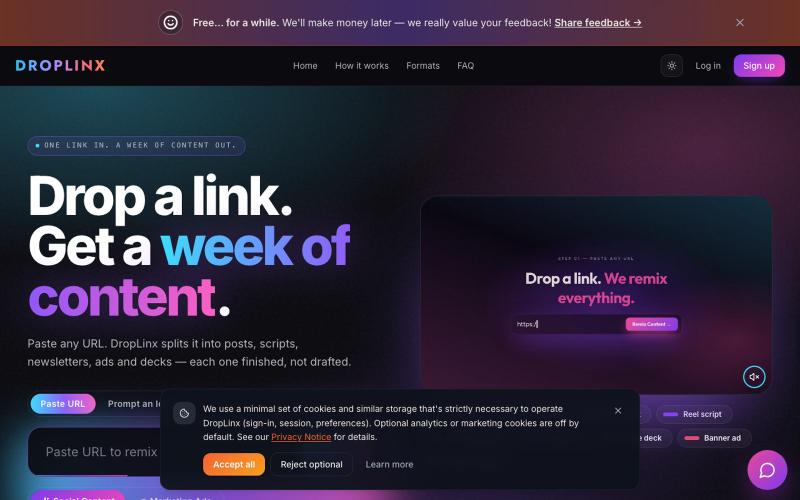
DropLinx turns any URL into Drops, YouTube Shorts, TikTok / Reels Scripts, Blog Posts, Newsletters, LinkedIn Carousels, and Social Media Post Packs. One link in. Seven formats out.

@StevenL88611859 · X
- instantly turn any link into multiple content formats to promote your brand!
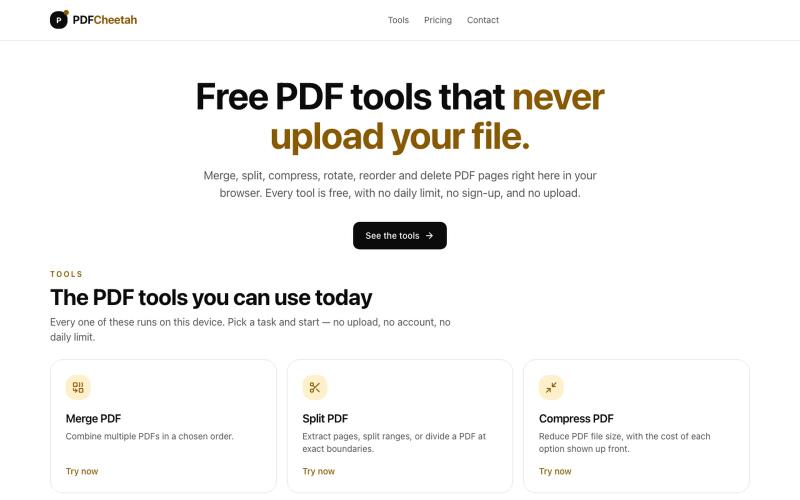
Merge, split, compress, rotate, reorder and delete PDF pages in your browser. No daily limit, no account, and your document never leaves your device.

@PDFCheetah · X

Edit, compress, convert, and merge video and audio files in your browser.
zhw2590582 · V2EX
最近对网站进行了重构,做成了免费的视频工具站:[ArtPlayer Tools]( https://artplayer.org/tools/) 主要是围绕着 ffmpeg.wasm 和 mediabunny 实现的一些可以直接在浏览器里用的视频/音频工具,常用的有: - 视频压缩:[Compress Video]( https://artplayer.org/compress-video/) - 视频裁剪:[Crop Video]( https://artplayer.org/crop-video/) - 视频合并:[Merge Video]( https://artplayer.org/merge-video/) - 视频尺寸调整:[Resize Video]( https://artplayer.org/resize-video/) - 视频旋转:[Rotate Video]( https://artplayer.org/rotate-video/) - 视频调速:[Change Video Speed]( https://artplayer.org/change-video-speed/) - 添加文字到视频:[Add Text to Video]( https://artplayer.org/add-text-to-video/) - 添加水印:[Watermark Video]( https://artplayer.org/watermark-video/) - 提取字幕:[Subtitle Editor]( https://artplayer.org/subtitle-editor/) - HLS 转 MP4:[HLS to MP4]( https://artplayer.org/hls-to-mp4/) - 音频可视化:[Audio Visualizer]( https://artplayer.org/audio-visualizer/) 大部分工具都是本地处理,文件不会上传到服务器。最开始是因为自己偶尔要处理一些视频,开剪辑软件又有点重,在线工具又担心隐私,所以就慢慢做成了一个站。 目前还在持续完善,体验肯定还有不少粗糙的地方,比如不同浏览器的兼容、移动端操作、长视频性能之类的。 网站: [ArtPlayer Tools]( https:

Free in-browser PDF tools for merging, splitting, converting, and editing without uploading files.
u/Key_Caramel_5578 · Reddit
Built a free PDF toolkit solo (with AI help) — need feedback on the in-browser text editor before I keep pushing on it Been heads-down on this for a while: thepdftool.in Standard PDF stuff : merge, split, compress, convert, OCR — but most of the conversion tools run entirely client-side (WASM), so files never leave your browser for those. Built solo, leaned on AI tools for a good chunk of the code and debugging. The feature I care most about right now is an inline text editor :— click i