
Productivity2 months ago
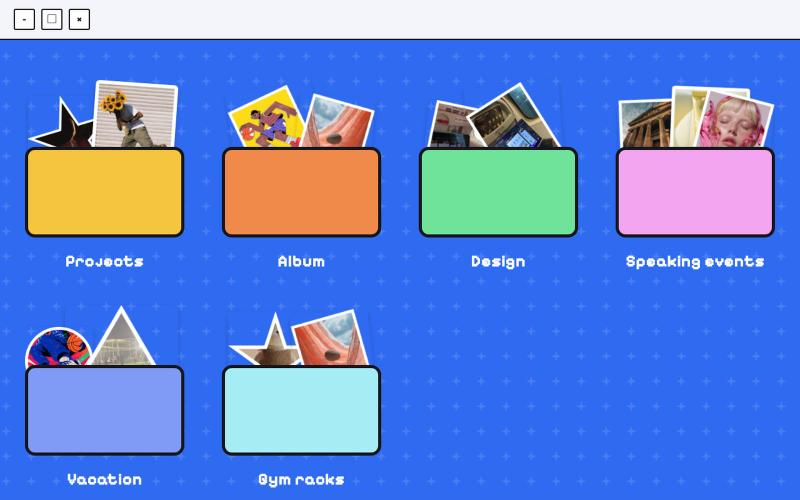
Folder Desktop
Organize and manage files and folders in a desktop-like interface.

@jenidesignns · X
Day 19 challenge by @IwuezeAmarachi built with Claude AI 🤖 Live link:
The full gallery
Tech stack
60 projects
Organize and manage files and folders in a desktop-like interface.
@jenidesignns · X
Day 19 challenge by @IwuezeAmarachi built with Claude AI 🤖 Live link:
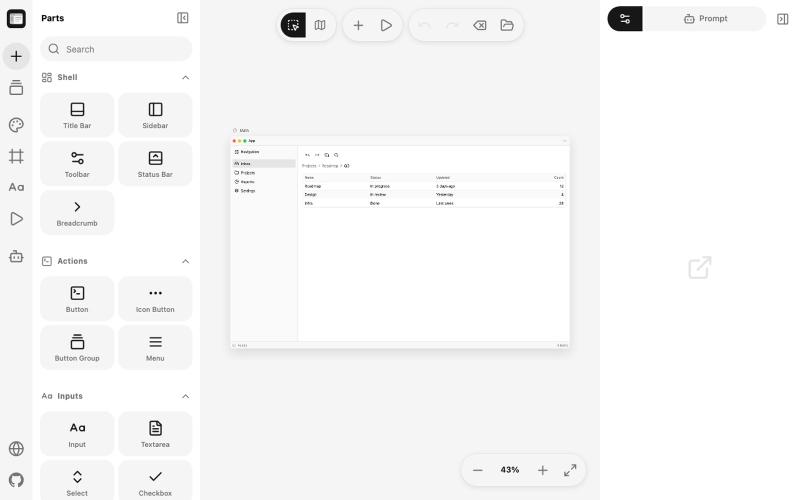
Sketch desktop UI windows in the browser and generate vibe-coding prompts from the designs.

@JetSquirrel2048 · X
基于这个项目做了一个构建桌面端应用的 gpui-kit 版本:
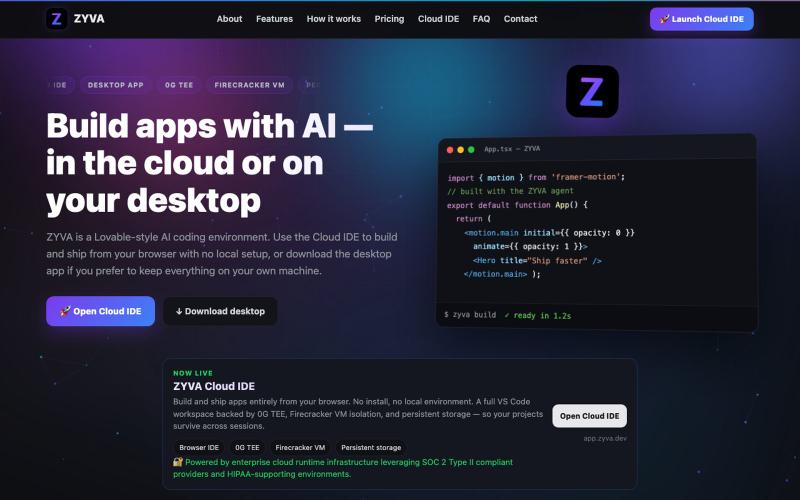
AI-powered IDE running in browser or desktop with live code editor and design tools.

@zyvadev · X
✨ AI Vibe Coding 🎨 Website Cloning 💻 Live Code Editor 👀 Live Preview 🎭 Design Presets 🖼️ Auto Logo & Favicon 🗄️ Database 🌐 Free Hosting & Subdomains Native 0G SDKs: ⚡ 0G Compute 💾 0G Storage ⛓️ 0G Chain Everything in one AI Cloud IDE. build with 0G
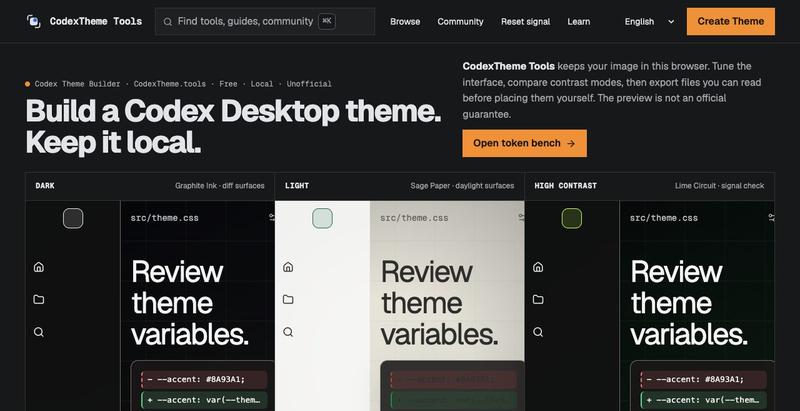
Build custom Codex Desktop themes from images in your browser with no sign-up.
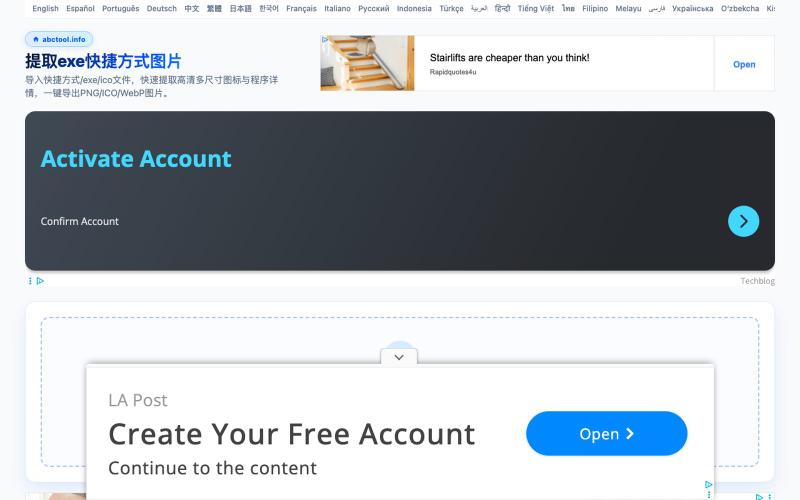
Extract icons from Windows executables, DLLs, and shortcuts in multiple resolutions and formats, no installation needed.
v2mo · V2EX
提取 exe/快捷方式高清图标的小工具,导入原图 # 提取 exe/快捷方式高清图标的小工具(纯 JS 解析) 快速提取 Windows 软件(`.exe`、`.lnk` 快捷方式、`.dll`)的高清图标。 JS 从二进制文件解析原始的 icon 图标、图片, 多尺寸的 icon 也能解析出来。 常规的做法要么到处搜透明 PNG ,要么截图(容易有毛边且分辨率低),要么得在电脑里专门装一个臃肿的图标提取工具(如 Resource Hacker 等)。如果是 macOS/Linux 用户想提取 Windows 软件的图标更是麻烦。 有这个轻量、免安装的网页端在线提取工具:**提取 exe 快捷方式图片**。 --- ## 🔗 在线体验 - [提取 exe 快捷方式图片 在线工具]( https://abctool.info/extract-shortcut-image/zh/) --- ## ✨ 核心特性 1. 🔒 **纯前端本地解析,零隐私风险** - 文件均在浏览器本地内存中直接解析二进制 PE 节区与资源,**文

Cull and edit RAW photos in your browser with local processing.

@am56ay · X
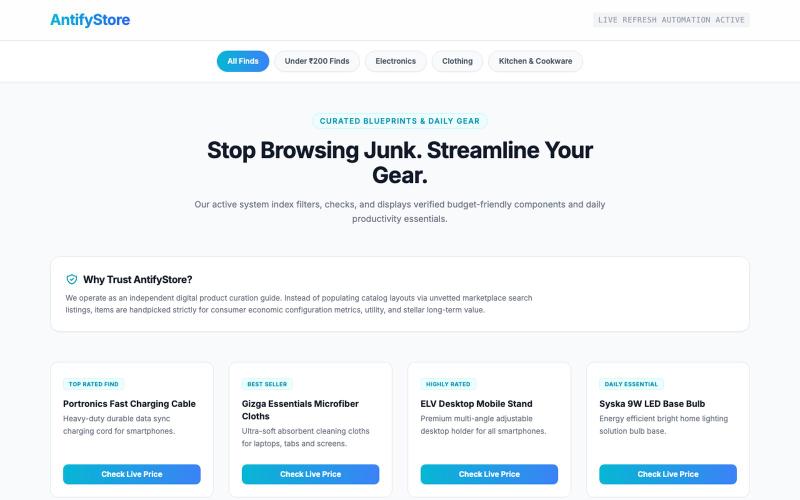
Browse and shop a curated collection of premium tech and desk essentials.

@FreakNgo · X
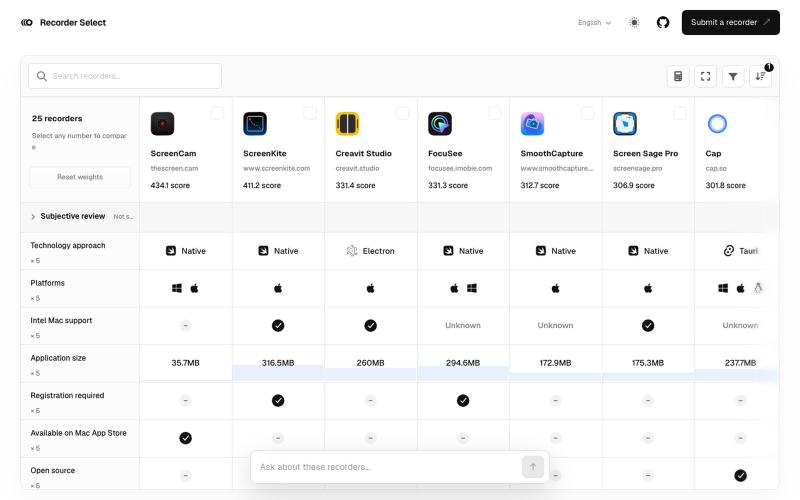
Compare screen recording software by features, pricing, and performance benchmarks.

@y276161014 · X
有人做了一个屏幕录制软件对比评分网站。 太需要了!

A web OS with multitasking windows, terminal, package manager, and 90+ apps running entirely in your browser tab.
blank9485 · HN
Hi all! It has a graphical UI with windowed multitasking, a terminal, 90+ commands and apps, an APT-style package manager, local IndexedDB storage, games, and a process manager. The terminal and graphical interface use the same underlying system rather than being separate demos. The newest update also introduces OrbitOS Agent, an AI assistant that can understand the current OrbitOS screen and app context, suggest actions, and execute multiple OrbitOS commands directly without requiring confirmat
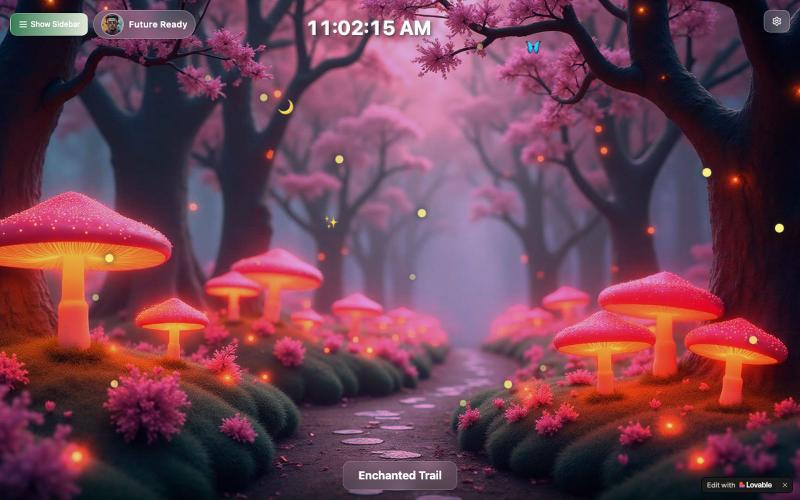
Desktop clock with customizable forest scenes and day-night cycles, resizable for any monitor.

@biggilfoot · X
customizable ambient desktop clock for second monitors. You can resize the clock, move it anywhere, and switch backgrounds to fit your setup
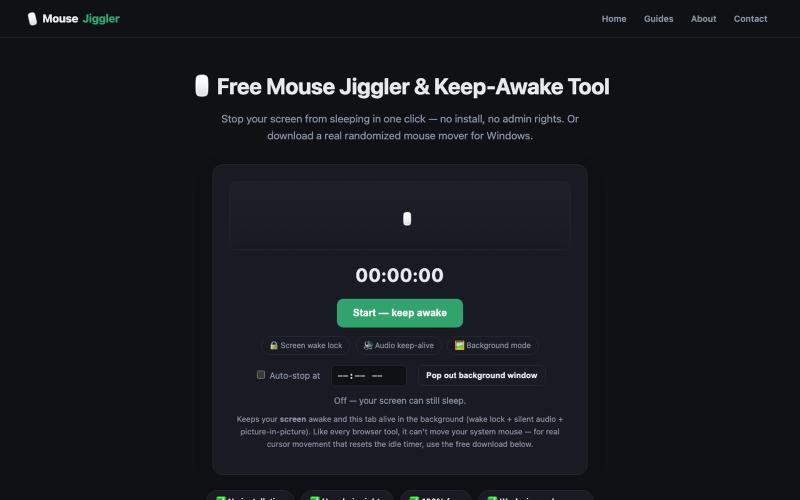
Free mouse jiggler and keep-awake tool. Stop your screen from sleeping in one click with the online tool, or download a randomized mouse mover for Windows. No install, no admin rig

@MouseJigglerx · X
- because literally fuck Mercor and these other human data farms with their bs bossware

Design custom themes for Codex Desktop with backgrounds, colors, transparency, and visual effects.
plutozc · V2EX
做了个 Codex Desktop 主题预览和切换工具,先调好再安装 最近一直在用 Codex Desktop ,觉得默认界面看久了有点单调,就顺手做了个主题编辑工具,分享一下: [Codex Skin]( https://getcodexskin.com) 可以先在网页里预览主题,调整背景透明度、面板透明度、颜色、模糊和圆角等参数,满意之后再下载并切换到 Codex Desktop 。 目前支持: - 自定义 JPG 、PNG 、WebP 背景 - 在线实时预览主题效果 - 调整透明度、颜色、模糊、圆角 - 预览满意后生成安装命令 - 不喜欢了可以恢复默认外观 目前主要面向 macOS 上的 Codex Desktop ,还是个人项目,功能和兼容性都在继续打磨。 欢迎试试,也想听听大家对主题参数、预览效果和安装流程的反馈。 直接网址: https://getcodexskin.com [轻喷 轻喷,可能还有些 bug