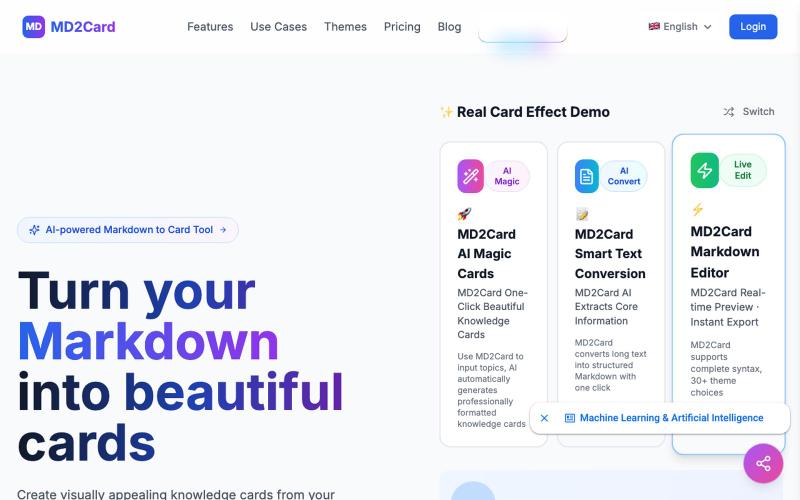
MD2Card - AI Card Generator | Text to Visual Cards
Convert Markdown text to visual knowledge cards with 30+ themes and PNG/SVG/PDF export.
md2card — MD2Card 在线工具,支持多主题,一键将 Markdown 拆分并生成知识卡片,支持 AI 魔幻卡片和长文智能拆分功能,可编辑,可导出 PNG/SVG/PDF,适合笔记分享与社媒传播
The full gallery
Tech stack
17 projects

Convert Markdown text to visual knowledge cards with 30+ themes and PNG/SVG/PDF export.
md2card — MD2Card 在线工具,支持多主题,一键将 Markdown 拆分并生成知识卡片,支持 AI 魔幻卡片和长文智能拆分功能,可编辑,可导出 PNG/SVG/PDF,适合笔记分享与社媒传播

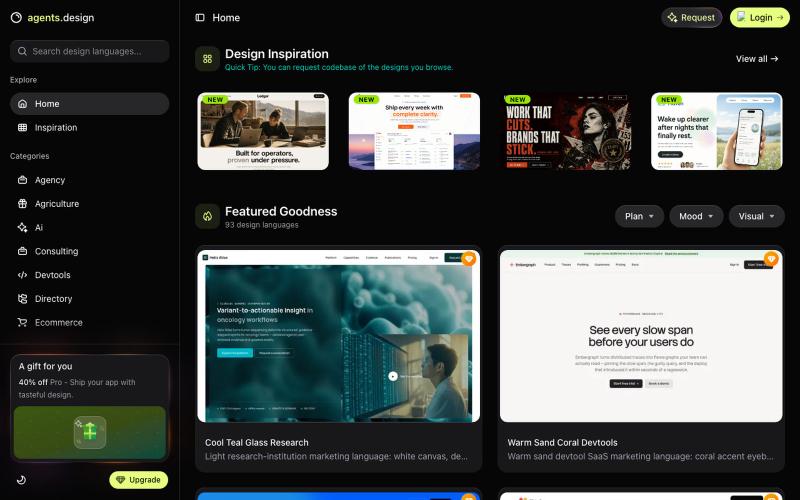
Browse live design agent skills and before/after demos in an interactive gallery explorer.
tungtbt · HN
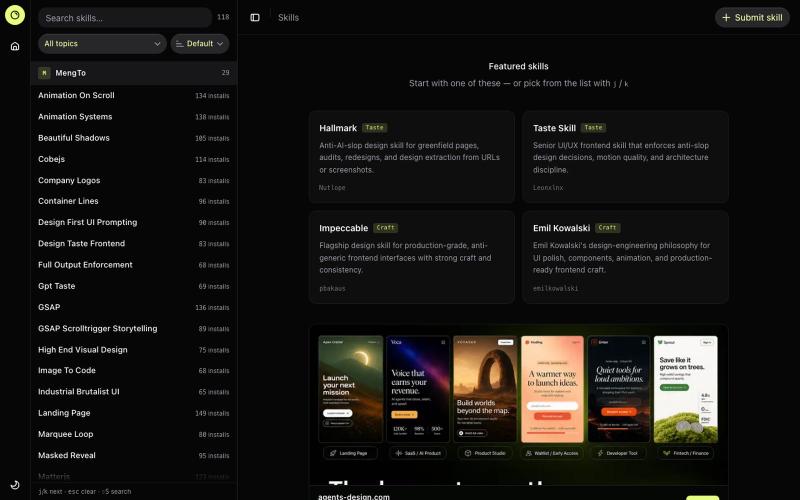
Design Skills Directory – curated agent skills for UI taste and craft

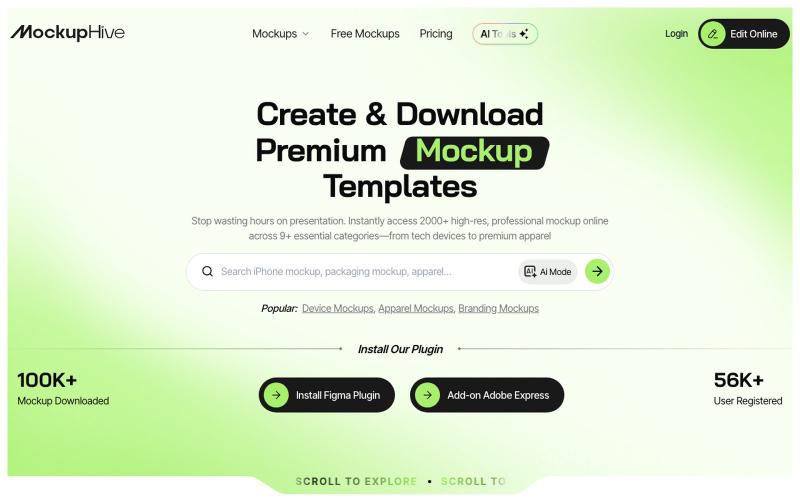
Create and showcase design mockups for UI/UX, branding, and products.
@mhroxy3112 · X

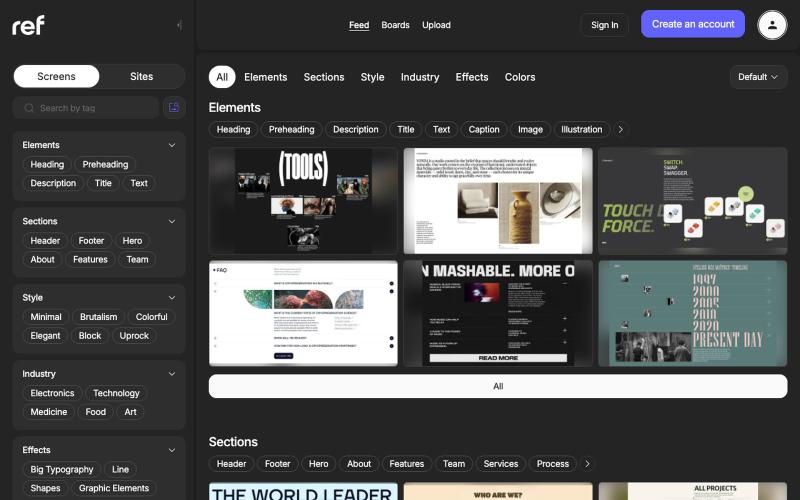
Browse real website designs by element, section, style, industry, effect, and color.
@refframe_com · X
A platform for web designers to find references

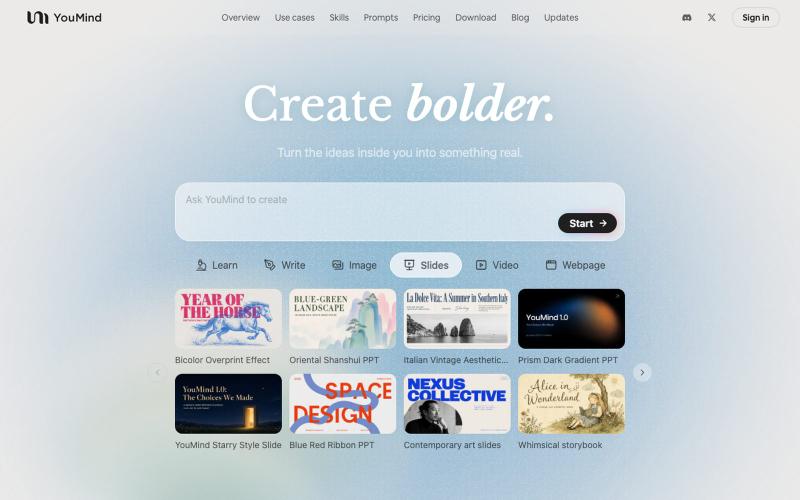
AI tool that transforms diverse materials into beautifully designed slide presentations.
@leahlibest · X
the most aesthetic AI slides website

Browse and copy design templates and prompts for building AI products with Cursor and Claude Code.
tungtbt · HN
Agent's Design – Claude/Codex copy-paste templates that kill AI-slop UI

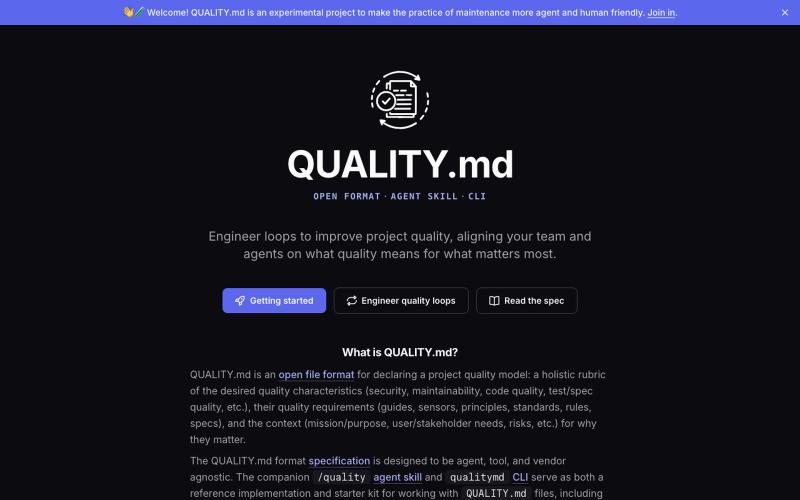
Model and evaluate your project's quality standards with specifications, CLI, and agent skills.
craigsmitham

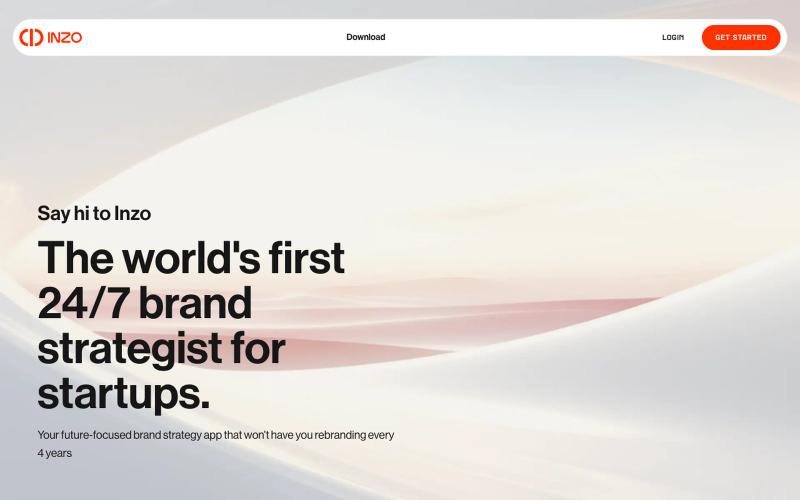
Organize all your brand assets and branding decisions in one place.
u/Andyrewden · Reddit
I built a tool to keep all your brand assets (and your brand sanity) in one place Hey everyone I run a small branding consultancy and got tired of watching early founders juggle logos, colours and half-remembered brand decisions across a mess of Google Drive folders. So I built Inzo. At its core it's a brand management tool, a proper home for all your brand assets, guidelines and decisions in one place. But the bit I'm most excited about is the inbuilt brand consultant. I've been building

Design custom themes for Codex Desktop with backgrounds, colors, transparency, and visual effects.
plutozc · V2EX
做了个 Codex Desktop 主题预览和切换工具,先调好再安装 最近一直在用 Codex Desktop ,觉得默认界面看久了有点单调,就顺手做了个主题编辑工具,分享一下: [Codex Skin]( https://getcodexskin.com) 可以先在网页里预览主题,调整背景透明度、面板透明度、颜色、模糊和圆角等参数,满意之后再下载并切换到 Codex Desktop 。 目前支持: - 自定义 JPG 、PNG 、WebP 背景 - 在线实时预览主题效果 - 调整透明度、颜色、模糊、圆角 - 预览满意后生成安装命令 - 不喜欢了可以恢复默认外观 目前主要面向 macOS 上的 Codex Desktop ,还是个人项目,功能和兼容性都在继续打磨。 欢迎试试,也想听听大家对主题参数、预览效果和安装流程的反馈。 直接网址: https://getcodexskin.com [轻喷 轻喷,可能还有些 bug

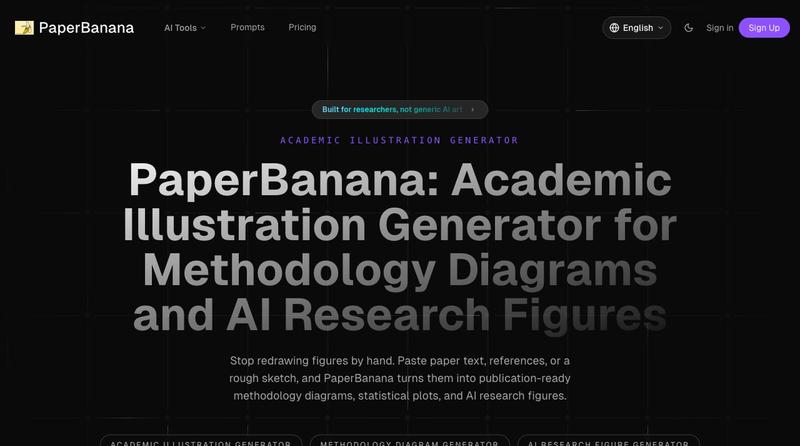
Transform academic papers and sketches into publication-ready methodology diagrams and research figures.

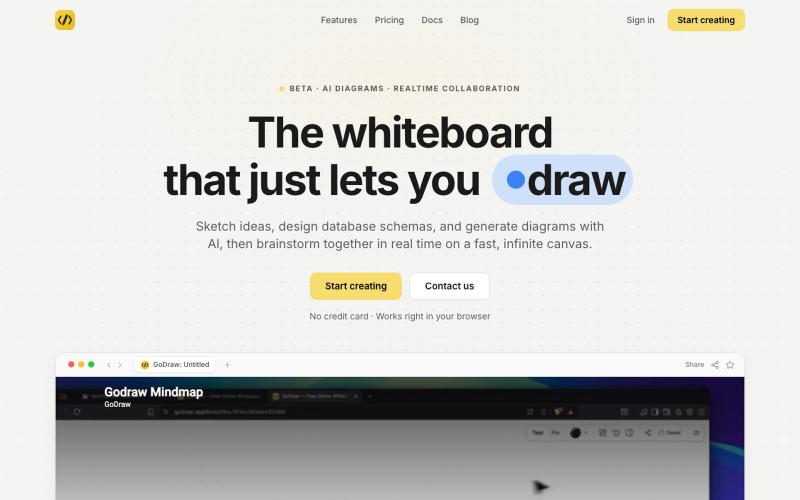
Draw and diagram online with instant collaboration, no sign-up required.
@rishabh21g · X
The whiteboard that just lets you draw

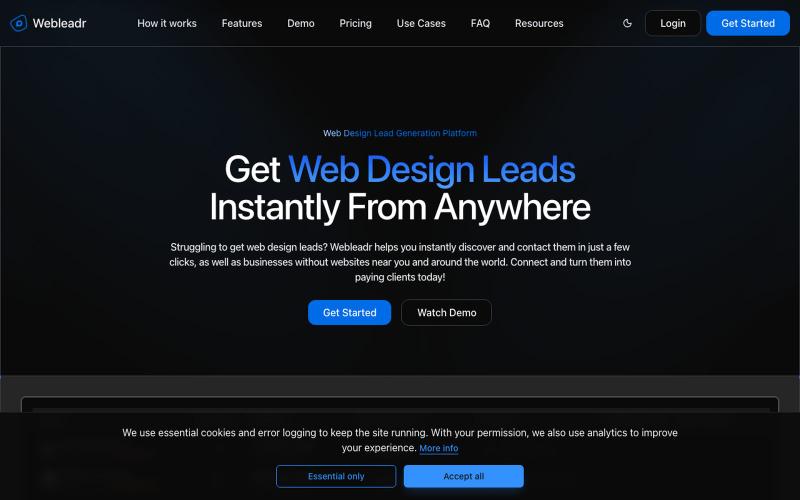
Discover web design leads and businesses without websites globally.
@webdevamin · X
Hey devs 👋 I’m Amin, a freelance software developer working with clients worldwide and building SaaS on the side. 📚 CS bachelor’s degree holder. Shipped my first SaaS (Webleadr) pre-ChatGPT era, no AI copilots, just pure code and using docs: 🧑💻 Main stack: Next.js & Laravel I also write articles and share practical tips about freelancing, business and webdev to help fellow devs. Let’s connect. My website is #connect #WebDevelopment #B2B