
Developer Tools1 month ago
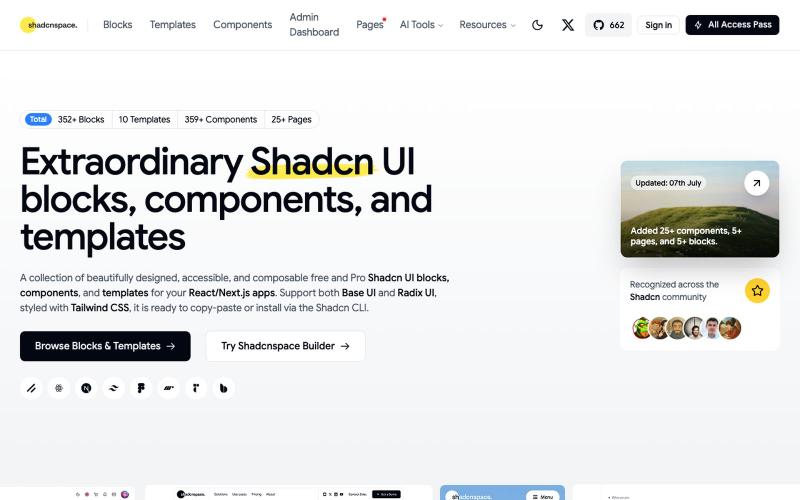
Shadcn UI Blocks, Templates, and Components | Free and Pro
Browse and copy reusable Shadcn UI components, blocks, and templates for React development.
Open source

@gupta05_vaibhav · X
The full gallery
Tech stack
14 projects
Browse and copy reusable Shadcn UI components, blocks, and templates for React development.
@gupta05_vaibhav · X
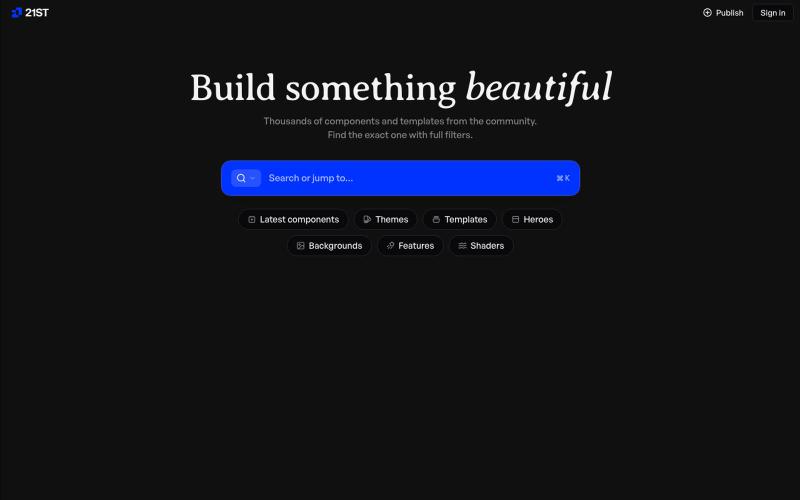
Hand-crafted React components and templates for building polished user interfaces.

@polyqoy · X
This video shows a fully animated 3D site built in 2 minutes with claude code. one terminal command. but the prompt was almost irrelevant. the real work was the pre-load: ui/ux pro max skill, a hero component from framer motion stacked in before claude touched anything the toolkit did the job. the prompt just pulled the trigger. that's also why most people's claude output looks generic. they skip the setup and blame the model.
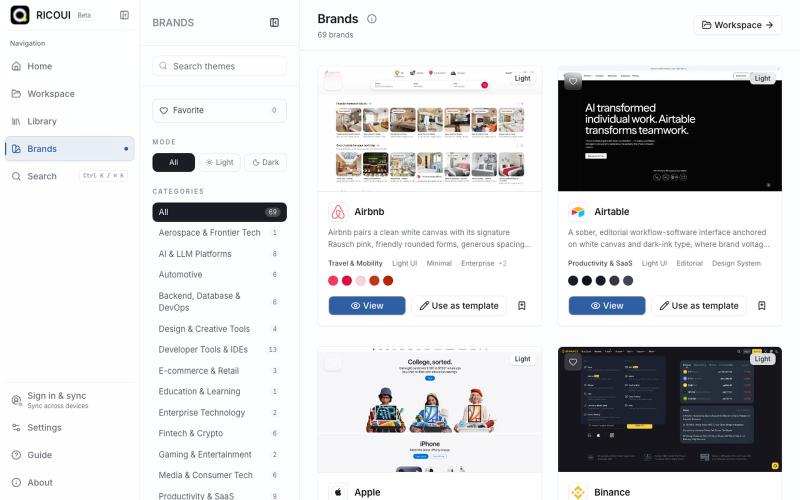
Local-first workspace for authoring, previewing, and exporting design systems.

@ricouii · X
我已经围绕 design.md 做了一个开源的工作台,以及品牌库 工作台支持模板编辑、预览、AI 生成、文件派生 token、css,品牌库方面还支持 HTML preview... 我还是相信 design md 是很有潜力的,比大部分的设计 skill 好用

A curated library of reusable UI components built with Framer.

@buildlylibrary · X
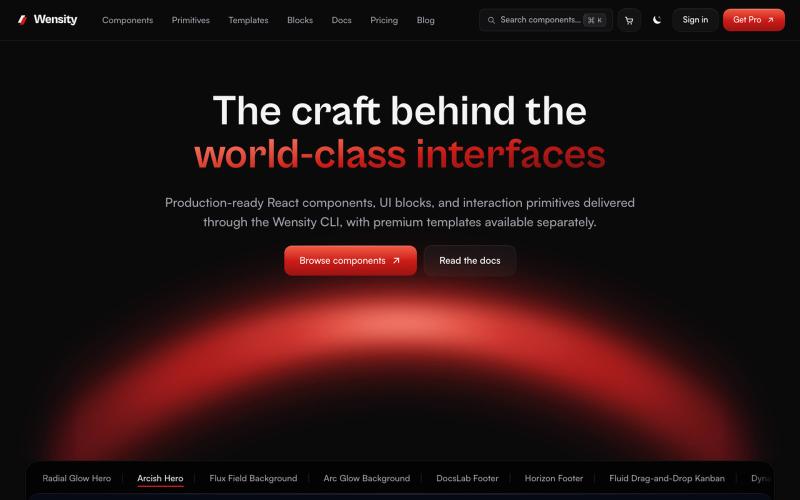
Browse interactive React and Next.js components, blocks, and Tailwind templates.

@Ksparth12 · X
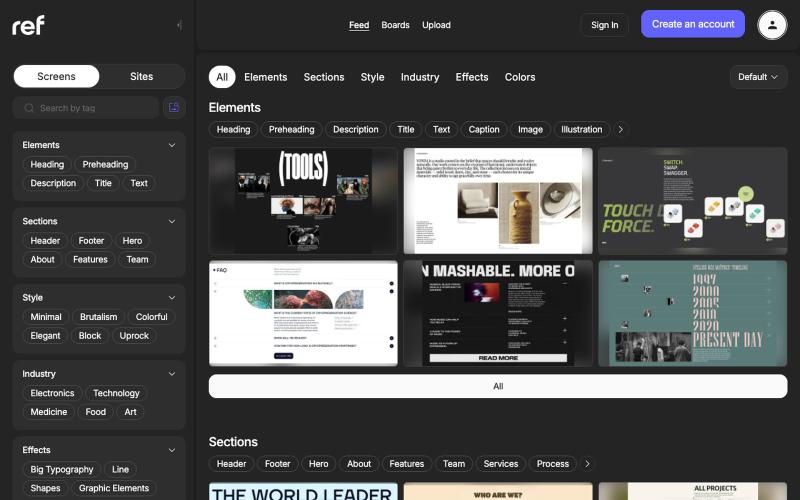
Browse real website designs organized by element, section, style, industry, effect, and color.

@refframe_com · X
A platform for web designers to find references

Transform academic papers and sketches into publication-ready methodology diagrams and research figures.
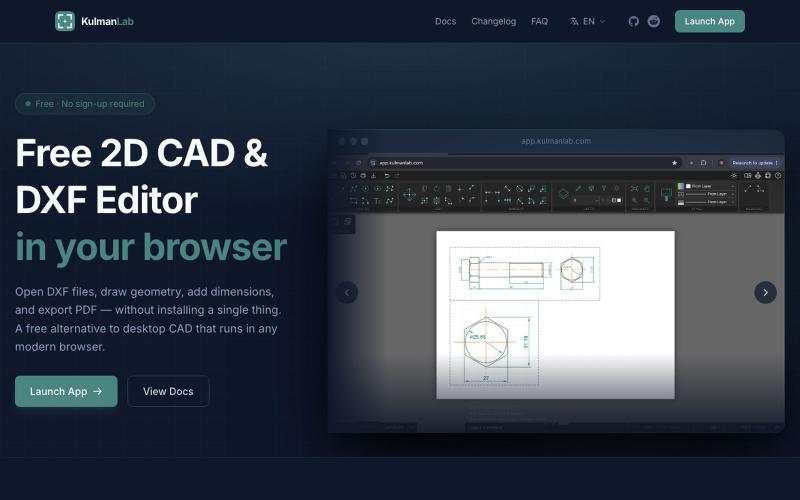
A free browser-based CAD editor for drawing and editing 2D designs with DXF/PDF export.

@KulmanLab · X
- a free and accountless alternative to Autocad
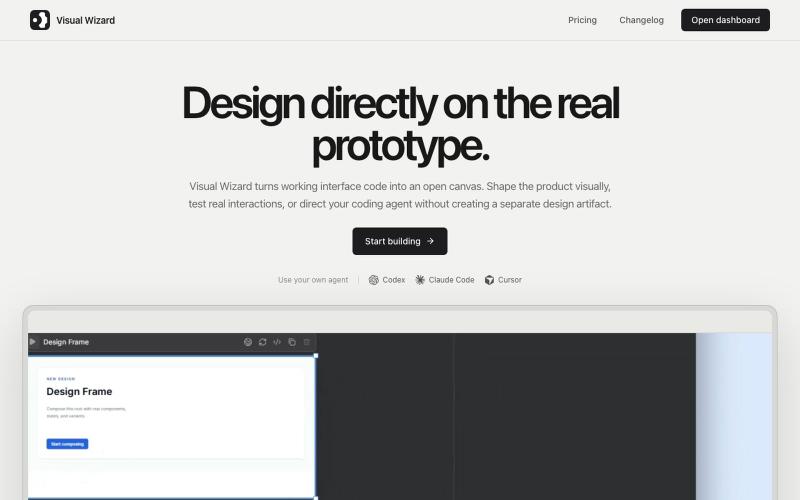
Design working prototypes visually with a coding agent in real-time.
u/tokmako · Reddit
I am developing an alternative work environment to Claude Design. When I first tried Claude Design, I really liked the idea. But after generating a design, I kept wanting a more direct way to continue working on it not as a separate design representation, but as a live, working interface. That’s what I’m building with VisualWizard. The canvas contains real, interactive prototypes. You can select elements directly, move or resize them, change styles, and keep interactions and
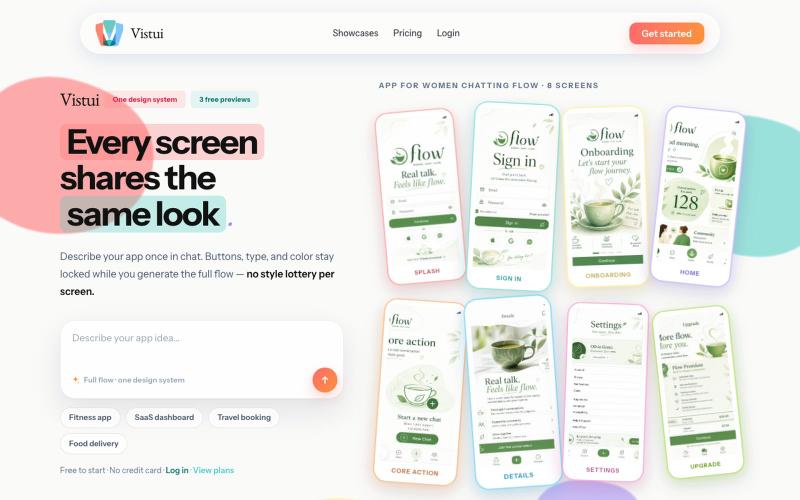
Generate complete app and website design flows (up to 30 screens) from text prompts.
u/Salt-Pop6476 · Reddit
(Feedback Needed) I built Vistui – AI that generates complete, consistent app & website design flows from one prompt Hey everyone, I built vistui an AI tool that turns one prompt into a complete multi-screen design flow (up to 30 screens) with a locked design system, so every screen stays consistent. Would love honest feedback from designers and makers: • Does the consistency feel useful in real work? • What’s missing or confusing? • Would you actually use this? You can try 3 free

AI-powered audit tool that analyzes website and SaaS UI/UX for usability, accessibility, and conversion improvements.

@mydesignaudit · X

Generate UI screens for mobile and web apps from text descriptions in seconds.

@ninakolari · X
Google just dropped Stitch and it changes the entire vibe coding workflow. You describe what you want your app to look like. It builds full high-fidelity screens in seconds. No Figma. No designer. No credit card. Here is how to use it: Go to Sign in with your Google account. That’s it. You’re in. Instead of typing “make me an app” type this: “A lesson planning app for teachers. Clean and calm. Inspired by Notion. Minimal. White space.” The more specific you are the better your screens. Then refine with follow up prompts. Change the nav. Try dark mode. Get 3 menu variations. Or just speak it. Your screens become a clickable prototype in seconds. Click a button and Stitch generates the next screen automatically. Your entire app flow. Before you write one line of code. Then take it further. Export to Lovable or Cursor and build the logic on top. Use the MCP server to keep your design and code in sync. Pull any website’s design system in seconds. Save everything as