
Other1 month ago
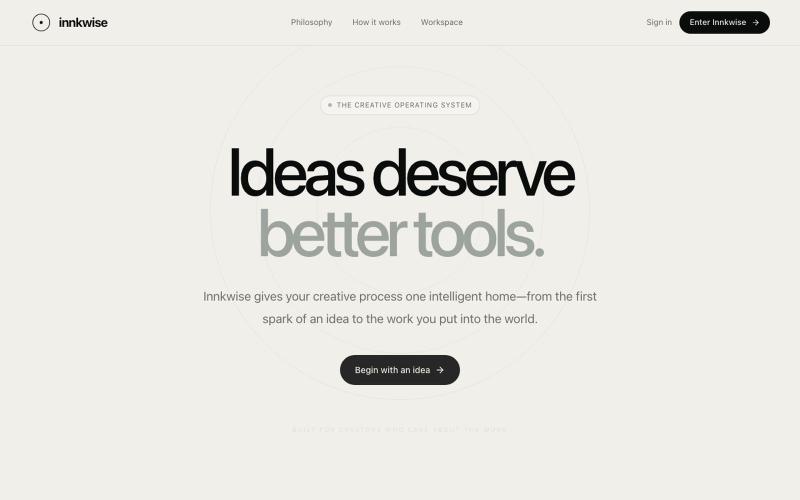
Innkwise — Ideas deserve better tools
Intelligent creative operating system that helps creators transform ideas into meaningful work.

@amruthashwa · X
AI powered Creator OS for content creators
The full gallery
Tech stack
18 projects
Intelligent creative operating system that helps creators transform ideas into meaningful work.
@amruthashwa · X
AI powered Creator OS for content creators
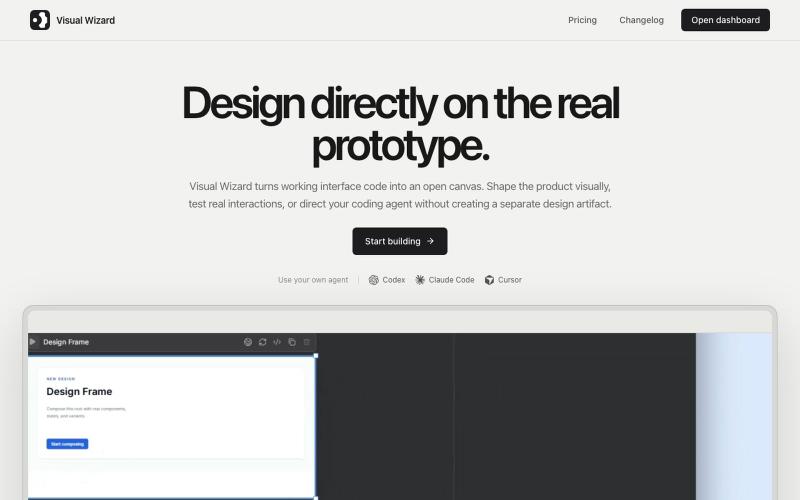
Design working prototypes visually with a coding agent in real-time.
u/tokmako · Reddit
I am developing an alternative work environment to Claude Design. When I first tried Claude Design, I really liked the idea. But after generating a design, I kept wanting a more direct way to continue working on it not as a separate design representation, but as a live, working interface. That’s what I’m building with VisualWizard. The canvas contains real, interactive prototypes. You can select elements directly, move or resize them, change styles, and keep interactions and
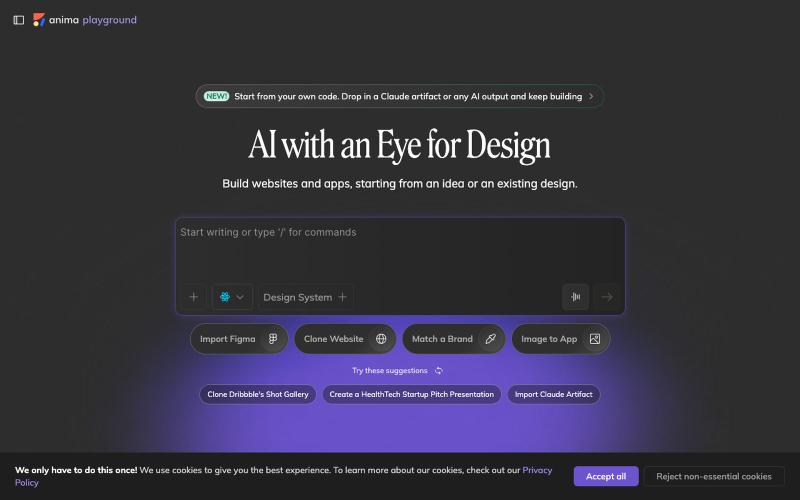
Convert design mockups and screenshots to code automatically.

@AnimaApp · X
Image to code in 1 minute - 20x faster than Claude Code and with much higher fidelity. Try it at and let us know how we did 🤘
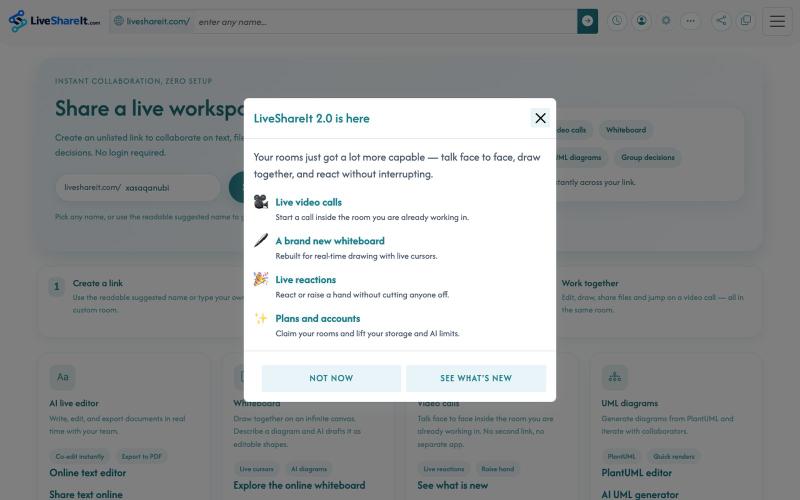
Real-time collaboration workspace with AI-powered code editor, file sharing, UML diagrams, and group decision tools.
u/Hopeful-Can-1540 · Reddit
Trying to figure out distribution for a real-time collaboration tool LiveShareIt has been around for a bit, and the product has changed quite a lot recently. The basic idea is pretty simple: open a room, share the link, and start working together. No signup needed. People can share code/text, send files, use a collaborative whiteboard, and jump on a video call in the same room. One feature I’ve been playing with lately is the AI whiteboard. Instead of starting from a blank canvas, you
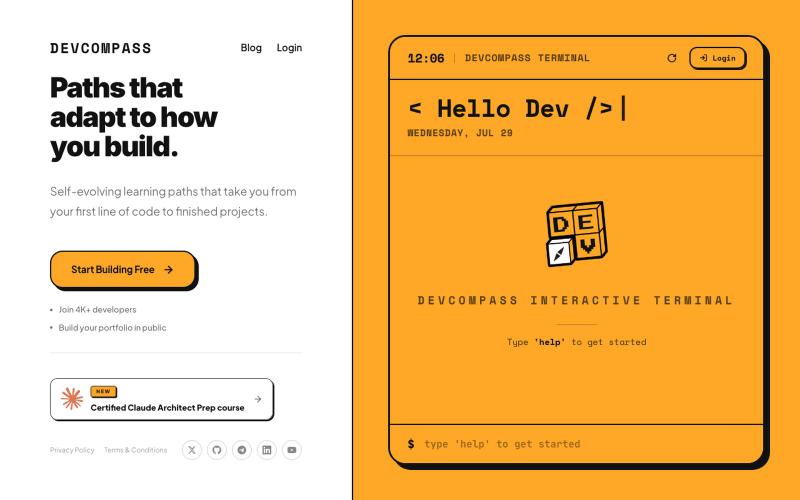
Self-evolving learning paths from your first line of code to finished projects.

@audaciousSneha · X
Part 2 of Loop Engineering vs Graph Engineering is out now. A hands-on-challenge on this concept will be available soon on
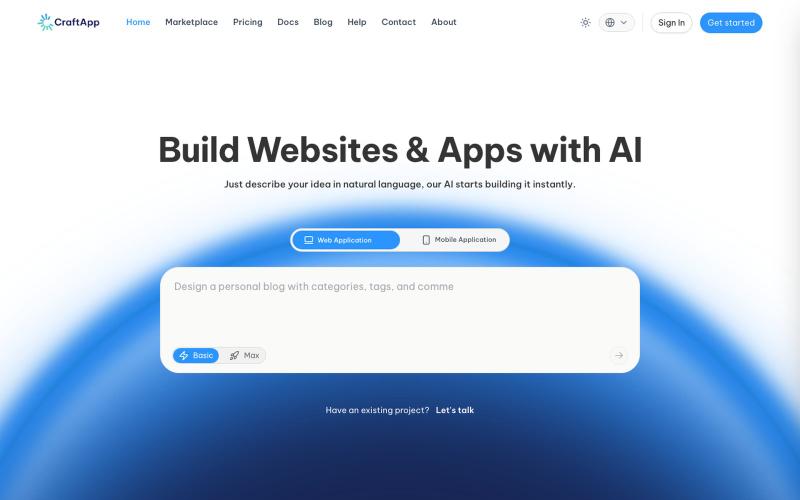
Build applications with AI-powered vibe coding.

@Craftapp_AI · X
Six Capabilities a Real Vibe Coding Platform Must Have, Or You're Wasting Time and Money Building a demo is easy. Building a real product is where platforms fall apart. Watch the full video on YouTube: Build with CraftApp today:
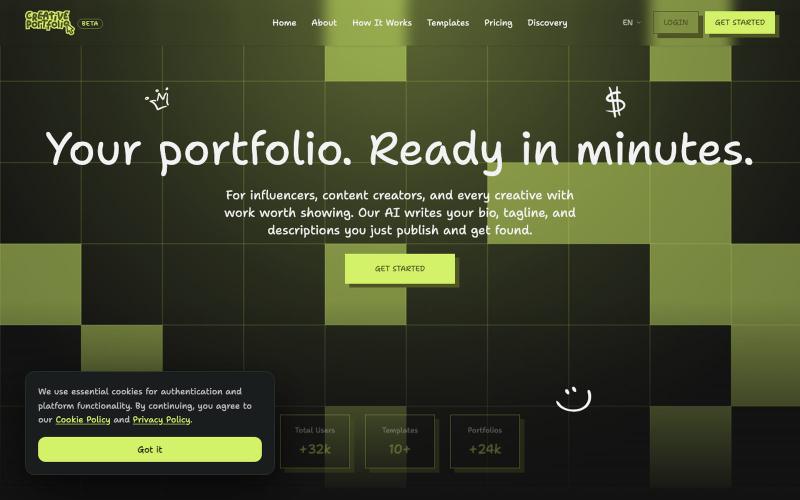
Create a stunning professional portfolio in minutes. Pick a template, add your work, and get discovered. Loved by developers, designers, photographers, and creatives.

@wagnermateus · X
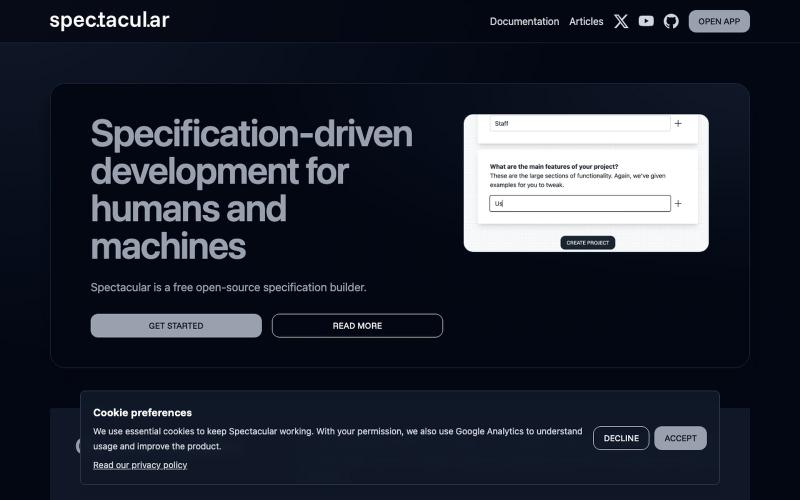
Write software functional specifications designed to work for both humans and AI.

@spec_tacul_ar · X
Specifications for humans and AI.
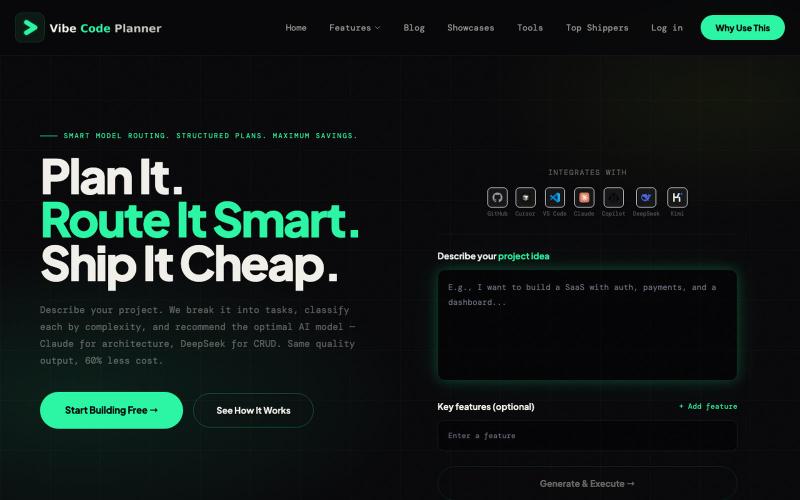
AI-powered project planning that recommends the most cost-effective model for each task.

@Hanumliahzhra · X
vibecoding free tier Just discovered Vibe Coding Plan - AI-powered project planning that breaks down ideas into actionable tasks! Check it out
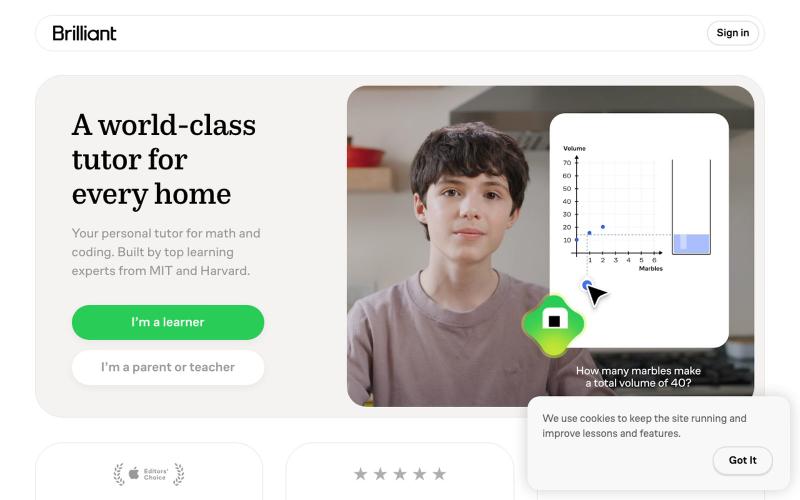
Interactive lessons in math, programming, data analysis, AI, and science.

@BruceWayne95290 · X
just leaving a comment cause its 1am and im vibe coding, will come back tomorrow (on an alt account for open claw fyi) I've worked with the following brands: vytadose, bajabeachco, jaje health, eric javits, 4knines, welleco, coatdefence

Generate UI screens for mobile and web apps from text descriptions in seconds.

@ninakolari · X
Google just dropped Stitch and it changes the entire vibe coding workflow. You describe what you want your app to look like. It builds full high-fidelity screens in seconds. No Figma. No designer. No credit card. Here is how to use it: Go to Sign in with your Google account. That’s it. You’re in. Instead of typing “make me an app” type this: “A lesson planning app for teachers. Clean and calm. Inspired by Notion. Minimal. White space.” The more specific you are the better your screens. Then refine with follow up prompts. Change the nav. Try dark mode. Get 3 menu variations. Or just speak it. Your screens become a clickable prototype in seconds. Click a button and Stitch generates the next screen automatically. Your entire app flow. Before you write one line of code. Then take it further. Export to Lovable or Cursor and build the logic on top. Use the MCP server to keep your design and code in sync. Pull any website’s design system in seconds. Save everything as
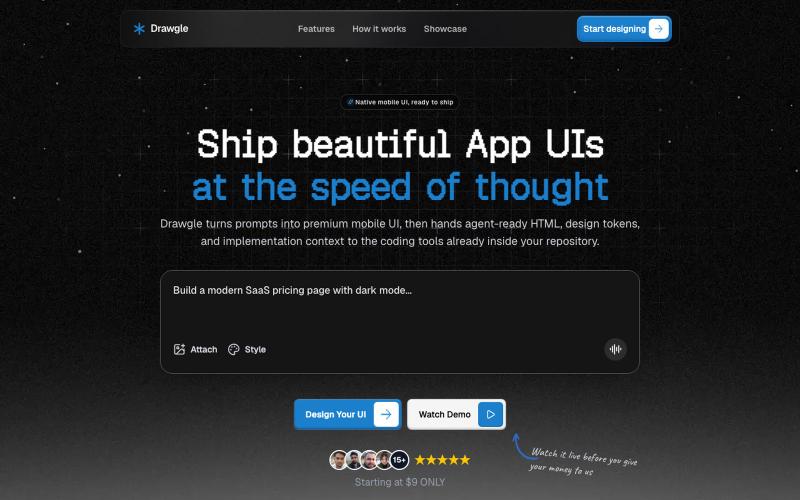
Design mobile app interfaces with AI and export to HTML, design tokens, and implementation code.

@9to5_Dad · X
Ai mobile app ui designer with taste