
Productivity3 weeks ago
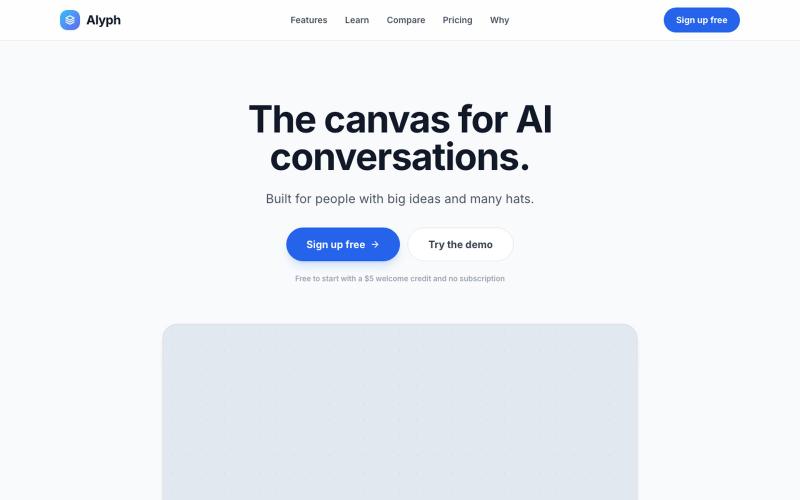
Alyph | The Canvas for AI Conversations
Branch and organize AI conversations, compare 300+ models, and manage project context.
rrr_oh_man · HN
Alyph, a manual transmission for LLM context
The full gallery
Tech stack
8 projects
Branch and organize AI conversations, compare 300+ models, and manage project context.
rrr_oh_man · HN
Alyph, a manual transmission for LLM context
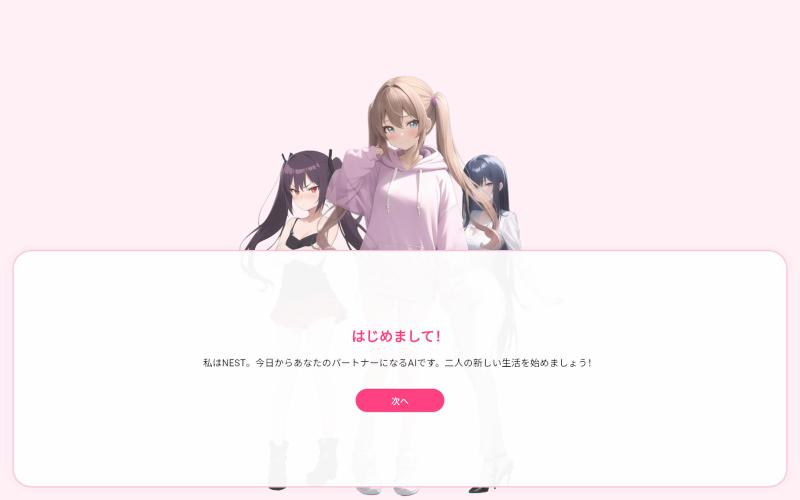
Chat with your personalized AI girlfriend in the browser with persistent conversation history.

@Chiku202007 · X
Just launched my new Web App, "Nest"! 🎉 Built with Flutter & AI to bring a smooth chat experience right in your browser. Give it a try and let me know what you think! 👇 #buildinpublic #indiedev #Flutter #AI
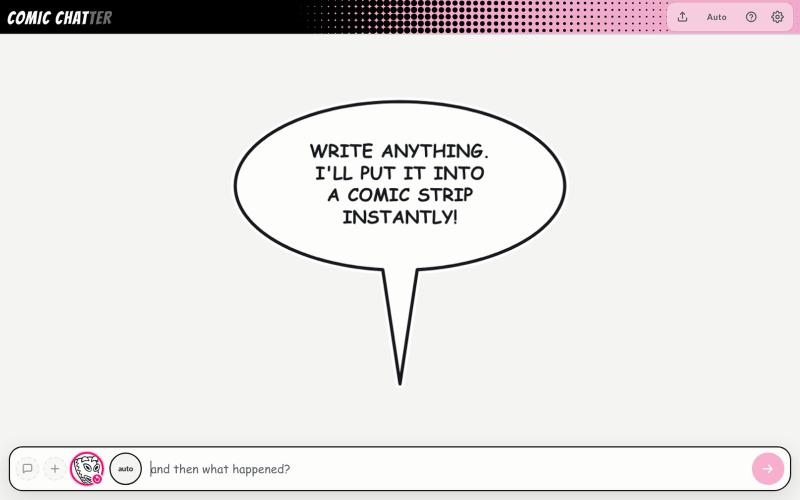
Create comic strips by typing descriptions with automatic character placement and dialogue bubbles.
ChrisPirillo · HN
I rebuilt Microsoft Comic Chat's layout engine in one HTML file
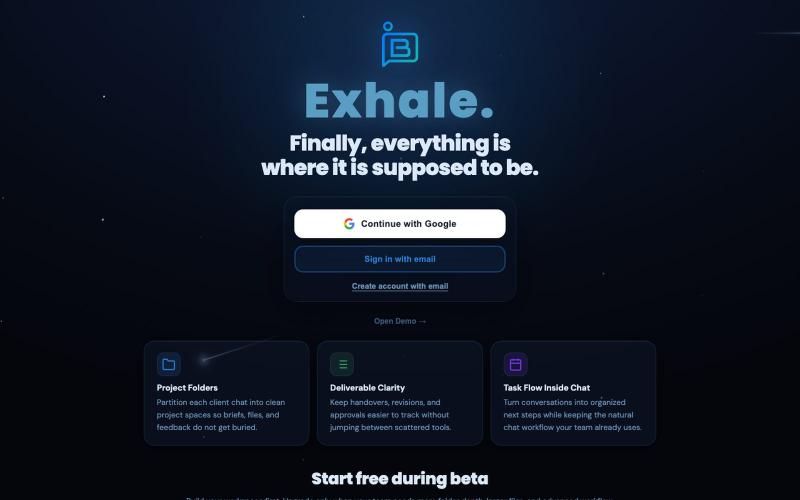
Chat-first workspace for teams to consolidate conversations, files, and feedback from scattered tools.

@AmaaN_AshiF · X
I Built this for 2 weeks with Claude code It’s now a working beta Product A chat first workspace for teams whose work gets scattered across chats, files, feedback and project tools. Free to try right now.
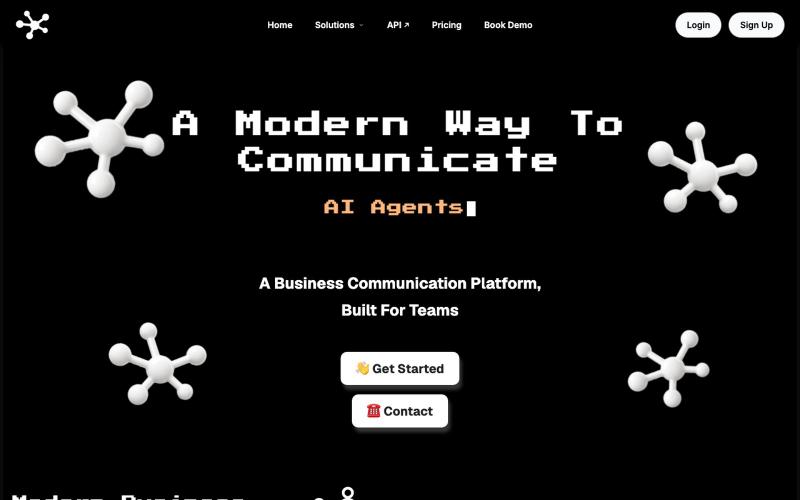
🚀 Streamline your business communication: Business Texting, Business Calling & Team Chat, all in one place with optional human in the loop AI automation.

@SynapseComs · X
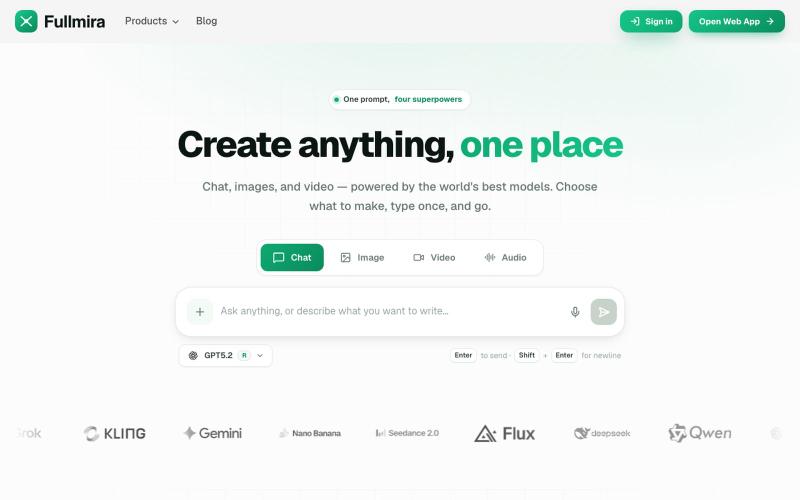
Create text, images, video, and audio with AI chat and 100+ tools in one place.
Fullmira — 一站式 AI 创作平台,整合 GPT、Claude、Gemini 等多个模型,同一界面完成文本、图像、视频和音频生成,内置 100+ 专用工具覆盖写作、图像编辑与视频制作
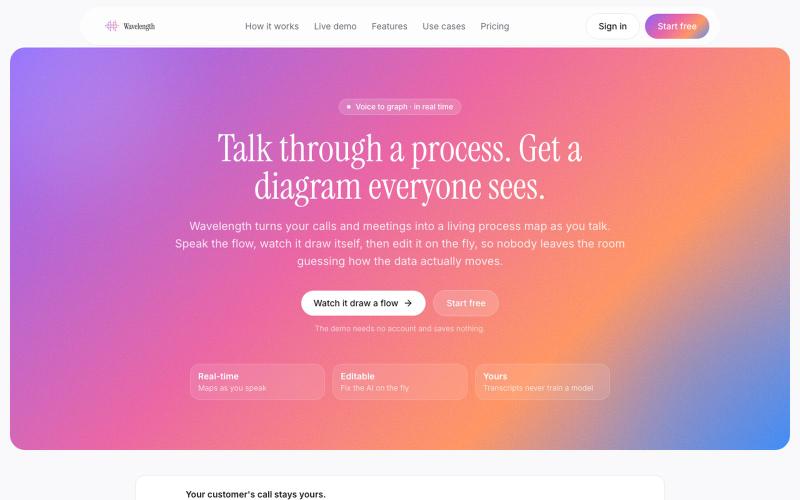
Wavelength turns your calls and meeting transcripts into a living process map as you talk. Speak the flow, watch it draw itself, then share it.

@WavelengthFlow · X

Generate UI screens for mobile and web apps from text descriptions in seconds.

@ninakolari · X
Google just dropped Stitch and it changes the entire vibe coding workflow. You describe what you want your app to look like. It builds full high-fidelity screens in seconds. No Figma. No designer. No credit card. Here is how to use it: Go to Sign in with your Google account. That’s it. You’re in. Instead of typing “make me an app” type this: “A lesson planning app for teachers. Clean and calm. Inspired by Notion. Minimal. White space.” The more specific you are the better your screens. Then refine with follow up prompts. Change the nav. Try dark mode. Get 3 menu variations. Or just speak it. Your screens become a clickable prototype in seconds. Click a button and Stitch generates the next screen automatically. Your entire app flow. Before you write one line of code. Then take it further. Export to Lovable or Cursor and build the logic on top. Use the MCP server to keep your design and code in sync. Pull any website’s design system in seconds. Save everything as