
Creative Tools1 month ago
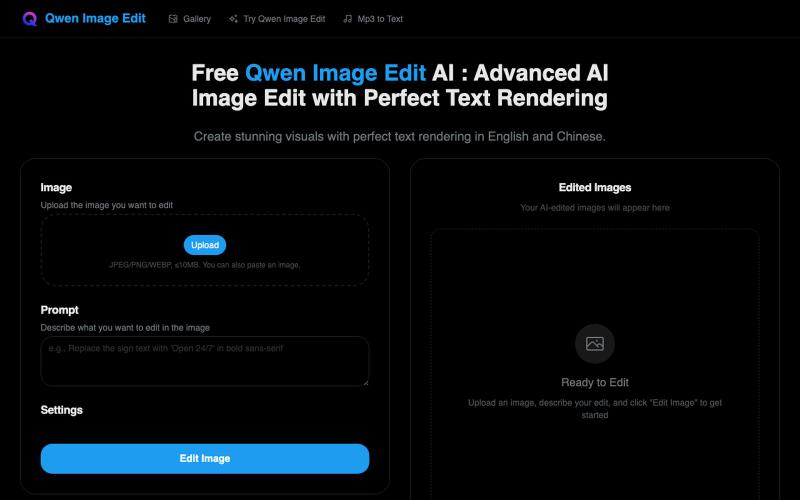
Advanced AI Image Generation with Perfect Text Rendering | Qwen Image Edit AI
Generate images with exceptional English and Chinese text rendering.
Free Qwen Image Edit AI — Qwen Image Edit 网站。高级 AI 图像编辑与完美文本渲染,完美支持中英文文本渲染。
The full gallery
Tech stack
23 projects
Generate images with exceptional English and Chinese text rendering.
Free Qwen Image Edit AI — Qwen Image Edit 网站。高级 AI 图像编辑与完美文本渲染,完美支持中英文文本渲染。
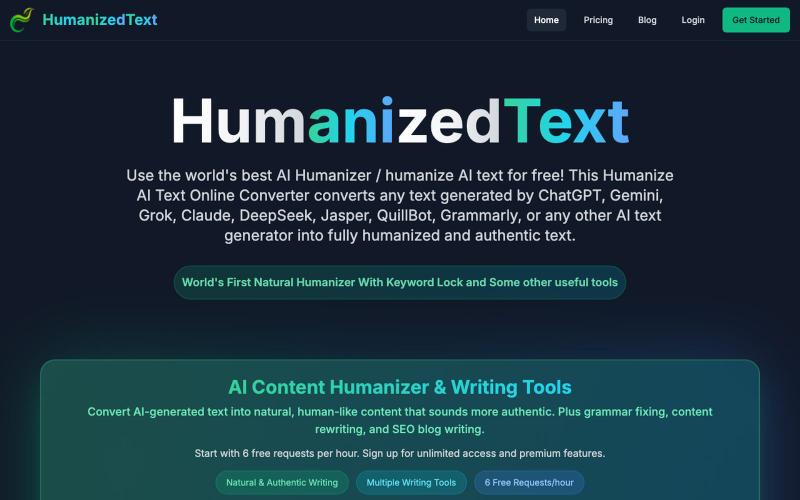
Convert AI-generated text into natural-sounding human-like content.

@KASHIFALIKHAN94 · X
building to make ai text look human. what are u building?
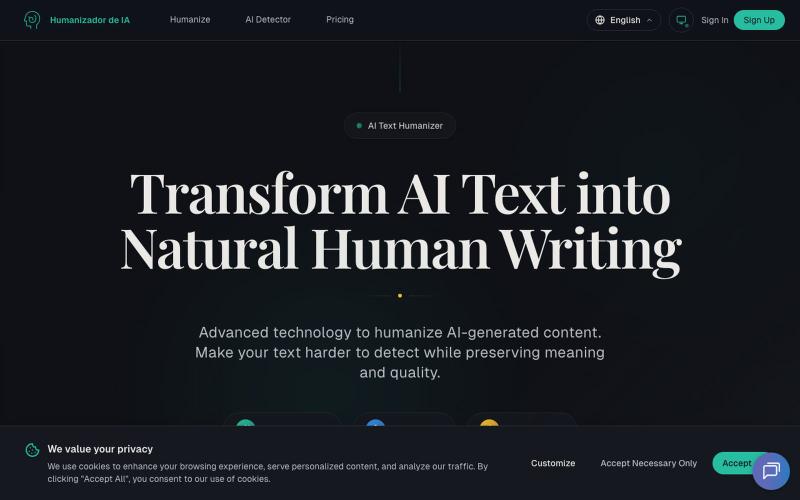
Transform AI-generated text into natural-sounding human writing.
Humanizadordeia.app — 将AI文本转化为自然人类写作。1)人性化处理,让 AI 文本更自然、更贴近人工写作与品牌口吻;2)检测服务,帮助识别潜在 AI 生成内容,提升合规与质量。支持多语种、极速处理、保留语义与风格。免注册体验 300 字,适合博主、营销团队、跨境站点、教育与企业内容运营。以先进模型(GPT、Claude、Gemini 等)驱动。
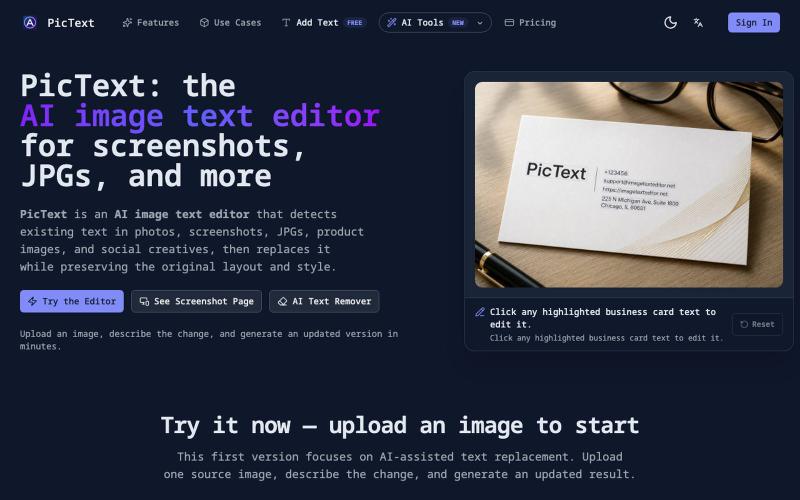
Detect and replace text in images while preserving layout and style.
PicText - 图片文字编辑器 — AI 驱动的图片文本编辑器,检测并替换照片、截图和产品图中的文本,同时保留原始布局和字体
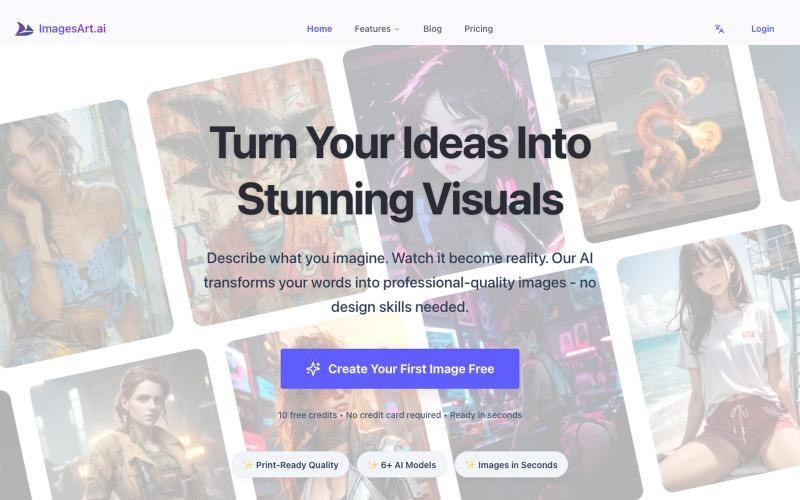
Generate professional images from text using multiple AI models.
ImagesArt.ai — 生成完美的AI艺术提示词。使用这个工具为Flux、Midjourney和Stable Diffusion模型生成并优化图像提示词。
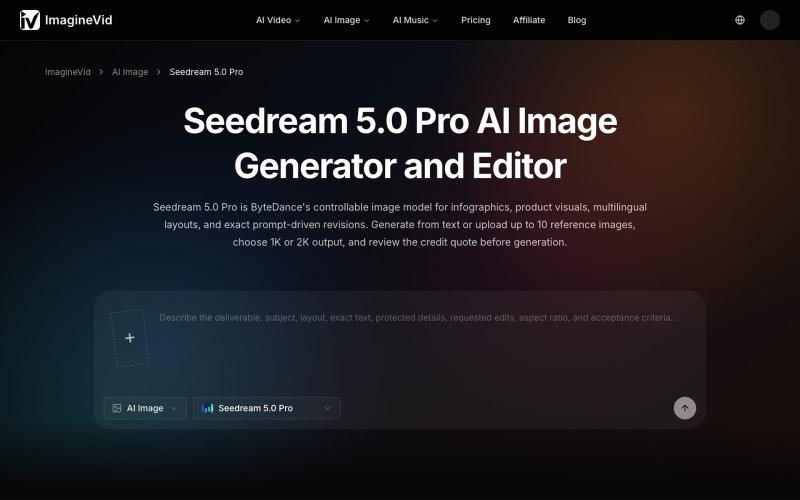
AI image generator and editor with 2K output, reference images, and multilingual text support.
imaginevid-ai · GitHub
Awesome-seedream-5-pro-prompts-and-skills About World's largest Seedream 5.0 Pro prompt library — 10,000+ curated prompts with preview images, 16 languages. Dreamina Seeream AI image generation. Free & open source.
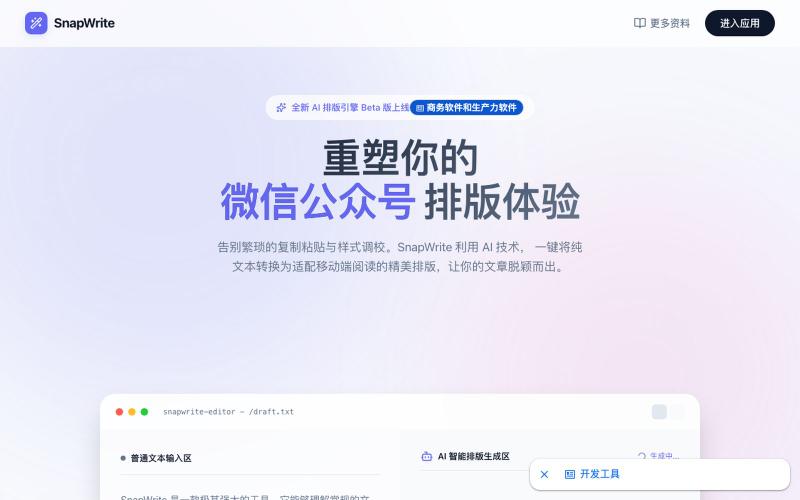
Convert text into formatted WeChat articles with AI auto-layout.
SnapWrite — 专注微信公众号的 AI 自动排版工具。一键将文本转化为精美移动端布局,支持实时手机预览与富文本一键复制。
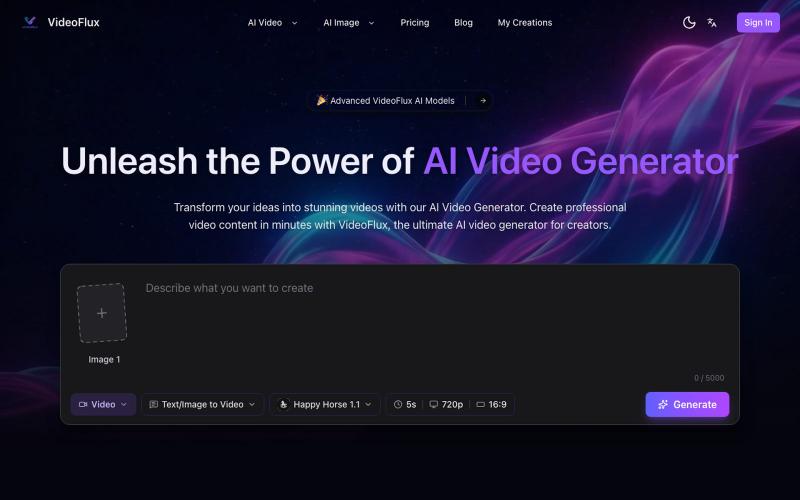
Create videos from text descriptions or images using AI generation and editing tools.
VideoFlux — AI 视频生成平台,支持文本生成视频、图片生成视频及多种创作模式,适用于营销视频、社媒内容、产品演示和创意短片制作,帮助用户快速产出高质量视频内容
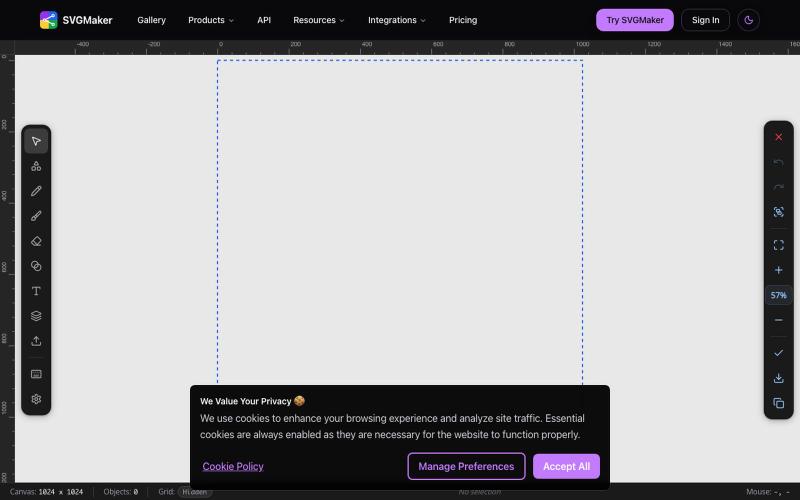
Design vector graphics with AI text-to-SVG generation and multi-format editing in your browser.
u/Every-Comment5473 · Reddit
I think I may have finally found a fully free alternative to BoxySVG. I came across this browser-based free SVG editor from svgmaker , and it feels pretty close to Apple Freeform in the way the canvas, grids, snapping, and alignment work. It also lets you edit paths, points, text, colors, shapes etc. Most of the things I used to open BoxySVG for, I can now do in this one—and it’s completely free. Honestly, I wasn’t expecting it to be this capable, especially since most AI image generation
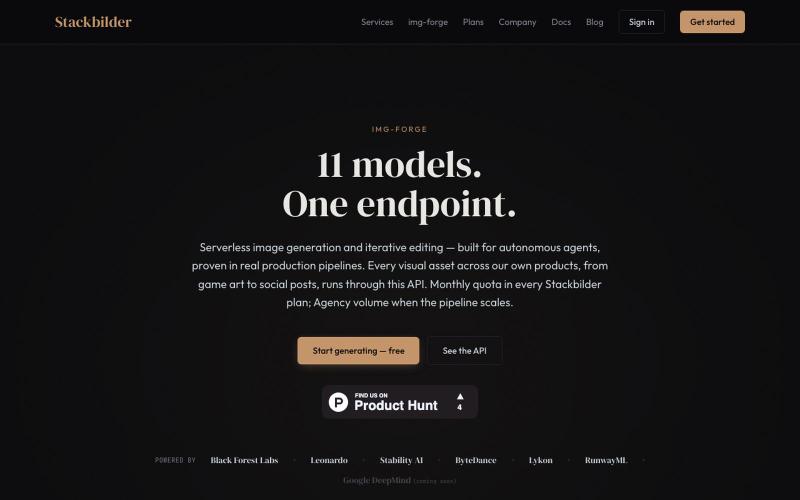
API for text-to-image generation and editing across 11 AI models.
u/texo_optimo · Reddit
I got tired of leaving claude code for image assets so I made Img-Forge - a remote txt2img MCP, API SoloDev here (doing this outside of my 9-5); I've decided to start shipping instead of remaining in a state of perpetual build. I'm shipping the tool I use most in my own work: Img-forge. Link is here but I have a Product Hunt listing for it here. There is a small free tier to check it out. Stackbilder.com is the platform UI; but Easiest way to get your agent working with it is via mcp
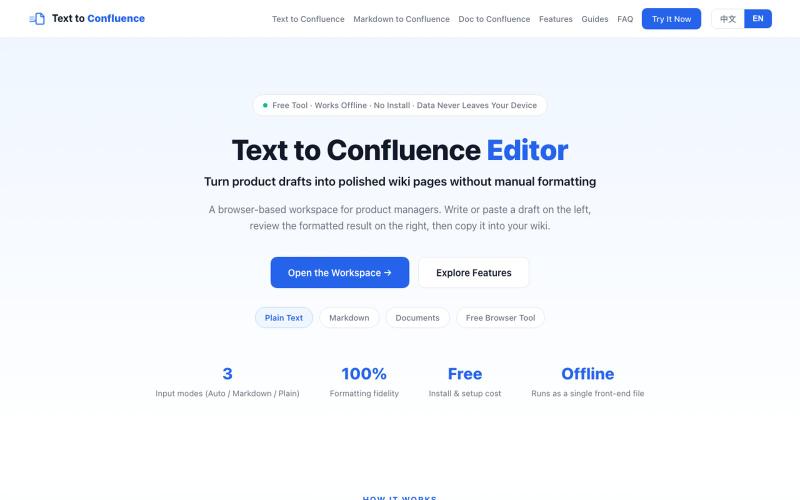
Convert Markdown and plain text to Confluence-ready rich text format.
sskhnje · V2EX
Text to Confluence|解决 Markdown 复制到 Confluence 的格式折磨 作为产品经理,做产品写 PRD ,经常要把 Markdown 文档迁移到 Confluence 。 直接复制粘贴会出现一系列格式问题: ·标题层级错乱 ·列表、表格、代码块样式丢失 ·粘贴完成后需要大量手动二次调整格式 ·团队不同成员粘贴导入,最终输出样式不统一 针对这个高频痛点,做了一个简易工具:Text to Confluence 🔗 访问地址: https://www.texttoconfluence.com/ 工具目标 将 Markdown / 纯文本内容,尽可能无损转换适配 Confluence ,减少重复手工格式调整工作。 个人使用场景 ·PRD 草稿 ·产品文档 ·技术说明文档 如果你也日常使用 Confluence ,欢迎试用,如有问题或优化建议,非常欢迎反馈。

Generate UI screens for mobile and web apps from text descriptions in seconds.

@ninakolari · X
Google just dropped Stitch and it changes the entire vibe coding workflow. You describe what you want your app to look like. It builds full high-fidelity screens in seconds. No Figma. No designer. No credit card. Here is how to use it: Go to Sign in with your Google account. That’s it. You’re in. Instead of typing “make me an app” type this: “A lesson planning app for teachers. Clean and calm. Inspired by Notion. Minimal. White space.” The more specific you are the better your screens. Then refine with follow up prompts. Change the nav. Try dark mode. Get 3 menu variations. Or just speak it. Your screens become a clickable prototype in seconds. Click a button and Stitch generates the next screen automatically. Your entire app flow. Before you write one line of code. Then take it further. Export to Lovable or Cursor and build the logic on top. Use the MCP server to keep your design and code in sync. Pull any website’s design system in seconds. Save everything as