

Creative Tools1 month ago
Online Bead Pattern Maker | Loomet
Draw or import bead patterns, automatically count beads, and export PDFs.
letsgogogo · V2EX
做了一个串珠子的工具,支持拼豆。 我做了一个在线串珠图案工具 Loomet 。 可以画图案、自动算珠子数量、导出 PDF 。也支持拼豆模式。 https://loomet.app
The full gallery
Tech stack
12 projects
Draw or import bead patterns, automatically count beads, and export PDFs.
letsgogogo · V2EX
做了一个串珠子的工具,支持拼豆。 我做了一个在线串珠图案工具 Loomet 。 可以画图案、自动算珠子数量、导出 PDF 。也支持拼豆模式。 https://loomet.app
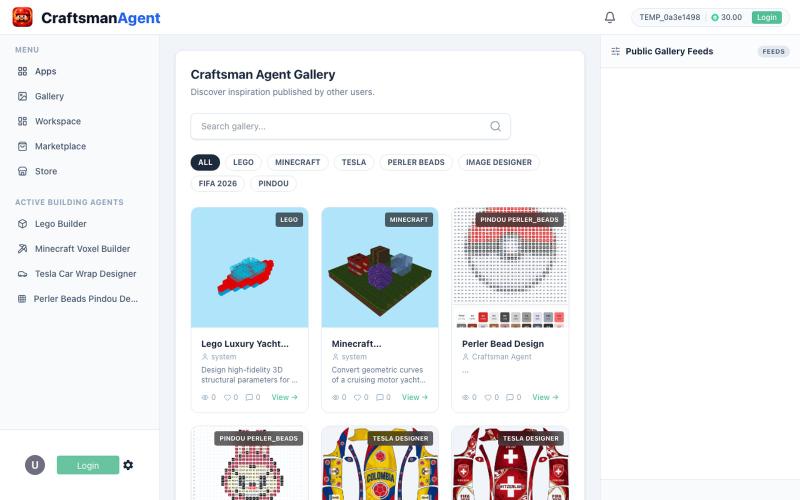
Browse and create AI-generated designs: LEGO builds, Minecraft blueprints, Perler patterns, Tesla wraps.

@deepnlp_contact · X
We are launching Craftsman Agent Studio & Store today on PH, which turns creative ideas -> Agentic Designs -> Connect to skilled craftsman -> Physical products. you like to checkout our launch?

Browse interactive maps, quest guides, and an item database for the ARC Raiders game.
Arcraiders.website — ARC raiders 游戏工具网站,功能比较丰富全面 - [更多介绍](https://arcraiders.website/quests)
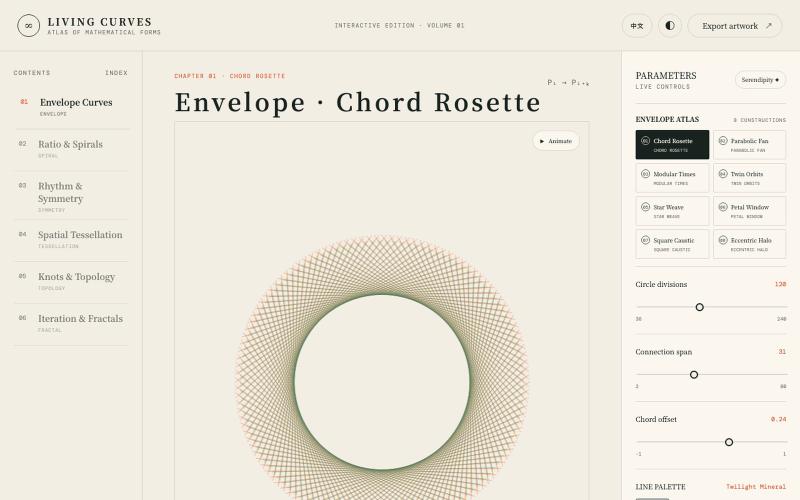
Explore interactive visualizations of mathematical curves, fractals, symmetry, and topology.

@vkuoo · X
Added more demos showcasing graph-math relationships, built with Codex.
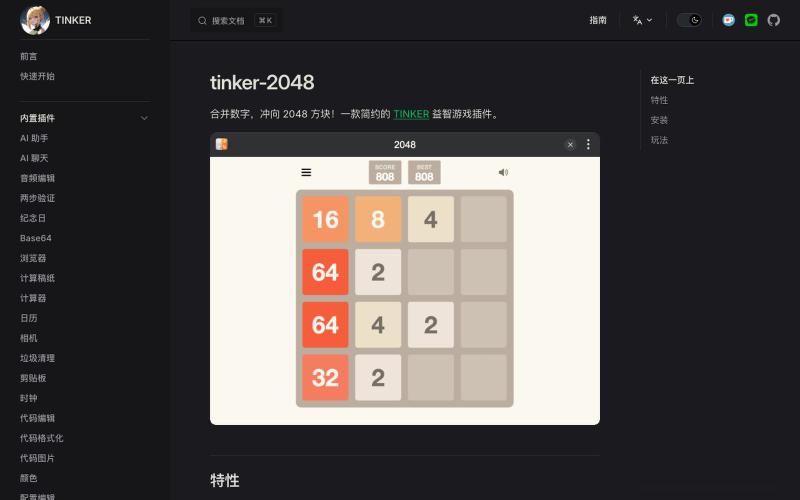
A browser-based 2048 puzzle game.
surunzi · V2EX
没写过游戏尝试下,目前对普通人来说,写一个自己的简单小游戏,在开发这块确实已经不是什么困难的事了。 [2048]( https://tinker.liriliri.io/zh/guide/official-games/2048.html):[在线玩]( https://tinker.liriliri.io/games/2048/) 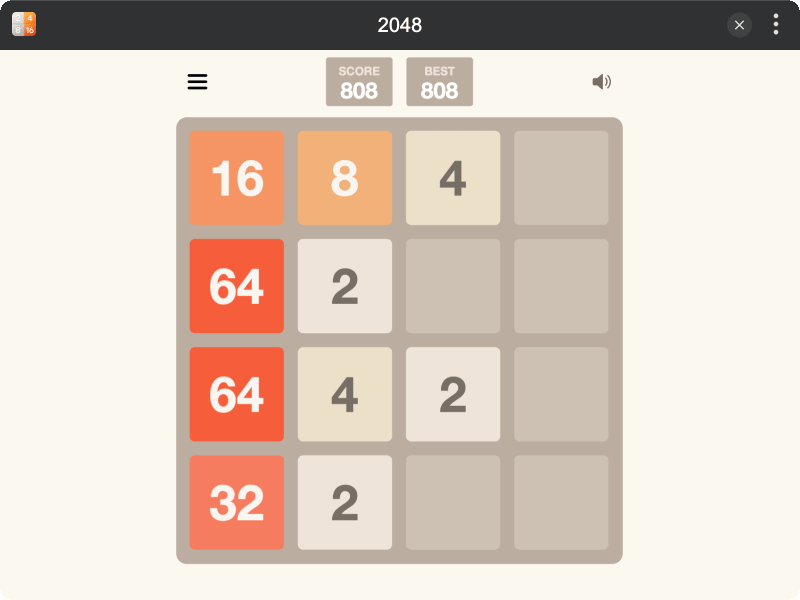 [扫雷]( https://tinker.liriliri.io/zh/guide/official-games/minesweeper.html):[在线玩]( https://tinker.liriliri.io/games/minesweeper/) 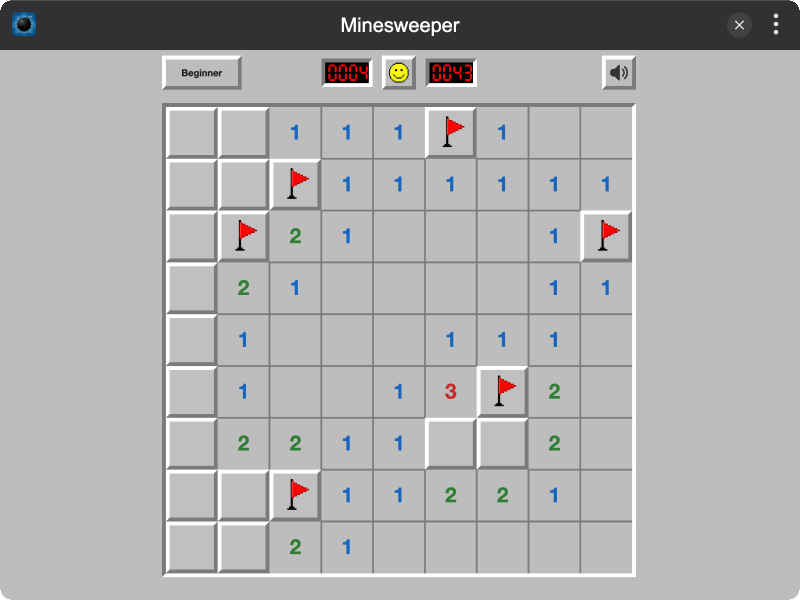 [蜘蛛纸牌]( https://tinker.liriliri.io/zh/guide/official-games/spider-solitaire.html):[在线玩]( https://tinker.liriliri.io/games/spider-solitaire/) 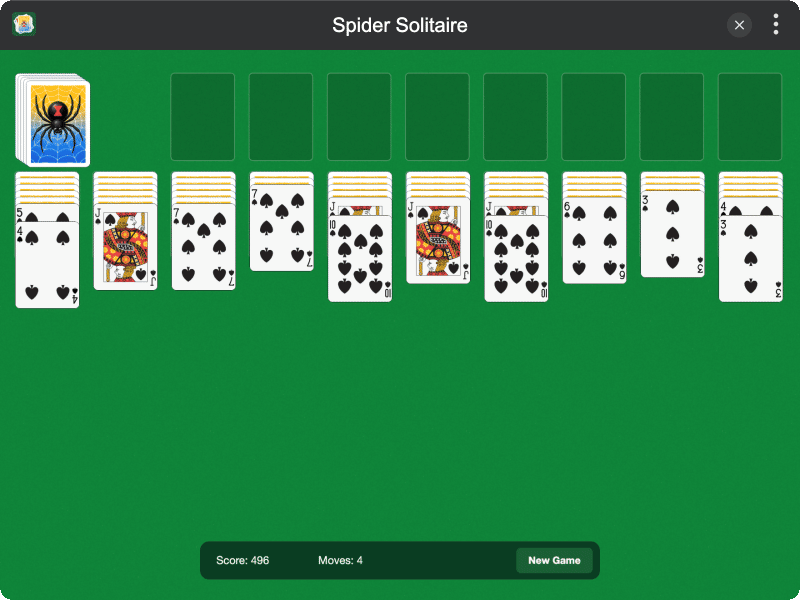 [滚石迷宫]( https://tinker.liriliri.io/zh/guide/official-games/ball-maze.html):[在线玩]( https://tinker.liriliri.io/games/ball-maze/) 准星库和生成器 — screenshot](https://onesvibe.app/img/screenshots/valorantcrosshair.jpg?w=800&h=500&q=75)
Browse professional Valorant crosshairs and create your own custom setup.
无畏契约准星库和生成器 — 无畏契约准星库和生成器,玩家的得力帮手
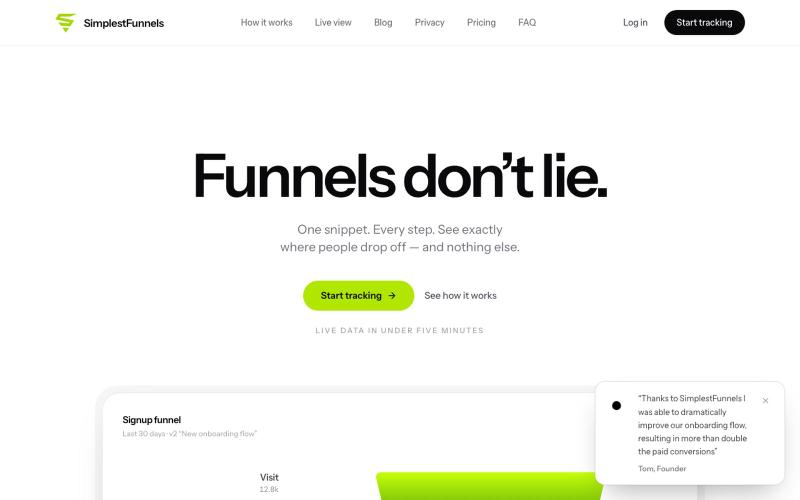
@zdogmode https://t.co/Cdk9FF9iPM - This is a tool I built and was really useful for my own projects, so I made it available.

@tpacker · X
- This is a tool I built and was really useful for my own projects, so I made it available.
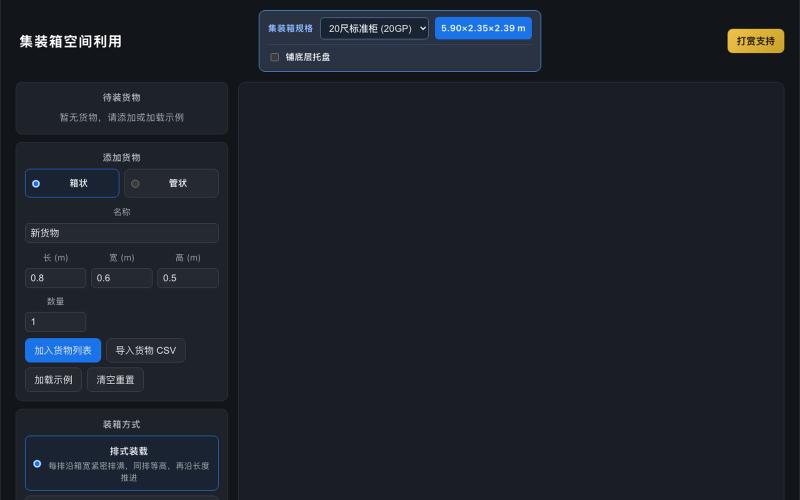
3D container packing tool with automatic layout algorithms and cargo visualization.
wen20 · V2EX
外贸人使用的工具:一个 3D 装箱工具分享 外贸集装箱 装货 3D 可视化工具 工具地址: https://waimao.himyou.com/container 工具特点: - 默认包含 20 尺标准柜、20 尺高柜、40 尺标准柜、40 尺高柜、45 尺标准柜、45 尺高柜,可自定义集装箱大小 - 盒体和圆柱体货物布局 - 多种自动装箱算法,自动计算装箱利用率 - 导入、导出 货物列表 - 支持底部托盘
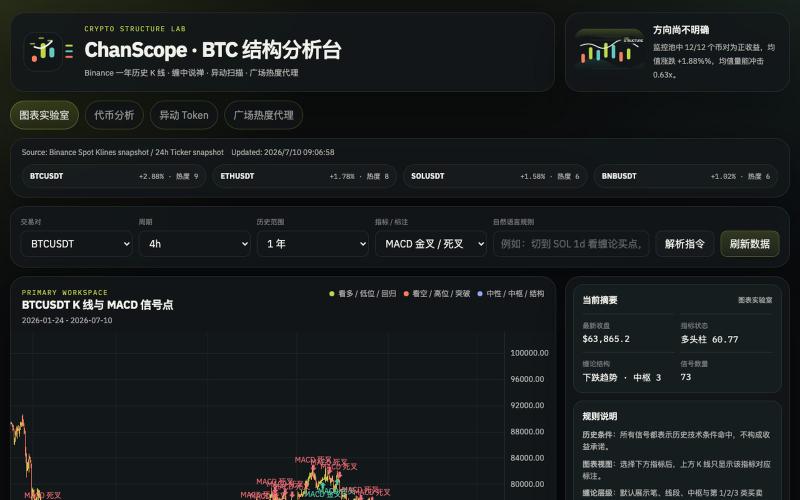
Analyze cryptocurrency markets with Chan Theory patterns, K-line charts, and anomaly detection.

@onehopeA9 · X
用 DAPPOS @dappOS_com 做了一个加密货币缠论分析网站,也是我一直想做没时间做的! 来看看缠论三买的威力: 不是不会写代码。 我自己是程序员,真要硬写当然能写。 但问题是:没时间。🤡 做交易的人都懂,真正消耗人的不是“看一根 K 线”,而是把一堆信息拼起来: K 线结构。 缠论笔、中枢。 一买二买三买。 一卖二卖三卖。 资金费率。 持仓量变化。 成交量异动。 市场舆情。 这些模块涉及太多方面,写得出来,但太费时间。 所以我一直想做一个自己的交易雷达: 接币安历史数据。 用 TradingView 展示 K 线。 自动画缠论结构。 标注买卖点。 再把资金费率、持仓量、成交量和币安广场热度放进去。 想法很清楚。 但一直躺在 TODO 里。 最近用 xbubble 的 Coding 功能试了一下,直接把需求丢进去: “做一个加密货币缠论分析网站,接入币安一年历史数据,用 TradingView 展示 K 线,自动画笔、中枢、一买二买三买、一卖二卖三卖,增加异动分析和币安广场舆情热度。” 它真给我生成了一个能跑的原型。 这次最戳我的不是“AI 会写代码”。 而是 xBubble 把最消耗时间的工程杂活压短了。 以前我自己做: ❌ 搭项目结构 ❌ 爬数据源和图表库 ❌ 写 K 线处理 ❌ 写缠论结构识别 ❌ 做前端交互 ❌ 部署、改样式、修细节 一圈下来,核心想法还没验证,人先累了。 现在变成: ✅ 先描述业务目标 ✅ 让 xBubble 生成可运行原型 ✅ 我再校验规则、调整逻辑、优化体验 ✅ 把时间花在交易理解和产品迭代上 这对程序员其实很有价值。 因为程序员最缺的不是能力,而是时间和注意力。 我这个原型现在大概有几块: 第一,TradingView K 线主图。 用币安数据展示行情,再叠加缠论结构。 第二,笔和中枢。 把原本需要手动盯的结构,先自动画出来。 第三,买卖点雷达。 一买、二买、三买,一卖、二卖、三卖,先帮我筛可能的位置。 第四,异动面板。 资金费率、持仓量、成交量变化,和 K 线结构一起看。 第五,舆情热度。 把币安广场讨论热度也拉进来,看看市场情绪是不是和盘面互相印证。 你可以理解成: 我不是让 AI 替我交易。 我是让 AI 帮我做一个交易前的信息雷达。 我觉得 xBubble 和普通 AI
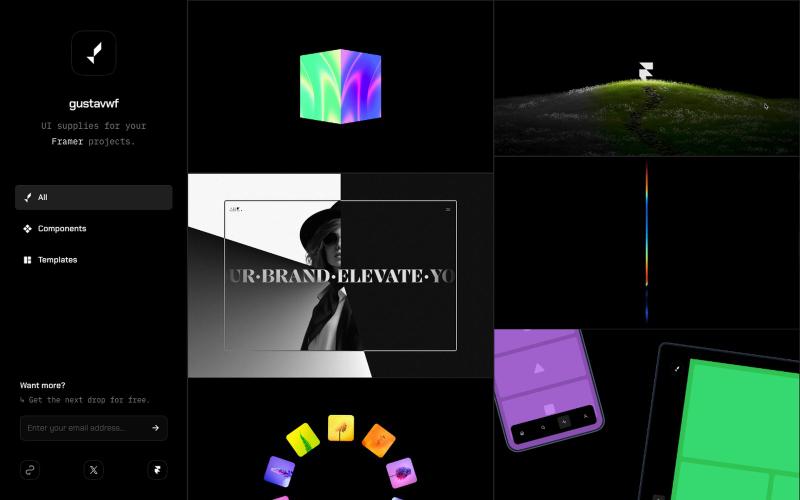
Reusable UI components and supplies for Framer design projects.

@gustavwf · X
Working on a new @framer creation for
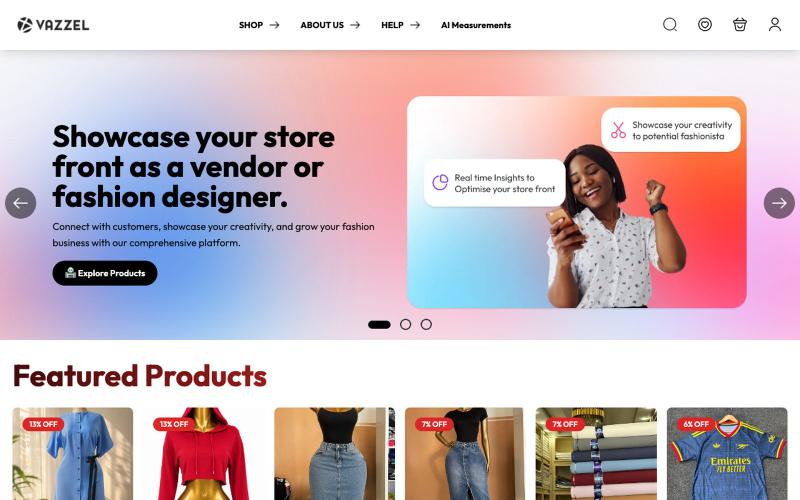
AI-powered fashion marketplace with designer storefronts and AI body measurement features.

@TeamVazzel · X
Vazzel is an AI-powered fashion & lifestyle marketplace where designers and vendors launch virtual storefronts, while shoppers enjoy AI body measurements and secure payments. Live with 500+ users and scaling
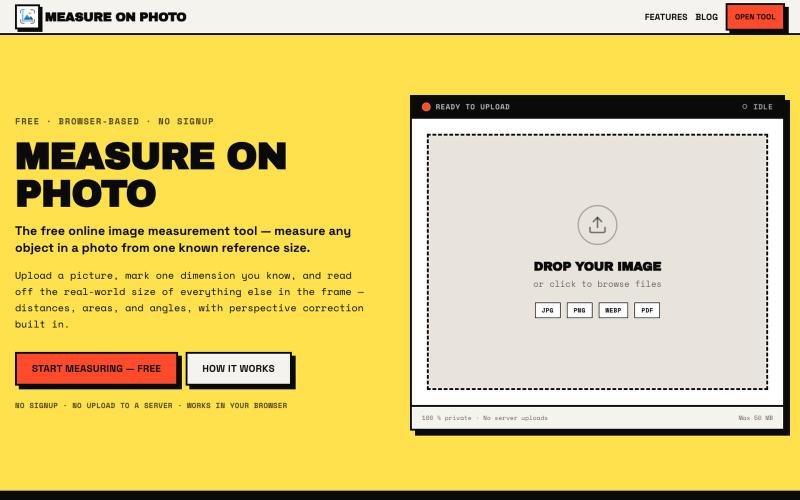
Measure objects in photos by setting one known reference size.

@Laxman101058405 · X
A few days ago I needed to measure something from a photo. Instead of searching for the perfect tool, I thought: "Why not build it?" So over the next 2 days, I built a Photo Measurement Tool using Cursor. If you try it, I'd love to know what you think.