
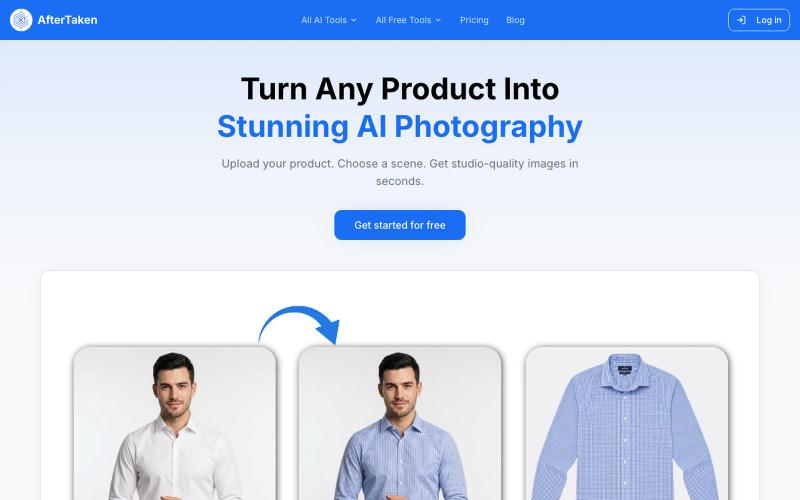
Creative Tools1 month ago · 1 tries
AfterTaken — AI Product Photography | Studio-Quality Photos
Upload a product image and choose a scene to generate studio-quality AI photos.

@aftertakenai · X
for AI e-commerce product photography
The full gallery
Tech stack
21 projects
Upload a product image and choose a scene to generate studio-quality AI photos.
@aftertakenai · X
for AI e-commerce product photography
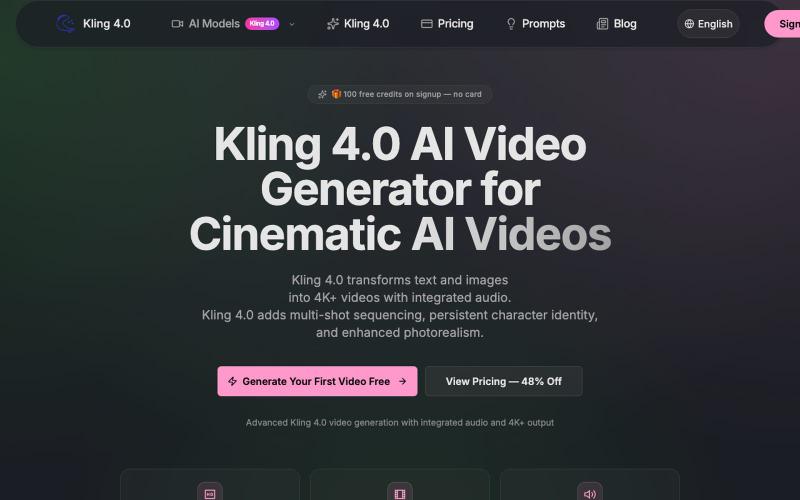
Turn text and images into cinematic 4K+ videos with native audio, multi-shot sequencing, and persistent character identity.
kling — AI 生成视频,支持多种 kling 模型
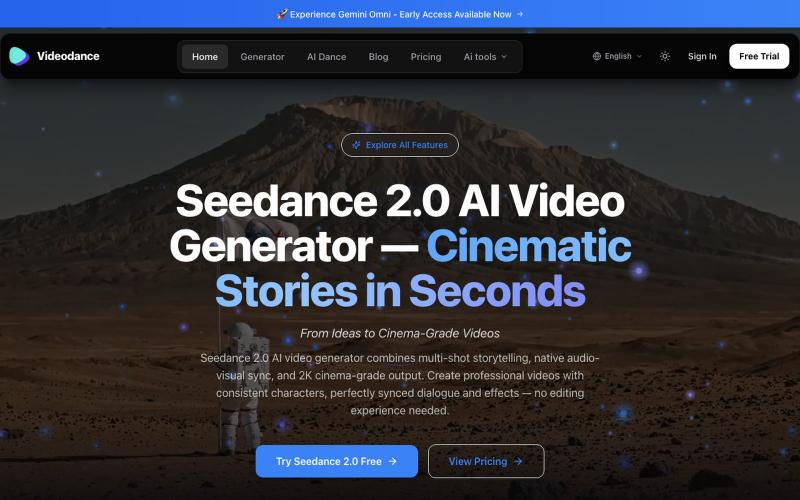
Generate cinematic AI videos with synchronized audio and multi-shot narrative coherence.
Videodance — AI 视频生成器,基于 Seedance 2.0,提供原生多镜头叙事、音视频同步和 2K 影院级画质输出。无需任何剪辑经验,即可创作出人物形象一致、对话完美同步的专业电影级视频。
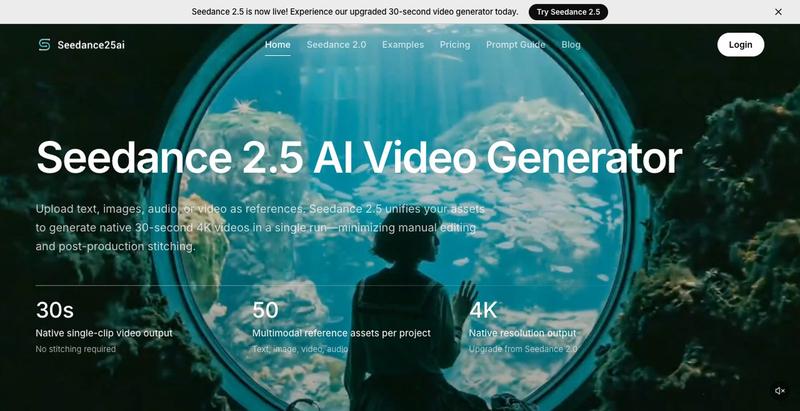
Turn prompts, images, and reference assets into AI-generated 30-second videos with cinematic controls.
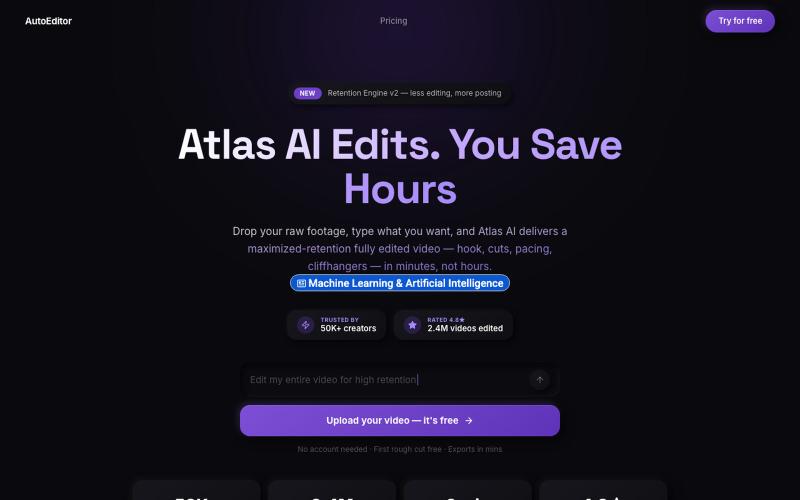
Upload video footage and receive an AI-edited version optimized for viewer retention.

@QuiseBuilds · X
- drop raw footage. Atlas maximizes retention. No editing needed.
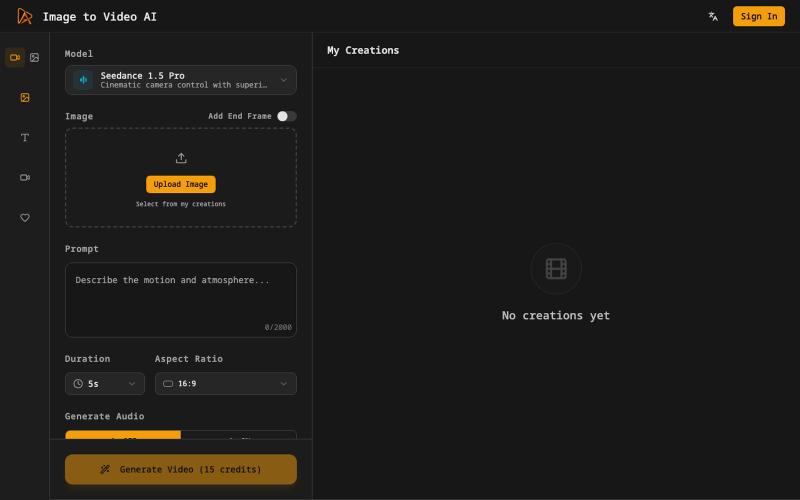
Generate cinematic videos from still images with AI motion and voiceovers.
Image to Video AI — 将静态图片生成视频的 AI 工具

Turn any public post into a polished, shareable image for X, TikTok, YouTube, and Bluesky.

@larsbuilds · X
here's the link for the lazy ones :)
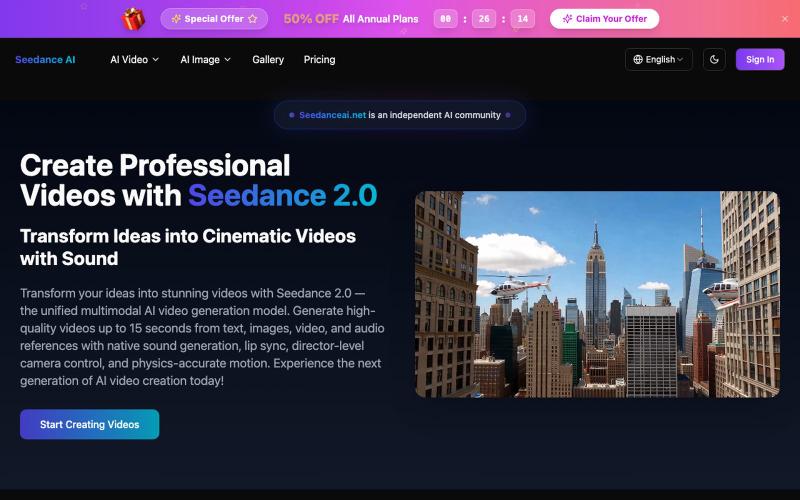
Generate professional videos from text prompts or images with cinematic camera movements.
Seedance AI Video Generator — 用 文字/图片 生成视频,Seedance AI 将您的想法转化为令人惊叹的视频(Seedance 1.0 Pro 模型)
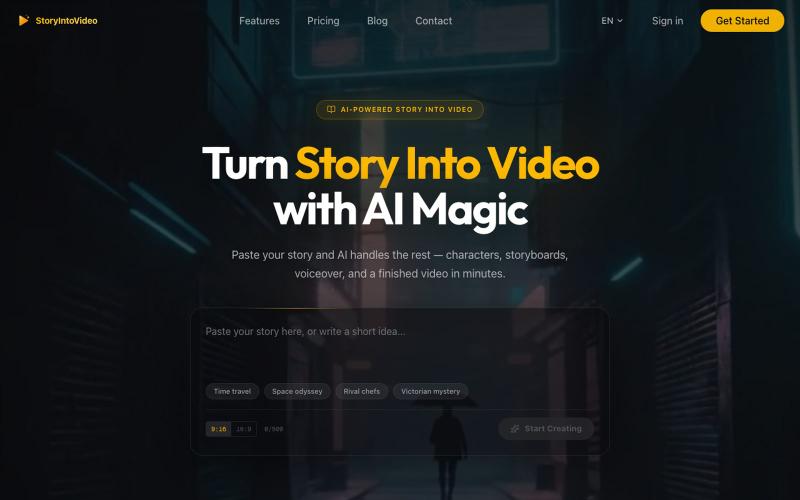
Turn stories and scripts into short videos with AI-created characters and voiceovers.
StoryIntoVideo — AI 故事转视频 | 小说一键生成短剧视频
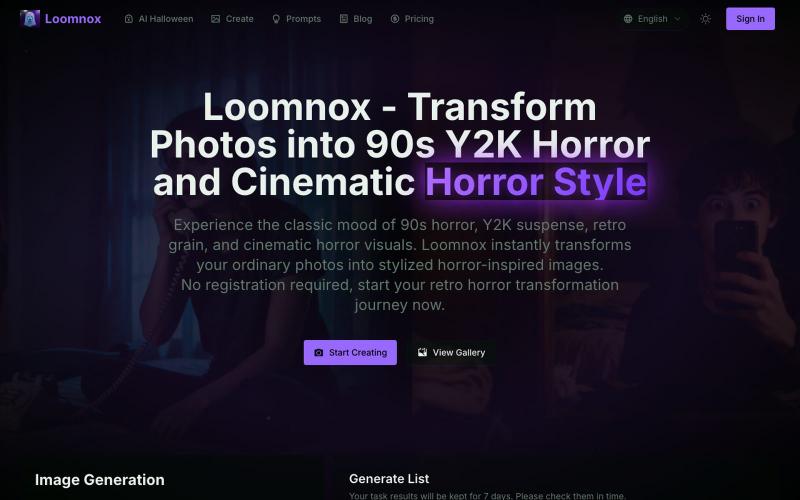
Transform photos into 90s Y2K horror, retro horror, and cinematic horror visuals.
aighostface.org — Ghostface AI 生成器,将照片转换为 90 年代恐怖风格
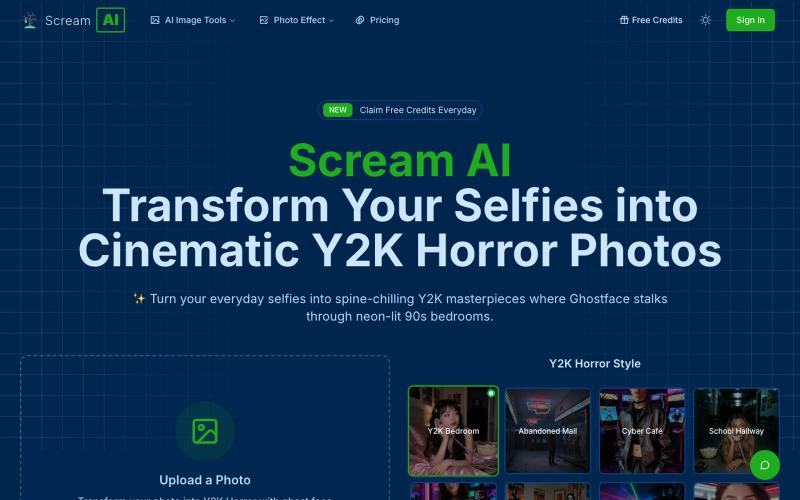
Upload a selfie to transform it into a cinematic Y2K horror-themed image using AI.
scream ai — 把你的自拍照转化为电影感十足的千禧年(Y2K)恐怖风照片

Edit, compress, convert, and merge video and audio files in your browser.
zhw2590582 · V2EX
最近对网站进行了重构,做成了免费的视频工具站:[ArtPlayer Tools]( https://artplayer.org/tools/) 主要是围绕着 ffmpeg.wasm 和 mediabunny 实现的一些可以直接在浏览器里用的视频/音频工具,常用的有: - 视频压缩:[Compress Video]( https://artplayer.org/compress-video/) - 视频裁剪:[Crop Video]( https://artplayer.org/crop-video/) - 视频合并:[Merge Video]( https://artplayer.org/merge-video/) - 视频尺寸调整:[Resize Video]( https://artplayer.org/resize-video/) - 视频旋转:[Rotate Video]( https://artplayer.org/rotate-video/) - 视频调速:[Change Video Speed]( https://artplayer.org/change-video-speed/) - 添加文字到视频:[Add Text to Video]( https://artplayer.org/add-text-to-video/) - 添加水印:[Watermark Video]( https://artplayer.org/watermark-video/) - 提取字幕:[Subtitle Editor]( https://artplayer.org/subtitle-editor/) - HLS 转 MP4:[HLS to MP4]( https://artplayer.org/hls-to-mp4/) - 音频可视化:[Audio Visualizer]( https://artplayer.org/audio-visualizer/) 大部分工具都是本地处理,文件不会上传到服务器。最开始是因为自己偶尔要处理一些视频,开剪辑软件又有点重,在线工具又担心隐私,所以就慢慢做成了一个站。 目前还在持续完善,体验肯定还有不少粗糙的地方,比如不同浏览器的兼容、移动端操作、长视频性能之类的。 网站: [ArtPlayer Tools]( https: