
Creative Tools1 month ago
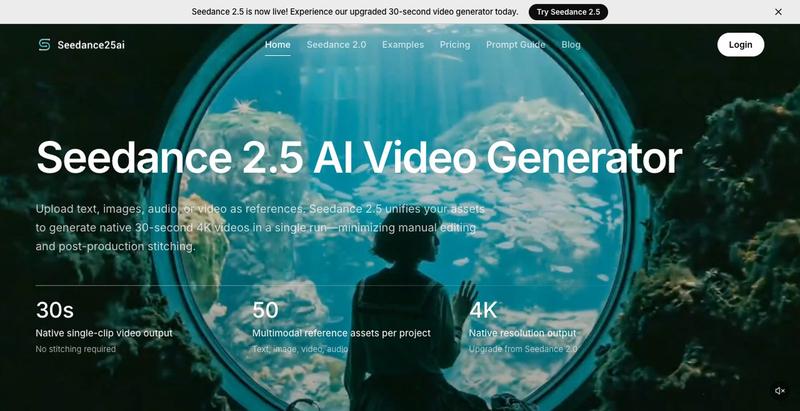
Seedance 2.5 — Native 30s AI Video Generator
Generate 30-second AI videos from prompts, images, and reference assets with cinematic controls.
The full gallery
Tech stack
27 projects
Generate 30-second AI videos from prompts, images, and reference assets with cinematic controls.
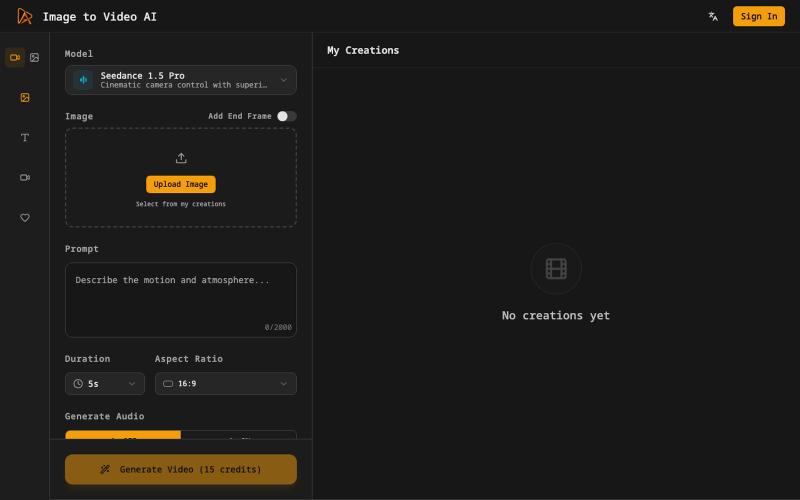
Generate cinematic videos from still images with AI motion and voiceovers.
Image to Video AI — 将静态图片生成视频的 AI 工具
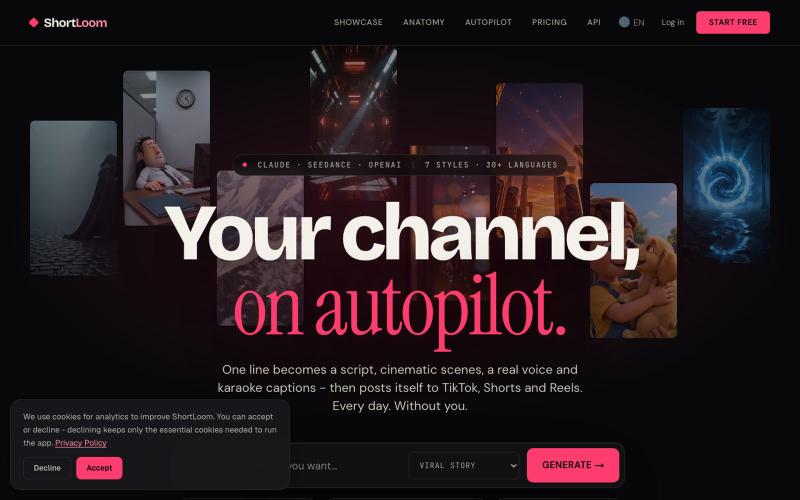
Turn one idea into a reviewable short-form video for TikTok, YouTube Shorts, and Instagram Reels. AI writes the script, generates cinematic scenes, and…

@Theodore_DI · X
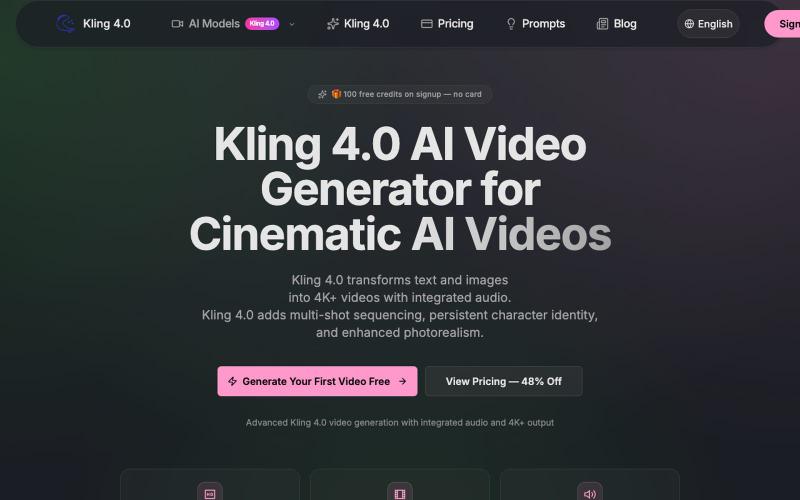
Turn text and images into cinematic 4K+ videos with native audio, multi-shot sequencing, and persistent character identity.
kling — AI 生成视频,支持多种 kling 模型
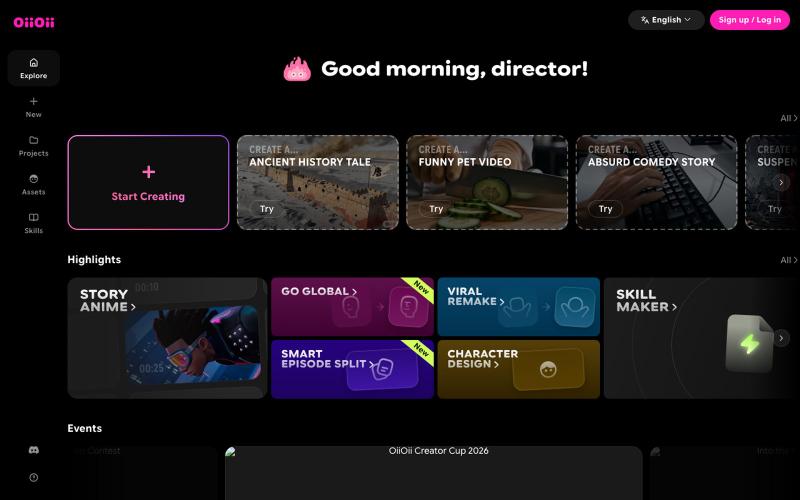
AI animation agent team that generates characters, scenes, storyboards, and short films.

@zhiyanaigirls · X
用 不得不说,它能完成很多AI做不到的事情⁉️ 正如我主页里的帖子一样,希望挑战极限😅 评论区稍后会整理公布Prompt🔽🔽🔽 ✅Prompt的通过率为80% #AIart️️️️️️️️️️️️️️️️️️️️️️️️️️️️️️️️️️️️️️️️️️️️️️️️️️️ 提示词以优化,可随意替换自己的角色👗 希望能够多多涨粉做一部高质量AI短剧🙏
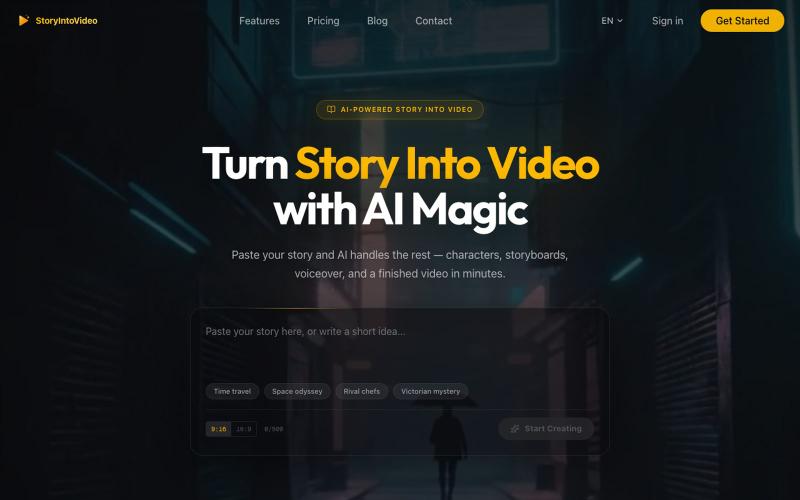
Turn stories and scripts into short videos with AI-created characters and voiceovers.
StoryIntoVideo — AI 故事转视频 | 小说一键生成短剧视频
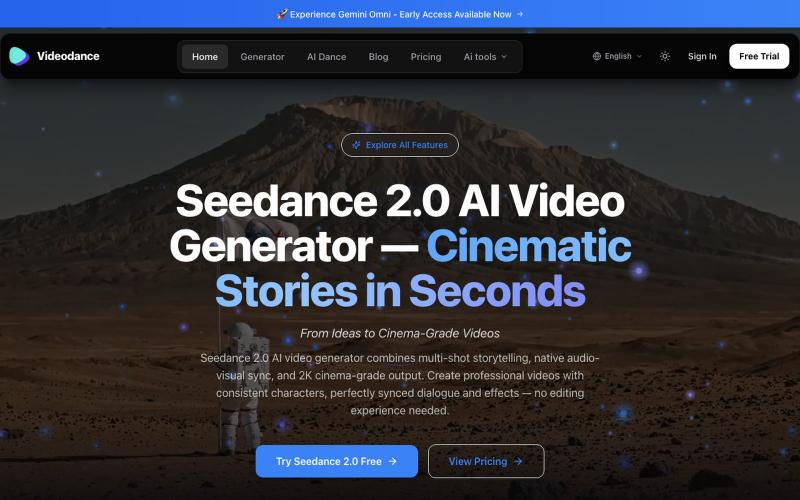
Generate cinematic AI videos with synchronized audio and multi-shot narrative coherence.
Videodance — AI 视频生成器,基于 Seedance 2.0,提供原生多镜头叙事、音视频同步和 2K 影院级画质输出。无需任何剪辑经验,即可创作出人物形象一致、对话完美同步的专业电影级视频。
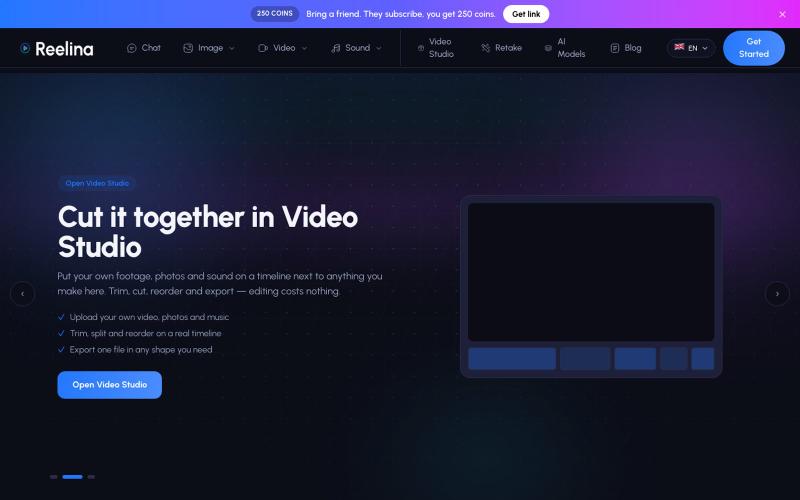
AI tool for creating videos, reels, and stories for social media.
osmansoylemez · Product Hunt
Reelina AI 475 AI models for photo and video, on one credit balance.
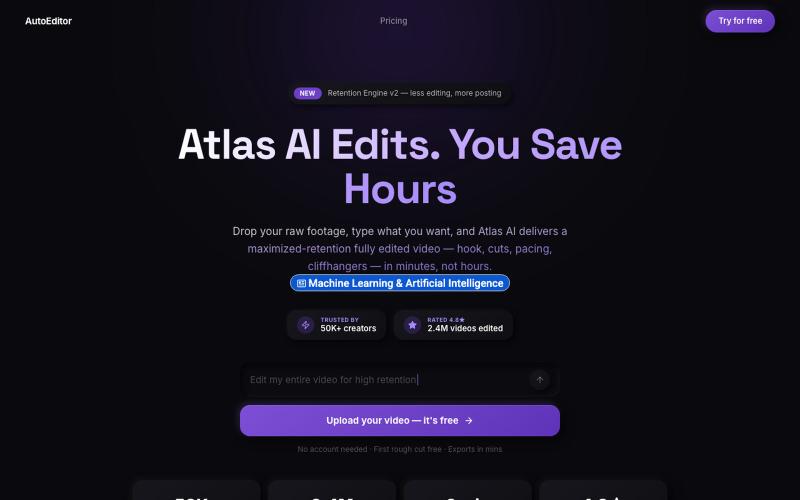
Upload videos and receive AI-edited versions optimized for viewer retention.

@QuiseBuilds · X
- drop raw footage. Atlas maximizes retention. No editing needed.
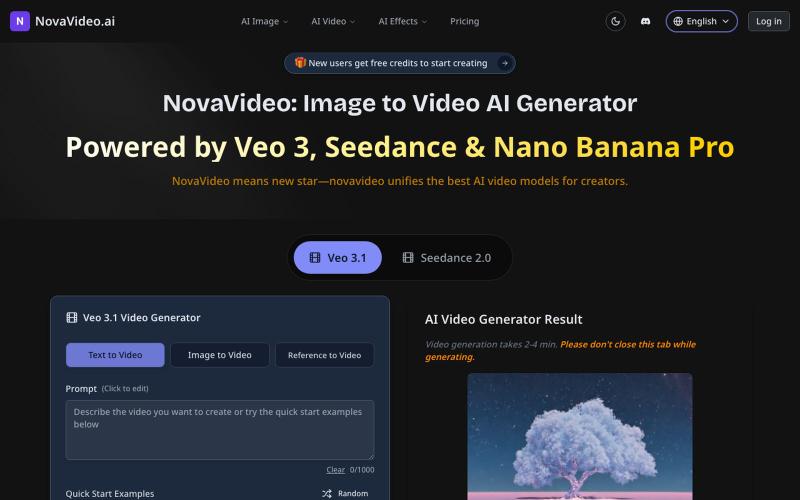
Convert images to cinematic videos using AI models like Sora, Kling, and Runway.
novavideo.ai — 使用领先的图片转视频 AI 模型和热门视频特效模板,将照片转化为视频
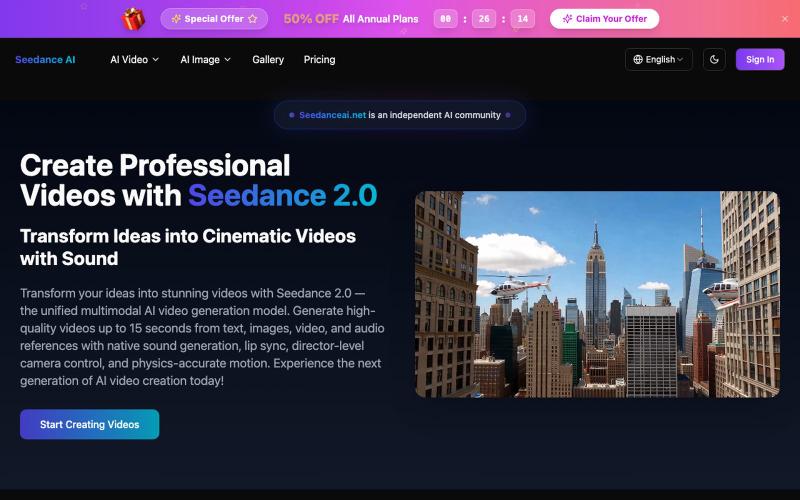
Generate professional videos from text prompts or images with cinematic camera movements.
Seedance AI Video Generator — 用 文字/图片 生成视频,Seedance AI 将您的想法转化为令人惊叹的视频(Seedance 1.0 Pro 模型)
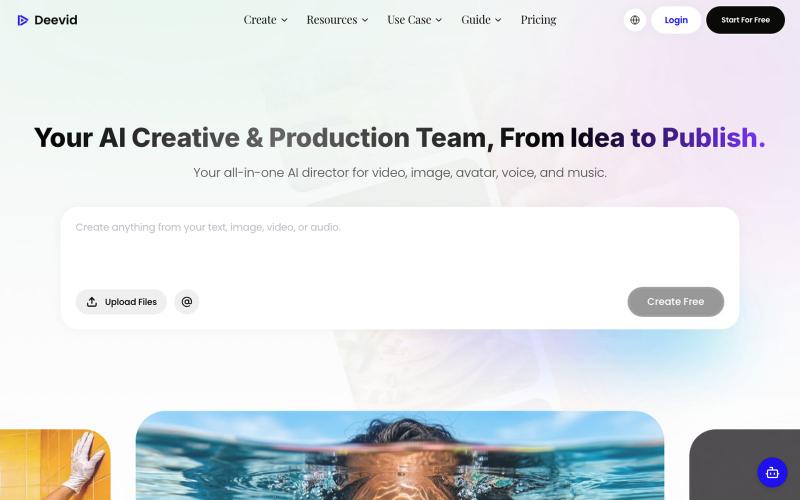
The best AI video generator for free. DeeVid AI is the most advanced and inexpensive AI video & image agent, supporting models like Veo 3.1, Nano Banana, Sora 2, Kling and more. Yo

@buildwithpb · X
growth engine is slick, but can the product earn trust at scale? Curious how the video quality holds up pressure.