

Productivity2 weeks ago
Dshelf: A calm reader for your PDFs
Turn PDFs into a calm reading experience with a beautiful library and AI-powered page guidance.

@dshelf_app · X
The full gallery
Tech stack
24 projects
Turn PDFs into a calm reading experience with a beautiful library and AI-powered page guidance.
@dshelf_app · X
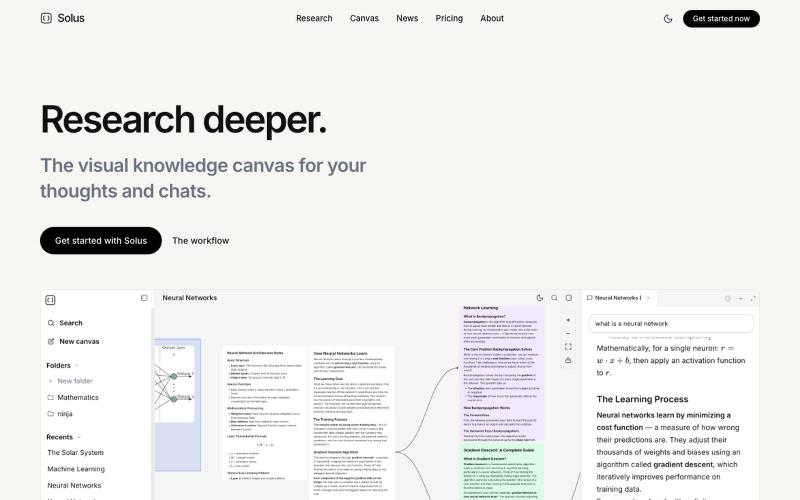
Upload PDFs and videos to build a visual knowledge map, then chat with an AI research assistant.
allybahaei · HN
Bring all your sources into a visual space, ask questions with full context, branch LLM conversations, and go deep on YouTube videos / research papers to build your knowledge canvas.
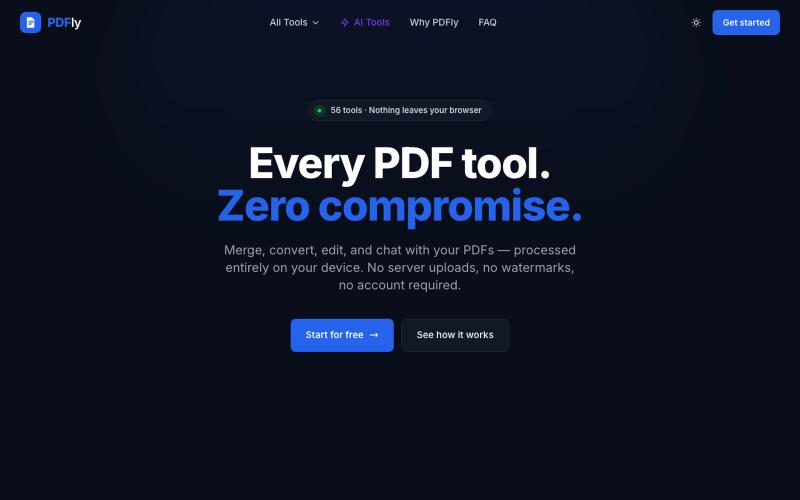
Browser-based PDF toolkit with 56 free tools: merge, split, compress, convert, sign, and chat.
pagalannu01 · HN
PDFly – 56 free PDF tools that run in the browser
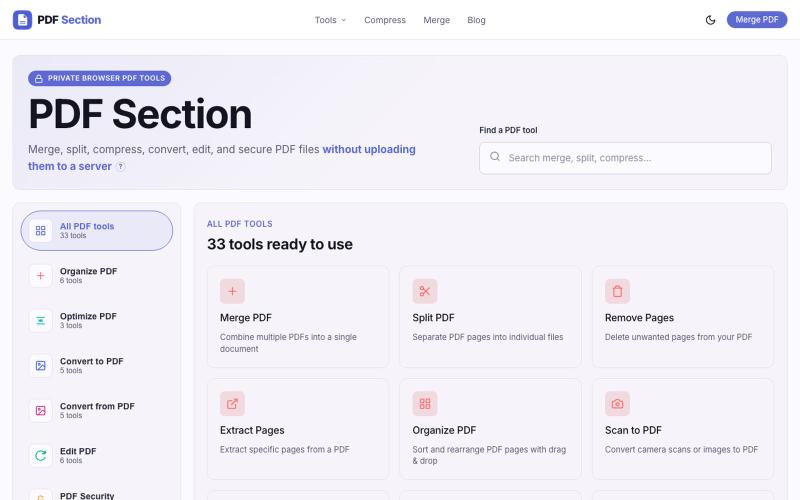
Merge, split, compress, convert, and edit PDFs in your browser without uploading.

@muzammilkarimi · X
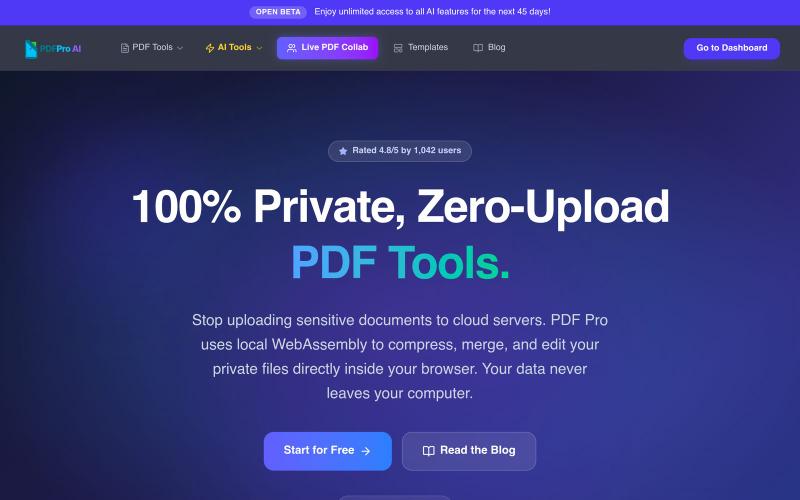
Browser-based PDF editor with compression, merging, AI analysis, and no cloud uploads required.

@pdfproindia · X
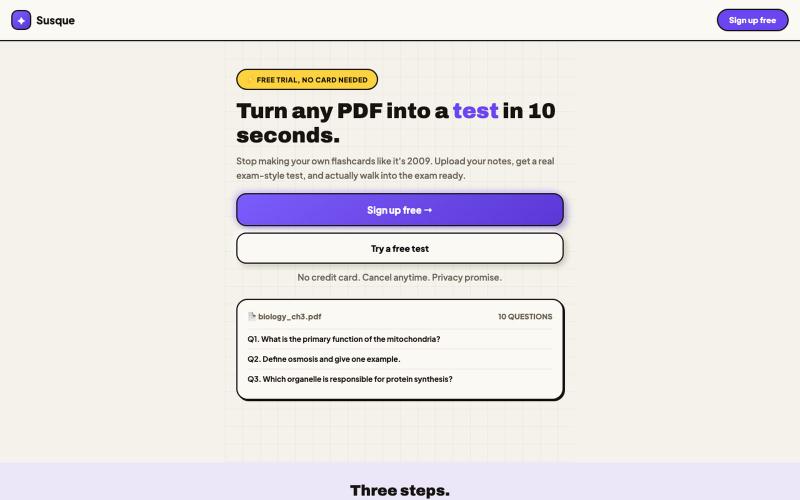
Convert PDFs into automatically generated tests or quizzes.

@Susqueapp · X
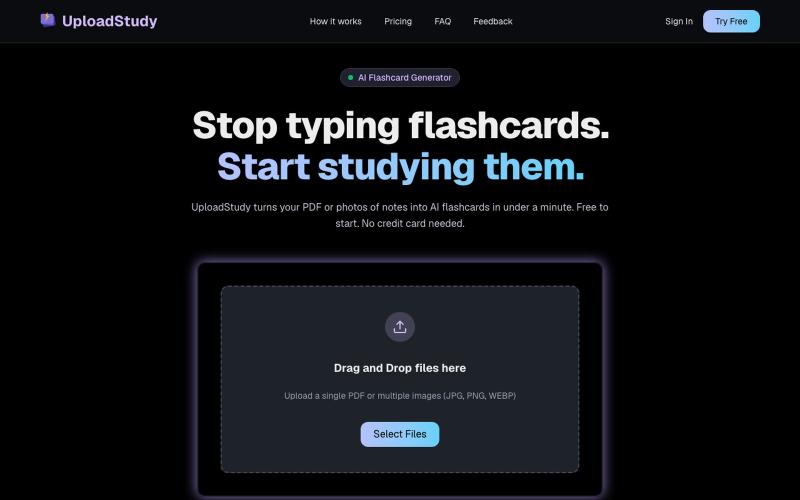
Generate AI flashcards from PDF documents or photos of your notes.

@MrDave_id · X
I built an ai flashcard generator
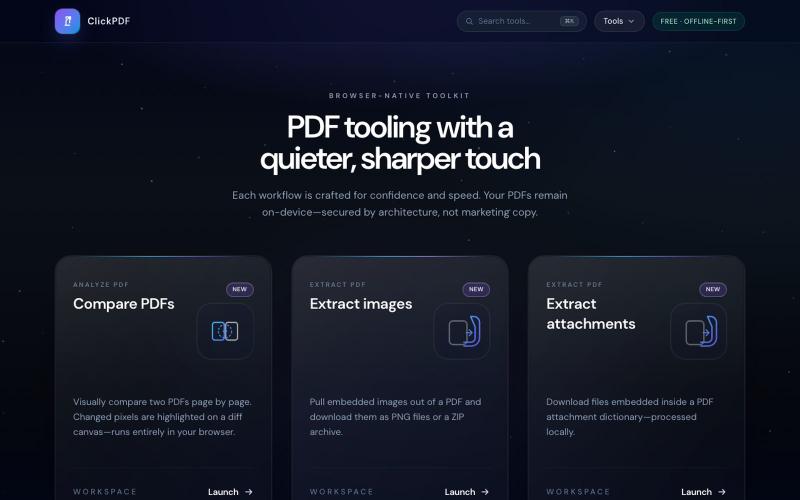
Merge, split, compress, convert, sign, and protect PDFs directly in your browser.

@buildappfactory · X
Our three products
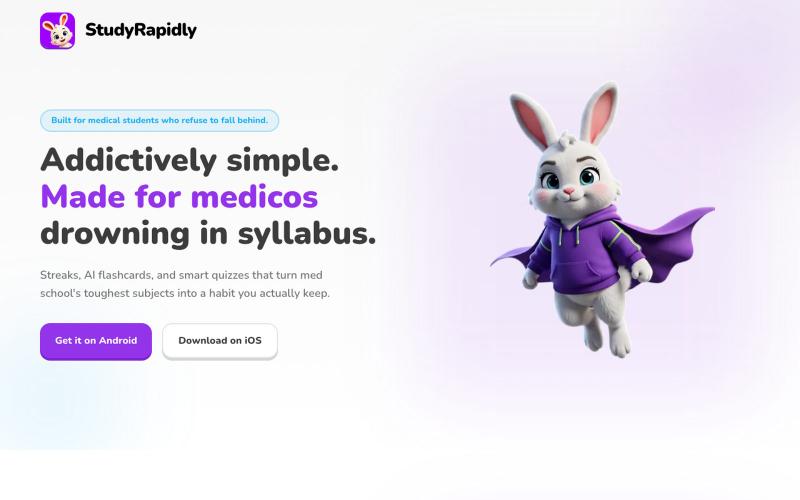
Converts study PDFs into flashcards, quizzes, and audio podcasts with weak-area detection.

@indiesaasgrowth · X
I built a study app. . It's a study app for medicos , it turns pdf into flash cards , audio podcasts, quizzes and so on. It makes study easier. And also reminds them to study and analyses their weak points and then it trains us accordingly. It also shows their performance and progress over time .
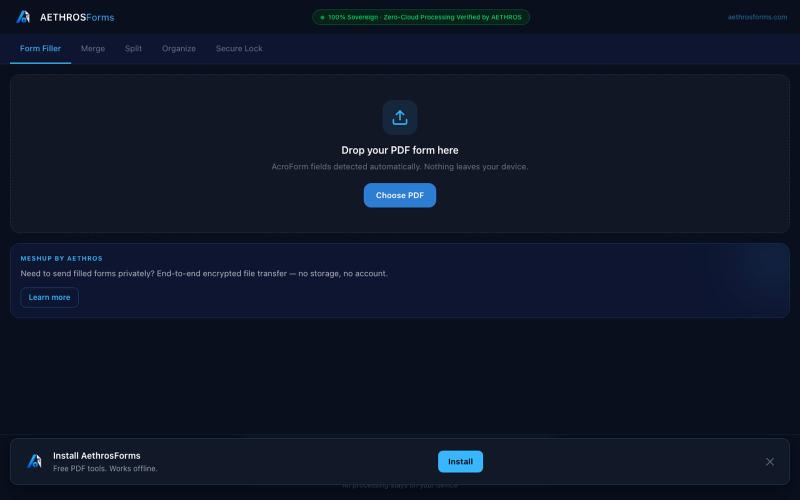
Fill, merge, split, organize, and encrypt PDFs entirely in your browser without uploads.

@aethrosX · X
- a free pdf utility tools
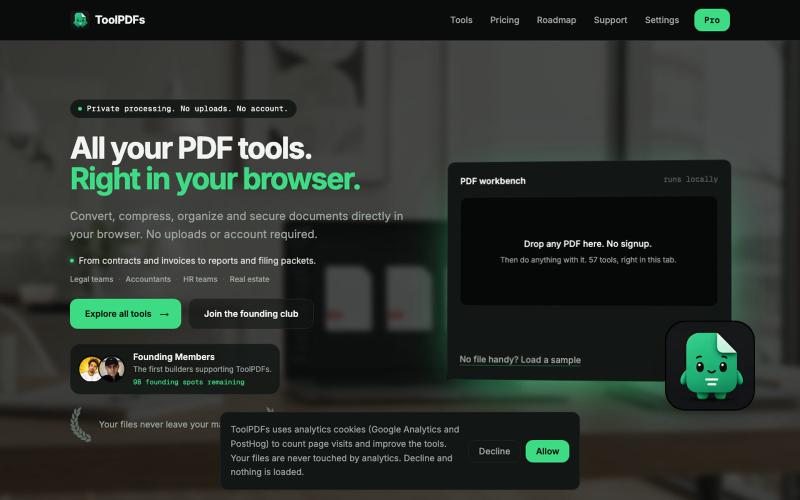
Edit, merge, compress, and convert PDFs with 57 free browser-based tools. No signup, uploads, or watermarks required.

@divvsaxena · X
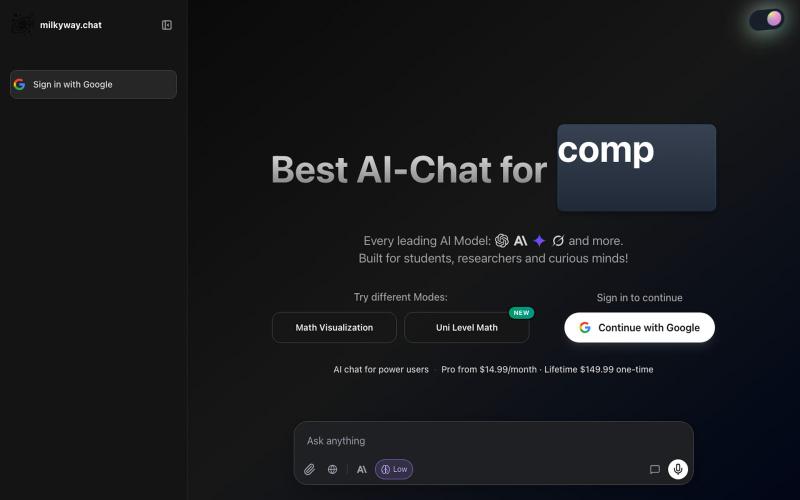
Chat interface supporting GPT, Claude, Gemini, and Grok for learning and coding.

@DovyRuo · X