

Creative Tools1 month ago
ScreenKite — Free, Native macOS Screen Recorder (Fast & Native)
Free native macOS screen recorder with built-in editor and auto-zoom.

@screenkite_com · X
The full gallery
Tech stack
19 projects
Free native macOS screen recorder with built-in editor and auto-zoom.
@screenkite_com · X
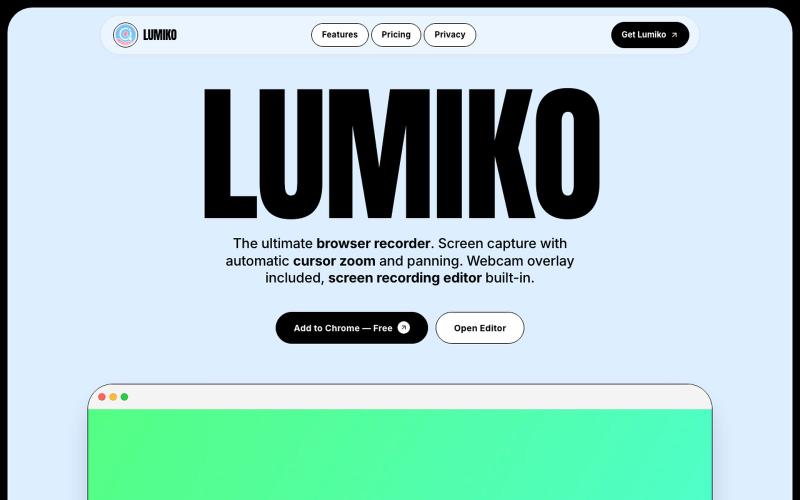
Free Chrome screen recorder with automatic cursor zoom, panning, and built-in editor.
Ashish106 · HN
Lumiko – Chrome screen recorder with automatic cursor zoom

Chrome extension for recording screen demos with automatic zoom effects and custom backgrounds.

@gabani_vatsal · X
Building Screen recorder which adds zoom effects and custom backgrounds
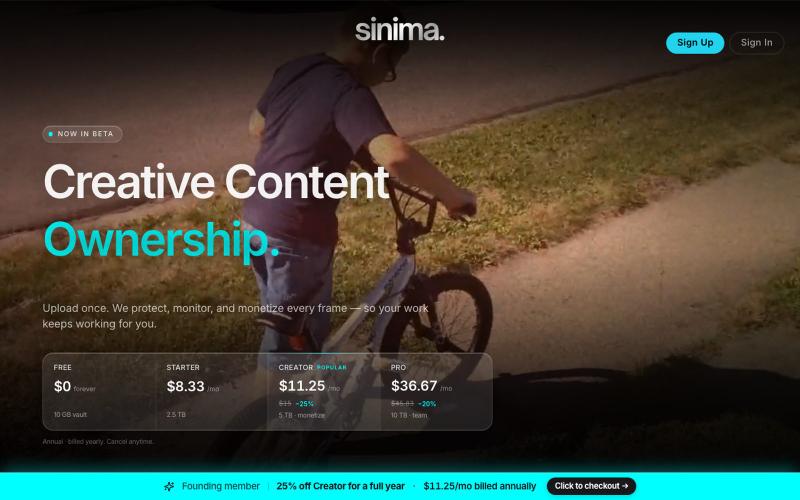
Upload screen recordings to protect and license them to AI platforms.

@LisaTrublet · X
Vimeo alternative for creators and filmmakers, with IP protections built in. 25% off Creator Core. 🎉

Record your screen in the browser, save to Google Drive, and share via instant links for $29.

@HashamBuilds · X
Building Walkthrough, screen recorder, $29 once, videos save to your own Google Drive. No subscription, no vendor servers. 14 days refund with no question asked. Now shipping in public daily. 🔗
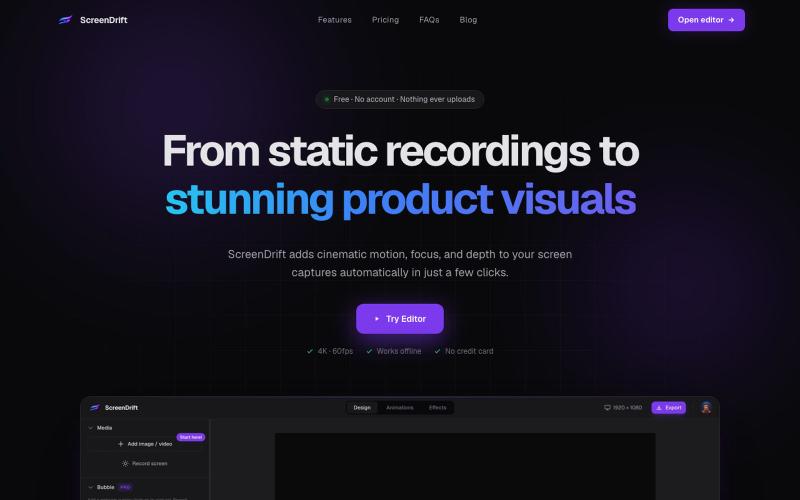
Create professional 3D product videos from screen recordings, camera footage, or any video. All processing happens on your device.

@hariprasad_bg · X
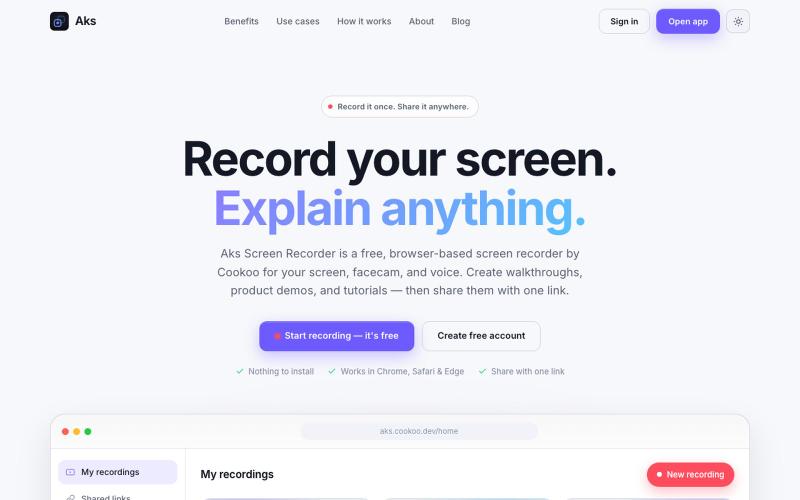
Aks Screen Recorder is a browser-based screen recorder by Cookoo. Record your screen, facecam, and voice without an extension, then share the video with a link.

@i_m_abdullahktk · X
We’re building Aks—an affordable, easy-to-use Loom alternative 🚀 🌐 Web: 📱 Android:
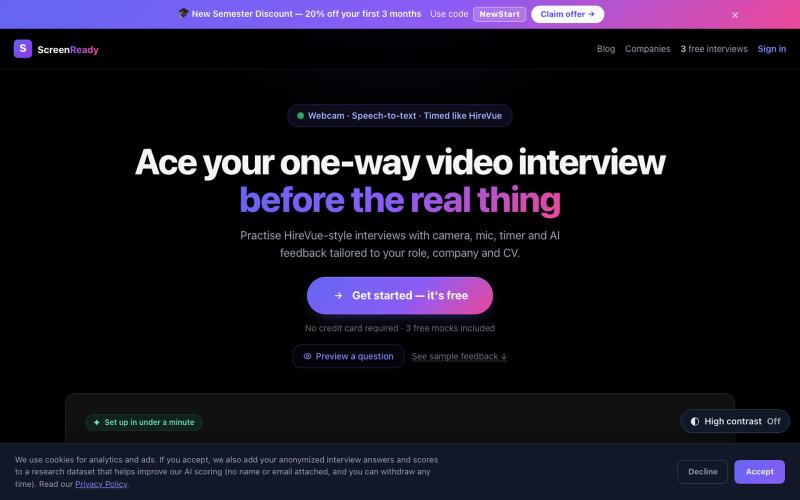
Practise one-way AI video interviews — camera on, mic live, timer running. Get structured AI feedback and scores on timed webcam answers. Free to start.

@getscreenready · X

Edit, compress, convert, and merge video and audio files in your browser.
zhw2590582 · V2EX
最近对网站进行了重构,做成了免费的视频工具站:[ArtPlayer Tools]( https://artplayer.org/tools/) 主要是围绕着 ffmpeg.wasm 和 mediabunny 实现的一些可以直接在浏览器里用的视频/音频工具,常用的有: - 视频压缩:[Compress Video]( https://artplayer.org/compress-video/) - 视频裁剪:[Crop Video]( https://artplayer.org/crop-video/) - 视频合并:[Merge Video]( https://artplayer.org/merge-video/) - 视频尺寸调整:[Resize Video]( https://artplayer.org/resize-video/) - 视频旋转:[Rotate Video]( https://artplayer.org/rotate-video/) - 视频调速:[Change Video Speed]( https://artplayer.org/change-video-speed/) - 添加文字到视频:[Add Text to Video]( https://artplayer.org/add-text-to-video/) - 添加水印:[Watermark Video]( https://artplayer.org/watermark-video/) - 提取字幕:[Subtitle Editor]( https://artplayer.org/subtitle-editor/) - HLS 转 MP4:[HLS to MP4]( https://artplayer.org/hls-to-mp4/) - 音频可视化:[Audio Visualizer]( https://artplayer.org/audio-visualizer/) 大部分工具都是本地处理,文件不会上传到服务器。最开始是因为自己偶尔要处理一些视频,开剪辑软件又有点重,在线工具又担心隐私,所以就慢慢做成了一个站。 目前还在持续完善,体验肯定还有不少粗糙的地方,比如不同浏览器的兼容、移动端操作、长视频性能之类的。 网站: [ArtPlayer Tools]( https:
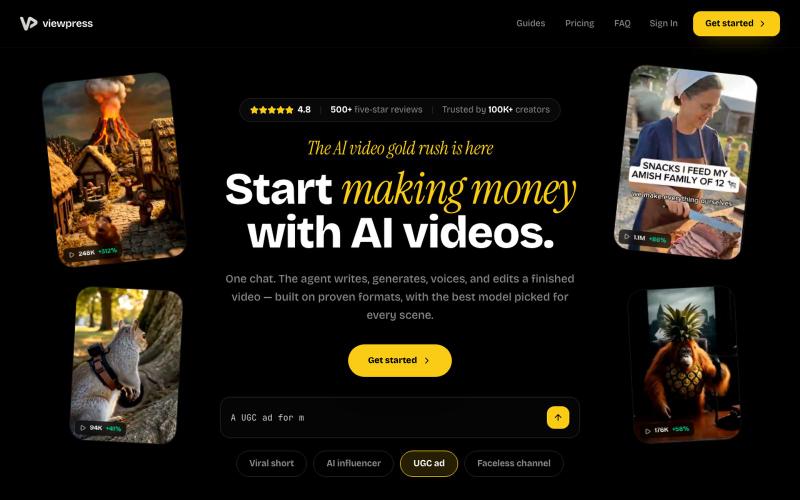
Create videos entirely through a single chat interface with AI-generated writing, voiceover, and editing.
u/Real-Estate-Agentx44 · Reddit
Built an AI video tool where one chat writes, voices, generates, and edits the whole video - is all-in-one actually useful or do you prefer separate tools? I've been building ViewPress AI , an AI video generator, and I'm at the point where I want honest feedback before I keep pushing in one direction. Instead of jumping between a script tool, a voice tool, an image/video generator, and an editor, you describe what you want in one chat and the agent handles the whole thing. It
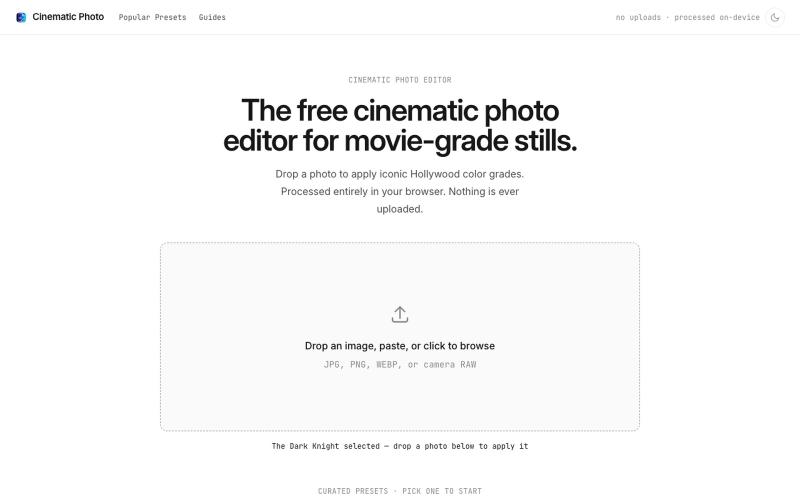
Apply movie-inspired color grades to photos in a browser-based editor with one click.
u/huuughmangasorr · Reddit
I built a tool that gives your photos a movie color grade (no AI generation) I kept seeing photo tools that "cinematic-ify" images by running them through AI and spitting out something that's basically a different picture. I wanted the opposite: keep my actual photo, just make it feel like a frame from a film. So I built CinematicPhoto — a browser tool where you upload a photo, pick a movie look, and get a graded version back. Your original stays intact; it's color grading and effects d
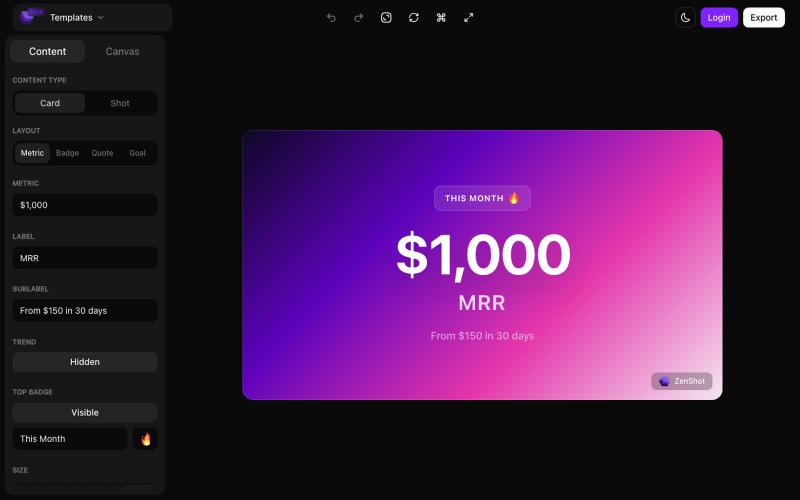
Create beautiful screenshots and progress cards ready to share with your audience.

@shreyassihasane · X