Other3 weeks ago
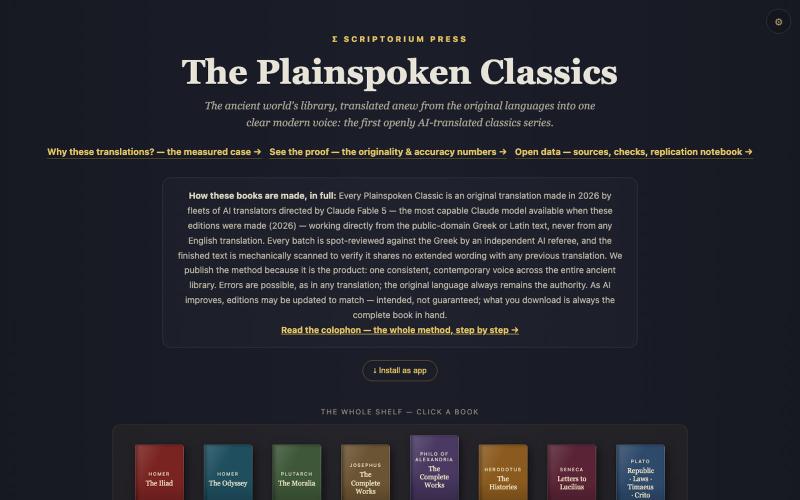
The Plainspoken Classics — Scriptorium Press
@rdbuilds7 https://t.co/hgIzcHY8rU

@gearyouneedlab · X
The full gallery
Tech stack
11 projects
@rdbuilds7 https://t.co/hgIzcHY8rU
@gearyouneedlab · X

A curated library of reusable UI components built with Framer.

@buildlylibrary · X
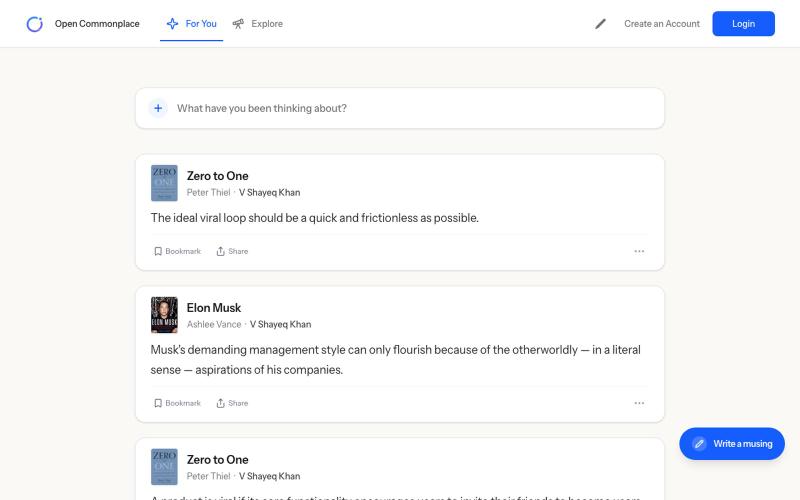
Open Commonplace - Defy AI. Preserve human creativity and ingenuity. Start with a book you've read.

@opencommonplace · X
Preserving human knowledge and wisdom from books at

Builtrly gives you a premium online store, built-in payments, order management, inventory, and powerful analytics - all in one seamless dashboard. Built for modern brands.

@_CodeCorsair · X
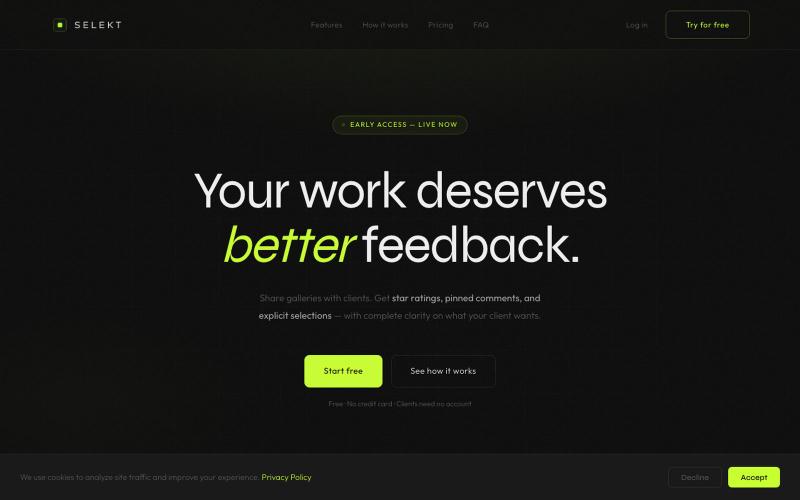
Online photo and video proofing made simple. Export from Lightroom Classic, share galleries with clients, collect star ratings, color labels, and selections — then sync feedback ba

@ThomasHabr · X
My vibe-coded startup is being released now 🎉 The journey begins.
Business management tool with CRM, invoicing, and project management features.

@buildrunkitUS · X
BuildRunKit: A complete system for founders, with (CRM/Invoices/Projects) BuildRunKit 7-part Startup foundations book series. Book 1 is live! The Startup Self Check Frenzied Founder Podcast.
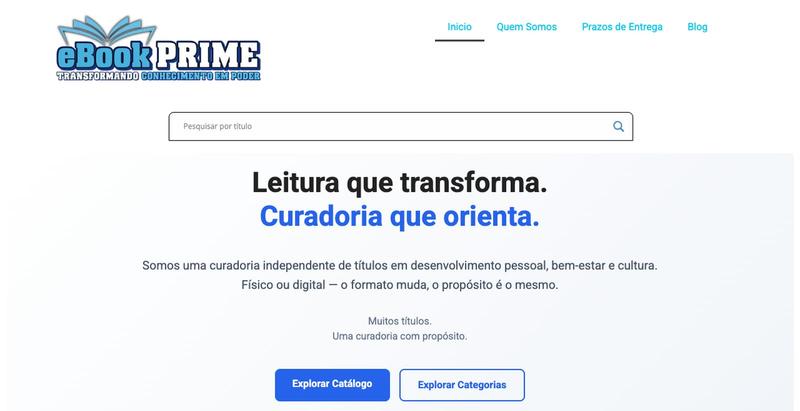
eBook Prime é sua livraria digital e física com clássicos, educação, curiosidades e histórias inesquecíveis para ler e colecionar.

@ebookprimebr · X

Play 20 Claude-generated classic HTML5 games with their prompts visible.
yidaimaxia · V2EX
claude fable5 生成的游戏效果 最近 claude fable5 相当聒噪,我用这个模型一句话生成了 20 款经典的 H5 网页小游戏 为了方便大家试玩和研究,我把它们集成到了自己写的轻量级工具站里,并且将每款游戏生成所用到的完整英文 Prompt 提示词完全公开在了游戏详情页,可以使用这个 prompt 在其他模型跑跑看是啥效果。 👉 小游戏在线试玩与 Prompt 传送门: https://www.pokitx.com/zh/html-games 🎮 部分小游戏复刻 showcase: 森林冰火人 (Forest Ice & Fire) 复刻程度:完美还原了双人键盘控制、冰火物理陷阱的碰撞体积判定。 Prompt:我们在详情页附带了引导 AI 编写双人物理按键监听和关卡碰撞图纸的核心 Prompt 。 试玩 & 提示词: https://www.pokitx.com/zh/html-games/senlinbinghuoren 3D 坦克大战 (Tank Battle 3D) 技术要点:利用 H5 Three.js 库,由 AI 一

Design custom themes for Codex Desktop with backgrounds, colors, transparency, and visual effects.
plutozc · V2EX
做了个 Codex Desktop 主题预览和切换工具,先调好再安装 最近一直在用 Codex Desktop ,觉得默认界面看久了有点单调,就顺手做了个主题编辑工具,分享一下: [Codex Skin]( https://getcodexskin.com) 可以先在网页里预览主题,调整背景透明度、面板透明度、颜色、模糊和圆角等参数,满意之后再下载并切换到 Codex Desktop 。 目前支持: - 自定义 JPG 、PNG 、WebP 背景 - 在线实时预览主题效果 - 调整透明度、颜色、模糊、圆角 - 预览满意后生成安装命令 - 不喜欢了可以恢复默认外观 目前主要面向 macOS 上的 Codex Desktop ,还是个人项目,功能和兼容性都在继续打磨。 欢迎试试,也想听听大家对主题参数、预览效果和安装流程的反馈。 直接网址: https://getcodexskin.com [轻喷 轻喷,可能还有些 bug
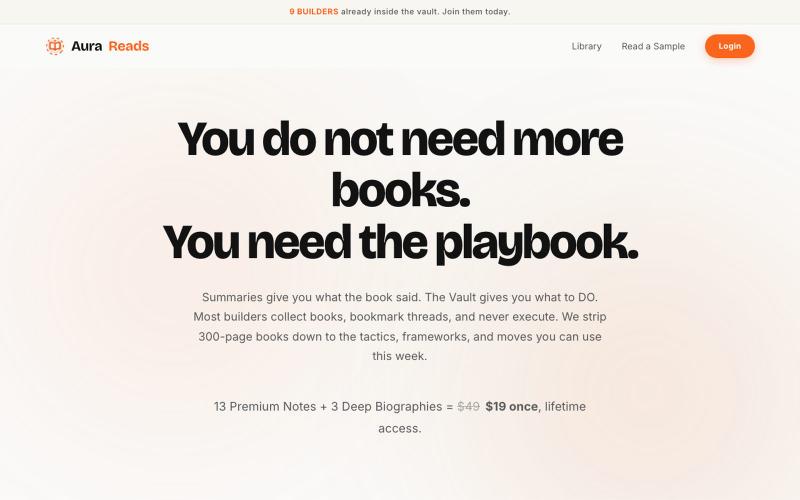
Extracts founder book insights into playbooks for immediate execution.

@HilalSafwan_30 · X