
Creative Tools5 days ago
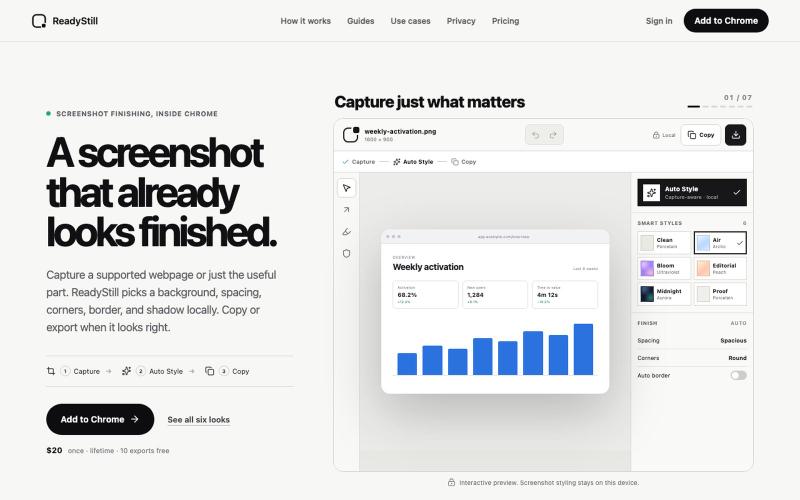
ReadyStill — Chrome Screenshot Editor & Launch Pack
Turn webpage screenshots into polished launch images with privacy-reviewed editing.

@pradeepXkapoor · X
It’s A simple screenshot beautifier chrome extension!
The full gallery
Tech stack
60 projects
Turn webpage screenshots into polished launch images with privacy-reviewed editing.
@pradeepXkapoor · X
It’s A simple screenshot beautifier chrome extension!
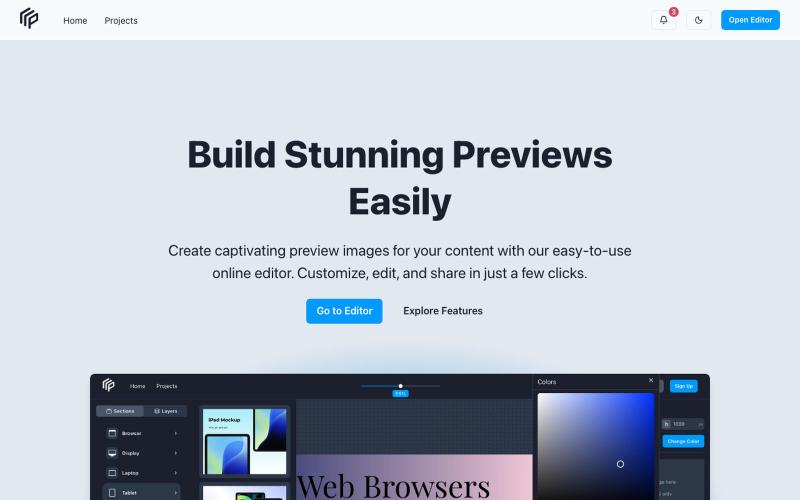
Preview and evaluate content before publishing it online.

@petropavliuk · X
Hi mate. My projects
Write and preview Markdown documents live in your browser with syntax highlighting.

@krishnakrmahto · X
Built Easy Markdown Editor — a reading-first Markdown editor where you edit the rendered document instead of raw Markdown.
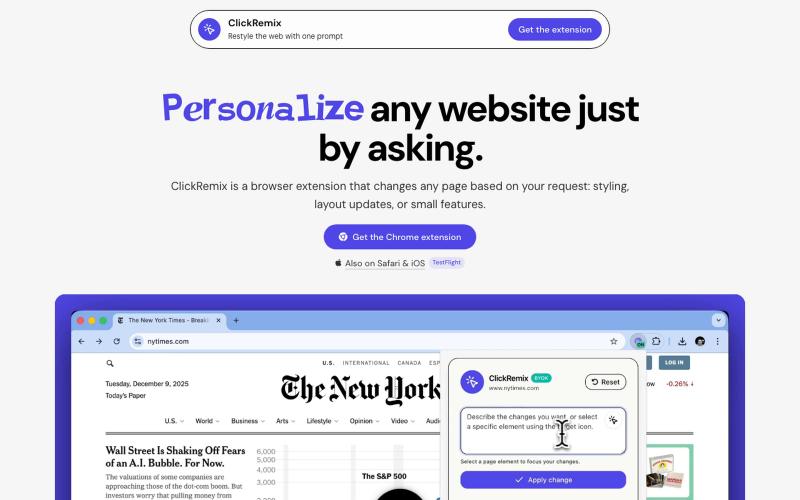
Browser extension that customizes webpages with text prompts for styling, layout, and feature changes.
alentodorov · HN
built it in spring 2026--ready to share today. use opus 4.8 to create css and js snipptes to style the websites you visit the way you want. make nytimes more print-like, hn more matrix, or just replace any mention of AI with the :poop-emoji" -- your call.

Create professional screenshot mockups with frames, backgrounds, and annotations in your browser.

@Aticmatic_com · X
of course for people:

Browser tools for image resizing, JSON formatting, PDF processing, text analysis, and design without login.
musekit · Product Hunt
Free AI Tools Free browser tools for everyday tasks, no login
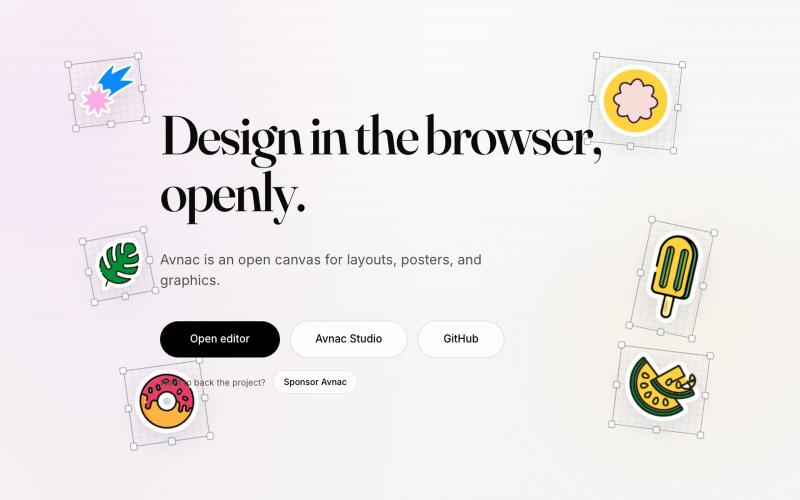
Open-source design tool for creating graphics in the browser.

@akinkunmi · X
He trash-talked me and my amazing project ( unprovoked while all his projects are vibe-coded slop. That's why I named him King of Slop.
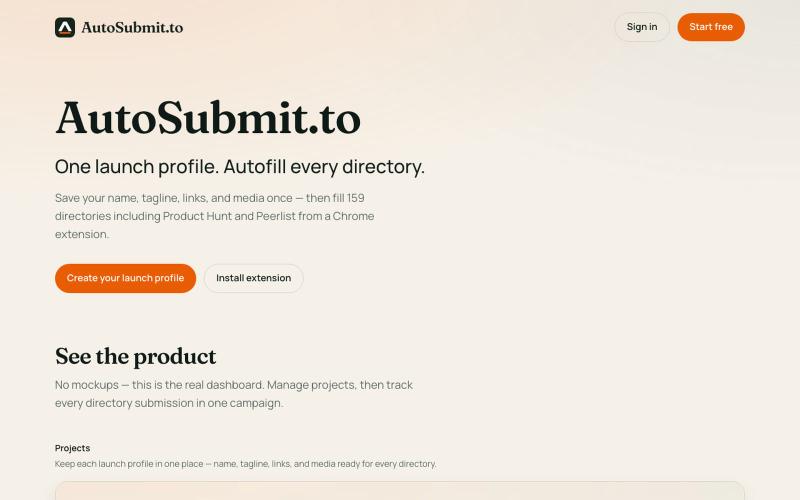
Chrome extension that auto-fills product launch submissions to Product Hunt, Peerlist, and more.

@benvspak · X
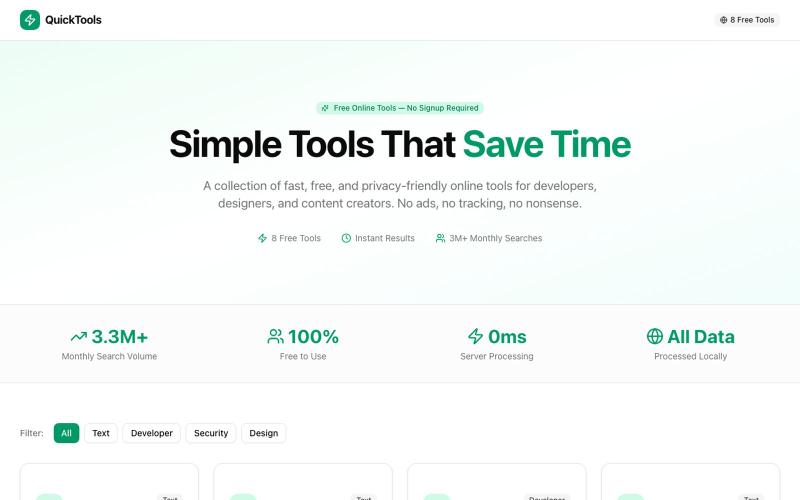
Eight free browser-based tools including JSON formatter, password generator, and color picker.

@Supportpintutec · X
Just launched QuickTools — 8 free online tools 🛠️ Word Counter • JSON Formatter • Password Generator • Color Picker 100% browser-based, no signup 🔗 #SideProject #WebDev #FreeTools #BuildInPublic

Turn screenshots into polished designs using a Chrome extension and web-based editor.

@buildwithshyam · X
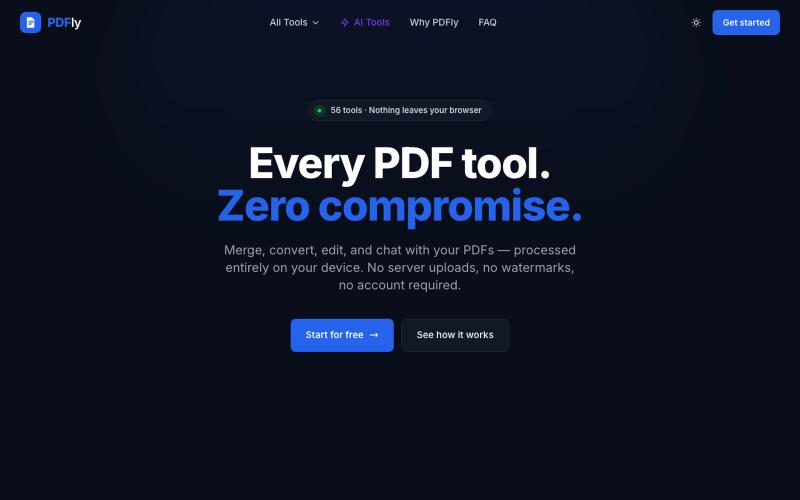
Browser-based PDF toolkit offering 56 free tools including merge, split, compress, convert, sign, and chat features.
pagalannu01 · HN
PDFly – 56 free PDF tools that run in the browser
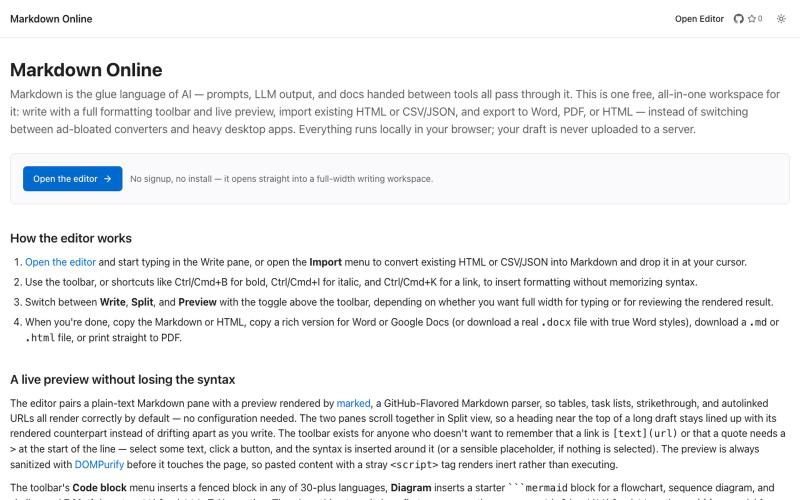
Browser-based markdown editor with live preview and export to HTML, Word, and PDF.
u/Eleraffa · Reddit
Built a browser-only Markdown editor for my own daily LLM workflows — live DBML schemas, proper DOCX export, token counts Hey r/SideProject , I move a lot of text between LLMs, local docs, and web tools every day. I couldn't find a lightweight browser editor that handled a few specific micro-annoyances without shoving ads in my face, requiring a signup, or routing text through a server. So I vibe-coded Markdown Online (mostly hacked together with Claude) to solve my own itch. It’s a plai