
Productivity1 week ago
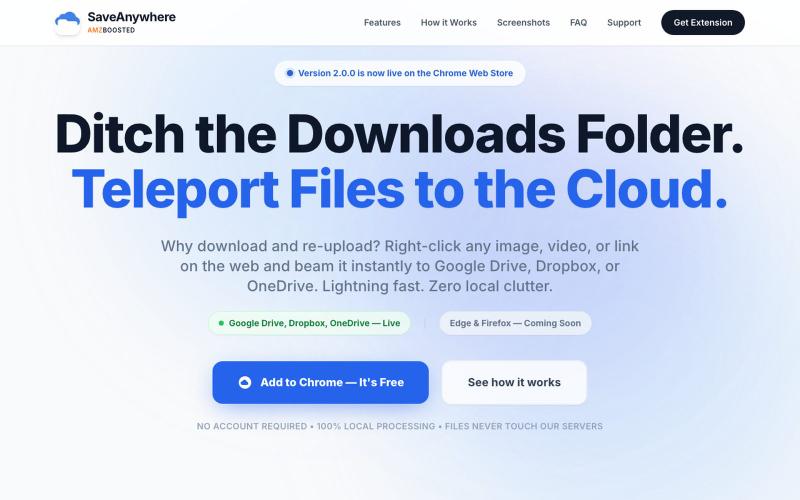
SaveAnywhere by AMZBoosted | Save Directly to Your Cloud
Chrome extension that saves files, images, and links directly to Google Drive, Dropbox, and OneDrive with local processing.

@SaveAnywhere · X
Free chrome extension :
The full gallery
Tech stack
60 projects
Chrome extension that saves files, images, and links directly to Google Drive, Dropbox, and OneDrive with local processing.
@SaveAnywhere · X
Free chrome extension :
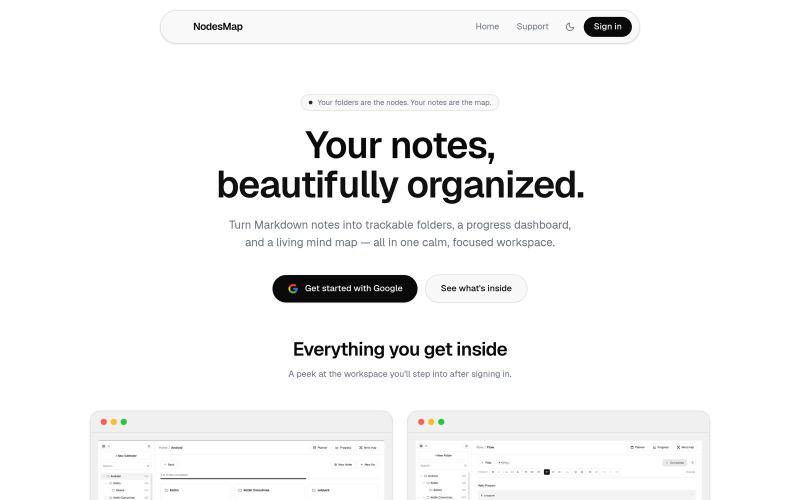
Organize markdown notes with progress tracking and visualize them as interactive mind maps

@vasanthadabala · X
Not really a startup. It's just something I built for myself a simple note taking app with a planner, progress tracker, and mind map I'm going to share it publicly @NodesMap check it

Free tools to convert, compress, and edit files directly in your browser without uploads.

@faisalhaleem · X
Just launched — free browser-based file tools runs entirely in your browser. Video to GIF (with trim slider) Merge / Split / Shrink PDF Your files NEVER leave your device. No sign-up needed. Free forever. #buildinpublic #webdev #indiedev #tools #privacy

A browser-native intent memory for individual contributors. Never lose what you meant to do.

@Slaetapp · X

Record your screen in the browser, save to Google Drive, and share via instant links for $29.

@HashamBuilds · X
Building Walkthrough, screen recorder, $29 once, videos save to your own Google Drive. No subscription, no vendor servers. 14 days refund with no question asked. Now shipping in public daily. 🔗
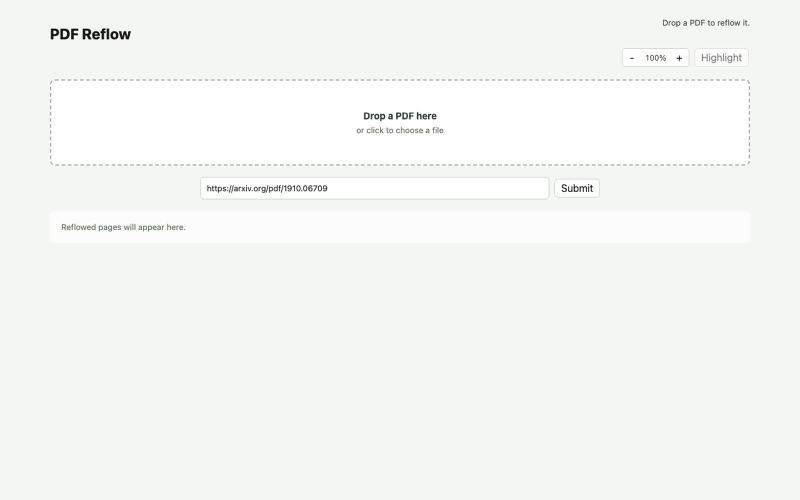
Reflow PDFs in your browser using a local AI model.
ldenoue · HN
Show HN: PDF reflow in the browser with local AI model
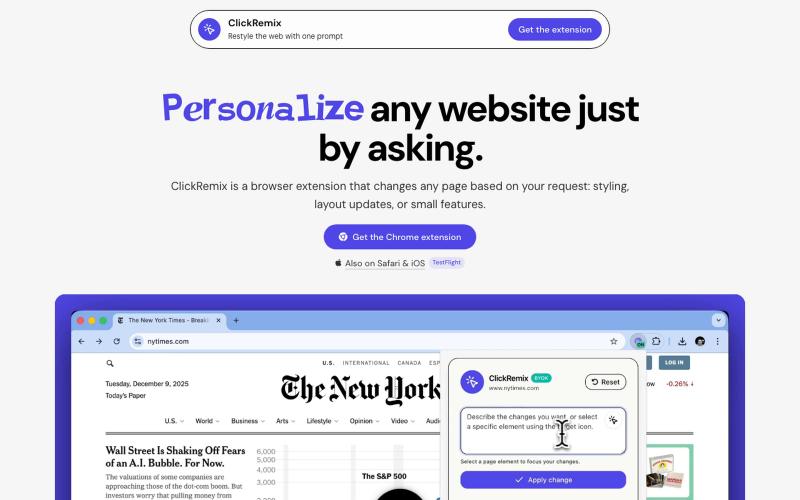
Browser extension that customizes webpages with text prompts for styling, layout, and feature changes.
alentodorov · HN
built it in spring 2026--ready to share today. use opus 4.8 to create css and js snipptes to style the websites you visit the way you want. make nytimes more print-like, hn more matrix, or just replace any mention of AI with the :poop-emoji" -- your call.
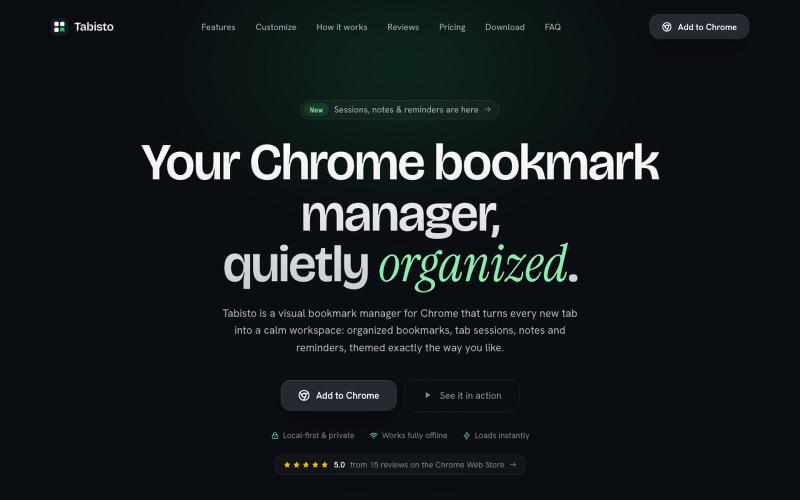
Chrome extension that organizes bookmarks visually on new tabs with workspaces and notes.

@IamYashKapoor · X
Built Tabisto (bookmark manager), a free Chrome extension and launched it in 5 days using Claude Code. Must try, you will really love it.
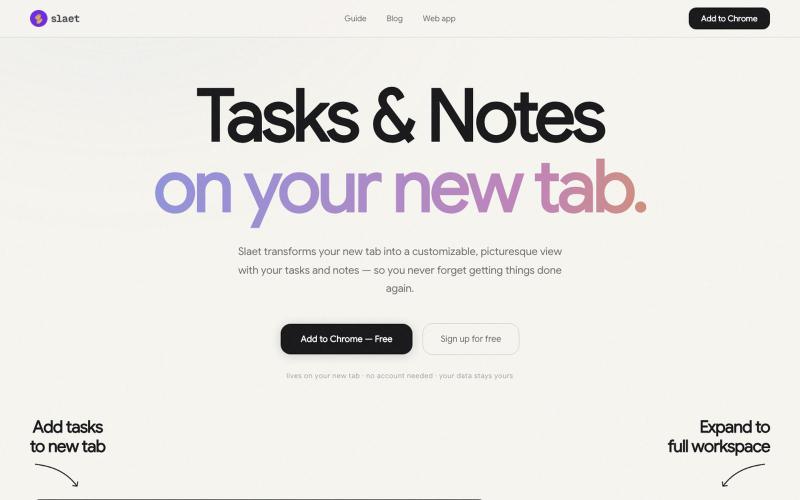
Add custom wallpaper, tasks, notes, and reminders to your Chrome new tab.
@Slaetapp · X
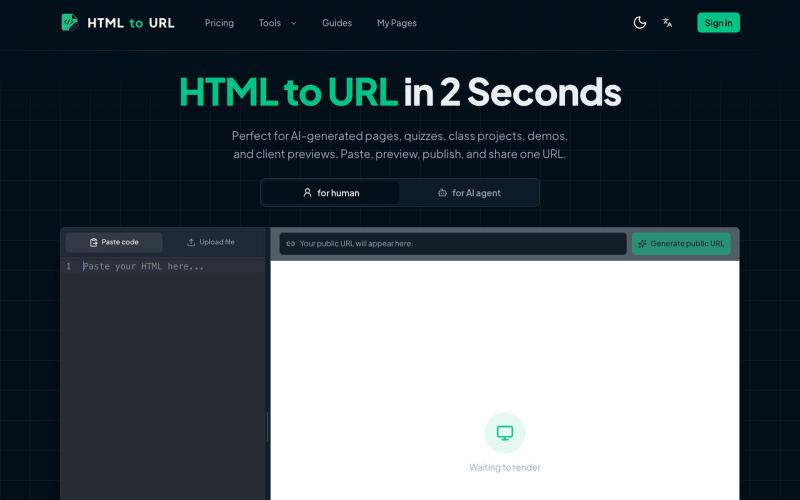
Convert HTML code to shareable links and preview online.
htmltourl — 专为 AI 编程设计的快速上线工具,粘贴 HTML 代码即可一键生成在线访问链接
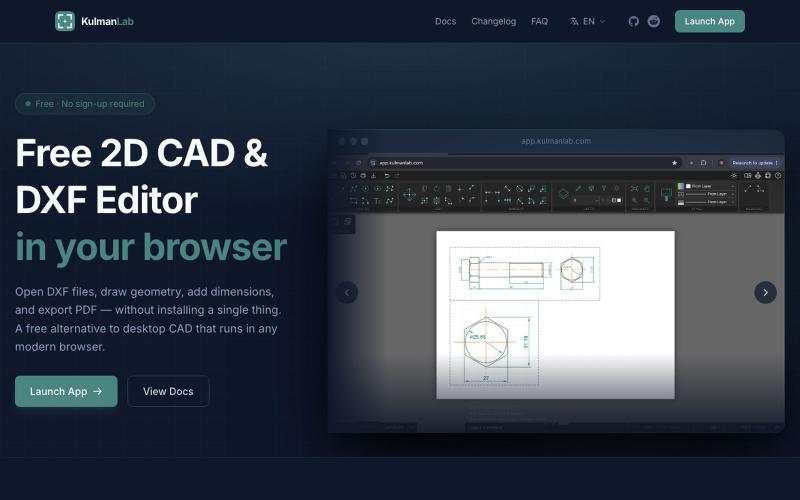
Draw and edit 2D CAD designs in your browser, then export as DXF or PDF — no installation or login required.

@KulmanLab · X
- a free and accountless alternative to Autocad

Browser-based tools for video and audio compression, cropping, merging, and conversion without uploading files.
zhw2590582 · V2EX
最近对网站进行了重构,做成了免费的视频工具站:[ArtPlayer Tools]( https://artplayer.org/tools/) 主要是围绕着 ffmpeg.wasm 和 mediabunny 实现的一些可以直接在浏览器里用的视频/音频工具,常用的有: - 视频压缩:[Compress Video]( https://artplayer.org/compress-video/) - 视频裁剪:[Crop Video]( https://artplayer.org/crop-video/) - 视频合并:[Merge Video]( https://artplayer.org/merge-video/) - 视频尺寸调整:[Resize Video]( https://artplayer.org/resize-video/) - 视频旋转:[Rotate Video]( https://artplayer.org/rotate-video/) - 视频调速:[Change Video Speed]( https://artplayer.org/change-video-speed/) - 添加文字到视频:[Add Text to Video]( https://artplayer.org/add-text-to-video/) - 添加水印:[Watermark Video]( https://artplayer.org/watermark-video/) - 提取字幕:[Subtitle Editor]( https://artplayer.org/subtitle-editor/) - HLS 转 MP4:[HLS to MP4]( https://artplayer.org/hls-to-mp4/) - 音频可视化:[Audio Visualizer]( https://artplayer.org/audio-visualizer/) 大部分工具都是本地处理,文件不会上传到服务器。最开始是因为自己偶尔要处理一些视频,开剪辑软件又有点重,在线工具又担心隐私,所以就慢慢做成了一个站。 目前还在持续完善,体验肯定还有不少粗糙的地方,比如不同浏览器的兼容、移动端操作、长视频性能之类的。 网站: [ArtPlayer Tools]( https: