Free Online CAD Editor — Draw, Edit and Export DXF Files in Your Browser
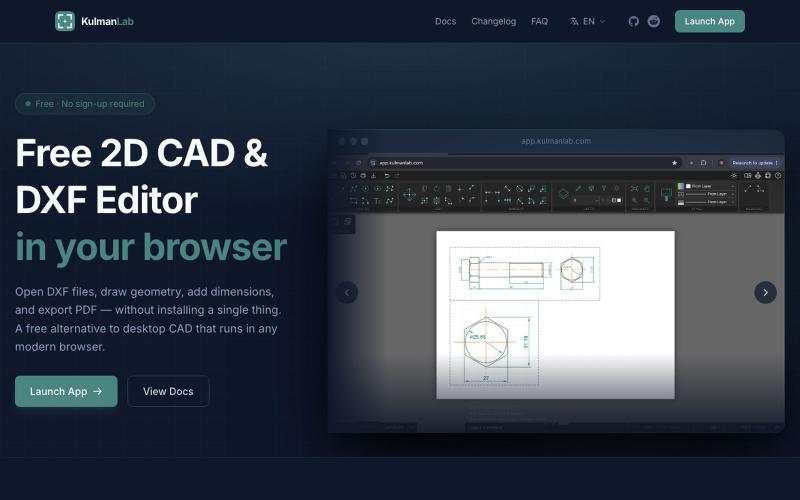
Draw and edit 2D CAD designs in your browser, then export as DXF or PDF — no installation or login required.
@KulmanLab · X
- a free and accountless alternative to Autocad
The full gallery
Tech stack
26 projects

Draw and edit 2D CAD designs in your browser, then export as DXF or PDF — no installation or login required.
@KulmanLab · X
- a free and accountless alternative to Autocad

Collaborative LaTeX editor with Markdown support, real-time editing, and built-in reference management.
danielszabo · HN
Online editor with LaTeX, Markdown, LaTeX+Markdown Hybrid and WYSIWYG (MD only) support, AI assistant with resource lookup and anti-hallucination features, live collaboration and more fun things. Still in quite early beta. First institutional deployment scheduled in the autumn. Feel free to play around.

Browser-based tools for video and audio compression, cropping, merging, and conversion without uploading files.
zhw2590582 · V2EX
最近对网站进行了重构,做成了免费的视频工具站:[ArtPlayer Tools]( https://artplayer.org/tools/) 主要是围绕着 ffmpeg.wasm 和 mediabunny 实现的一些可以直接在浏览器里用的视频/音频工具,常用的有: - 视频压缩:[Compress Video]( https://artplayer.org/compress-video/) - 视频裁剪:[Crop Video]( https://artplayer.org/crop-video/) - 视频合并:[Merge Video]( https://artplayer.org/merge-video/) - 视频尺寸调整:[Resize Video]( https://artplayer.org/resize-video/) - 视频旋转:[Rotate Video]( https://artplayer.org/rotate-video/) - 视频调速:[Change Video Speed]( https://artplayer.org/change-video-speed/) - 添加文字到视频:[Add Text to Video]( https://artplayer.org/add-text-to-video/) - 添加水印:[Watermark Video]( https://artplayer.org/watermark-video/) - 提取字幕:[Subtitle Editor]( https://artplayer.org/subtitle-editor/) - HLS 转 MP4:[HLS to MP4]( https://artplayer.org/hls-to-mp4/) - 音频可视化:[Audio Visualizer]( https://artplayer.org/audio-visualizer/) 大部分工具都是本地处理,文件不会上传到服务器。最开始是因为自己偶尔要处理一些视频,开剪辑软件又有点重,在线工具又担心隐私,所以就慢慢做成了一个站。 目前还在持续完善,体验肯定还有不少粗糙的地方,比如不同浏览器的兼容、移动端操作、长视频性能之类的。 网站: [ArtPlayer Tools]( https:

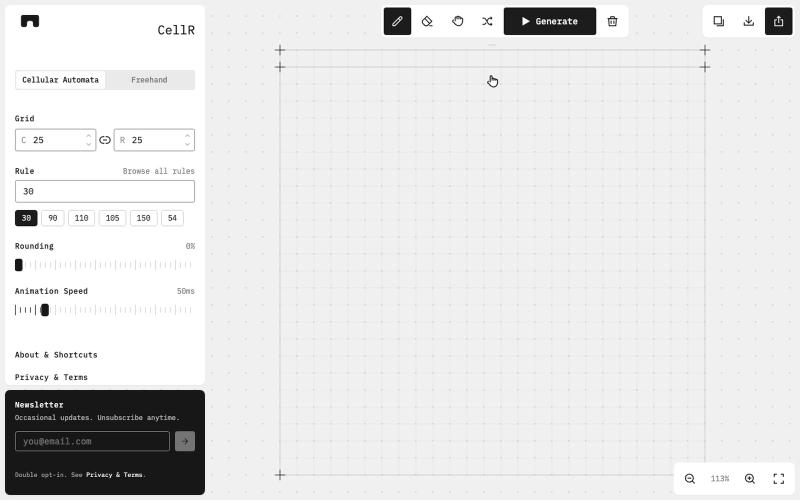
Design cellular automata patterns, animate them, and export as SVG.
@majo_puterka · X
Nerdy, browser-based pattern generator on Wolfram's cellular automata. SVG export, freehand mode, free.

Design electronic circuits and PCBs in your browser with KiCad, no installation required.
ViktorEE · HN
KiCad, a PCB EDA suite is now working in a browser, you can try it at the link, there's a demo project or you can bring your own. Firefox is best, Chrome is good, Safari is "working". We’re Emergence Engineering, a dev shop from Hungary, mostly working with rich text editors, CRDTs. PCBJam started as my (Viktor, CTO, ex-electrical engineer) hobby project but as time went on I put more and more energy into it, and a product started shaping up in my head, in the last few months we’ve started to focus on this project a bit more, and this is the first MVP~ish result. This project is a ton of fun, ton of learning, ton of improvements over improvements: - I thought there must be ways to emulate the PCB canvas OpenGL code on the web. And yes, there are a lot of ways, all of them very buggy. Turns out it’s faster to just write WebGL code that works with KiCad’s Graphics Abstraction Layer if you add the right intermediate debugging steps. I (with Claude) implemented the features and compared

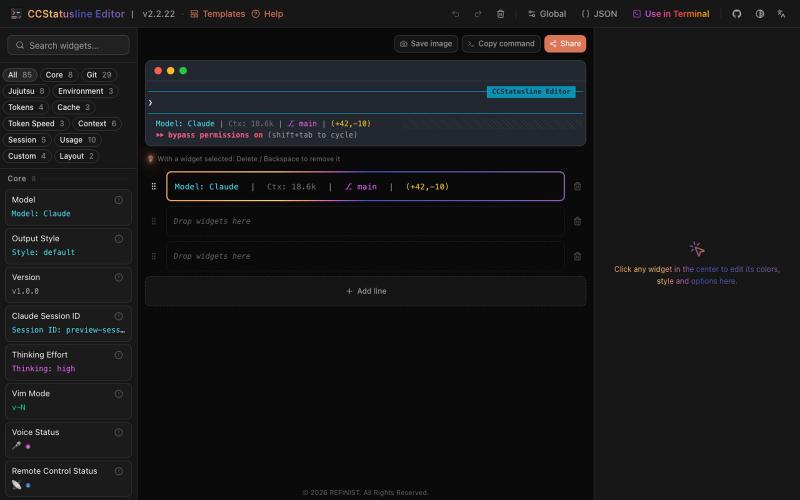
Drag-and-drop visual editor for Claude Code status line with terminal preview.
@refinistdev · X
Tired of hand-editing your Claude Code status line? I built a visual editor for ccstatusline 🎨 → drag & drop widgets → true-to-terminal preview, no Nerd Font needed → one command to apply Free & open source 👇 #ClaudeCode #ccstatusline

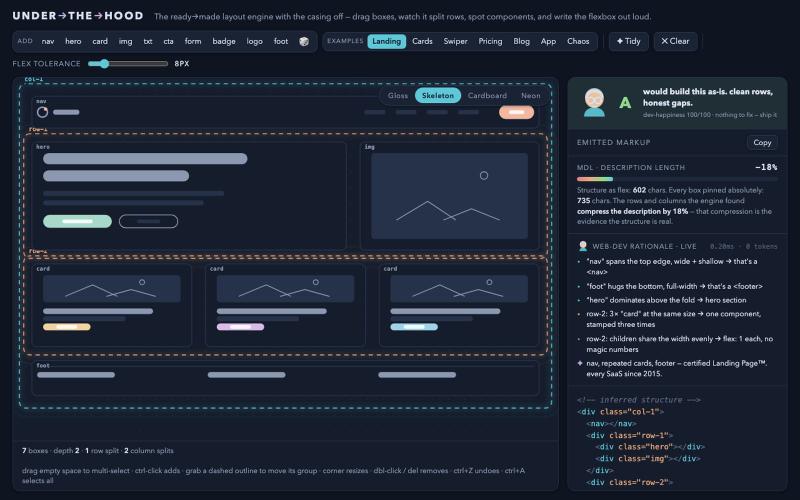
Drag boxes to visualize how a Flexbox layout engine infers constraints.
drzivil · HN
Drag boxes around and watch a layout engine infer the Flexbox (no AI)

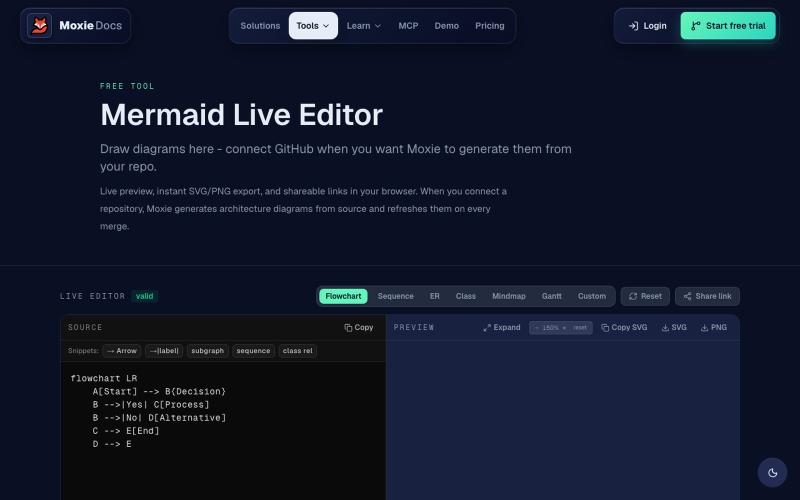
Create and export flowcharts, sequence diagrams, ERDs, and other Mermaid diagrams online.
ghosts_ · HN
I've been slowly adding some new free tools to Moxie Docs (partly for SEO, partly to illustrate some of our feature sets before any commitment) for some reason this mermaid editor one blew up on Google rankings so I figured I'd share in case people find it useful! We also have ADR, AGENTS.md, LLMs, and a few other free tools.

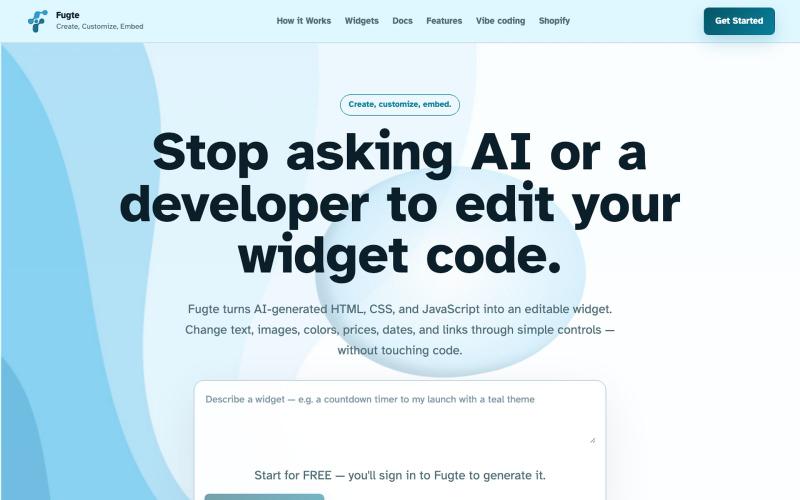
Create and customize interactive widgets with AI and embed them on any website.
@fugteapp · X
which empowers nontechnical users to be able to customize code generated by AI or developer, and be able to share and embed it to the website they are already using

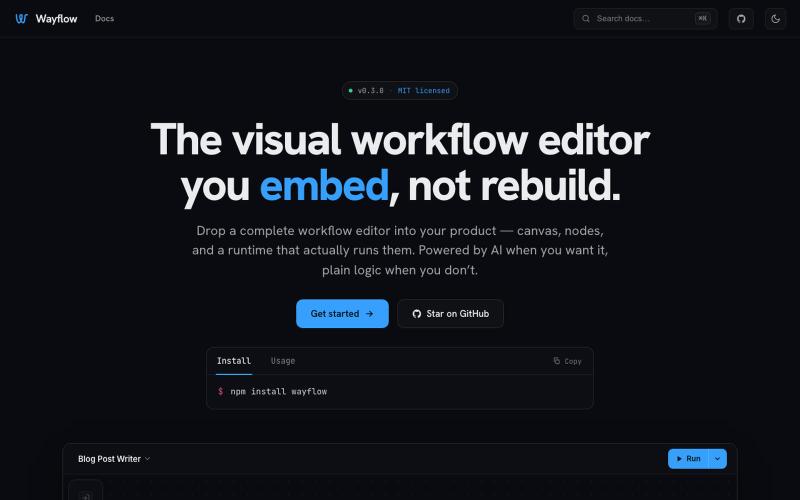
Embeddable visual workflow builder for web apps with optional AI assistance.
tahazsh · HN
Hi! I’m Taha. In many agentic products that support workflows (including one I worked on), I noticed they either don’t support node-based editors, or use React Flow and go through the difficult work of integrating it into their product to run it and work with their existing logic. So I thought about creating a tool that could help with this by closing the gap between the editor and the runtime. That’s why I created Wayflow. The basic architecture is simple: you just need to create a graph (which is a JSON object) that the runtime knows how to run. The runtime doesn’t care where that graph is coming from, it just needs the right schema. And with the help of the editor, you can create the graph, and then export it or directly save it on your backend in your database. And then when you want to execute it, you just hand it to the runtime. The runtime can either stream the execution (which is useful for the editor), or give you the final result. How you execute the graph is up to you: t

Free online tool for creating flowcharts, process diagrams, org charts, and UML diagrams.
@N0V4Dev · X
I found a tool called Next AI that links AI capabilities directly with diagrams. It lets you build and edit diagrams using natural language prompts instead of clicking around the canvas manually. It's a handy way to sketch out architecture when you don't want to drag every box yourself. The project is built on TypeScript with React 19 and Next.js. It supports multiple AI providers and even includes an MCP Server. This means you can use it with the Claude Code CLI to generate diagrams from your terminal. Deployment options are flexible too. You can run the tool locally with Docker or push it to Vercel and Cloudflare Workers. It supports multi provider setups so you can pick the backend that fits your workflow. #Nextjs #AI #Diagrams #TypeScript

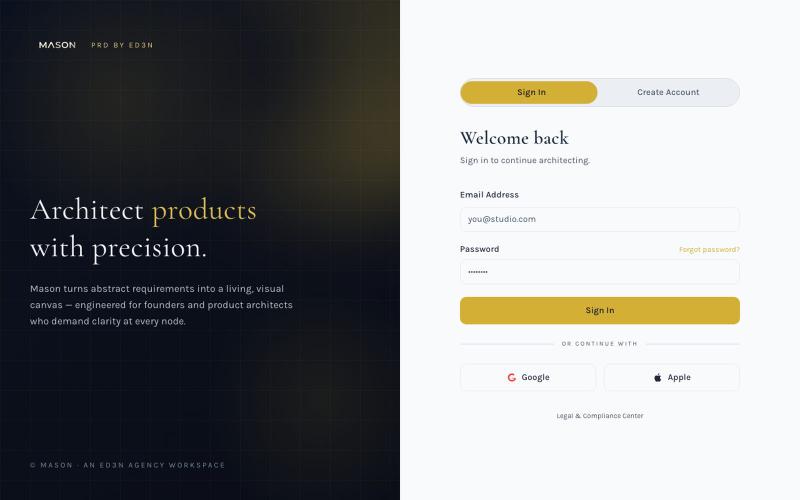
Create visual product requirements documents using a minimalist canvas interface.
@KolhyP92244 · X