AI Text to Stamp Generator | Create Business & Vintage Seals
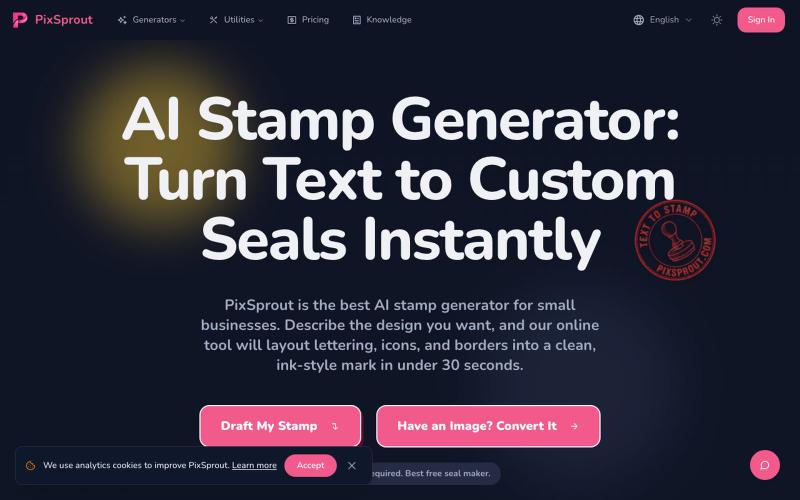
Generate custom business stamps and seals from text prompts using AI.
pixsprout.com — 专注于生成复古橡皮印章效果的 AI 工具,支持文字生成印章、图片转印章及自动去底 - [更多介绍](https://pixsprout.com/image-to-stamp)
The full gallery
Tech stack
8 projects

Generate custom business stamps and seals from text prompts using AI.
pixsprout.com — 专注于生成复古橡皮印章效果的 AI 工具,支持文字生成印章、图片转印章及自动去底 - [更多介绍](https://pixsprout.com/image-to-stamp)

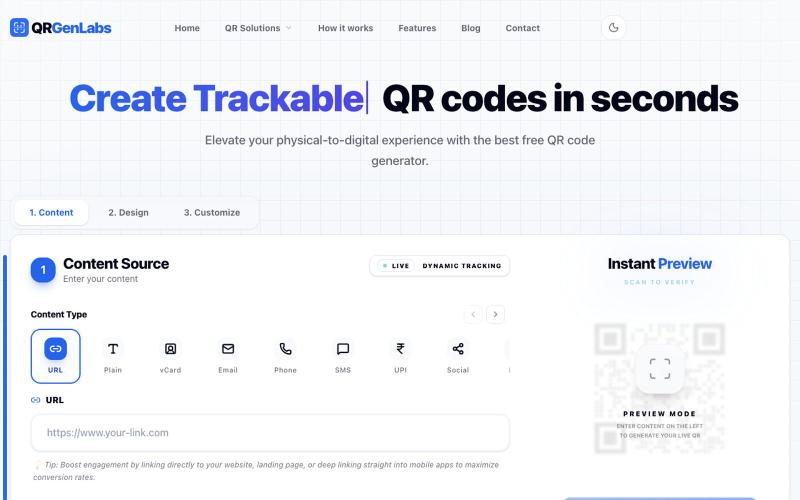
Generate and customize QR codes with logo insertion, tracking, and export to PNG or SVG.
@rahuld1506 · X

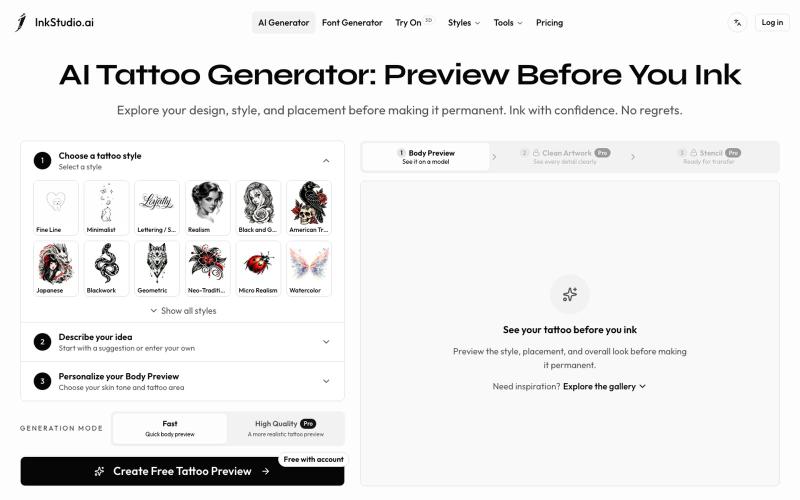
Create and preview your tattoo before you ink. Explore realistic body placement, clean artwork, and stencil linework to review with your tattoo artist.
Irving853 · V2EX
我的产品陷入绝望 先容许我花 2 分钟介绍一下产品背景吧。 今年年初,我在 Toolify 收入榜尾部看到一个 AI 纹身生成产品。看到真的有人付费,当时我觉得这个需求应该是存在的,而且产品门槛看起来也不高,我应该也能做。 于是说做就做,持续做了半年,就有了现在的 [InkStudio.ai]( https://inkstudio.ai)。 我前后看了几十款竞品,发现它们大多都是同一种模式:输入提示词,生成一张纹身图案。 我把主要目标用户定成了第一次纹身的人。 按照正常的纹身流程,用户需要先在线下和纹身师沟通想法,然后由纹身师设计,确认后再真正纹到身上。这个过程一旦开始逐步推进,留给用户后悔的余地就越来越少。 我也去 Reddit 做了一些调研,发现不少人都在吐槽类似的问题: 和纹身师沟通并不顺畅,拿到的设计不满意,不知道还要不要去纹;有的人到了纹身店,发现效果和预期不一样,也不知道该怎么提意见,甚至不敢提。最后纹到了自己身上,又开始后悔。 我的产品一开始也只是根据提示词生成纹身图案。 但随着调研越做越多,我对用户需求的理解也一直在

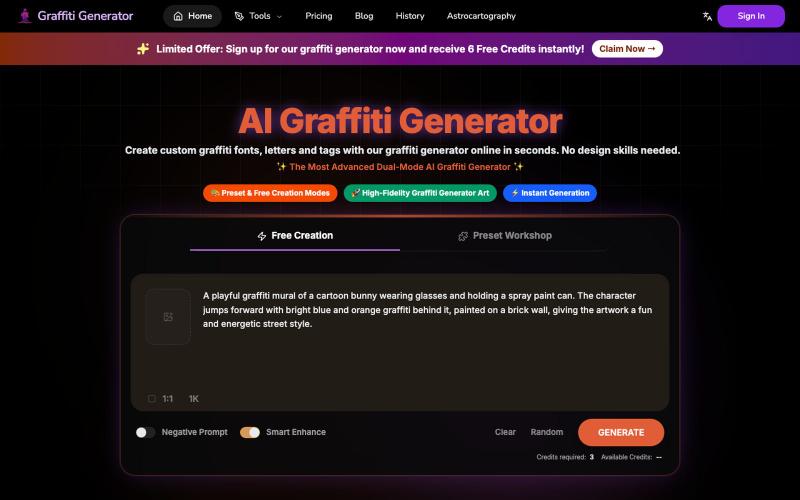
Create graffiti fonts and text designs from any words using AI.
Graffiti Generator — 生成涂鸦艺术,旨在降低涂鸦创作的门槛。它结合了 AI 绘画生成与传统的字体设计功能,让用户无需任何绘画基础,也能在几秒钟内创造出专业级的涂鸦作品。

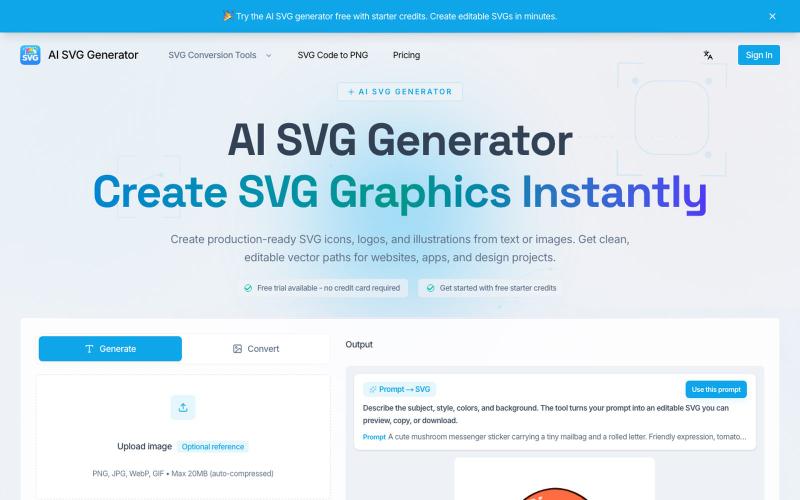
Transform text into SVG icons, logos, and vector graphics instantly.
AI SVG Generator — AI SVG 生成器,可将文本即时转换为精美的 SVG 图标、Logo 和矢量图形。

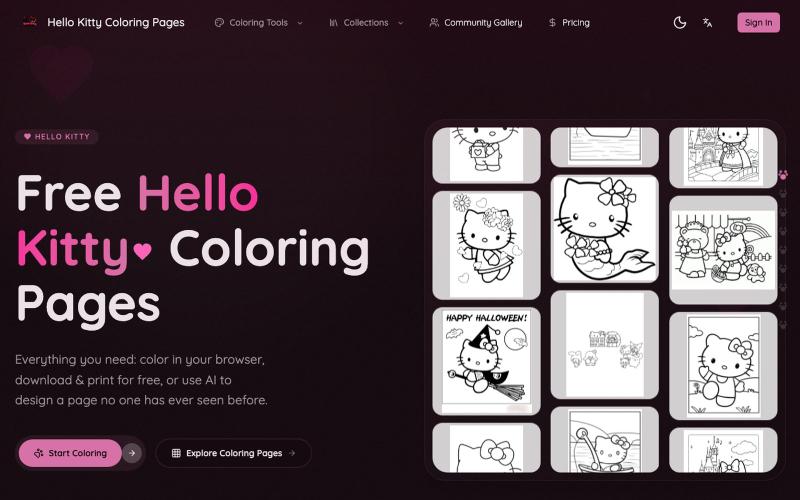
Color Hello Kitty pages online, print designs, or generate custom pages with AI.
Hello Kitty Coloring Pages — 支持 Hello Kitty 填色纸下载、打印、在线填色、AI 自动填色、AI 定制填色纸等功能

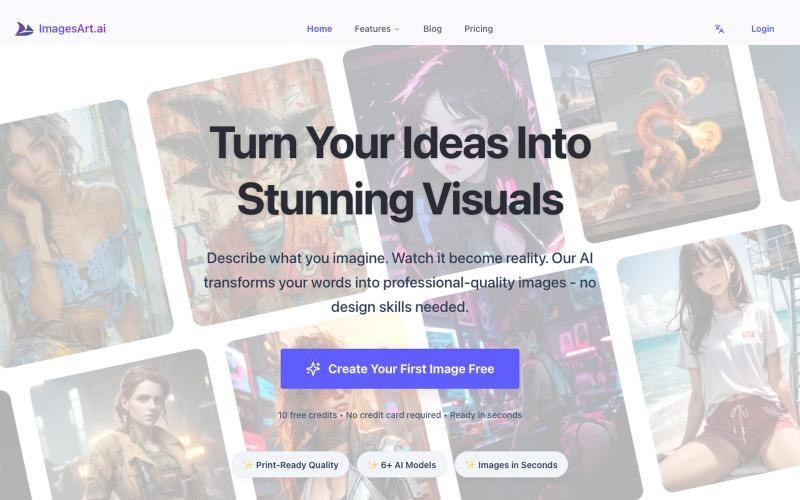
Generate professional images from text using multiple AI models.
ImagesArt.ai — 生成完美的AI艺术提示词。使用这个工具为Flux、Midjourney和Stable Diffusion模型生成并优化图像提示词。

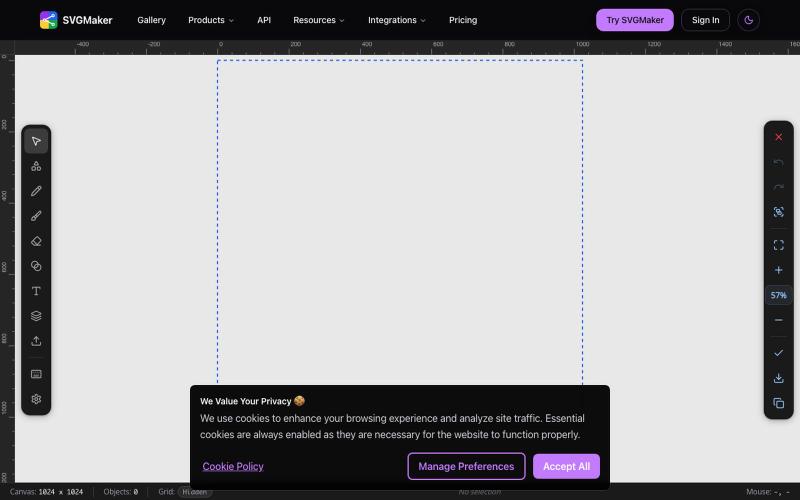
Design vector graphics with AI text-to-SVG generation and multi-format editing in your browser.
u/Every-Comment5473 · Reddit
I think I may have finally found a fully free alternative to BoxySVG. I came across this browser-based free SVG editor from svgmaker , and it feels pretty close to Apple Freeform in the way the canvas, grids, snapping, and alignment work. It also lets you edit paths, points, text, colors, shapes etc. Most of the things I used to open BoxySVG for, I can now do in this one—and it’s completely free. Honestly, I wasn’t expecting it to be this capable, especially since most AI image generation