
Creative Tools1 month ago
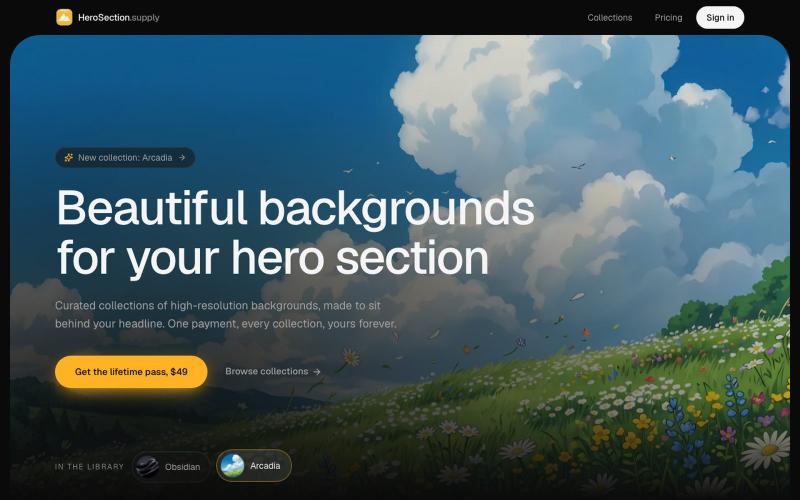
HeroSection.supply: beautiful backgrounds for your hero section
Download or purchase curated background images designed for hero sections.

@ugo_builds · X
The full gallery
Tech stack
18 projects
Download or purchase curated background images designed for hero sections.
@ugo_builds · X
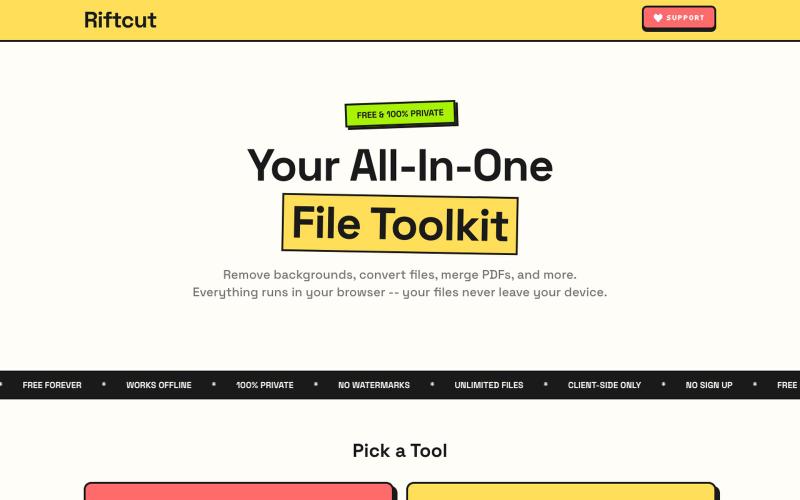
Remove image backgrounds with AI and manage PDFs—convert, merge, and create—all privately in your browser.

@irshit0 · X
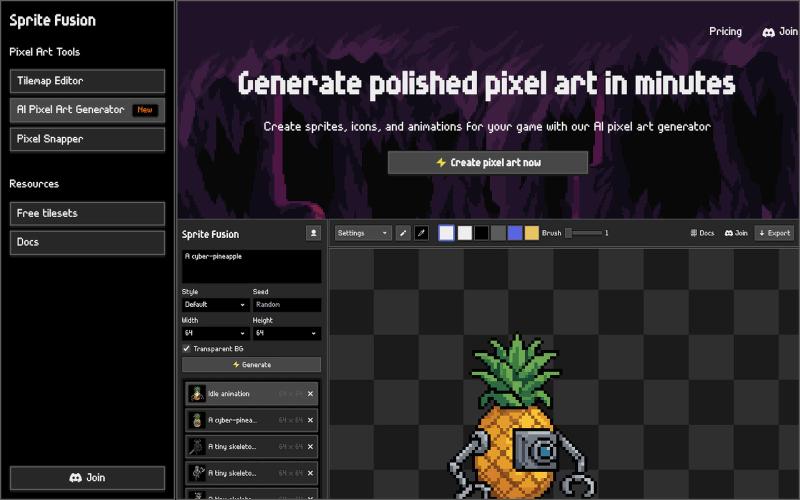
Create pixel art sprites and game assets with AI, then edit and export them in your browser.
hugodpz · Product Hunt
AI Pixel Art Generator The professional AI pixel art generator for game developers
Generate seamless patterns and textures from prompts or images, then export them.
Seamless Canvas — AI 无缝纹理生成器,通过文字描述或上传图像生成可平铺纹理 - [更多介绍](https://seamlesscanvas.com)
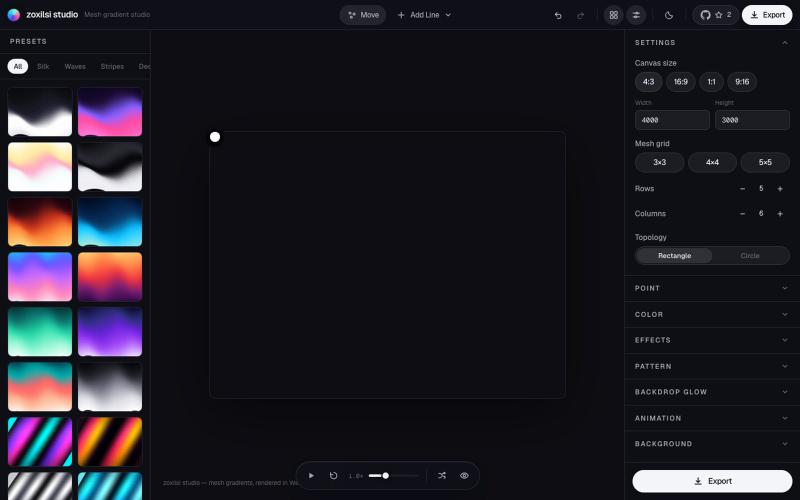
Design and export beautiful mesh gradients, waves, and patterns with GPU-accelerated effects.

@zoxilsi · X
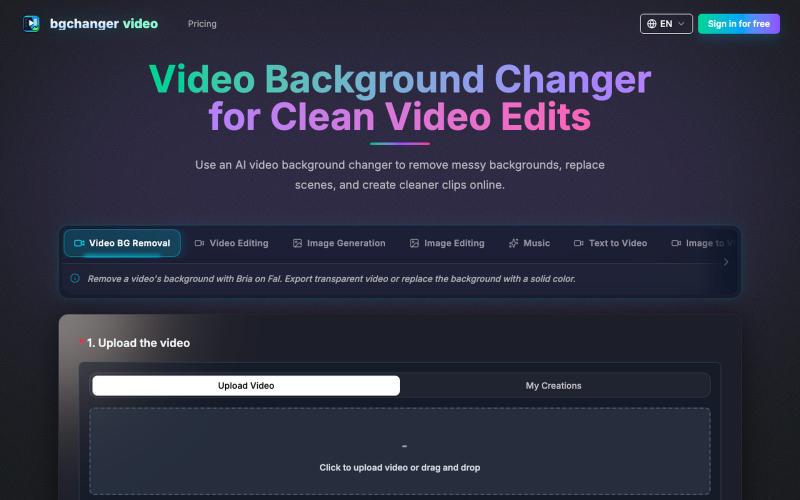
Remove or replace video backgrounds with AI, then download the edited video.
BGChanger - AI 视频背景移除与换脸 — 在浏览器中一键替换或移除视频背景,支持高精度 AI 换脸与基础视频剪辑,无需安装客户端与绿幕。
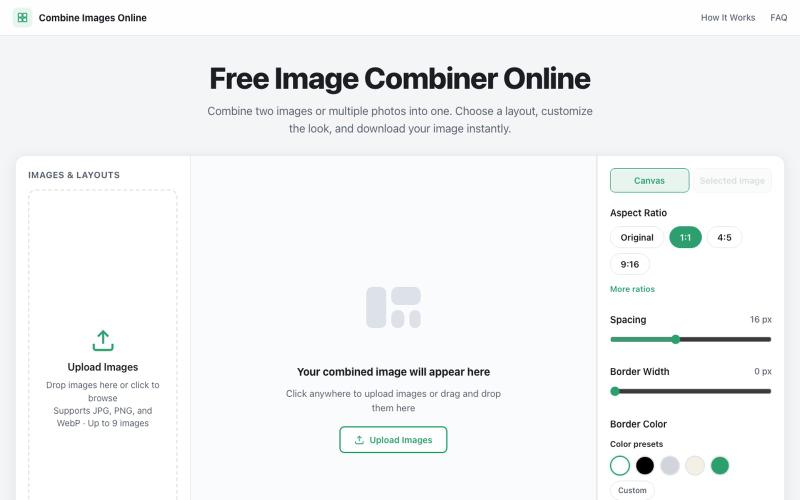
Combine multiple images into custom grids with adjustable spacing, borders, and backgrounds.

@dais33923 · X
新手村一号作品在这里: 做了一个免费的在线拼图工具,可以上传多张图片、自由排版、换背景和边框,再导出成图。 欢迎路过玩玩,也欢迎狠狠挑刺:不好用、缺功能、哪里丑,都可以告诉我(虽然我自己也知道嘿嘿)。 先把它养活,后面慢慢养大or再换一个站玩玩哈哈哈😄🧩
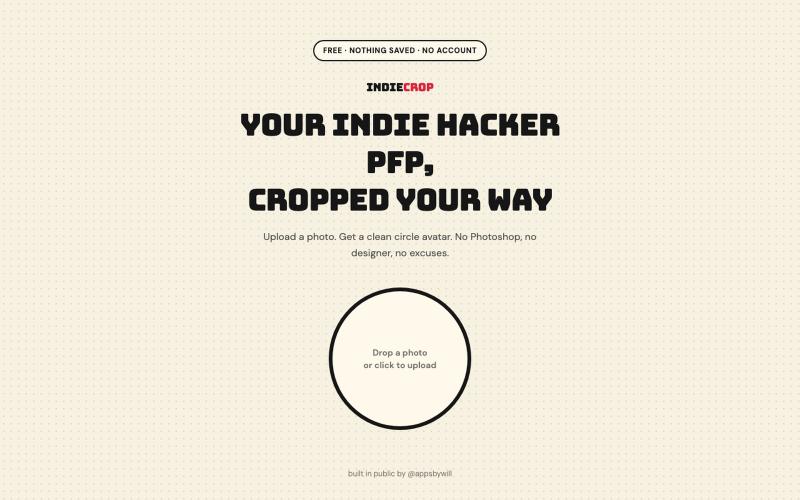
Generate a circular avatar from any photo with automatic background removal in the browser.

@appsbywill · X
i've been playing around with this profile picture maker, I really want to fine tune the background removal and add more styling templates. Let me know if you find more bugs!
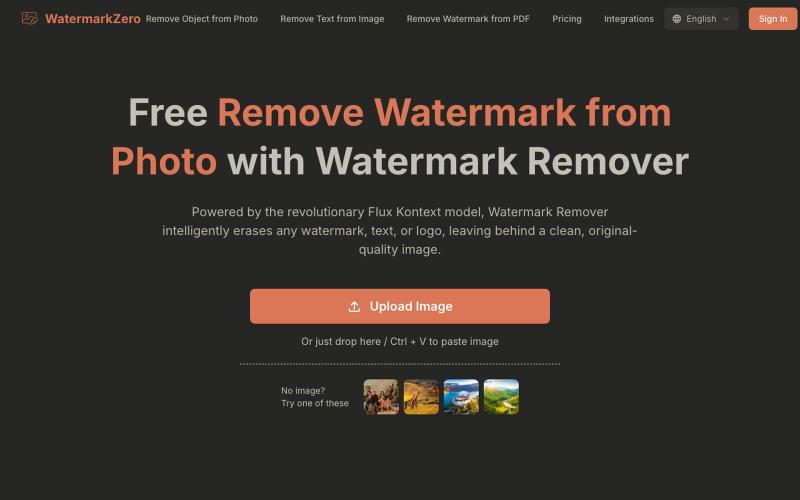
Remove watermarks, text, or logos from photos using AI that rebuilds the background naturally.
Watermarkzero — AI 免费去除图片水印。擦除您照片上多余的水印、文字或标志。它并非仅仅涂抹或模糊水印,而是智能地重建水印后方的背景。 最终呈现的是一张完美干净、自然的照片,仿佛水印从未存在过
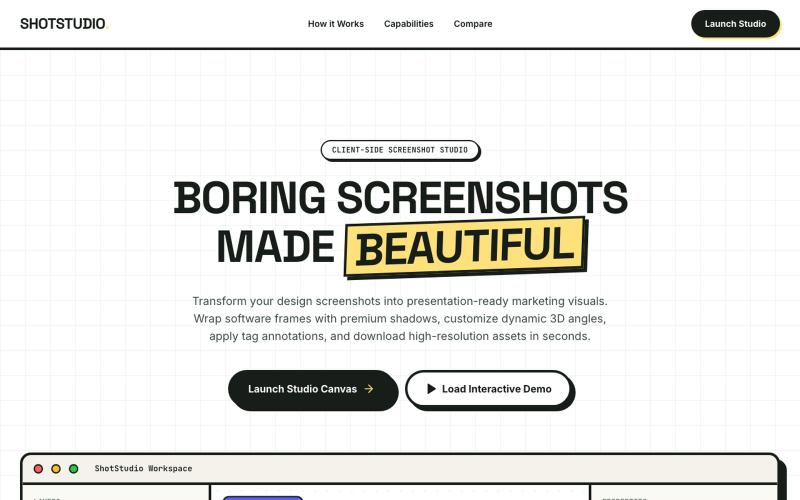
Add device frames, shadows, and annotations to screenshots.

@klein_more88816 · X

Merge PDFs, compress images, remove backgrounds, and access utilities entirely in your browser.

@damiadeh · X
Your files utility tools stacks in your browser. No uploads, files stays on your pc.

Convert photos and videos to ASCII art, pixel art, mosaic, and more in your browser.

@kail_designs · X
Jokes aside but honestly (Landing page) was built with Claude (Opus 4.7) in 1 day. But no, it was not just four prompts or some random skills. Here's how I built the entire AsciiMagic landing page with Claude in one day👇 Started with a rough sketched wireframe. Then designed it in @paper Then I used the Paper MCP with Claude to recreate that design in code and get a solid first version running. From there, the real work began. I kept iterating with specialised Claude skills: • impeccable • frontend-design • emil-design-eng • review-animations • responsive-design • seo-audit Each one improved a different part of the experience. By the end, the page had: • Mobile-first responsiveness • Better SEO optimised copy • Smooth micro-interactions • Cleaner frontend architecture Then came the part people don't see. For the next 5–6 hours, I wasn't asking Claude to "make it prettier." I was: • Fine-tuning layouts • Uploading and compressing assets • Moving files across diff