
Other3 weeks ago
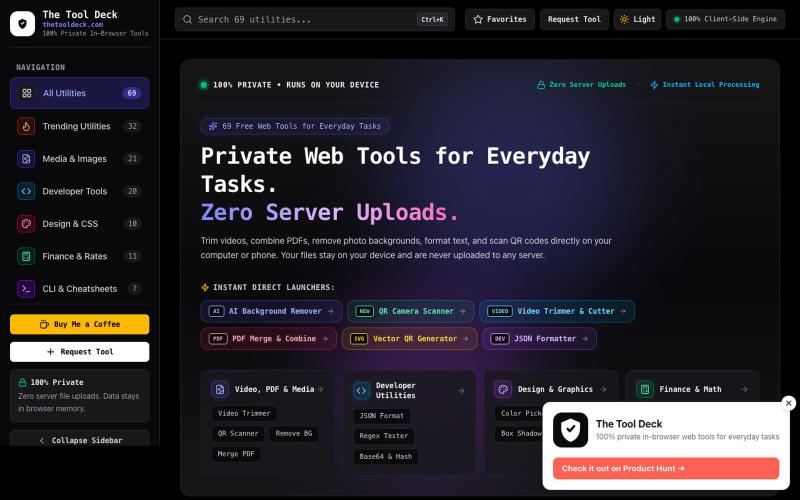
The Tool Deck — 69 Free Private In-Browser Web Tools for Everyone
69 free in-browser web tools for everyday tasks, small PDFs, remove BG, photo editing & code. 100% private — your files never leave your device.

@DevanshuRuhela · X
The full gallery
Tech stack
61 projects
69 free in-browser web tools for everyday tasks, small PDFs, remove BG, photo editing & code. 100% private — your files never leave your device.
@DevanshuRuhela · X
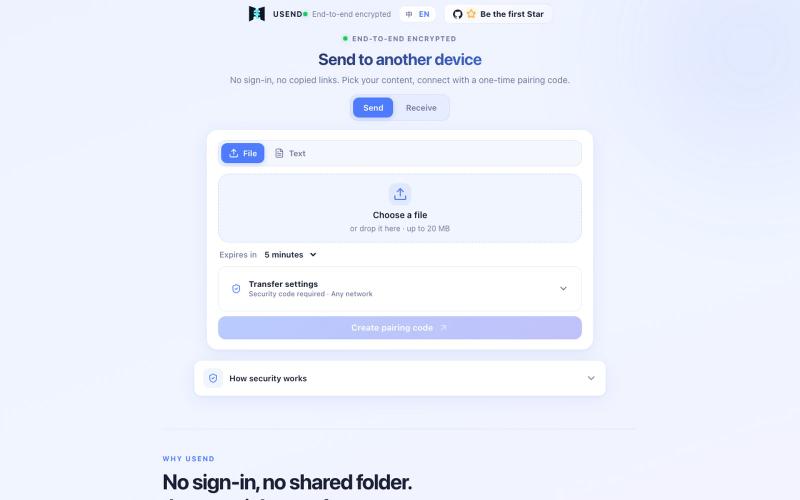
Transfer files or text between devices using a one-time pairing code with end-to-end encryption and automatic cleanup.

@FrankFika · X
Still using a chat app to send files to yourself? I built USend: no sign-in, no app, no permanent share link. An 8-digit code moves a file or text between devices. Browser-side encryption. Auto-delete after receipt or expiry. Try it: #VibeCoding #OpenSource
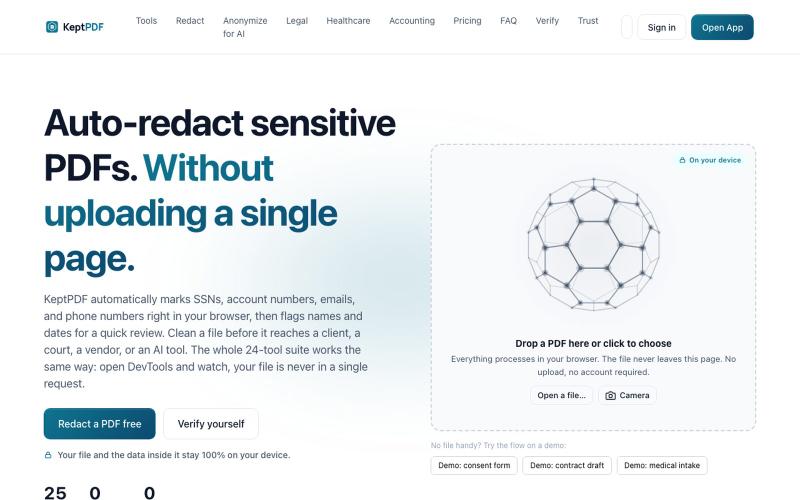
Redact, edit, OCR, and sign PDFs in your browser without uploading files.
u/jwwpua · Reddit
I built a PDF redactor that auto-detects names, SSNs, and account numbers without sending your file anywhere - works on your phone too. Free, no sign-up. Plenty of redaction tools upload your file to their server first (no thanks for legal/medical/tax docs). Some keep the file local but send the text off to an AI, so the text still leaves. And most of the truly local ones only let you draw black boxes by hand, which is how those "redacted" documents in the news keep getting un-r
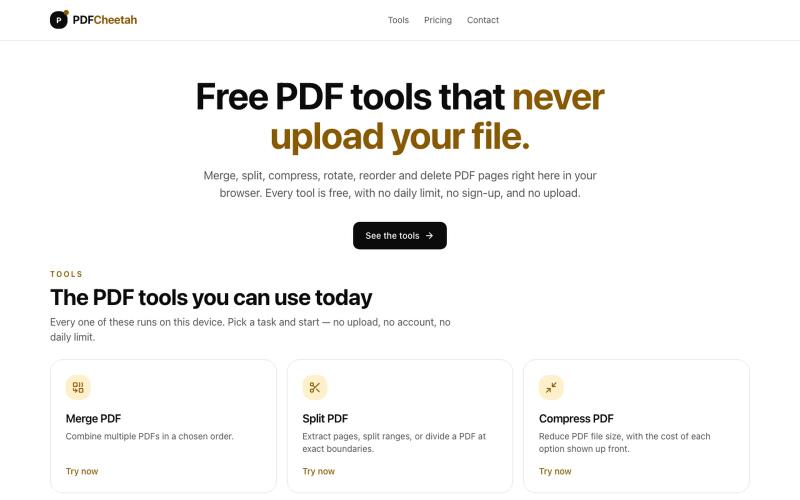
Merge, split, compress, rotate, reorder and delete PDF pages in your browser. No daily limit, no account, and your document never leaves your device.

@PDFCheetah · X
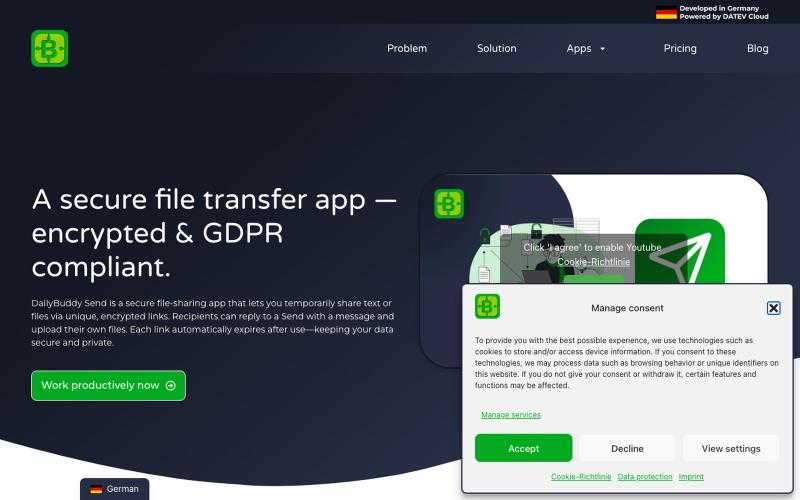
Secure file transfer app with encryption, expiration dates & password protection. Share files GDPR-compliant with DailyBuddy Send

@beckerilja · X
Just shipped: Send is now two-way. 🎉 You could always share files securely. Now the recipient can upload files & send text back too — no account needed. Secure file requests, basically. → #buildinpublic #saas
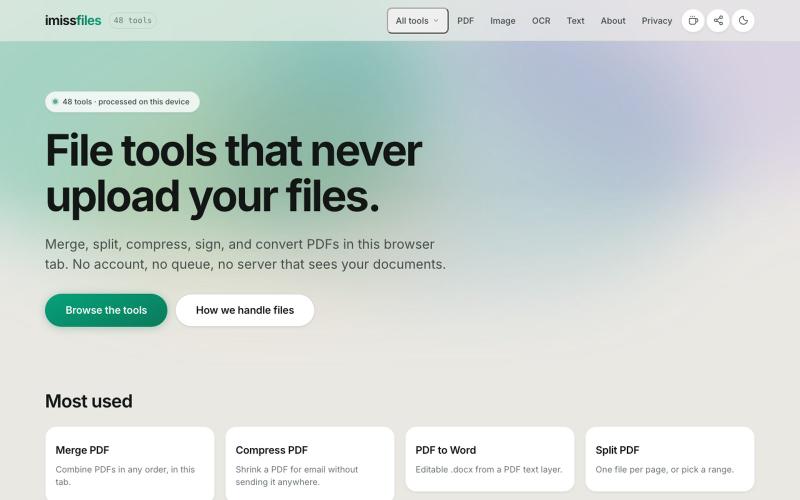
Merge, split, compress, sign, and convert PDF files with 48 free tools that run entirely in your browser. No account, no upload, no limits.

@imissfiles · X
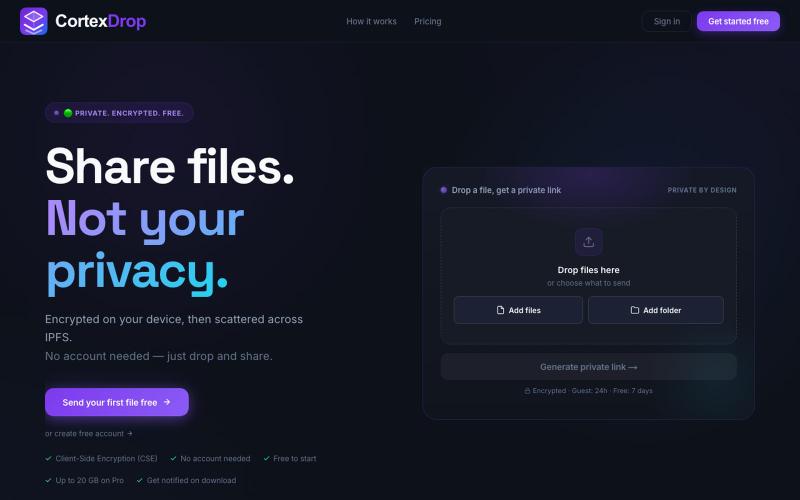
Share encrypted files with self-destructing links without signing up.

@cortexdrop · X
CortexDrop- first consumer file sharing built on IPFS. Drop a file, get a private link.
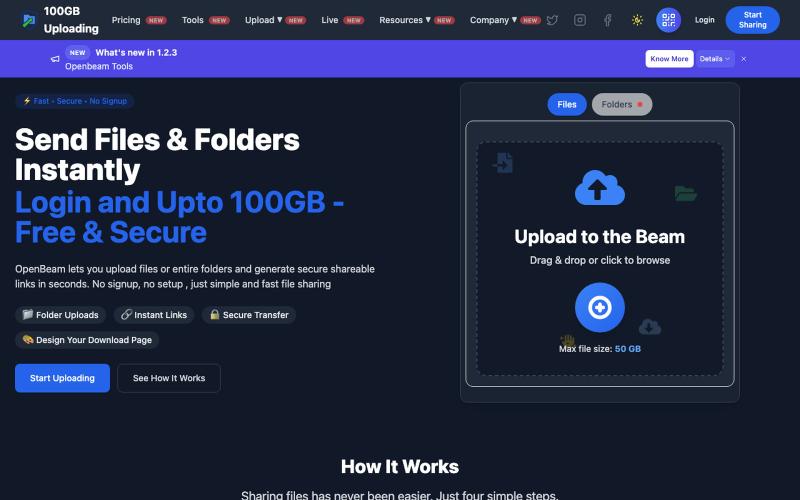
Share files and folders up to 100GB instantly without signing up.

@Abhishe33854772 · X
Replace Files, Keep the Same Link Upload a file once and share the link Need to update the file later? Simply replace it in and the original link continues to work.
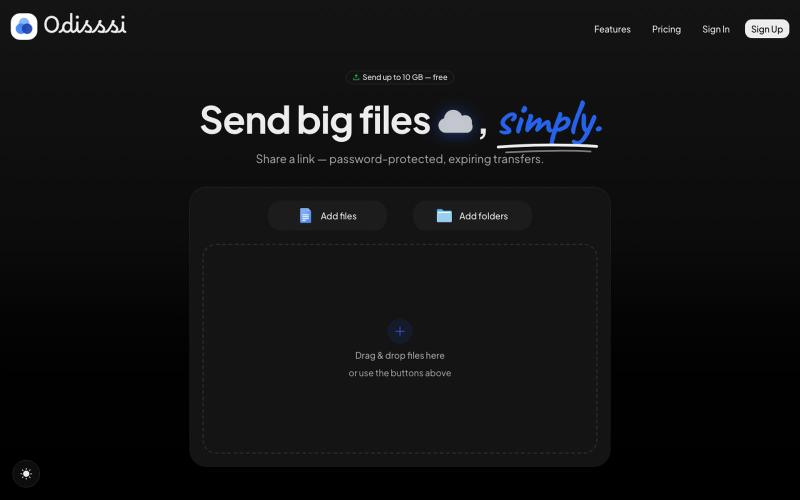
Send large files with a simple link. Password-protected, expiring transfers — no account needed to receive.

@Odisssi · X
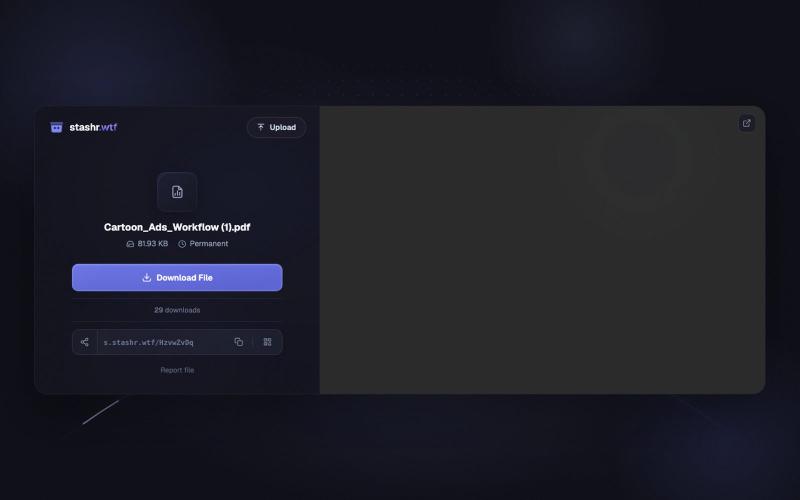
Upload and share files up to 1GB free with client-side AES-256 encryption, no signup required.

@ecom_jona · X
CARTOON ADS are taking over Meta right now!!!🔝 Made this entire ad with one workflow I built with Claude. No agency, no filming, no editing. These formats are converting higher than almost anything else right now. Download my workflow here:
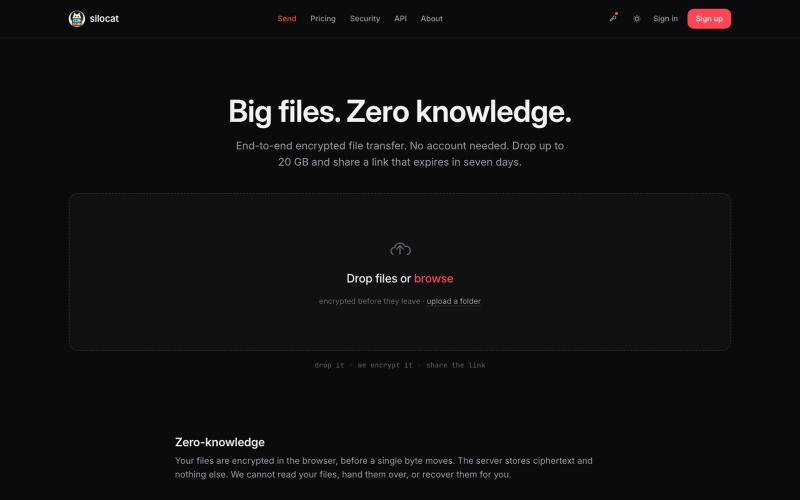
Share files up to 20 GB with zero-knowledge encryption and automatic link expiration.

@clickswave · X
vibe coded slop
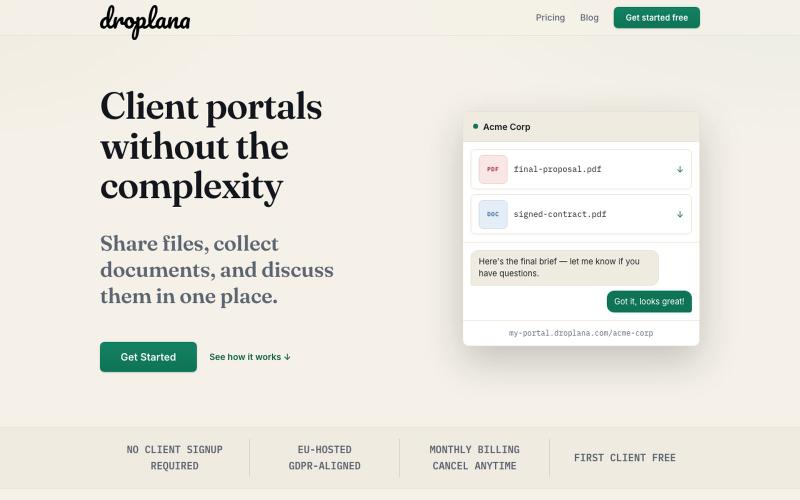
Create client portals to share files and collect documents without signup.

@droplana_com · X