

Creative Tools1 month ago
Screely — Free Screenshot Mockup Tool. Private, In Your Browser.
Create professional screenshot mockups with frames, backgrounds, and annotations in your browser.

@Aticmatic_com · X
of course for people:
The full gallery
Tech stack
12 projects
Create professional screenshot mockups with frames, backgrounds, and annotations in your browser.
@Aticmatic_com · X
of course for people:
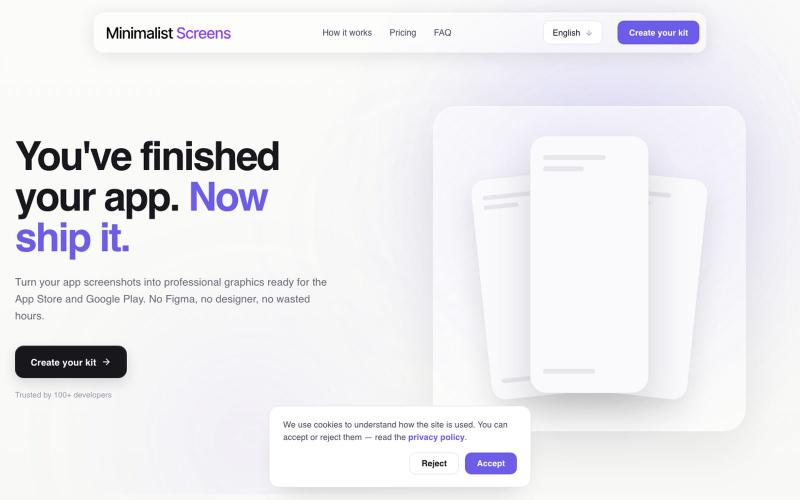
Turn your app screenshots into polished App Store and Play Store graphics in minutes.

@tyd3n_ · X
I'm building Minimalist Screens ( a tool that helps solo founders turn app screenshots into store-ready visuals in minutes.
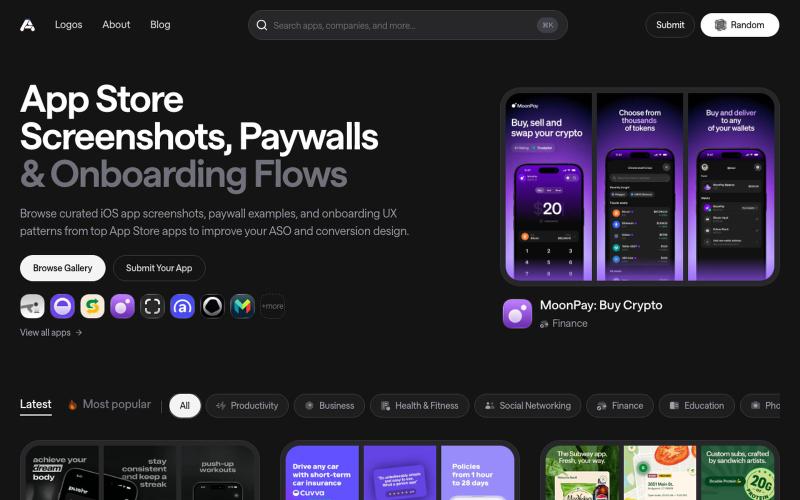
Discover the latest iOS App Store screenshot examples, onboarding ideas, and paywall inspiration.

@taher_max_ · X
Building and
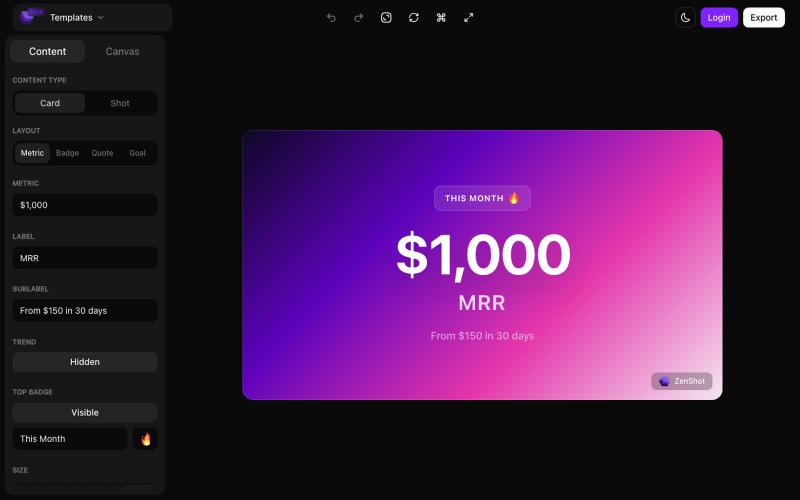
Create beautiful screenshots and progress cards ready to share with your audience.

@shreyassihasane · X
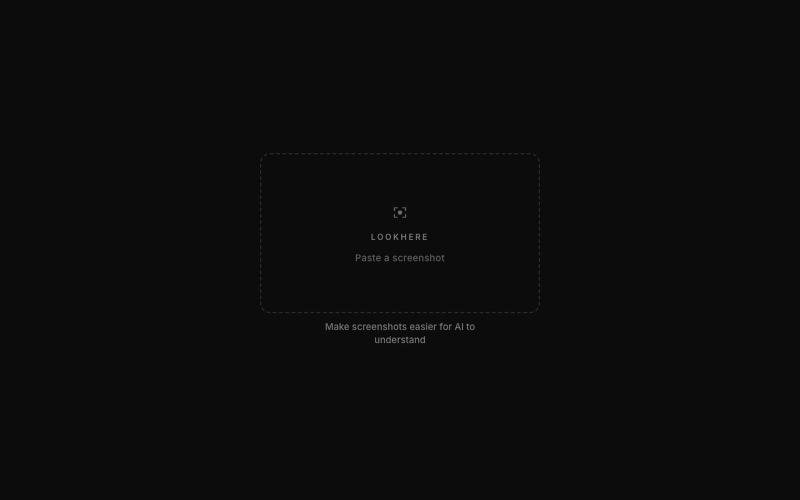
Mark and extract parts of screenshots to share with ChatGPT, Claude, or Gemini.
akshitdandyan · Product Hunt
Label.Photos Make screenshots easier for AI to understand
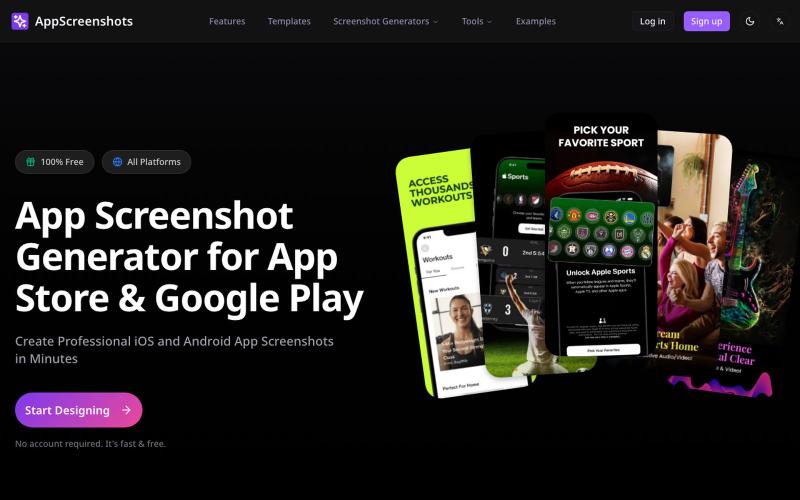
Create app store screenshots with 3D device mockups for iOS and Android apps.
AppScreenshots — 生成应用商店截图,支持 iOS、Android、Chrome、HarmonyOS 等平台,支持 3D 设备展示和 AI 驱动的 Mockup 创建工具

Turn screenshots into polished designs using a Chrome extension and web-based editor.

@buildwithshyam · X
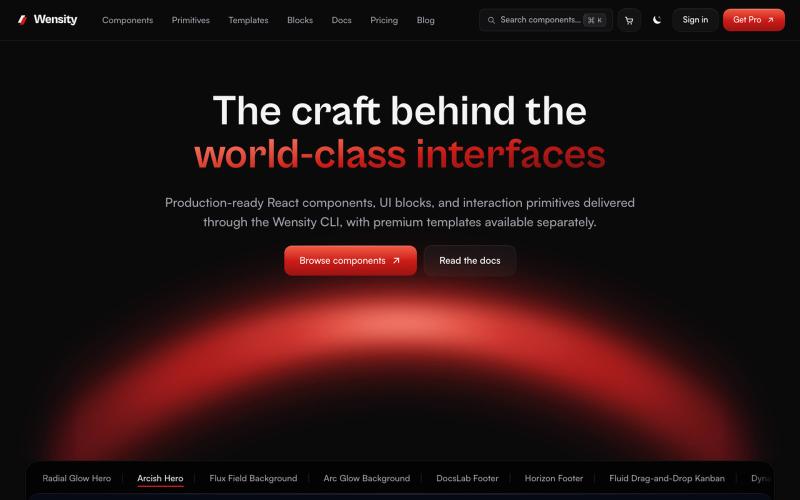
Browse interactive React and Next.js components, blocks, and Tailwind templates.

@Ksparth12 · X

Generate UI screens for mobile and web apps from text descriptions in seconds.

@ninakolari · X
Google just dropped Stitch and it changes the entire vibe coding workflow. You describe what you want your app to look like. It builds full high-fidelity screens in seconds. No Figma. No designer. No credit card. Here is how to use it: Go to Sign in with your Google account. That’s it. You’re in. Instead of typing “make me an app” type this: “A lesson planning app for teachers. Clean and calm. Inspired by Notion. Minimal. White space.” The more specific you are the better your screens. Then refine with follow up prompts. Change the nav. Try dark mode. Get 3 menu variations. Or just speak it. Your screens become a clickable prototype in seconds. Click a button and Stitch generates the next screen automatically. Your entire app flow. Before you write one line of code. Then take it further. Export to Lovable or Cursor and build the logic on top. Use the MCP server to keep your design and code in sync. Pull any website’s design system in seconds. Save everything as

Turn any public post into a polished, shareable image for X, TikTok, YouTube, and Bluesky.

@larsbuilds · X
here's the link for the lazy ones :)
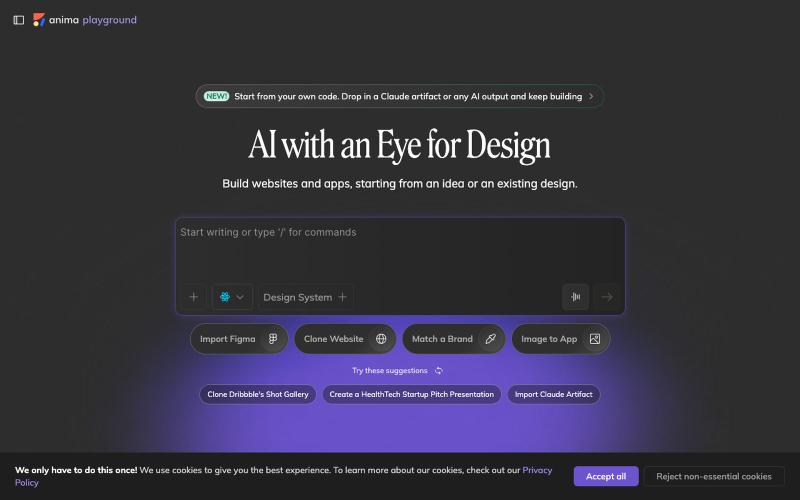
Convert design mockups and screenshots to code automatically.

@AnimaApp · X
Image to code in 1 minute - 20x faster than Claude Code and with much higher fidelity. Try it at and let us know how we did 🤘

A curated library of reusable UI components built with Framer.

@buildlylibrary · X