
Developer Tools1 month ago
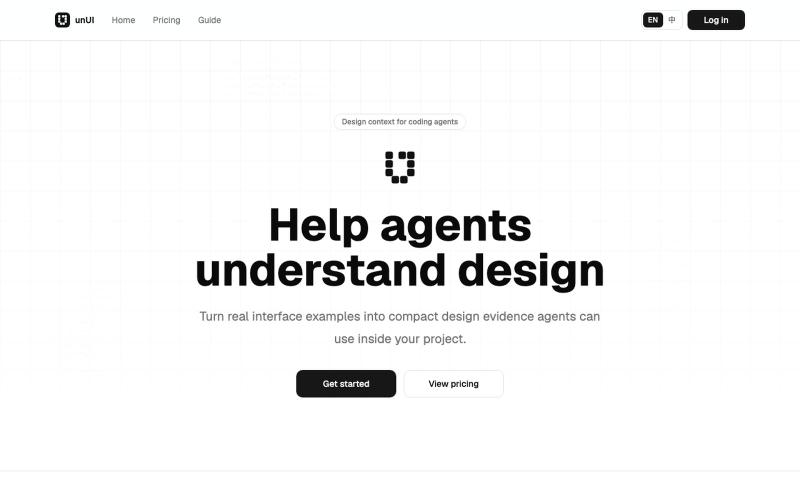
unUI - AI design context for Agents
AI-readable design context packs that help coding agents make better design decisions.
heywitt · HN
UnUI – Help coding agents make better design decisions
The full gallery
Tech stack
14 projects
AI-readable design context packs that help coding agents make better design decisions.
heywitt · HN
UnUI – Help coding agents make better design decisions
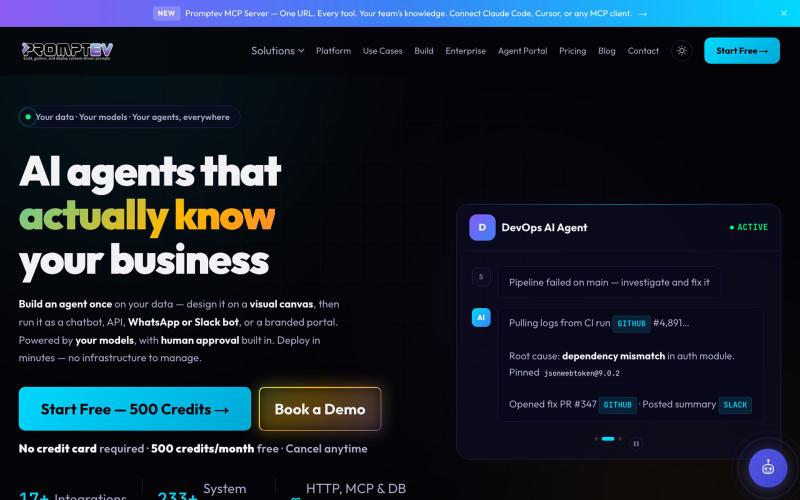
Build production-ready AI agents using a visual canvas interface.

@salmanzafar949 · X
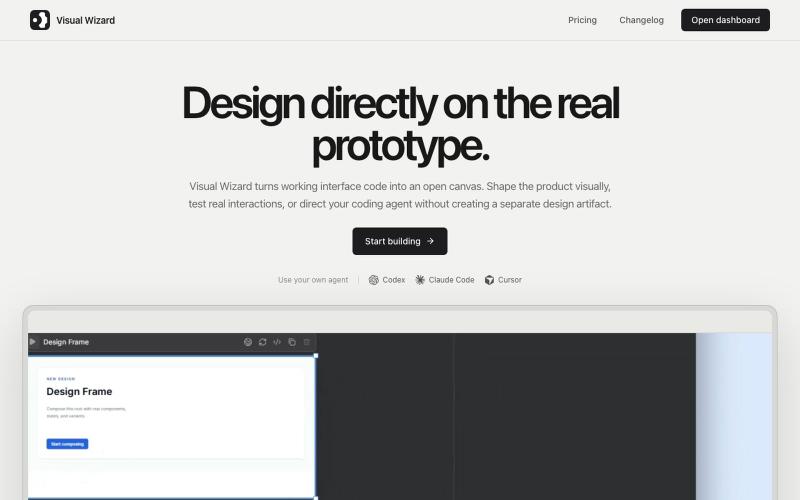
Design working prototypes visually with an AI coding agent in real-time.
u/tokmako · Reddit
I am developing an alternative work environment to Claude Design. When I first tried Claude Design, I really liked the idea. But after generating a design, I kept wanting a more direct way to continue working on it not as a separate design representation, but as a live, working interface. That’s what I’m building with VisualWizard. The canvas contains real, interactive prototypes. You can select elements directly, move or resize them, change styles, and keep interactions and
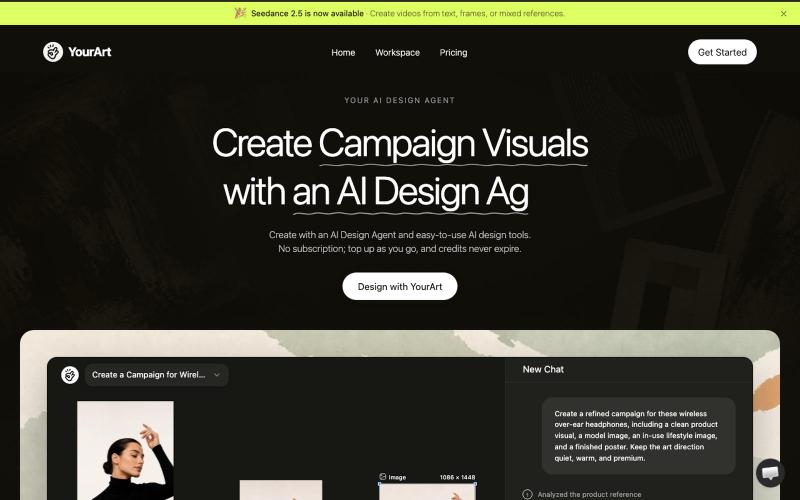
Generate and edit brand visuals, product images, ads, and videos with AI models on an infinite canvas.
YourArt — AI 设计 Agent 工作台,在同一空间调用主流图片和视频模型,生成、编辑素材并在无限画布编排工作流;按量付费,无需订阅
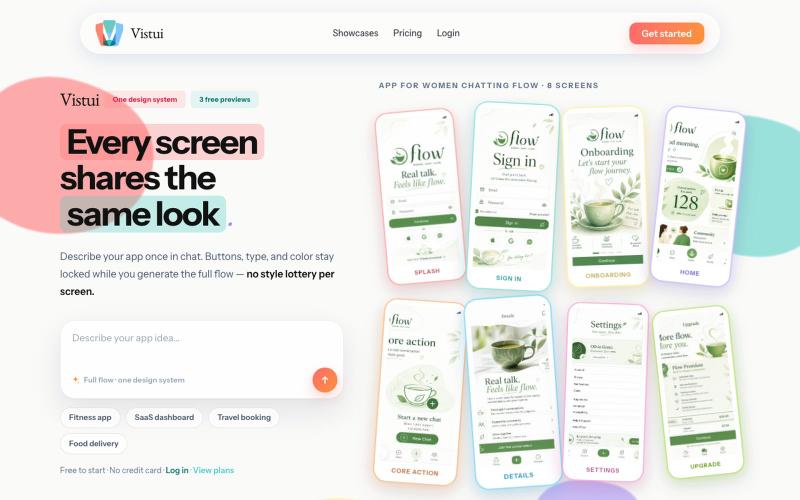
Generate complete app and website design flows (up to 30 screens) from text prompts.
u/Salt-Pop6476 · Reddit
(Feedback Needed) I built Vistui – AI that generates complete, consistent app & website design flows from one prompt Hey everyone, I built vistui an AI tool that turns one prompt into a complete multi-screen design flow (up to 30 screens) with a locked design system, so every screen stays consistent. Would love honest feedback from designers and makers: • Does the consistency feel useful in real work? • What’s missing or confusing? • Would you actually use this? You can try 3 free
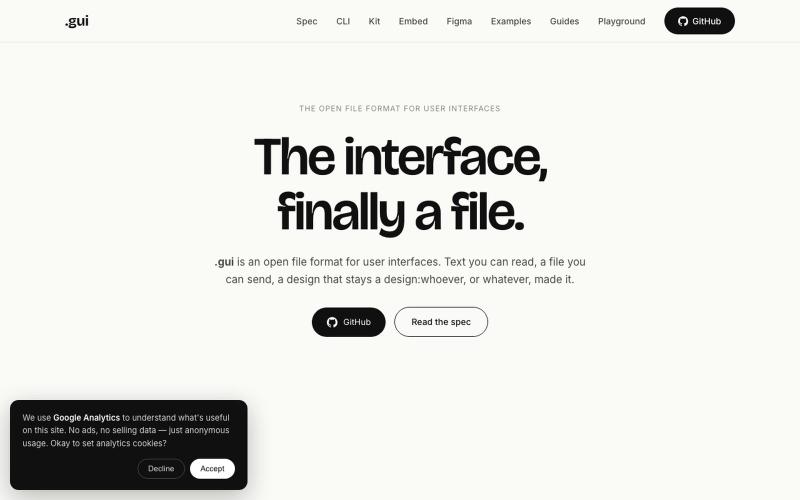
Open file format for user interfaces that AI agents write and any browser or design app can render.
u/Rough-Mortgage-1024 · Reddit
I built an open file format for user interfaces, like SVG or PDF. Why? For years we've had open formats for documents (PDF), images (PNG) and graphics (SVG). But user interfaces are still mostly locked inside design tools. And that was fine when humans were creating and consuming UIs. Now AI is also creating and consuming them. Today AI usually works with screenshots, editor-specific JSON, or tool-specific APIs. They work, but they weren't really designed for AI or for movin
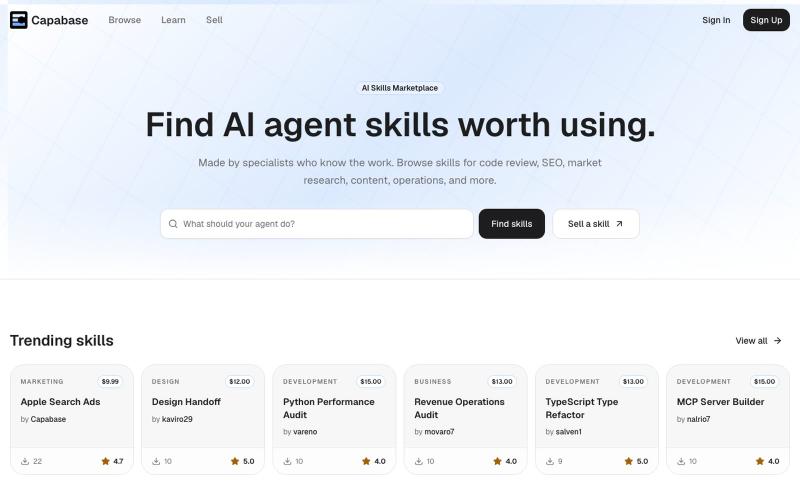
Browse and install AI agent skills for development, marketing, research, and business use.

@iamtrebuh · X
I’m building an AI skills marketplace -
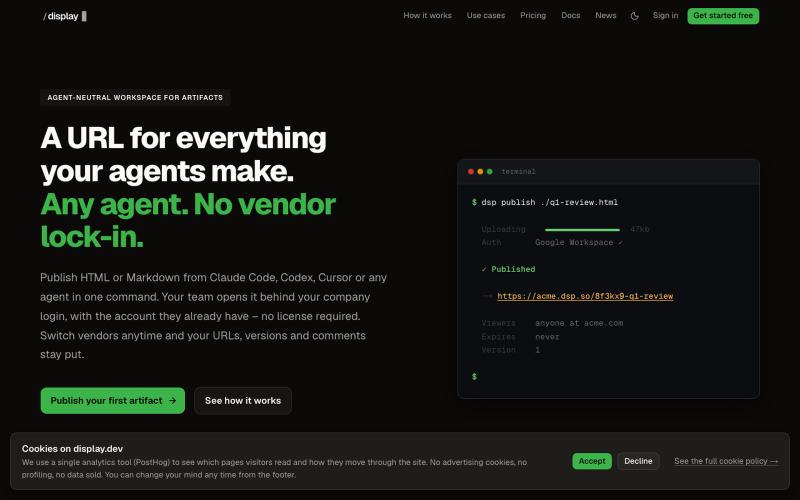
Workspace to publish and manage HTML and Markdown artifacts from any AI agent with version history.

@slashdisplay · X
One feature, two agents, one URL. Carl published v1 from Codex. Claude Code iterated to the version that shipped – every hand-off attributed in the audit log. A 3-minute walkthrough of a real workflow:
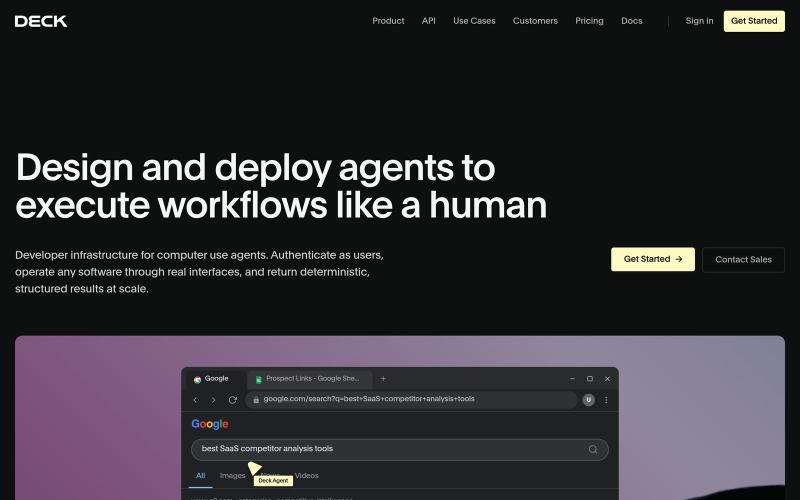
Design and deploy AI agents that automate tasks across software without requiring APIs.

@gabebenchimol · X
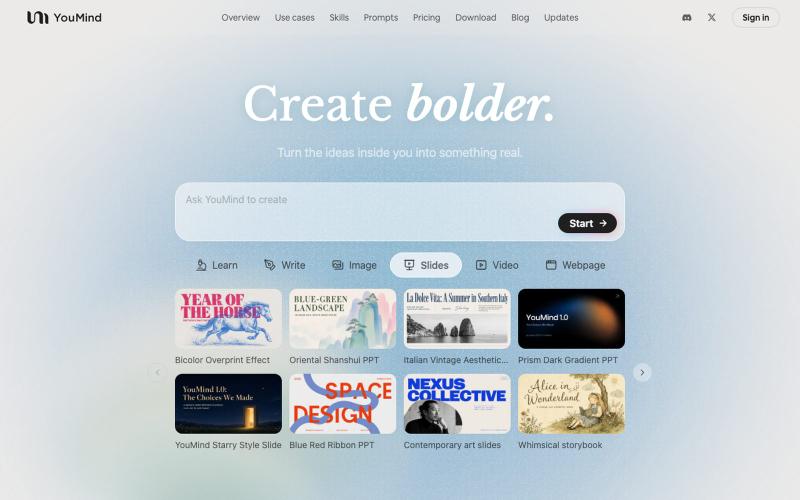
AI tool that transforms diverse materials into beautifully designed slide presentations.

@leahlibest · X
the most aesthetic AI slides website
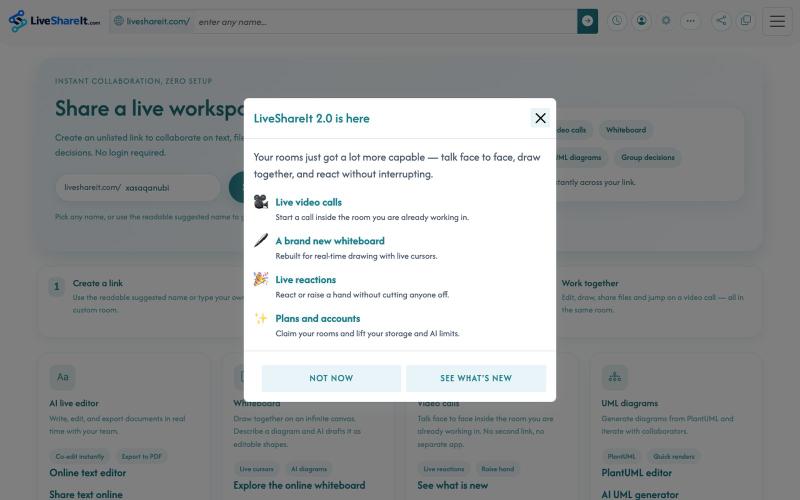
Real-time collaboration workspace with AI-powered code editor, file sharing, UML diagrams, and group decision tools.
u/Hopeful-Can-1540 · Reddit
Trying to figure out distribution for a real-time collaboration tool LiveShareIt has been around for a bit, and the product has changed quite a lot recently. The basic idea is pretty simple: open a room, share the link, and start working together. No signup needed. People can share code/text, send files, use a collaborative whiteboard, and jump on a video call in the same room. One feature I’ve been playing with lately is the AI whiteboard. Instead of starting from a blank canvas, you

Generate UI screens for mobile and web apps from text descriptions in seconds.

@ninakolari · X
Google just dropped Stitch and it changes the entire vibe coding workflow. You describe what you want your app to look like. It builds full high-fidelity screens in seconds. No Figma. No designer. No credit card. Here is how to use it: Go to Sign in with your Google account. That’s it. You’re in. Instead of typing “make me an app” type this: “A lesson planning app for teachers. Clean and calm. Inspired by Notion. Minimal. White space.” The more specific you are the better your screens. Then refine with follow up prompts. Change the nav. Try dark mode. Get 3 menu variations. Or just speak it. Your screens become a clickable prototype in seconds. Click a button and Stitch generates the next screen automatically. Your entire app flow. Before you write one line of code. Then take it further. Export to Lovable or Cursor and build the logic on top. Use the MCP server to keep your design and code in sync. Pull any website’s design system in seconds. Save everything as