
Other2 months ago
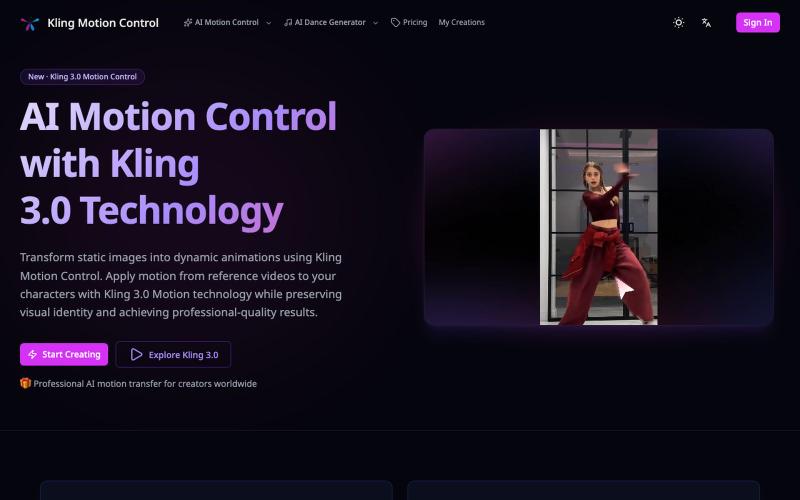
Kling Motion Control - AI Motion Transfer with Kling 3.0
Apply motion from reference videos to turn static images into animated videos.
Kling Motion Control — AI Motion Transfer with Kling 3.0
The full gallery
Tech stack
16 projects
Apply motion from reference videos to turn static images into animated videos.
Kling Motion Control — AI Motion Transfer with Kling 3.0

Convert photos or text into cartoon images in Disney, Ghibli, or Pixar styles.
免费在线 AI 卡通图片生成工具 — 将文本和照片转换为令人惊艳的卡通风格图像。它提供多种艺术风格、丰富的自定义选项和高质量的输出,让用户轻松创建独特的头像、社交媒体内容和品牌插画
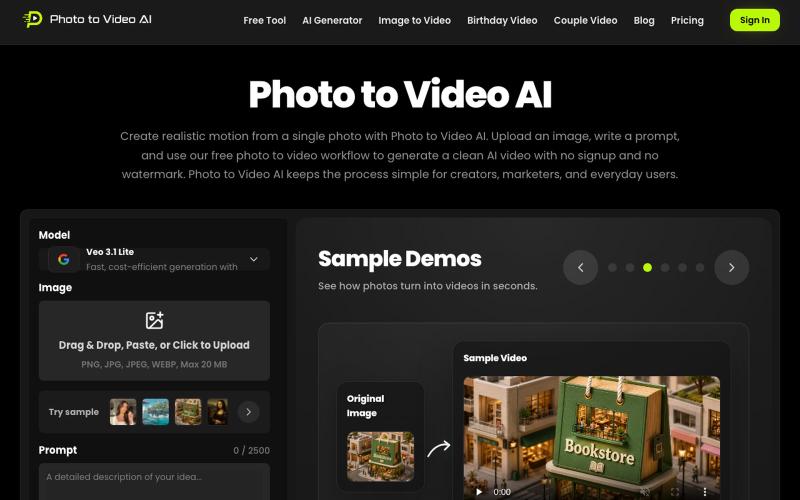
Transform photos into AI-generated videos instantly with no login required.
zduoduo · HN
Photo to Video AI – Animate a photo with a motion prompt
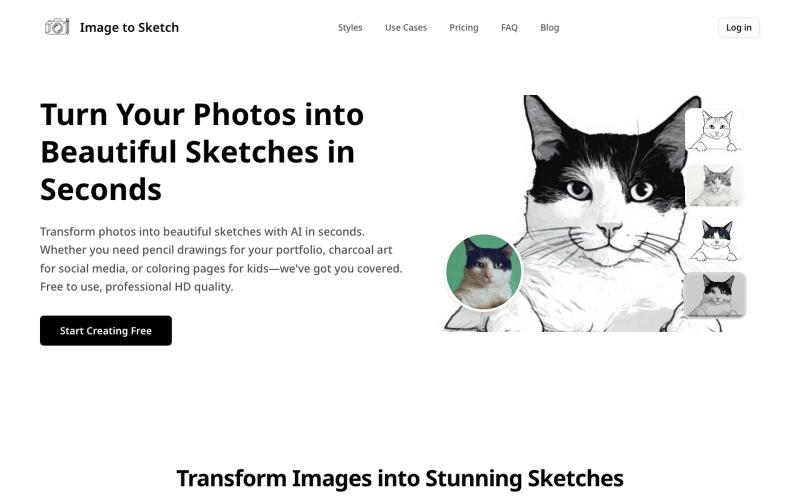
Convert photos into pencil drawings, charcoal sketches, or cartoon art using AI, instantly online.
image-to-sketch — 图片转素描 AI 小工具
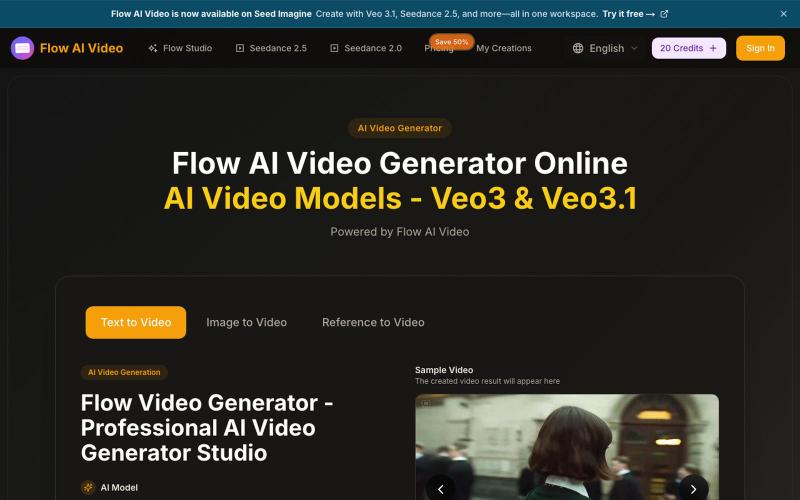
Generate videos from text, images, or reference images using AI.
Flow AI Video — 在线 AI 视频生成工具,支持文字、图片和参考图生成视频,可选择画面比例、分辨率与视频时长
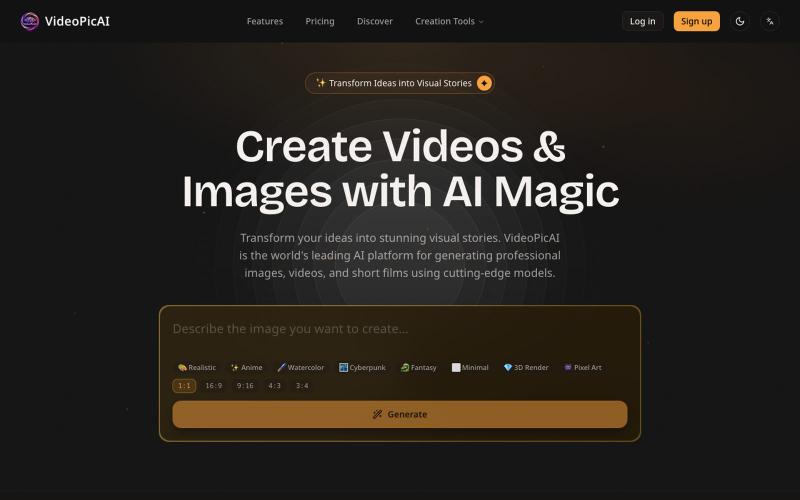
Generate images and videos by describing your ideas using AI.
struy · HN
Transform your ideas into stunning visual stories. VideoPicAI is the world's leading AI platform for generating professional images, videos, and short films using cutting-edge models.
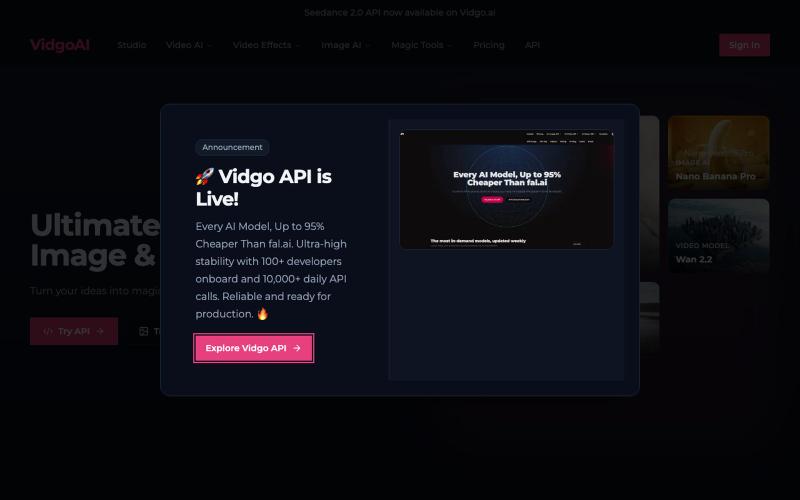
Convert photos into videos using AI without login required.
Vidgo AI — 一站式的图片,视频生成平台
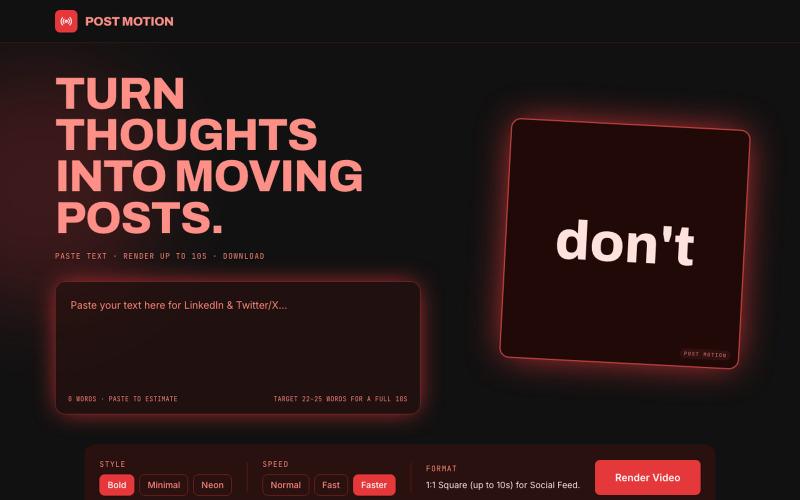
Convert social media text into polished 10-second animated videos for LinkedIn or X, no signup required.

@HeyBiscuitLady · X
Nobody reads text these days, everyone likes to see moving things. I made Postmotion to put your text in motion. Check it out: I vibecoded this app in @Biscuit_so
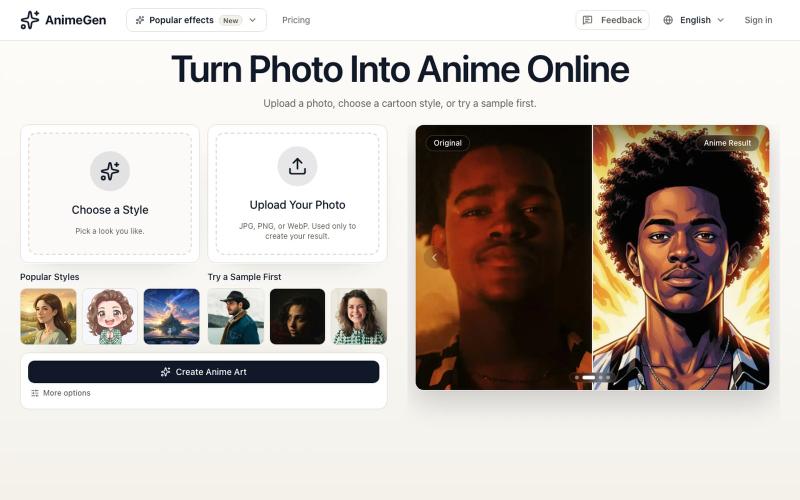
Convert photos into anime art, avatars, and stylized illustrations.
AnimeGen — 将照片转换为动漫艺术、头像和风格化插图的 AI 工具
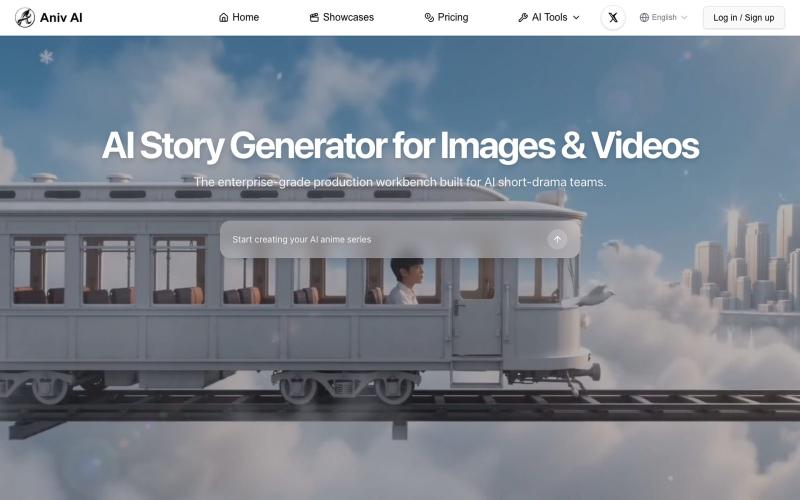
Turn text into illustrated and video stories using AI image and video generation tools.
aniv — 一站式 AI 创作工具站,浏览器打开即用:AI 文生图、AI 文生视频、视频画质增强、字幕合成
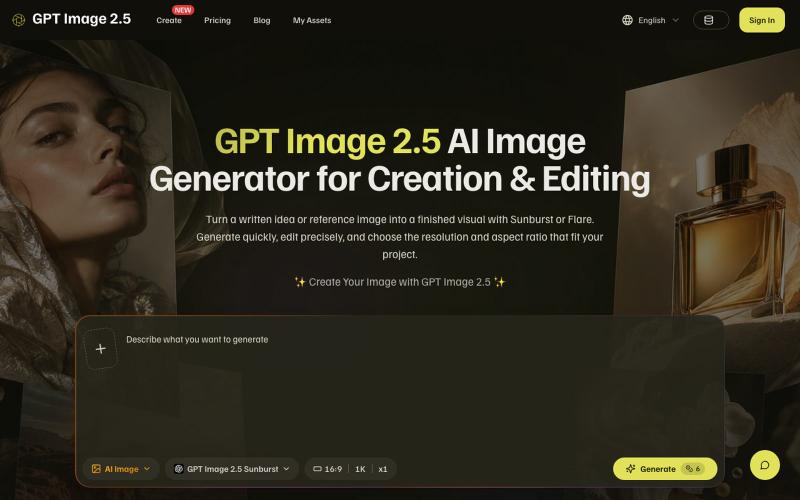
Generate and edit AI images from text prompts or reference images using Flare or Sunburst.
xiaoboai · V2EX
做了一个 GPT Image 2.5 图片网站,可以在一个工作台中生成和编辑图片 大家好,分享一下我做的图片生成和编辑网站 GPT Image 2.5: https://gptimage25.biz/ 它是一个网页工作台:想从零做图,就输入提示词;已经有图片,就上传参考图并描述想修改的地方。并且可以一次生成多张图片,可以更快速拿到符合要求的结果。 目前接入了 Flare 和 Sunburst 两个模型,两者都支持文生图和参考图编辑。输出可以选择 1K 、2K 、4K ,也支持方图、竖图、横图等比例。比如做内容配图,可以先描述画面;做产品视觉,可以带上参考图,尝试调整背景或整体风格。 网站目前是英文界面,生成需要登录并消耗积分。注册可以赠送积分,体验生成一次。 官方模型的介绍在这里: https://openai.com/index/introducing-chatgpt-images-2-5/ 如果有官方账号,也可以直接在官网使用。 想听听实际使用中的反馈:从输入提示词到拿到图片,哪一步最影响效率?如果你经常需要修改现有图片,最希望这种工具做好
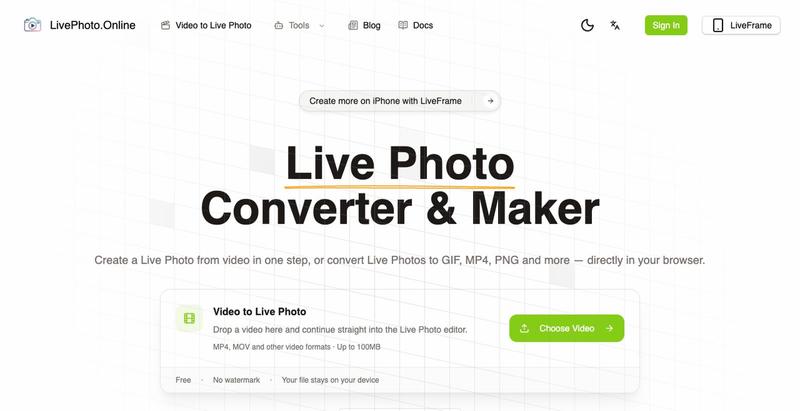
Convert videos, GIFs, and Live Photos to multiple formats in your browser.