Productivity9 hours ago
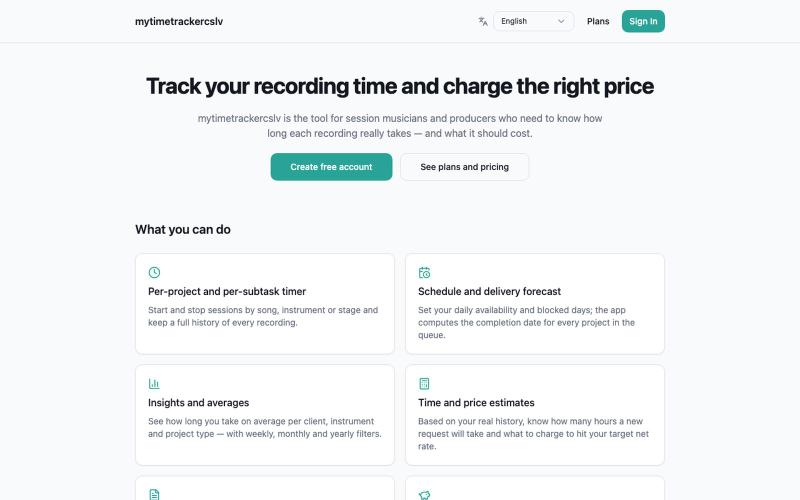
Time Tracker — Project & Subtask Tracking
Track project time and subtasks to understand your work pace and stay on schedule.

@LeonardoCSL · X
Check out what I just built with Lovable!
The full gallery
Tech stack
60 projects
Track project time and subtasks to understand your work pace and stay on schedule.
@LeonardoCSL · X
Check out what I just built with Lovable!
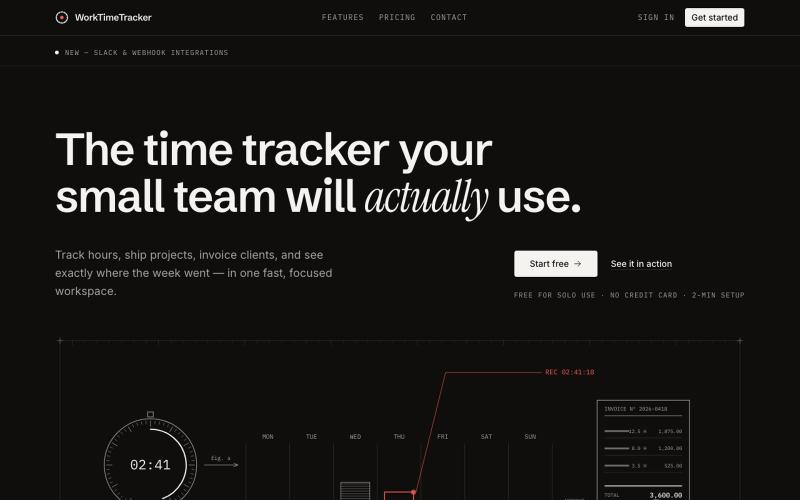
Track hours, manage work, and create invoices for your small team.

@sakibhasandev · X
Here's mine :)
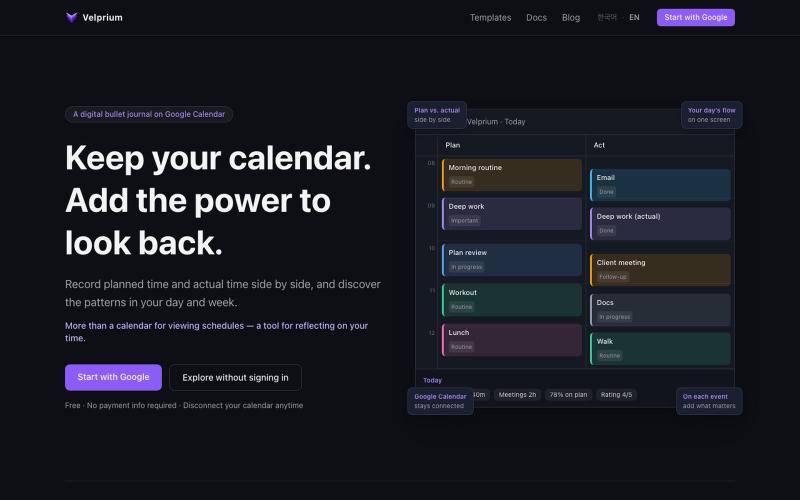
Add status, tags, and ratings to calendar events and track time usage with weekly/monthly reports.
mjkl7896 · HN
Velprium - Time Workspace
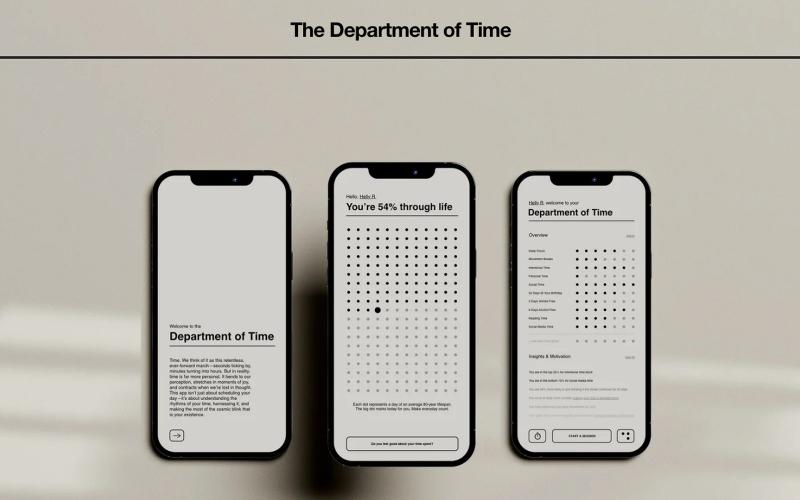
Time framework with customizable routines, habit tracking, and AI recommendations for productivity and wellness.

@stanley_human · X
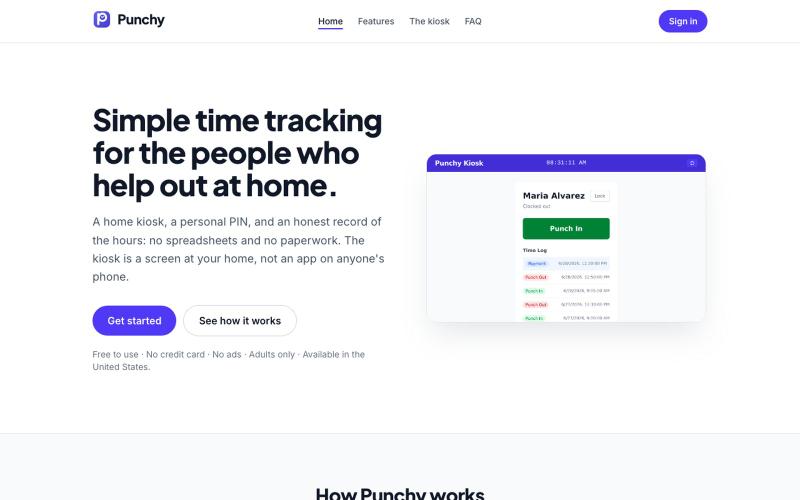
Track household worker hours with a simple kiosk interface and two buttons.
magnetic · HN
A punch clock to help with hourly household workers
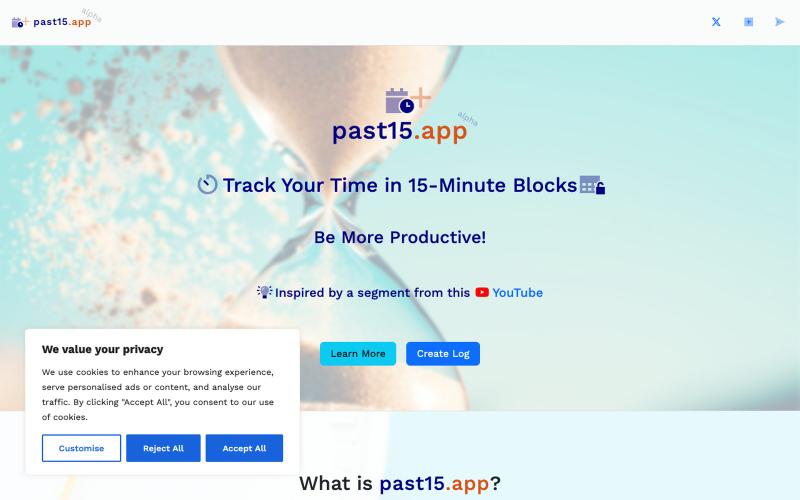
Track your productivity in 15-minute increments without signing up.

@mattzur · X
Simple work hours tracker for recording time spent on tasks.

@MiloPaigeTech · X
Learning how to code so just making a simple work hours tracker for me and my colleagues.
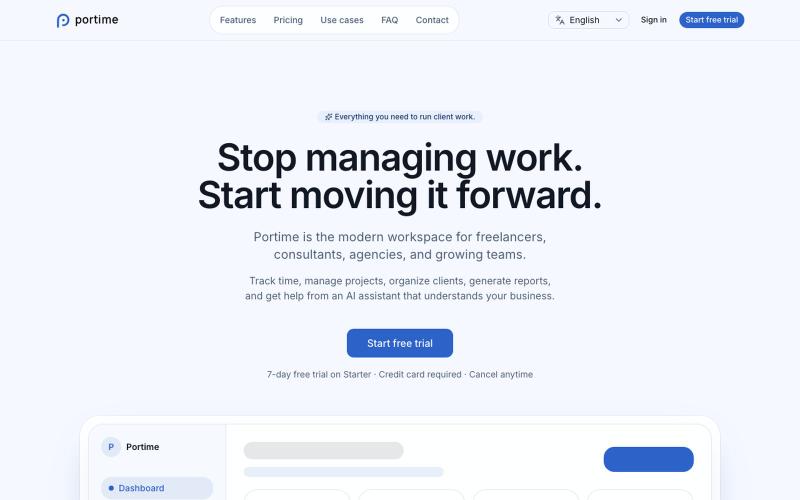
AI-powered workspace for tracking time, managing projects, and organizing clients.

@baptistedulac · X
time tracking for freelancers and agencies
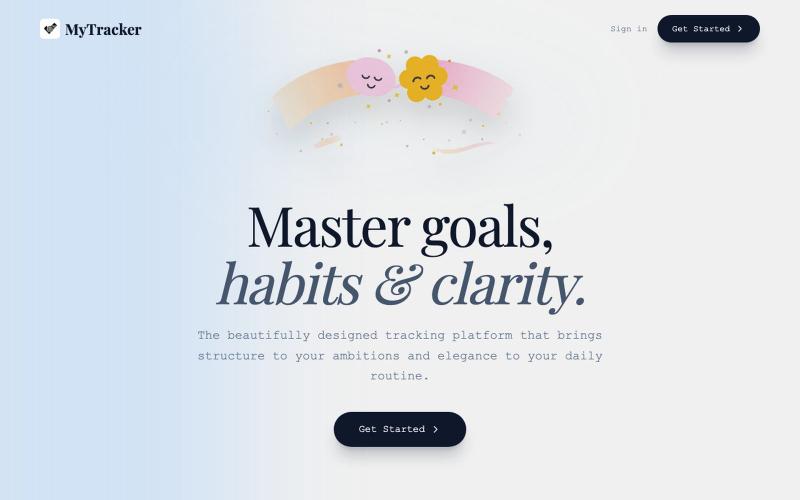
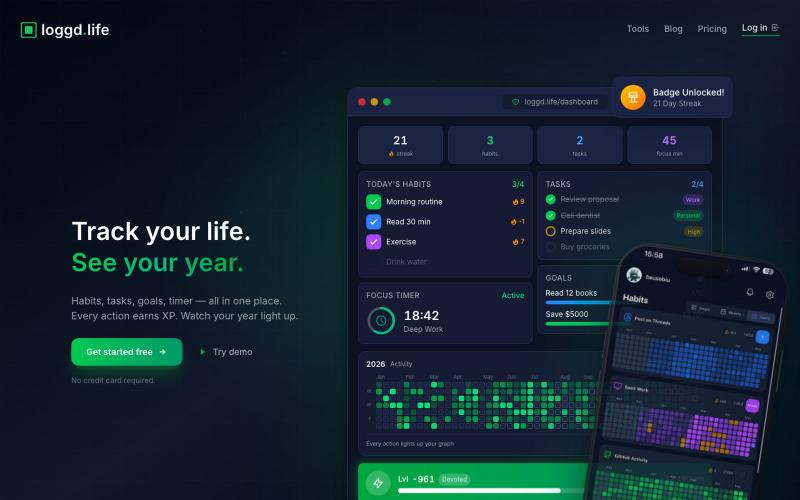
Track habits, tasks, goals, and focus time with a gamified dashboard and streak rewards.
u/Fuzzy_Act5528 · Reddit
About to launch alarm reminders in my productivity app. Thoughts? About to add alarm-based reminders. Not push notifications... real alarms that ring even when your screen is locked. You can set one for anything. A task, a habit, any date on your calendar. "Dentist 20 Nov. at 5 pm" → alarm set. "Take meds at 9 am every day" → alarm set. I built this because push notifications just aren't enough. Most people ignore them. So what if you could set an actual alarm for the thi
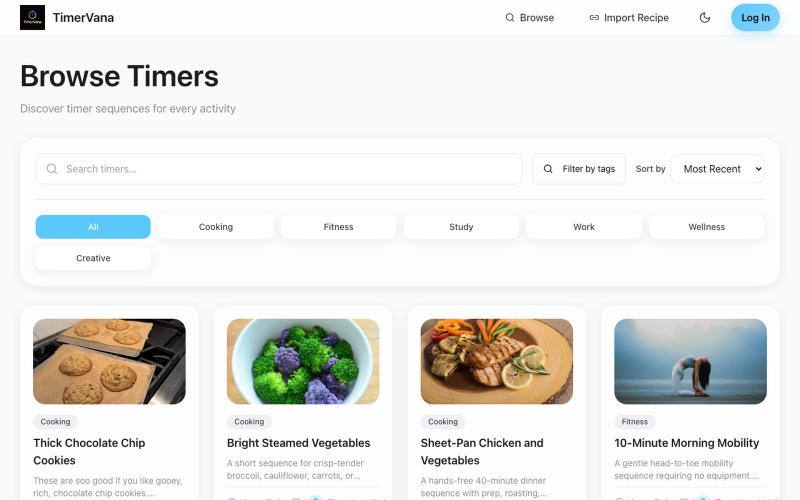
Create and discover timer sequences for cooking, workouts, studying, and more.
granto · HN
TimerVana a Local-first scheduler for real world routines
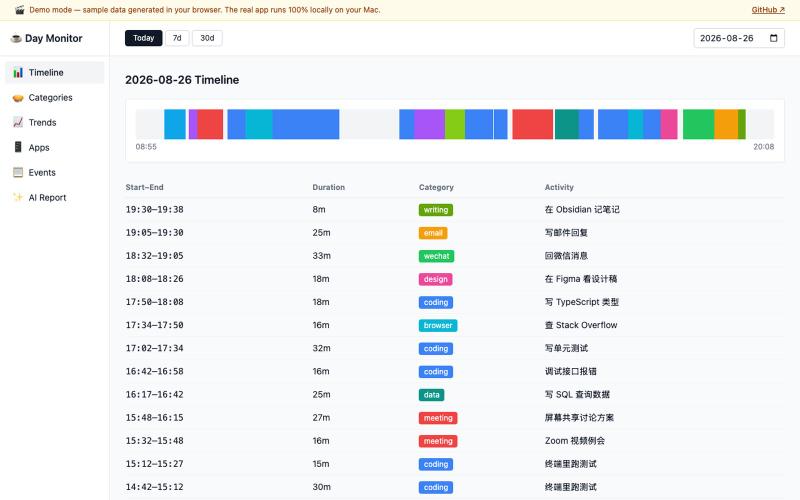
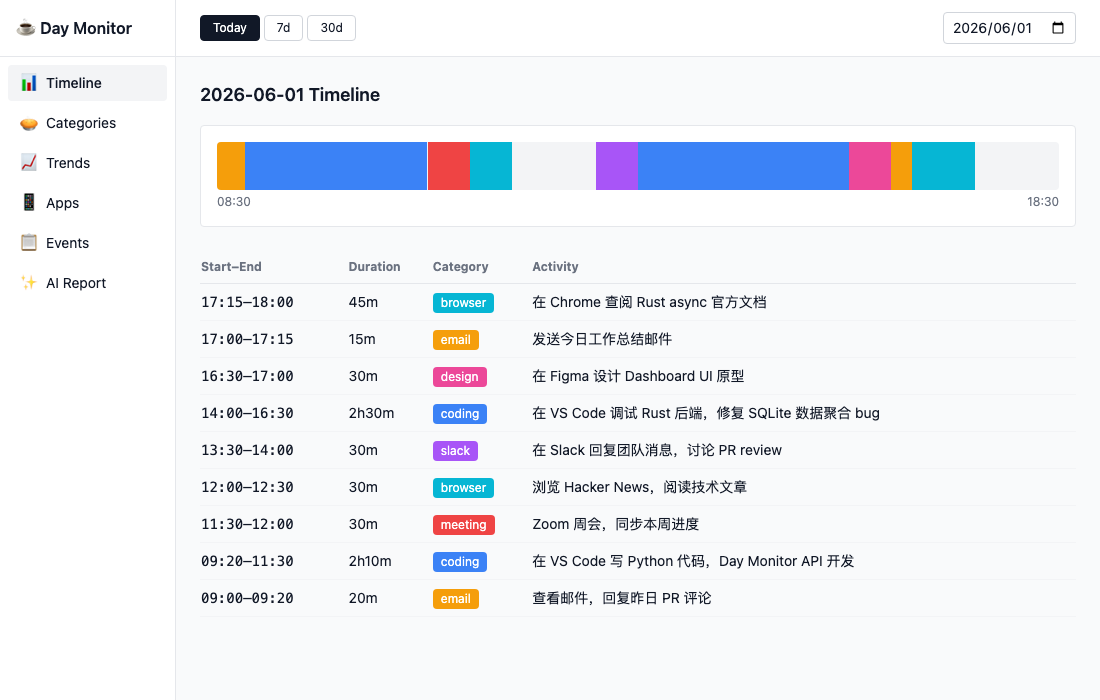
Track daily activities using AI-powered screenshot analysis and time categorization.
defiabell · V2EX
做了个屏幕监控工具,总结自己一天都在干啥(已开源) 在线 Demo (示例数据,浏览器直接开): https://defiabell.github.io/day-monitor/ ## 背景 每天上班很累,下班却说不清时间花在哪了。 于是做了个 macOS 菜单栏小工具 Day Monitor: - 每 ~20 秒截一次屏,丢给 Claude Haiku 识别「在干嘛」(写代码、开会、回微信、摸鱼看网页……) - 识别结果(一句话描述 + 分类)写进本地 SQLite - 攒一天就有:时间轴、分类占比、应用排行、跨日趋势,外加一份 AI 写的工作日报