
Other1 week ago
openluxe
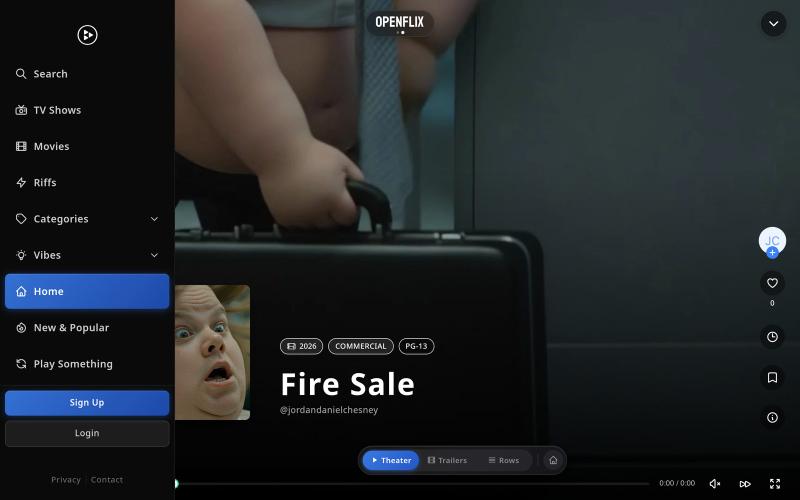
Stream trending movies and series with exclusive content on OpenFlix.

@chandlerwilcox · X
The full gallery
Tech stack
22 projects
Stream trending movies and series with exclusive content on OpenFlix.
@chandlerwilcox · X
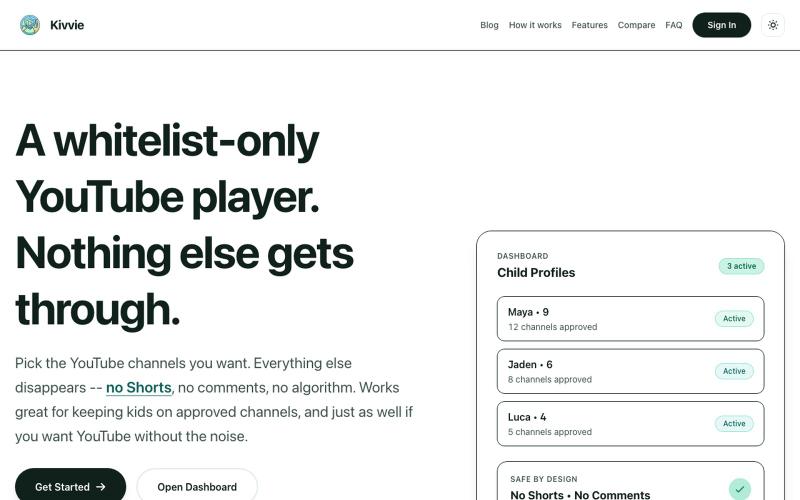
YouTube player with parental controls that whitelists safe channels and removes shorts and recommendations.

@AmblingLife · X

Download videos from X (Twitter) posts as MP4 files.
x downloader — 解析推特(X)上的 AI 视频及各种视频链接,支持一键下载多种清晰度视频。
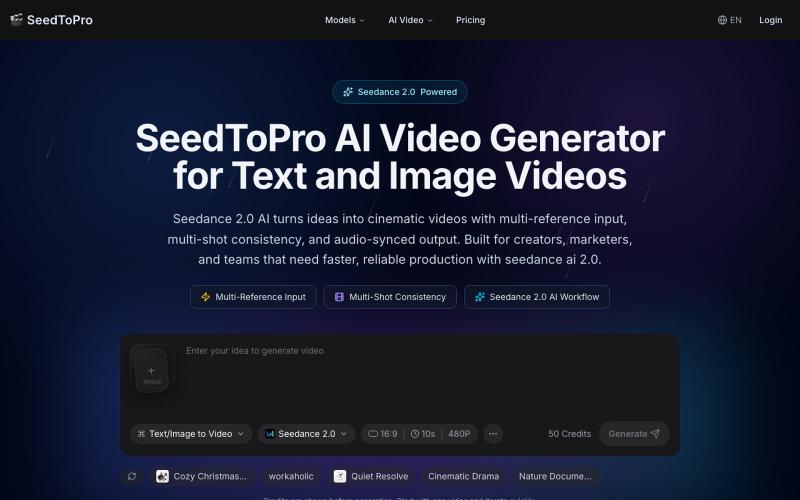
Generate cinematic videos from text and images with character consistency, multi-shot narratives, and audio sync.
Seedance 2 Pro — 多模态 AI 视频生成平台。支持文本+多张图片+视频+音频参考同时输入,实现角色一致性、多镜头叙事、音频同步动作、精准镜头控制。几分钟生成商业级短视频,适合营销、电商、社交媒体、品牌故事、预可视化等高频内容创作需求。比传统文生视频更可控、更接近导演级表达
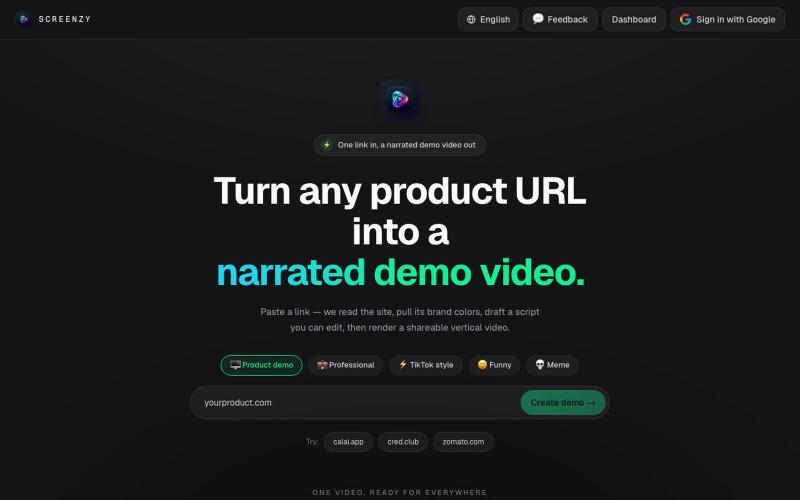
Send a product URL and get AI-generated demo videos for marketing and social media.
u/Rae_Shin_ · Reddit
Why spend hours making demo videos? Paste a URL and let AI do it These days everyone is building products, but promoting them is a completely different challenge. Recording demos, editing videos, adding captions, and making content for Shorts, TikTok, Reels, or ads takes a lot of time. So I built Screenzy.pro. Just paste your product URL, and it automatically creates product demo videos that explain what your product does. It works well for social media content, launch videos, tutoria
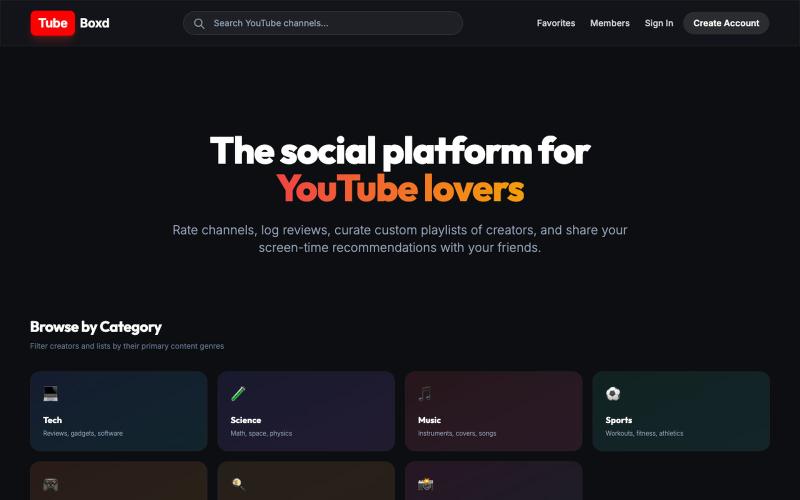
Rate YouTube channels and see your friends' favorite channels and ratings.

@DevWith_Atul · X
I create A website to rate youtube channels and see your friends favourite channels and rating
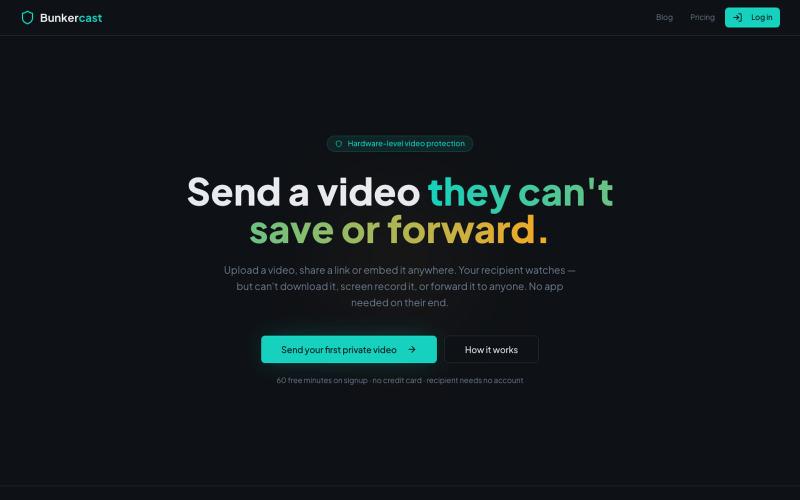
Share videos that can't be downloaded, screen recorded, or forwarded.

@bunkercastDRM · X
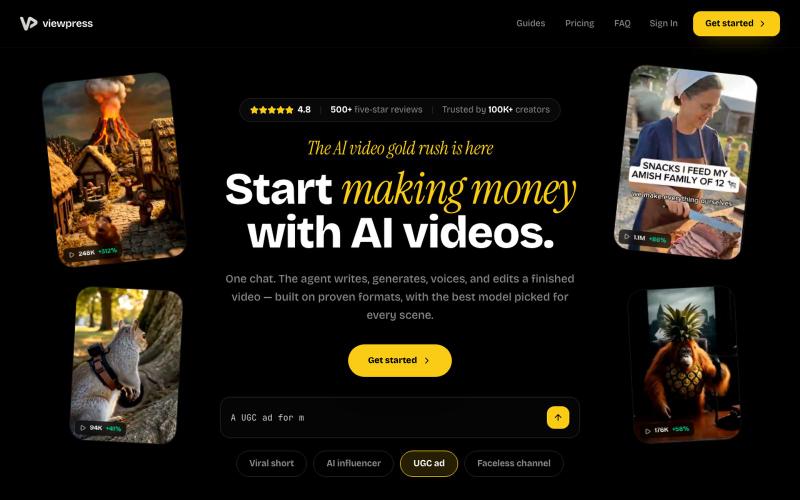
Create videos entirely through a single chat interface with AI-generated writing, voiceover, and editing.
u/Real-Estate-Agentx44 · Reddit
Built an AI video tool where one chat writes, voices, generates, and edits the whole video - is all-in-one actually useful or do you prefer separate tools? I've been building ViewPress AI , an AI video generator, and I'm at the point where I want honest feedback before I keep pushing in one direction. Instead of jumping between a script tool, a voice tool, an image/video generator, and an editor, you describe what you want in one chat and the agent handles the whole thing. It
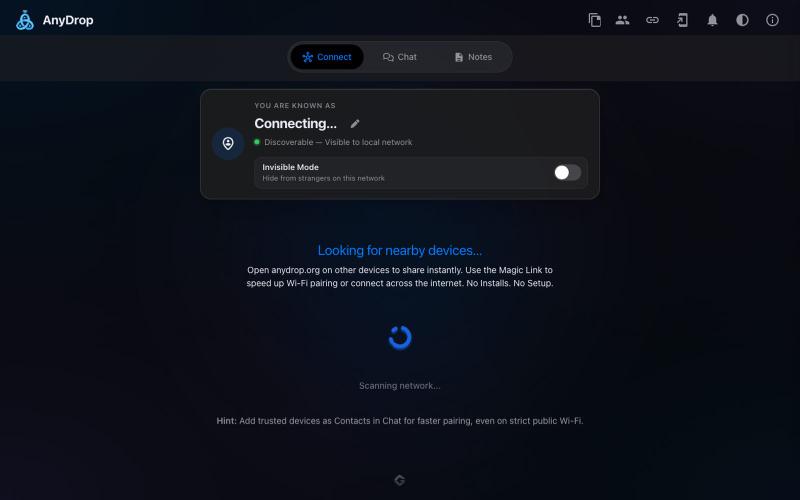
Instantly share files and text across devices (Mac, PC, iOS, Android, Smart TVs) via your browser, no signup needed.

@WackyCrocoGator · X
This one doesn’t require any signup or payment. Just load and multiple device by opening the site on them and connect them for an easy way to drop text and file to each other.
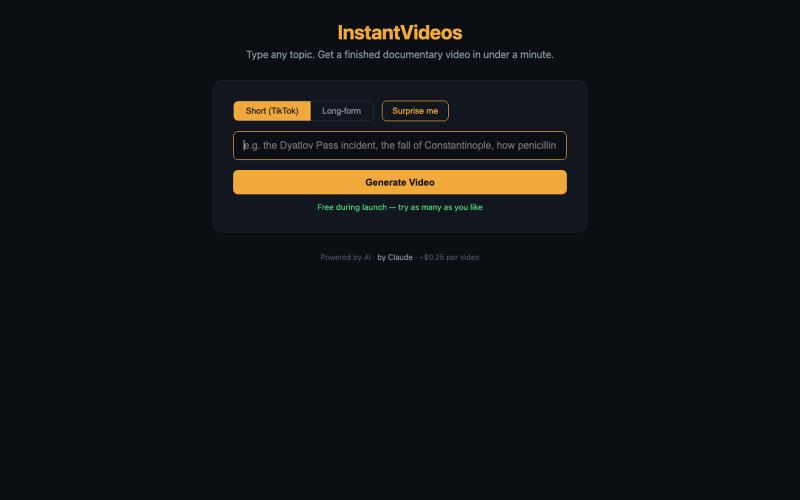
Type a topic to generate a finished documentary video in under a minute using AI.
pw · HN
Hiya! So I've been playing around with having Claude make videos for a bit now even had some success posting the results to TikTok (and setup a whole pipeline so Claude can generate and post autonomously). With the release of Nano Banana 2 Lite, I was curious show fast I could make the generation, so last night I gave it a whirl and got down to around 30s for short-form video. It uses GLM-5.2 fast via Fireworks to generate the scripts and image prompts and, like I said, Nano Banana 2 Lite for the images, gpt-4o-mini-tts for the narration, and ffmpeg to string it all together and add the Ken Burns zoom effect (which still has a shake I haven't been able to get rid of). The video compilation proved to be the blocker once the rest was in place, but I was able to speed that up by putting it on a 64 vCPU EC2. The cost might be the most interesting aspect as the short form videos tend to be about 25 cents. Almost 90% of that is the images, which are 3.336 cents a piece. Of course, running
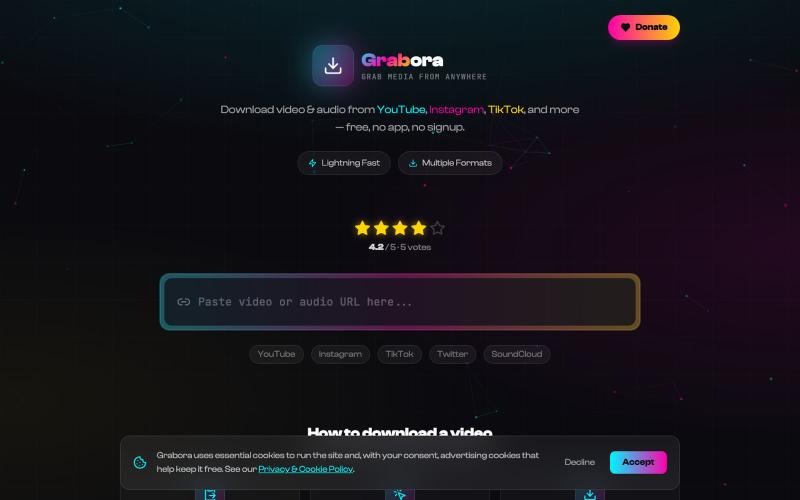
Free online downloader for videos and music from YouTube, TikTok, Instagram, and more.

@myrrakle · X
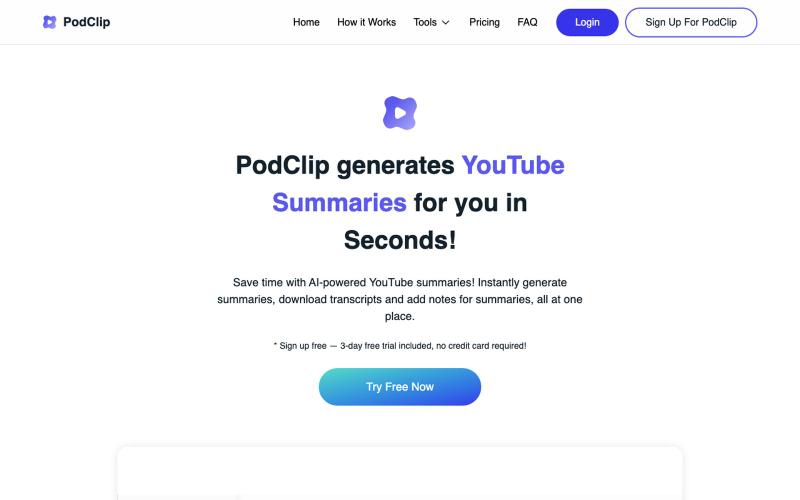
Summarize YouTube videos and podcasts with AI, saving and downloading summaries and transcripts.

@slaven_ra · X
- recently added subscribe to Youtube channel feature to receive auto-summaries via email on each new published video