
Creative Tools1 month ago
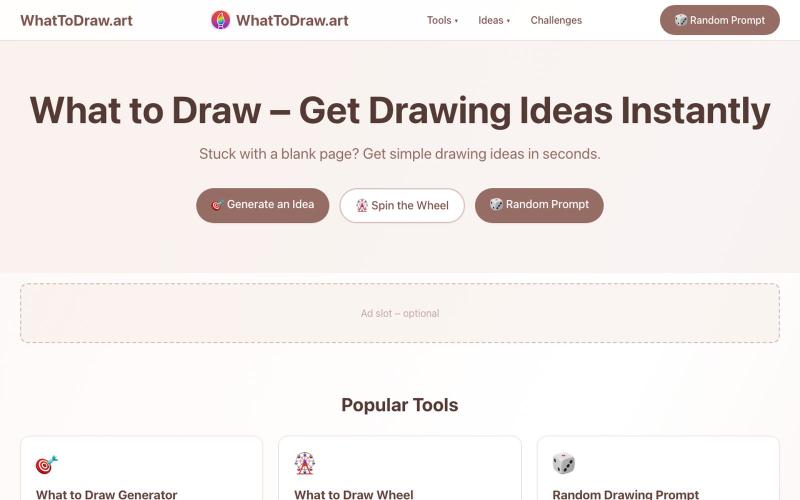
WhatToDraw.art – Drawing Ideas & Prompts
Get drawing prompts and ideas with an interactive game that scores your sketches.
画什么 — 从画圆开始,看看你画的圆可以得多少分
The full gallery
Tech stack
25 projects
Get drawing prompts and ideas with an interactive game that scores your sketches.
画什么 — 从画圆开始,看看你画的圆可以得多少分
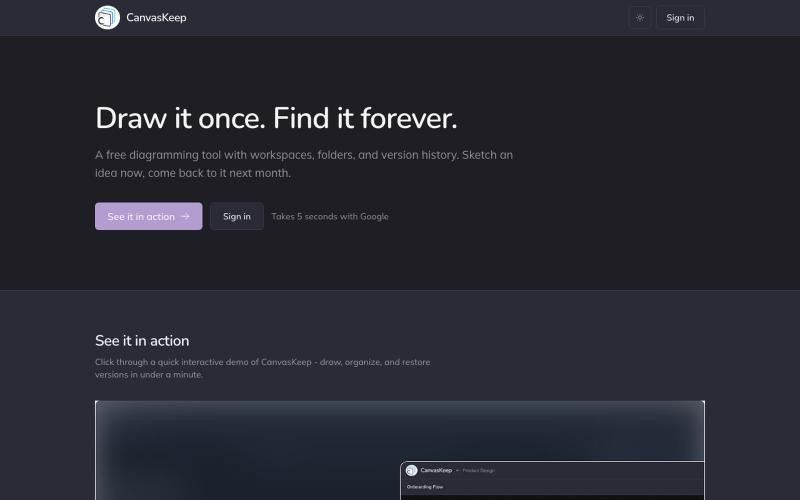
A free diagramming tool with workspaces, folders, and version history. Sketch an idea now, come back to it next month.

@_aniruddha_d · X
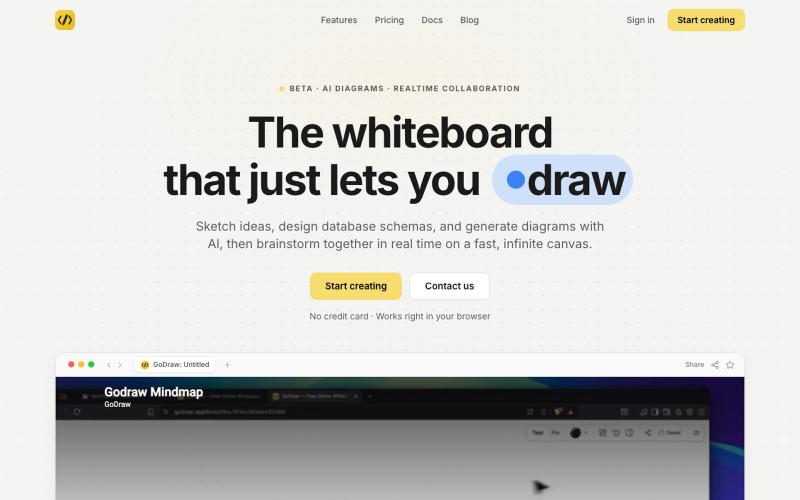
Draw and diagram online with instant collaboration, no sign-up required.

@rishabh21g · X
The whiteboard that just lets you draw
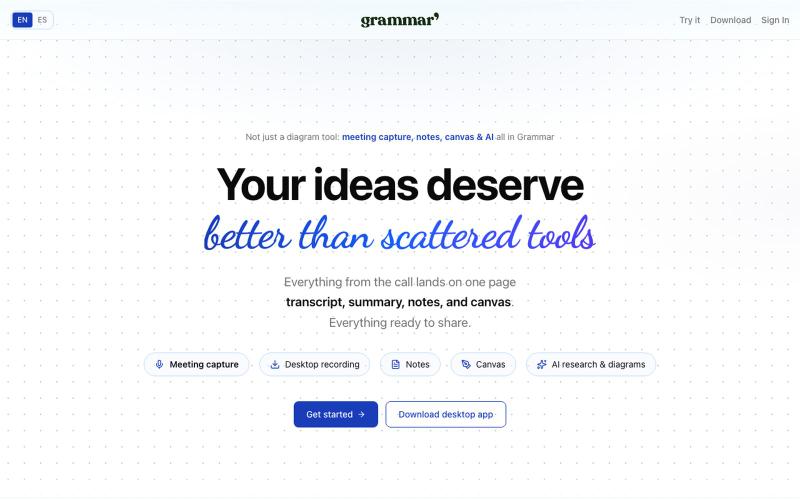
Capture meetings, write notes with AI, and create diagrams on a shared canvas in one place.

@rubs_murga · X
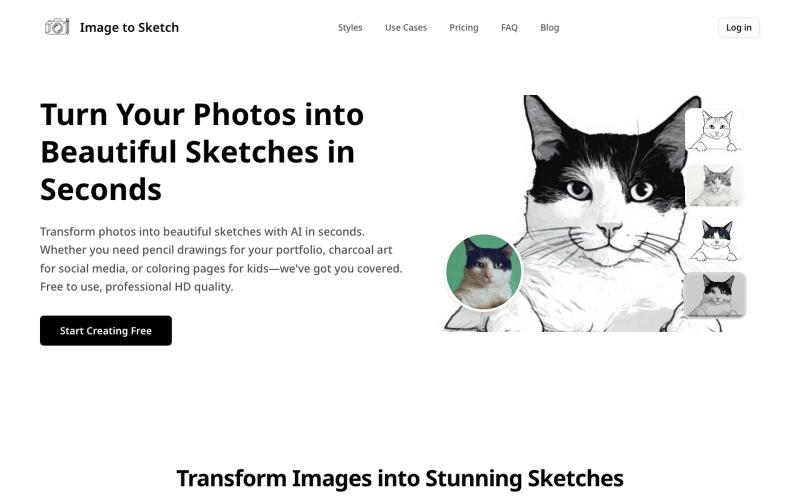
Convert photos into pencil drawings, charcoal sketches, or cartoon art using AI, instantly online.
image-to-sketch — 图片转素描 AI 小工具
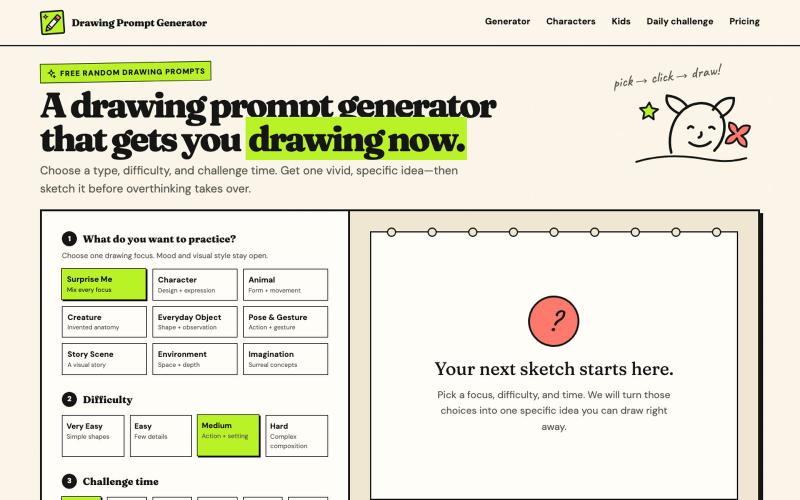
Create drawing prompts with AI images and timed challenges at various difficulty levels.
haowen8098 · V2EX
做了一个随机绘画题目生成器 它可以根据绘画类型、难度和挑战时间生成题目,还提供倒计时和可选的 AI 参考图: https://www.drawingpromptgenerator.com/ 目前还是早期版本
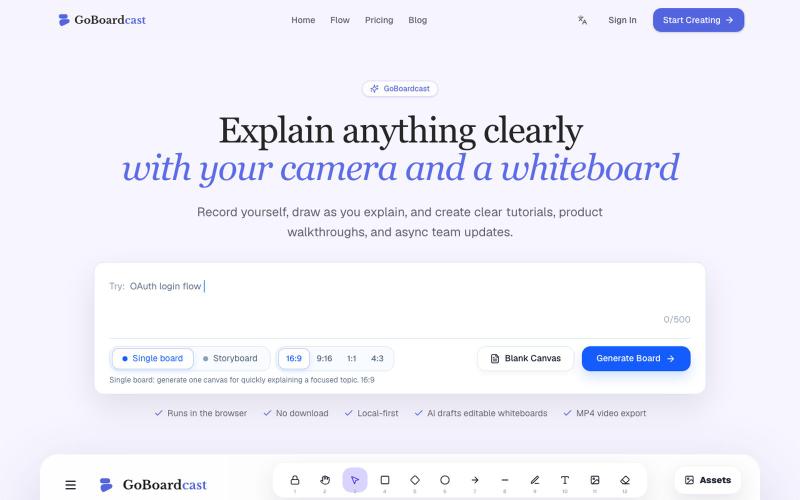
Draw on a whiteboard and record yourself to create tutorial videos and team updates.
GoBoardcast — AI 白板讲解视频工具,把任意主题生成可编辑白板,并录制摄像头、麦克风、光标讲解后导出 MP4
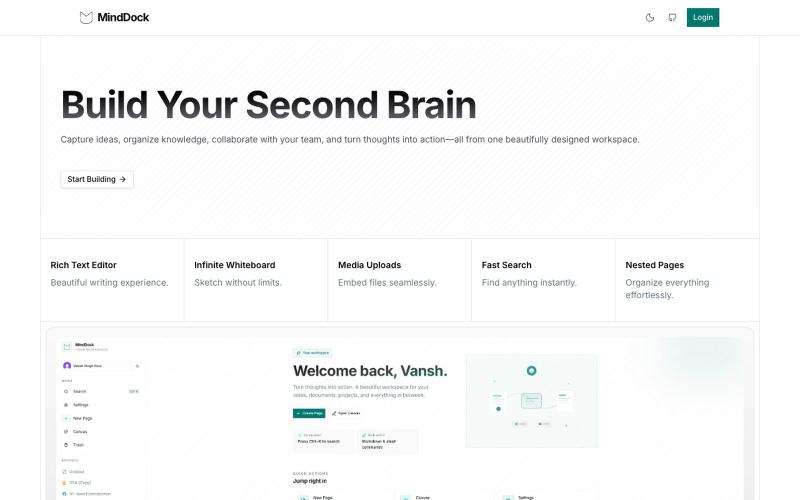
Capture ideas with a focused, flow-friendly interface.

@VanshSura · X
Just shipped a fresh UI update for MindDock ✨ Redesigned the experience to feel cleaner, faster, and more focused—making it easier to capture ideas and stay in flow. Still a lot more to build, but I'm happy with how it's evolving. 🚀 #buildinpublic
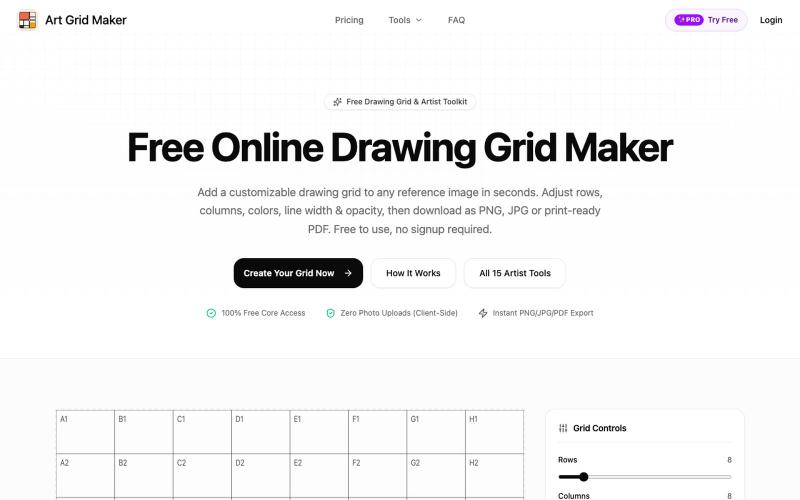
Upload images and add customizable grids for drawing practice, then export in multiple formats.
ShawnHacks · V2EX
做了一个免费的在线 Grid Maker,给画画/临摹用的 最近做了个小工具:[Art Grid Maker]( https://artgridmaker.com/) 主要是给画画、临摹的时候给参考图片加网格。上传图片后可以调整行列数、颜色、线宽、透明度等,然后导出 PNG / JPG / PDF 。 图片处理都在浏览器本地完成,不会上传服务器。 除了 Grid Maker ,还顺手做了一些绘画相关的小工具,比如比例计算、可打印网格、透视网格、Worksheet Maker 等。 目前还在持续完善中,欢迎大家体验,有任何建议或者发现 bug 都可以告诉我 🙏 [https://artgridmaker.com/]( https://artgridmaker.com/)
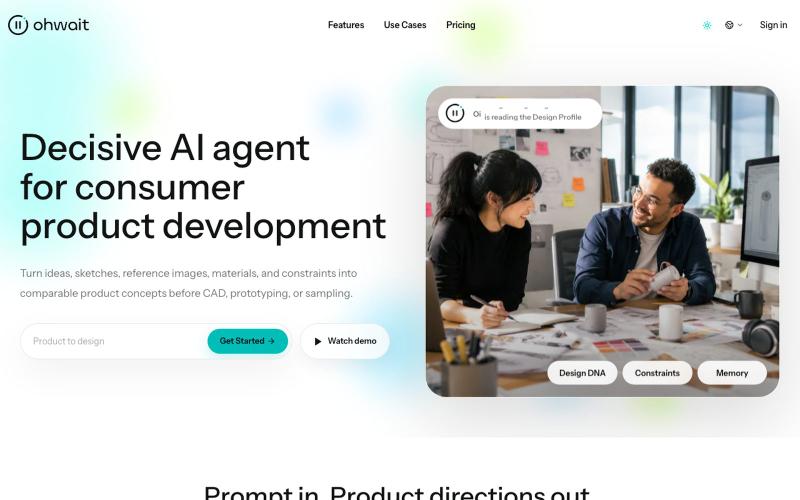
AI agent that generates comparable product concepts from ideas, sketches, images, and constraints.

@hedge8og · X
4月23日,我开始用 Codex 搭自己的产品。到现在,满3个月了。 截至7月19日,Codex 页面显示247.1亿个 Token,连续使用54天。标题里的“250亿”是取整,准确数字以截图为准。 这三个月,我把 做上线了,产品介绍视频改了很多版,也借助 Codex 做了不少以前一个人很难完成的工作。 具体一点:我用它整理过 BP、导出过 PDF、做过 PPT 工作稿,也把调研、文档、图片、浏览器操作、网站、视频和邮件这些常见 Skills 跑过一圈。有些后来真的进入了工作,有些试完就放下了。 现在回头看,最大的收获不是“我做过这么多种东西”,而是我越来越能分清:哪些能力能进入真实工作,哪些只是演示起来很厉害。 这些数字确实挺夸张。说实话,我自己看到也会觉得:是不是做了很多事? 但如果现在让我总结,我不会把它们当成绩。它们只能证明我很投入,蹬得快冒烟了,不能证明产品已经有价值,更不能证明商业已经成立。 我大学辍学,最高学历是高中,之前一直在制造业工作,也不会写代码。写这些不是为了卖惨,更不是想证明学历没用,只是先把我的真实起点说清楚。 2月 OpenClaw 火起来以后,我开始认真试各种 AI 工具,想先解决工作里那些重复、又不得不做的事情。 这期间还有一次,客户马上要我提案,但公司的设计师手上也有急活。我用 ChatGPT 做了产品效果图,最后拿到了订单。 老板后来跟我说:“早知道你可以帮我做这些,那些外包设计早就可以不用买了。” 到了4月,我又用扣子搭了发货模板和记账系统。原来需要手工对比核验的条形码、外箱码,我也开始想办法交给工具处理。 这张订单图只能证明订单记录是真实存在的,不能单靠它证明订单一定是 AI 带来的,更不是 Ohwait 的客户案例。AI 参与了产品效果图制作,之后拿到订单,是我对那次真实工作过程的记录。 那一刻让我兴奋的,其实不是发现了什么创业机会,而是我第一次觉得,模型真的可以成为人的“数字外骨骼”。 回头看这三个月,我现在有5个比较确定的结论。 ### 1. AI最好先从一个真问题开始 发货、记账、核验、临时要效果图,这些都不是什么宏大命题,但它们有一个共同点:问题原本就存在,而且有人正在为它花时间、花钱或者承担压力。 我现在判断一个 AI 工具有没有价值,还是看两件事:它有没有少让我重复
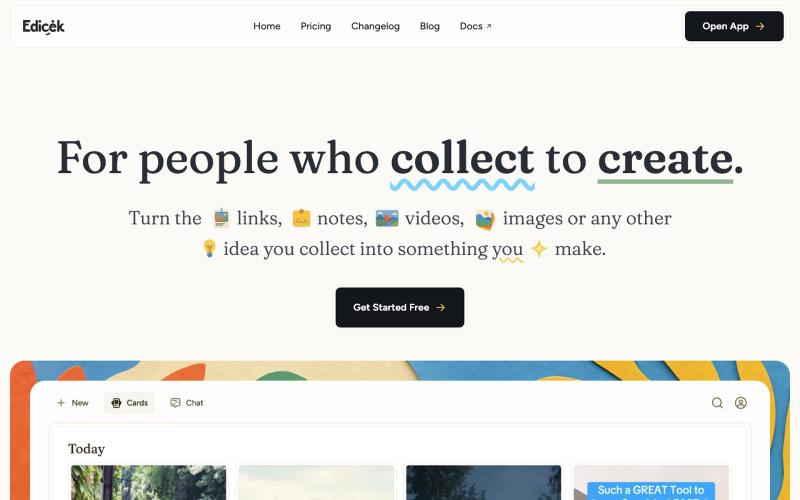
Turn the links, notes, videos, images or any other idea you collect into something you make.

@homoky · X
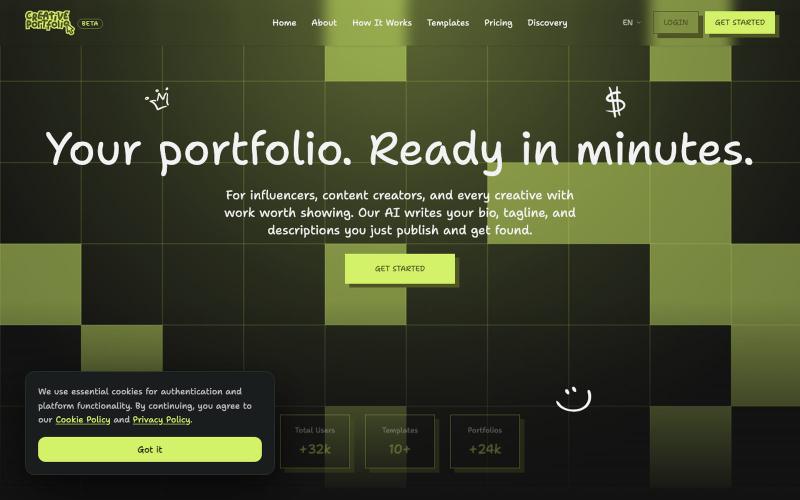
Create a stunning professional portfolio in minutes. Pick a template, add your work, and get discovered. Loved by developers, designers, photographers, and creatives.

@wagnermateus · X