

Creative Tools1 day ago
Snapester - Turn Screenshots into Beautiful Visuals
Turn screenshots into polished designs using a Chrome extension and web-based editor.

@buildwithshyam · X
The full gallery
Tech stack
16 projects
Turn screenshots into polished designs using a Chrome extension and web-based editor.
@buildwithshyam · X

Record your screen in the browser, save to Google Drive, and share via instant links for $29.

@HashamBuilds · X
Building Walkthrough, screen recorder, $29 once, videos save to your own Google Drive. No subscription, no vendor servers. 14 days refund with no question asked. Now shipping in public daily. 🔗

Chrome extension for recording screen demos with automatic zoom effects and custom backgrounds.

@gabani_vatsal · X
Building Screen recorder which adds zoom effects and custom backgrounds
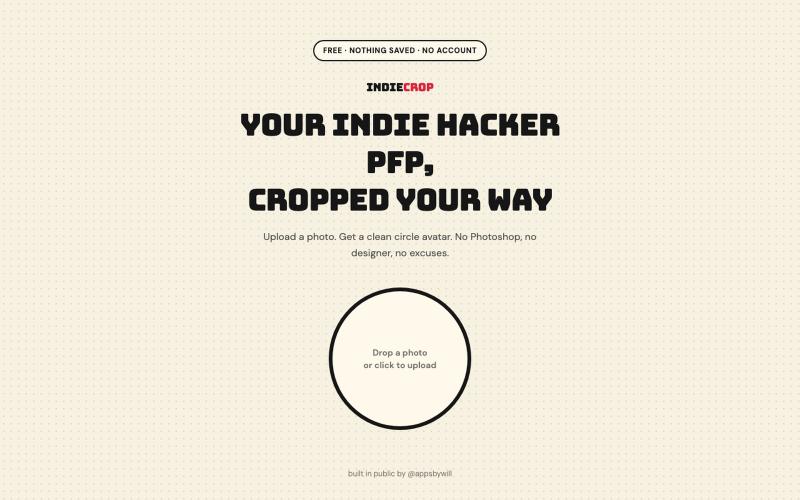
Generate a circular avatar from any photo with automatic background removal in the browser.

@appsbywill · X
i've been playing around with this profile picture maker, I really want to fine tune the background removal and add more styling templates. Let me know if you find more bugs!
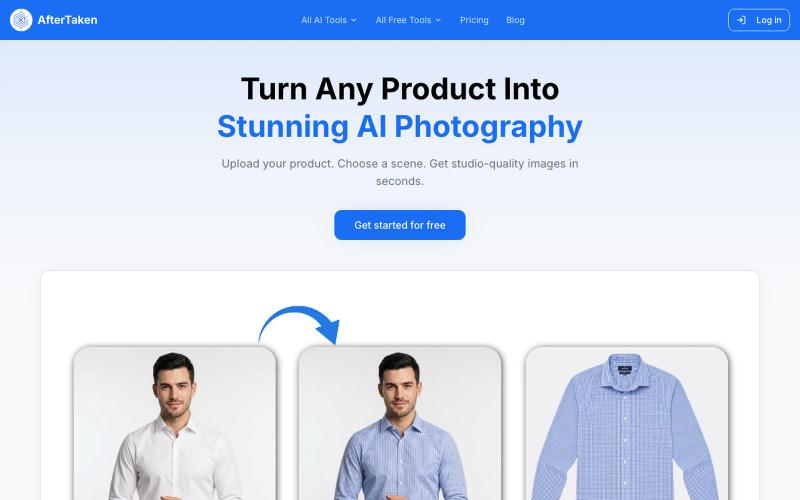
Upload a product image and choose a scene to generate studio-quality AI photos.

@aftertakenai · X
for AI e-commerce product photography
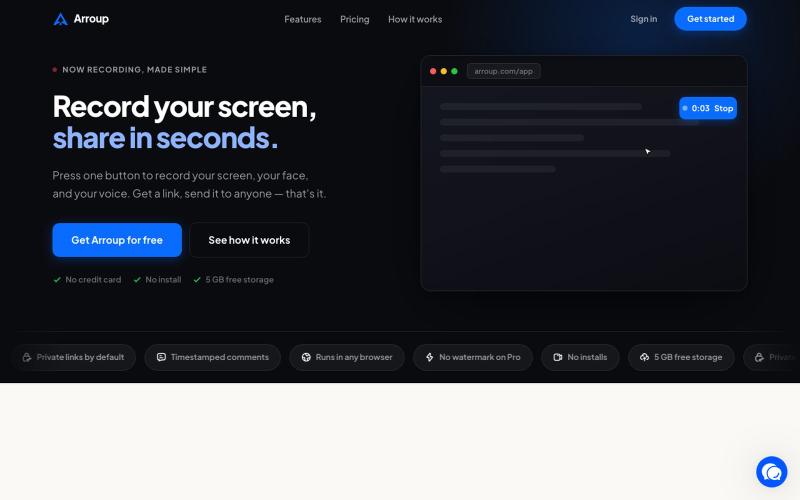
Record your screen, camera, and mic, then share with a link instantly.

@VladSmigelski · X
Building Loom alternative -
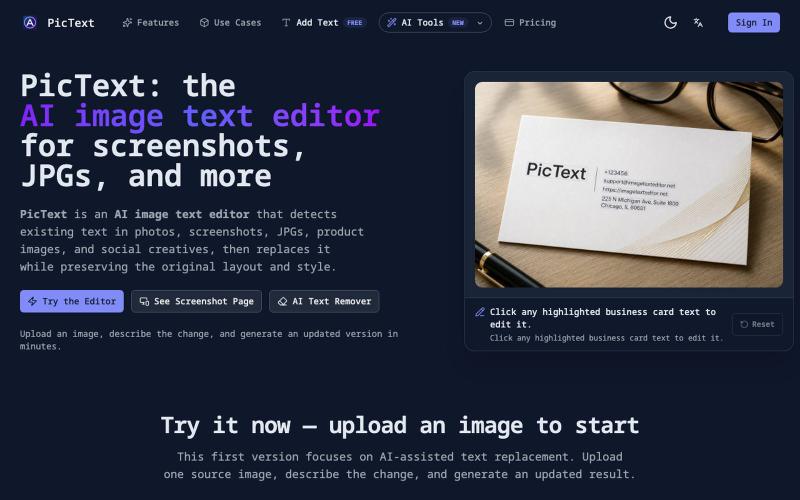
Detect and replace text in images while preserving layout and style.
PicText - 图片文字编辑器 — AI 驱动的图片文本编辑器,检测并替换照片、截图和产品图中的文本,同时保留原始布局和字体
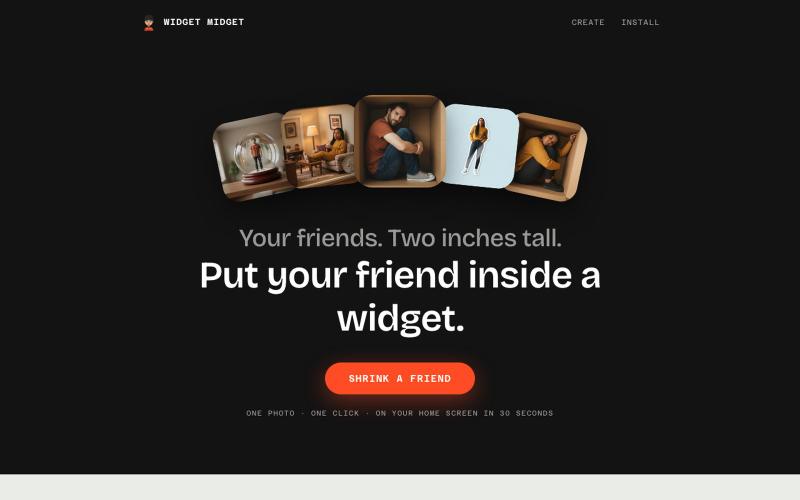
Upload a photo of a friend and turn them into a stylized widget buddy for your phone home screen.

@depxanshu · X
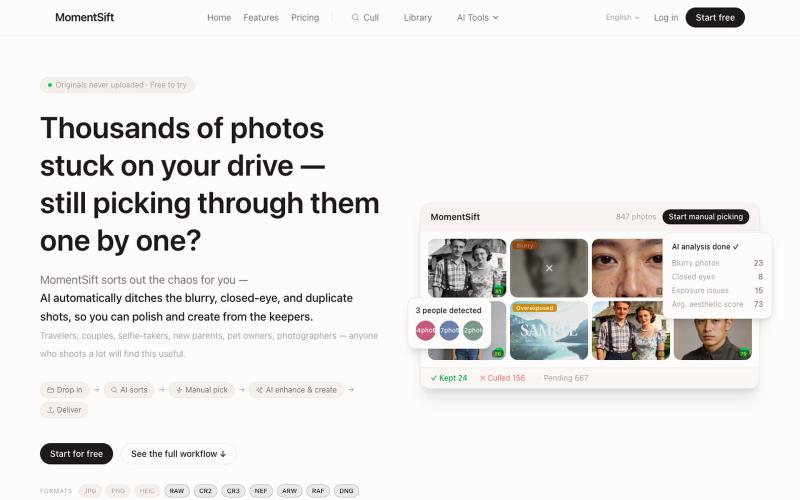
Cull, enhance, and generate photos with AI in your browser.
ansheng_hu · Product Hunt
MomentSift Cull, enhance, and create better photos with AI
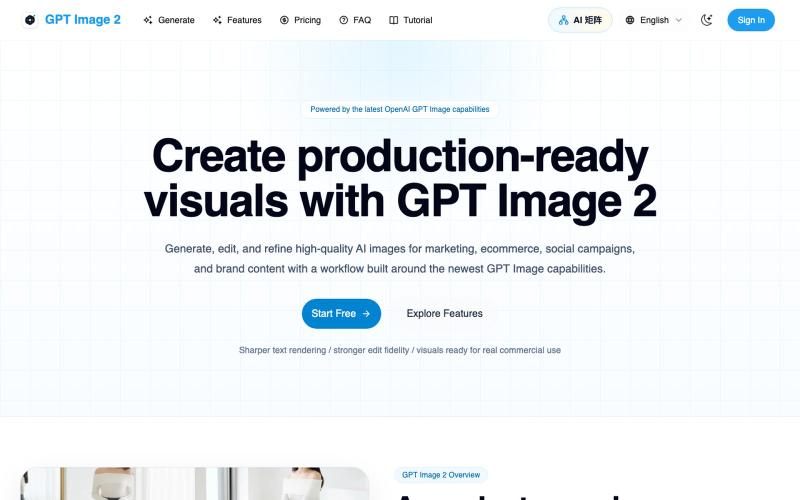
Generate and edit AI images for marketing, ecommerce, social media, and branded content.
Gptimage2 — AI 图片生成工具

Generate and edit AI images for product shots, ads, portraits, and thumbnails via text prompts.
Plugcamp · V2EX
最近在折腾一个小站,主要是围绕 Nano Banana 2 Lite 做图片生成和图片编辑: https://nanobanana2lite.me/ 一开始只是自己想要一个比较轻的入口,用来快速试 prompt 。后来发现每次测图都会遇到几个重复问题: - prompt 写完之后,不知道适合什么比例 - 文生图和图生图入口经常混在一起 - 想找几个可复制的 prompt 示例,但很多站要么太重,要么示例不够直观 - 只是想快速生成一张产品图、头像、广告图、封面图,不想进一个很复杂的工作台 所以就做了这个站。 目前主要有几个部分: - Text to Image:直接输入 prompt 生成图 - Image to Image:上传一张图,再用 prompt 做改图 - AI Image Editor:偏日常编辑,比如换背景、改光线、改风格 - Prompt Library:整理了一些可直接复制的 prompt - Gallery:放了一些 before/after 和示例图 我自己比较在意的是首页别太像传统 SaaS 落地页,所以最近一直在改视觉。之前太干了,后来加了一些更丰富的样张和暗色主题,但也还在调。 这个站不是 Google 官方产品,只是一个第三方工具站。现在更多是想把「轻量、直接、可复制」这件事做好。 如果大家有空的话,想请教几个问题: 1. 首屏看起来会不会太营销,还是说信息还算清楚? 2. 对图片工具来说,大家更想先看到生成表单,还是先看到效果案例? 3. Prompt Library 这种页面有没有用,还是大家更习惯直接自己写? 4. 如果你平时会用 AI 生成图,最常用的场景是产品图、头像、封面、广告图,还是别的? 欢迎拍砖,尤其是 UI 、文案、信息结构这块。 链接再放一次: https://nanobanana2lite.me/
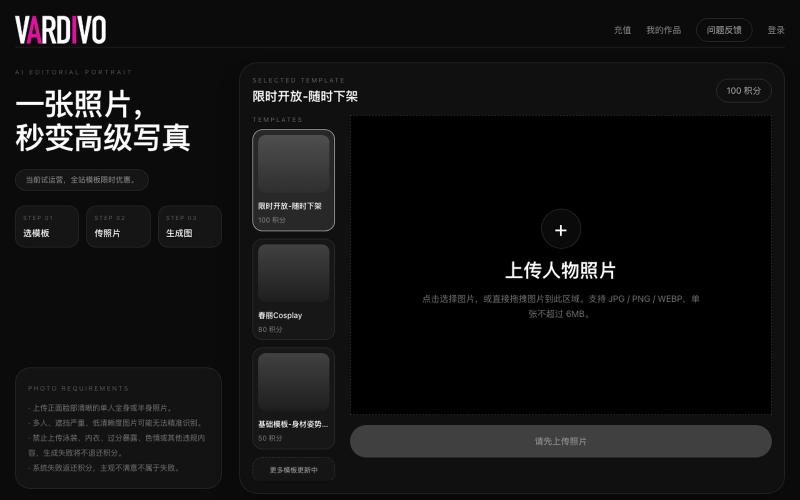
Upload a photo and select a template to generate AI-powered portraits and visual content.

@pshenzhishen2 · X
来了来了,Vibe coding了两个月,地表最强写真生图工具VARDIVO上线了!傻瓜式上传图片选择模板即可生成。目前三个模板,欢迎各位探索使用。未来会陆续增加更多模板。附送一个春丽大幂幂。传送门👉🏻