

Creative Tools1 month ago
Imagerry | Image Editor, Converter & Customizer
Edit, resize, crop and convert images directly in your browser without uploading files.

@its_ajseven · X
The full gallery
Tech stack
22 projects
Edit, resize, crop and convert images directly in your browser without uploading files.
@its_ajseven · X

Free tools to convert, compress, and edit files directly in your browser without uploads.

@faisalhaleem · X
Just launched — free browser-based file tools runs entirely in your browser. Video to GIF (with trim slider) Merge / Split / Shrink PDF Your files NEVER leave your device. No sign-up needed. Free forever. #buildinpublic #webdev #indiedev #tools #privacy

Edit, compress, convert, and merge video and audio files in your browser.
zhw2590582 · V2EX
最近对网站进行了重构,做成了免费的视频工具站:[ArtPlayer Tools]( https://artplayer.org/tools/) 主要是围绕着 ffmpeg.wasm 和 mediabunny 实现的一些可以直接在浏览器里用的视频/音频工具,常用的有: - 视频压缩:[Compress Video]( https://artplayer.org/compress-video/) - 视频裁剪:[Crop Video]( https://artplayer.org/crop-video/) - 视频合并:[Merge Video]( https://artplayer.org/merge-video/) - 视频尺寸调整:[Resize Video]( https://artplayer.org/resize-video/) - 视频旋转:[Rotate Video]( https://artplayer.org/rotate-video/) - 视频调速:[Change Video Speed]( https://artplayer.org/change-video-speed/) - 添加文字到视频:[Add Text to Video]( https://artplayer.org/add-text-to-video/) - 添加水印:[Watermark Video]( https://artplayer.org/watermark-video/) - 提取字幕:[Subtitle Editor]( https://artplayer.org/subtitle-editor/) - HLS 转 MP4:[HLS to MP4]( https://artplayer.org/hls-to-mp4/) - 音频可视化:[Audio Visualizer]( https://artplayer.org/audio-visualizer/) 大部分工具都是本地处理,文件不会上传到服务器。最开始是因为自己偶尔要处理一些视频,开剪辑软件又有点重,在线工具又担心隐私,所以就慢慢做成了一个站。 目前还在持续完善,体验肯定还有不少粗糙的地方,比如不同浏览器的兼容、移动端操作、长视频性能之类的。 网站: [ArtPlayer Tools]( https:
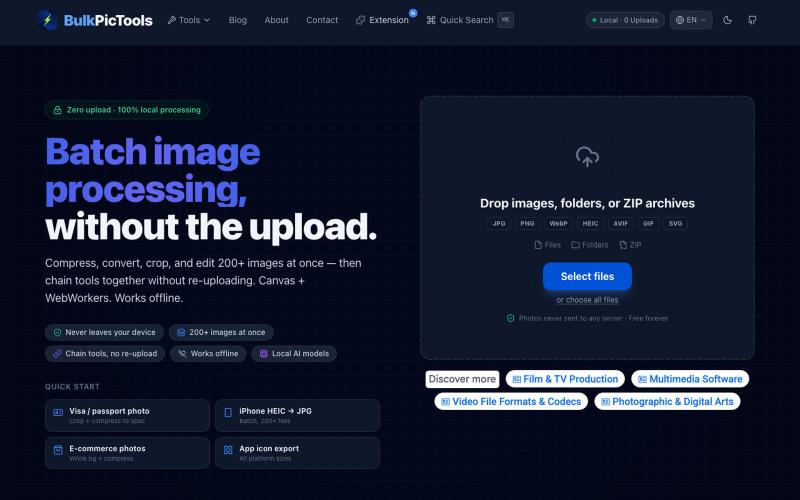
Batch edit images in your browser with tool chaining, compression, and format conversion.
BulkPicTools — 免费浏览器端图片批量处理工具,支持**工具链串联**(压缩→转格式→裁剪一次完成,无需重复上传),本地 AI 去背景/人脸模糊(WebGPU,无需 API Key),支持 200+ 张图片批量处理,文件不上传服务器。
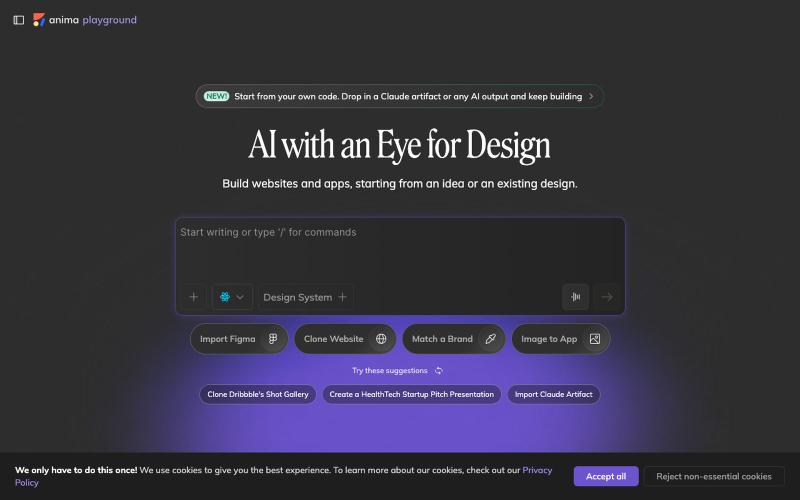
Convert design mockups and screenshots to code automatically.

@AnimaApp · X
Image to code in 1 minute - 20x faster than Claude Code and with much higher fidelity. Try it at and let us know how we did 🤘
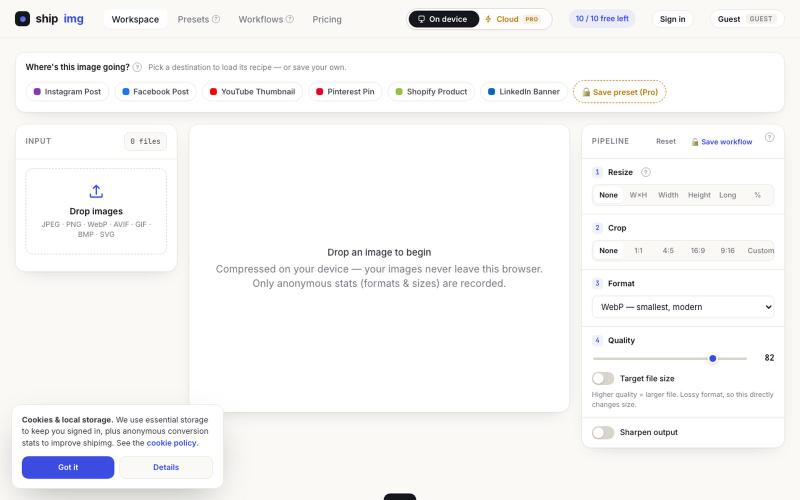
Convert and compress images in multiple formats directly in your browser without uploading files.

@SamoreVaibhav · X
The online image converter experience: → upload → wait → download → "free limit reached, upgrade now" → open competitor site → upload the same files AGAIN → next week: which site was it? what size did I use?? I got tired of this loop. So I built Runs 100% in your browser — files never upload, so there's no limit to hit. Save your presets once, they're there forever. My first SaaS. Launching in public 😁
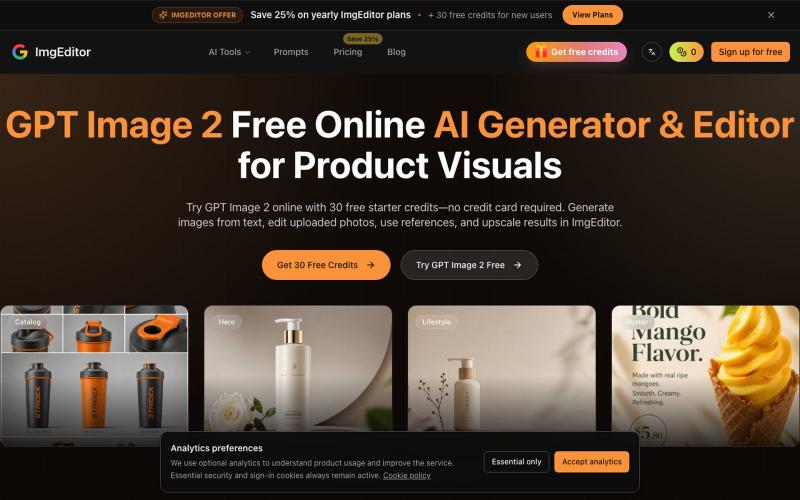
Create and edit images with AI using text prompts and upscaling.
GPT Image 2 — AI 图片生成工具,支持快速生成高质量图片,适合用于设计灵感、内容创作、社交媒体配图等场景。
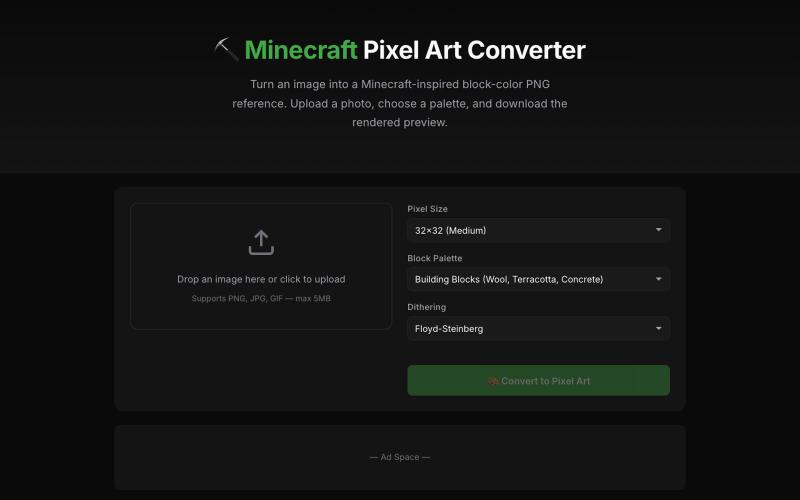
Convert images into Minecraft-inspired block pixel art with adjustable palette and size.
Minecraft Pixel Art Converter — 把图片转换为 Minecraft 方块像素画,支持调整尺寸、调色板并导出材料清单
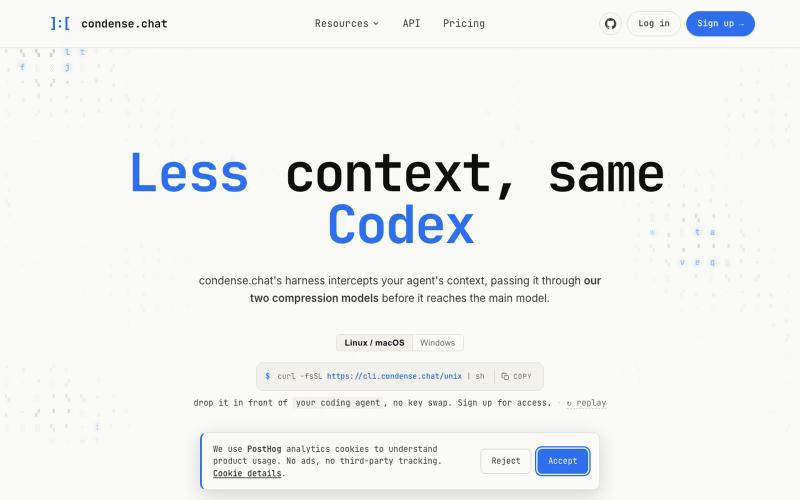
Compress LLM prompts and documents to reduce token usage and API costs.

@marcusyul · X
THEY JUST GAVE AWAY 100 MILLION FREE TOKENS SO YOU CAN STOP BURNING THROUGH YOUR CLAUDE CODE BUDGET. if you code with AI you already know: the session fills up, starts failing, and on top of that you're overpaying there's a tool that fixes this: it shrinks the context before the model even sees it same model, same response, a fraction of the cost in a real session: from $154 to $43. a 72% drop and right now: → extend your Fable sessions in Claude Code → 100M free tokens to try it out you don't switch models you don't touch your code you just stop paying to repeat yourself link below ⬇️

Generate, edit, and style-transfer images, and create AI videos.
Nano Banana Pro — AI 图像与视频生成平台,支持精准区域编辑、照片修复、风格转换、多图融合、角色一致性保持及视频生成
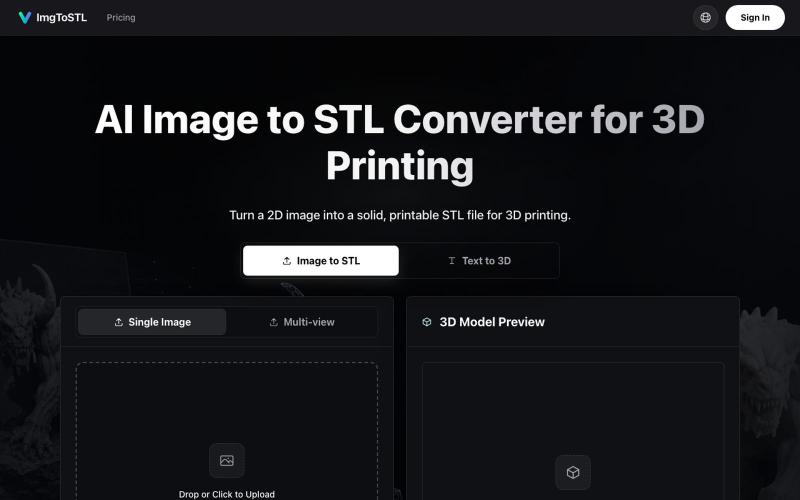
Convert images to STL files for 3D printing using AI.
ImgToSTL — 面向 3D 打印的 AI 图片转 STL 转换器
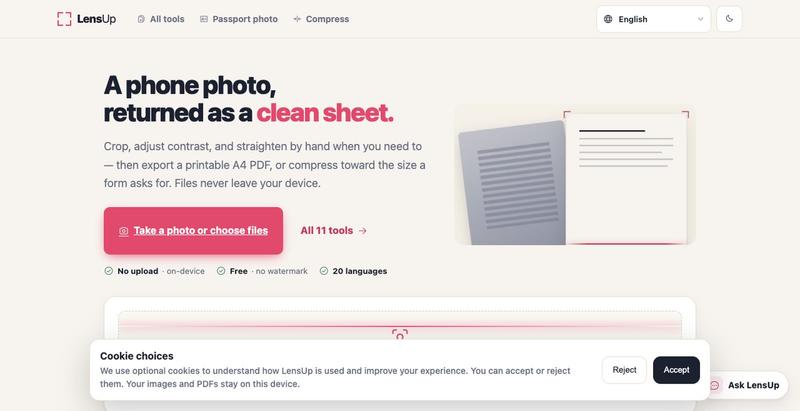
Turn photos into clean, printable PDFs with automatic cropping, de-shadowing, and compression.