
Productivity1 week ago
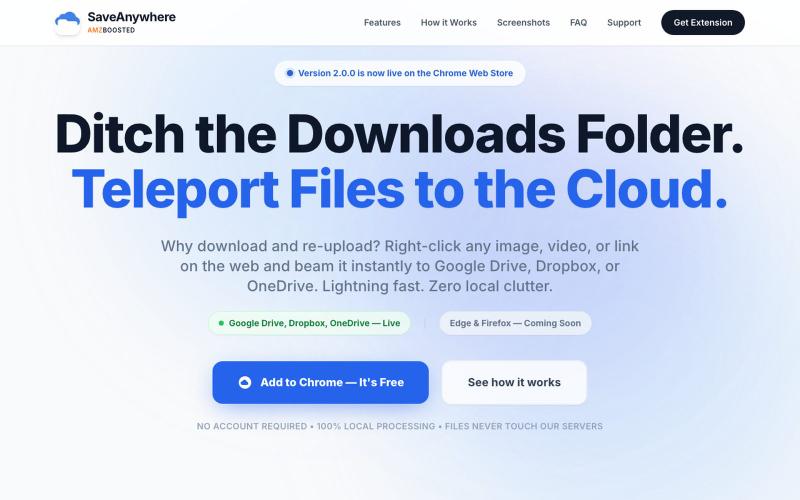
SaveAnywhere by AMZBoosted | Save Directly to Your Cloud
Chrome extension that saves files, images, and links directly to Google Drive, Dropbox, and OneDrive with local processing.

@SaveAnywhere · X
Free chrome extension :
The full gallery
Tech stack
33 projects
Chrome extension that saves files, images, and links directly to Google Drive, Dropbox, and OneDrive with local processing.
@SaveAnywhere · X
Free chrome extension :
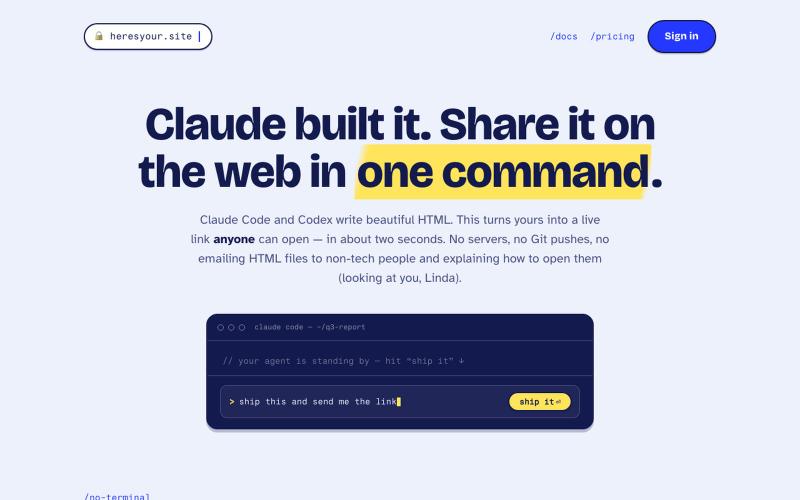
Instantly share HTML files as live links with a single command.
tim33 · HN
Heresyour.site
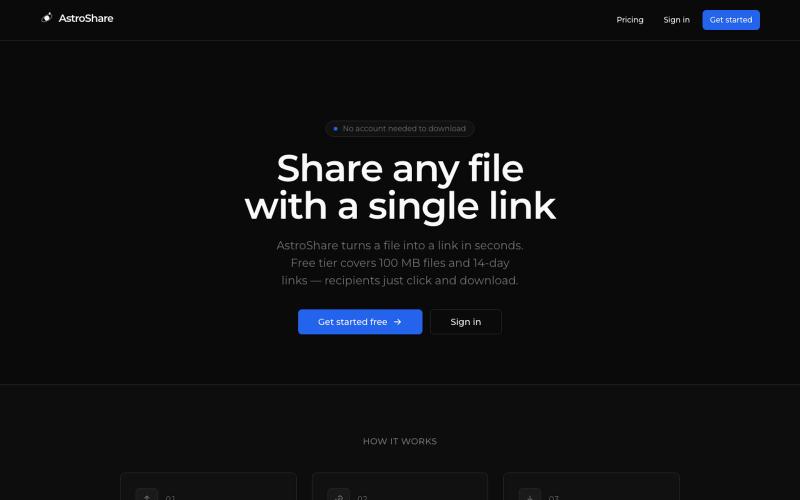
Upload a file, get a shareable link, and let anyone download it.

@astrolinkcc · X
Try one of our products!
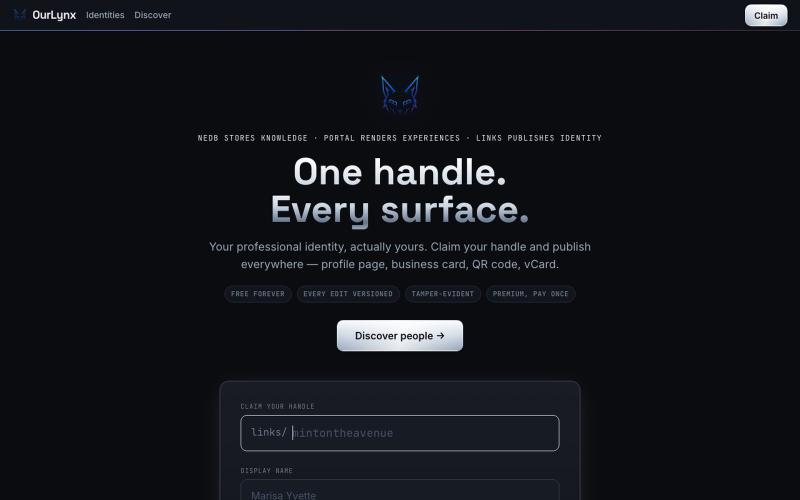
Create one page to aggregate all your links with QR code and live stats.

@interchained · X
one handle, every surface
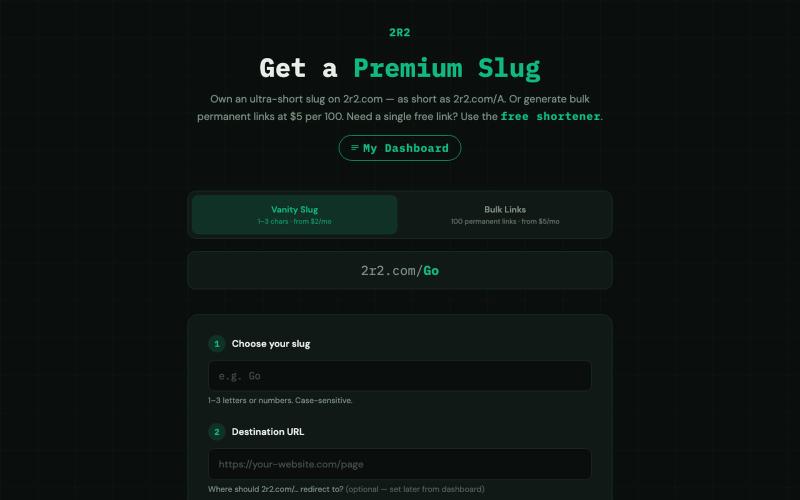
Create ultra-short custom links in bulk with permanent redirects and CSV export.

@SpartA1ah1 · X
Bulk Links just launched on 2R2 Need hundreds of short links at once? Paste your URLs, get a pack of 100 permanent links 5-char slugs at $5/mo or 4-char at $10/mo. No tracking, CSV export included. #buildinpublic #indiehackers
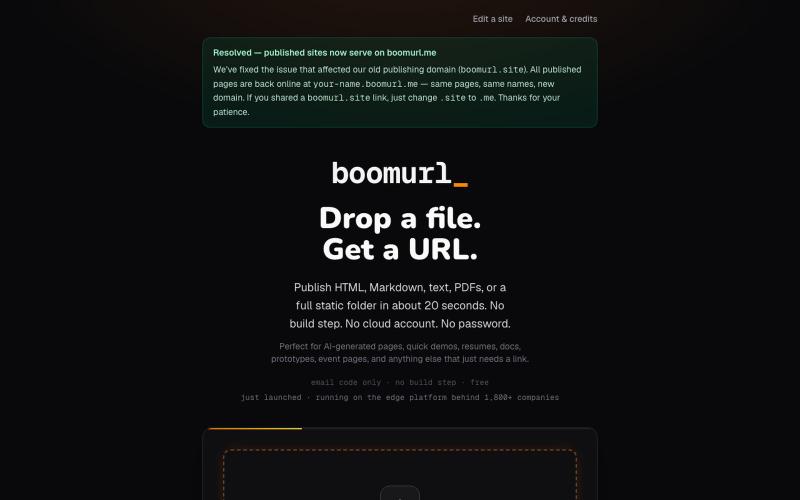
Drag an HTML file or folder to instantly host it on a custom domain with global edge delivery.

@dorongrinstein · X
drag and drop any .html and go live with a custom domain in 20 seconds
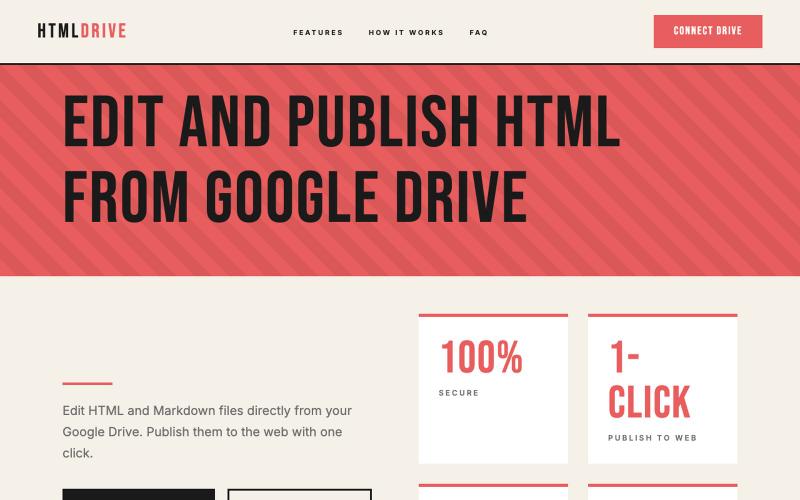
Serve and publish HTML files directly from your Google Drive.
debamitro · HN
I found that AI tools are generating excellent HTML documents nowadays, yet there's no easy way to show them to others. Yes, there's GitHub pages - but I don't know if it is user-friendly for non-technical people. This app allows you to keep your HTML file in your Google Drive and serve it from there. Feedback is most welcome.
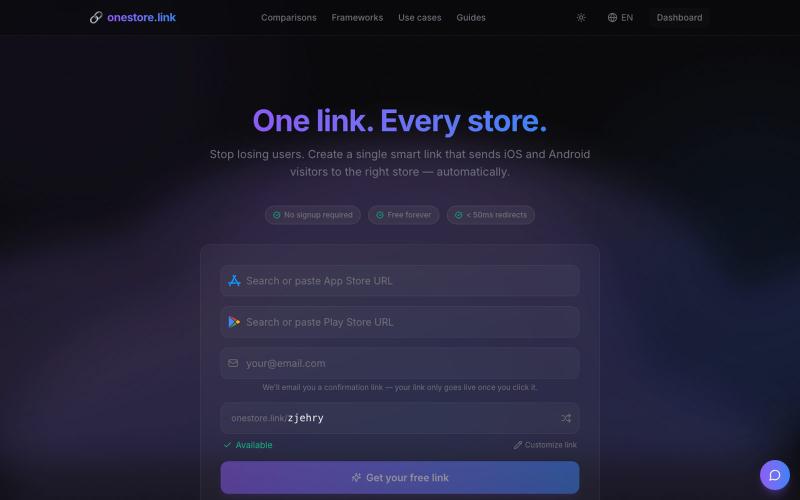
Create universal app store links that work across App Store, Google Play, and more instantly.

@adriendecoster_ · X
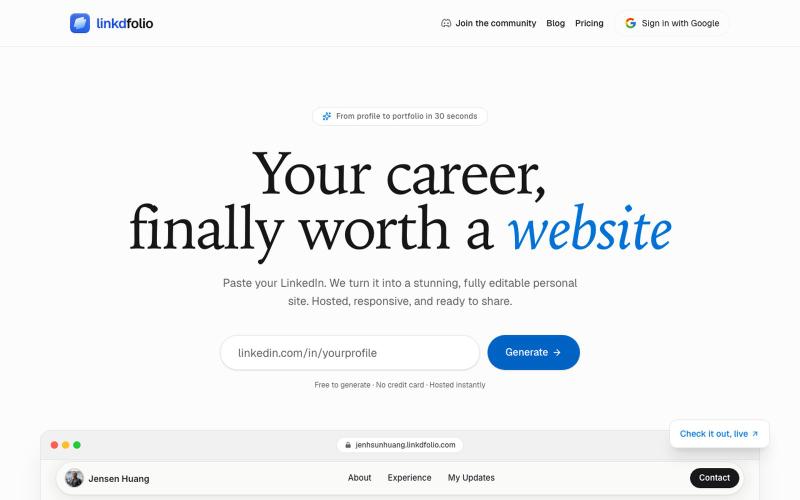
Generate a personal portfolio website directly from your LinkedIn profile.
u/KevinBell102 · Reddit
Spent too many weekends coding portfolio sites for friends, so I made it automatic instead A few friends who were job hunting for internships and new grad roles had asked me to make them a portfolio site. After building the first few sites, more kept asking me, at which point I wanted to see if I could automate most of the work. That led to me making a tool ( linkdfolio.com ) that takes any LinkedIn and puts together a unique personal site based on your profile. Anyone can use
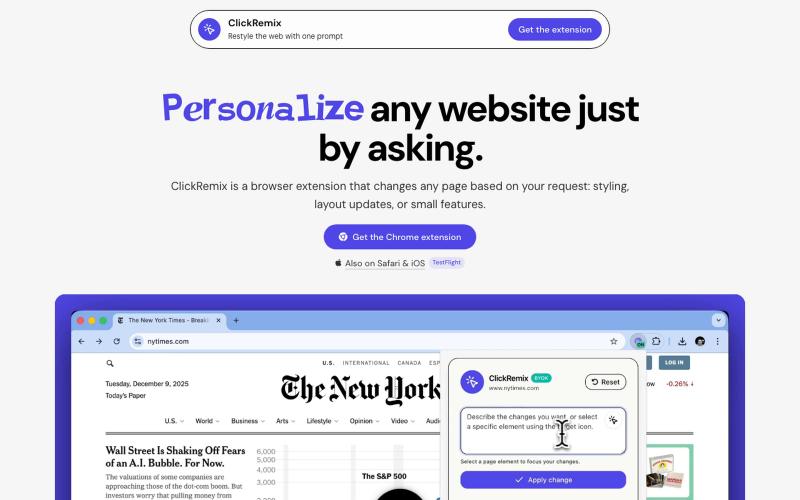
Browser extension that customizes webpages with text prompts for styling, layout, and feature changes.
alentodorov · HN
built it in spring 2026--ready to share today. use opus 4.8 to create css and js snipptes to style the websites you visit the way you want. make nytimes more print-like, hn more matrix, or just replace any mention of AI with the :poop-emoji" -- your call.
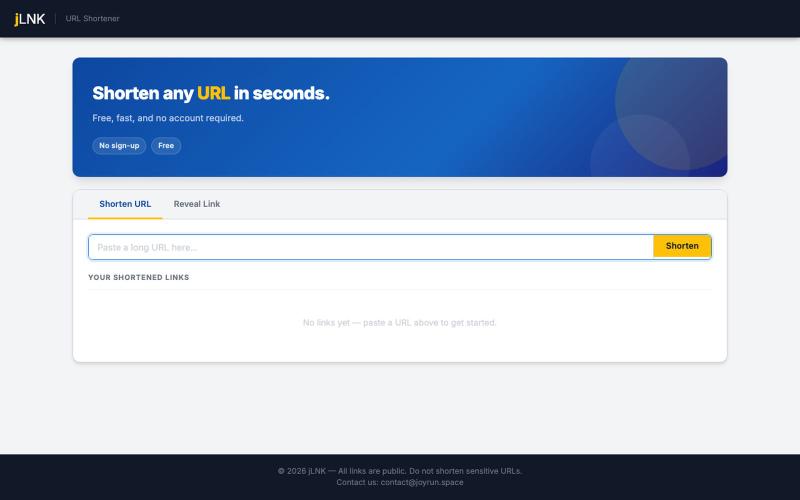
Shorten URLs instantly for easier sharing and tracking.
u/ItsTheJStaff · Reddit
Just Another Link Shortener Hi everyone, I am willing to share my freakingly ordinary project, I am not sure if I can (and should) post it here as I have never published any pet project seriously, but the time has come. It's not that I believe in the project or something, but after a long development that took about a month... I wiped out all the sources and determined that I had implemented over-engineered unusable geek-oriented piece of shit... and took a one-year break only to restart t

Browser-based tools for video and audio compression, cropping, merging, and conversion without uploading files.
zhw2590582 · V2EX
最近对网站进行了重构,做成了免费的视频工具站:[ArtPlayer Tools]( https://artplayer.org/tools/) 主要是围绕着 ffmpeg.wasm 和 mediabunny 实现的一些可以直接在浏览器里用的视频/音频工具,常用的有: - 视频压缩:[Compress Video]( https://artplayer.org/compress-video/) - 视频裁剪:[Crop Video]( https://artplayer.org/crop-video/) - 视频合并:[Merge Video]( https://artplayer.org/merge-video/) - 视频尺寸调整:[Resize Video]( https://artplayer.org/resize-video/) - 视频旋转:[Rotate Video]( https://artplayer.org/rotate-video/) - 视频调速:[Change Video Speed]( https://artplayer.org/change-video-speed/) - 添加文字到视频:[Add Text to Video]( https://artplayer.org/add-text-to-video/) - 添加水印:[Watermark Video]( https://artplayer.org/watermark-video/) - 提取字幕:[Subtitle Editor]( https://artplayer.org/subtitle-editor/) - HLS 转 MP4:[HLS to MP4]( https://artplayer.org/hls-to-mp4/) - 音频可视化:[Audio Visualizer]( https://artplayer.org/audio-visualizer/) 大部分工具都是本地处理,文件不会上传到服务器。最开始是因为自己偶尔要处理一些视频,开剪辑软件又有点重,在线工具又担心隐私,所以就慢慢做成了一个站。 目前还在持续完善,体验肯定还有不少粗糙的地方,比如不同浏览器的兼容、移动端操作、长视频性能之类的。 网站: [ArtPlayer Tools]( https: