
Games & Play1 week ago
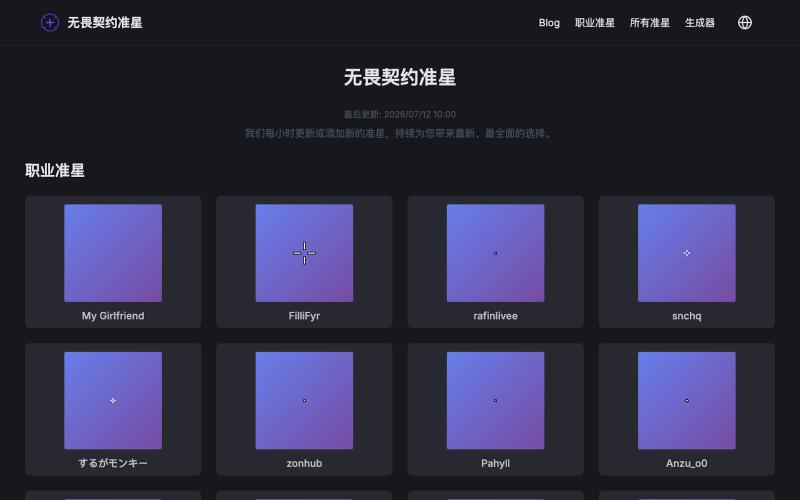
无畏契约(瓦罗兰特)准星库和生成器
Browse professional Valorant crosshairs and create your own custom setup.
无畏契约准星库和生成器 — 无畏契约准星库和生成器,玩家的得力帮手
The full gallery
Tech stack
23 projects
Browse professional Valorant crosshairs and create your own custom setup.
无畏契约准星库和生成器 — 无畏契约准星库和生成器,玩家的得力帮手

Get a free API key with email to access 500+ Hugging Face models.

@pengsonal · X
500+ Hugging Face models through a single free API no credit card just an email signup 😳 launched on July 3 as a unified gateway for Hugging Face models one API key one endpoint 500+ models what you get for $0: • 500+ open-source models through an OpenAI-compatible API • no separate API keys for different providers • works with Cursor, Claude Code, Hermes, OpenCode, and anything that supports a custom base URL • email signup only setup takes about 2 minutes: 1. Go to 2. Sign up with your email 3. Generate an API key 4. Set your base URL to 5. Choose any model from the catalog and start building a few things worth knowing: • is a third-party gateway, not an official Hugging Face product • the free tier is rate-limited, but the exact limits haven't been published yet • i wouldn't build production apps that depend entirely on a free aggregator what i like is the simplicity instead

Buy original cosmetics, makeup, and skincare products online.

@hbute1 · X

Match cartoon character colors using HSB sliders to guess the right shade.
Toon Tone — 浏览器里的动画角色颜色猜测游戏,玩家使用 HSB 滑块还原目标颜色,每轮显示色相、饱和度、亮度偏差得分,支持手机微调、种子分享和排行榜
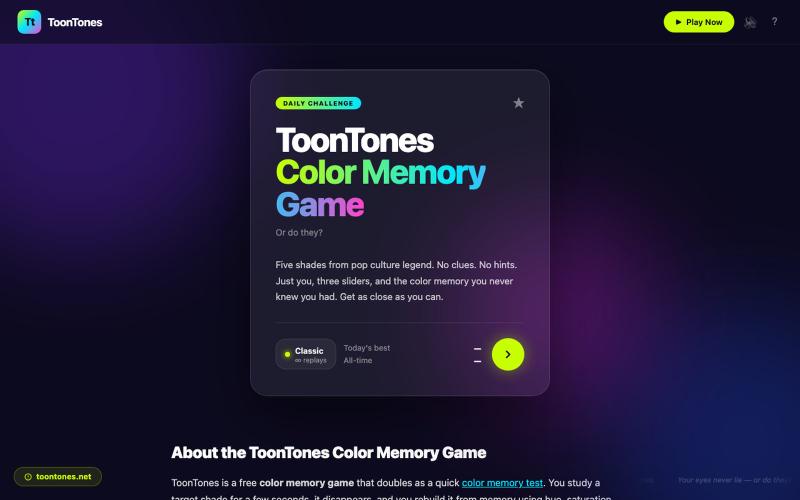
A browser color memory game where you match hidden shades using HSL sliders and score 0–10.
ToonTones — 浏览器颜色记忆游戏,观察隐藏色后用 HSL 滑块还原,五轮给出 0–10 分,支持每日挑战和排行榜,无需注册下载
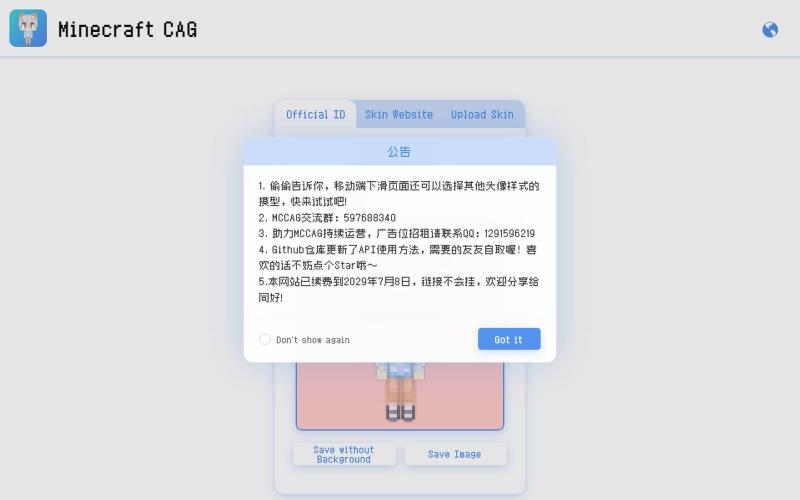
Generate Minecraft avatar heads from your game ID or custom skin file.

@_Gufan_ · X
我做了一个网站,只需要输入Minecraft的ID或者上传皮肤文件,就能生成不同种类的可爱皮肤头像!

Race motorcycles over stock and cryptocurrency price charts in this browser-based arcade game.
stonkrider — 把股市、加密货币K线变成跑道的脑洞赛车游戏

Design custom themes for Codex Desktop with backgrounds, colors, transparency, and visual effects.
plutozc · V2EX
做了个 Codex Desktop 主题预览和切换工具,先调好再安装 最近一直在用 Codex Desktop ,觉得默认界面看久了有点单调,就顺手做了个主题编辑工具,分享一下: [Codex Skin]( https://getcodexskin.com) 可以先在网页里预览主题,调整背景透明度、面板透明度、颜色、模糊和圆角等参数,满意之后再下载并切换到 Codex Desktop 。 目前支持: - 自定义 JPG 、PNG 、WebP 背景 - 在线实时预览主题效果 - 调整透明度、颜色、模糊、圆角 - 预览满意后生成安装命令 - 不喜欢了可以恢复默认外观 目前主要面向 macOS 上的 Codex Desktop ,还是个人项目,功能和兼容性都在继续打磨。 欢迎试试,也想听听大家对主题参数、预览效果和安装流程的反馈。 直接网址: https://getcodexskin.com [轻喷 轻喷,可能还有些 bug
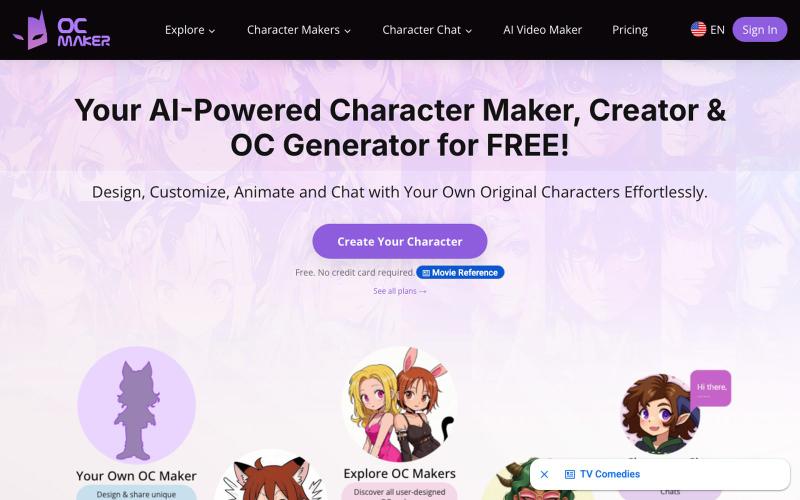
AI tool to create, design, and animate original characters.
OC Maker — 用 AI 生成原创角色图像
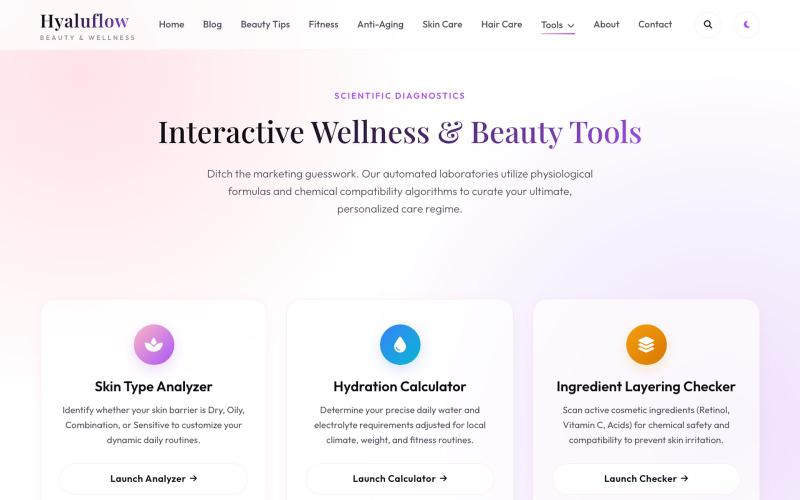
Tools for analyzing your skin type, hydration levels, ingredients, and hair porosity.

@Hyaluflow · X
We’re building HyaluFlow 🚀 Free tools like a Skin Type Analyzer, Ingredient Checker & Hydration Calculator. Which tool would you actually use?
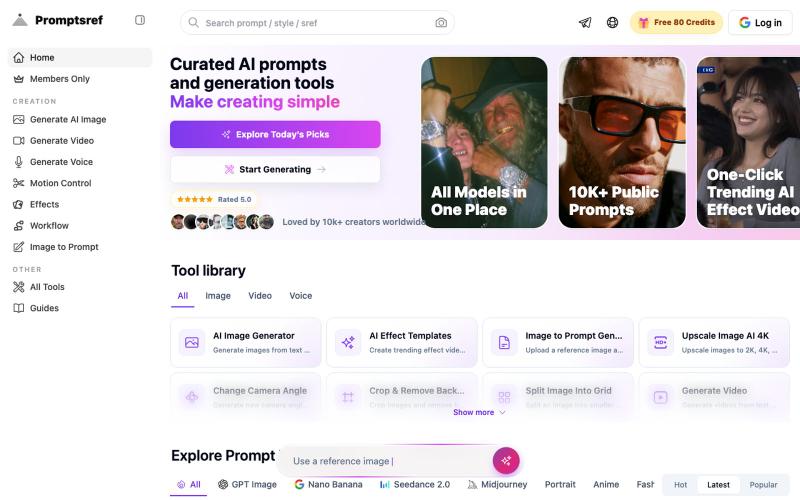
Browse curated Midjourney sref codes organized by style to generate consistent image aesthetics.
Midjourney Sref code 精选库 — 在 Midjourney 的 prompt 输入 `--sref xxx` ,可以固定生成某种特定风格的图片。这对很多人来说非常方便,不用写一堆效果词,只要记住几位数字就可以。但 `--sref xxx` 有大概 40 亿个,其中重复或者质量不佳的不在少数。因此做了一个网站把一些个人觉得不错的 sref code 收集起来并进行分类,方便新人或
