

Creative Tools1 month ago
Personalised Storybooks, Audiobooks & Printed Books
Generate personalized illustrated storybooks and audiobooks with consistent AI characters.

@StoryStitchApp · X
The full gallery
Tech stack
18 projects
Generate personalized illustrated storybooks and audiobooks with consistent AI characters.
@StoryStitchApp · X
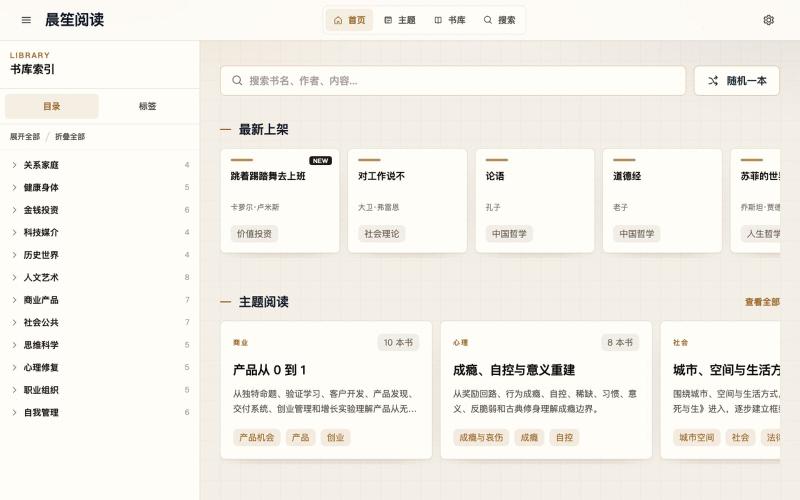
Explore AI-generated book interpretations and curated knowledge across business, psychology, investment, and health.
晨笙阅读 — 书籍解读平台,AI 辅助+人工校审,提炼经典书籍的核心问题、论证框架与实践洞见,支持分类浏览、全文搜索和主题阅读
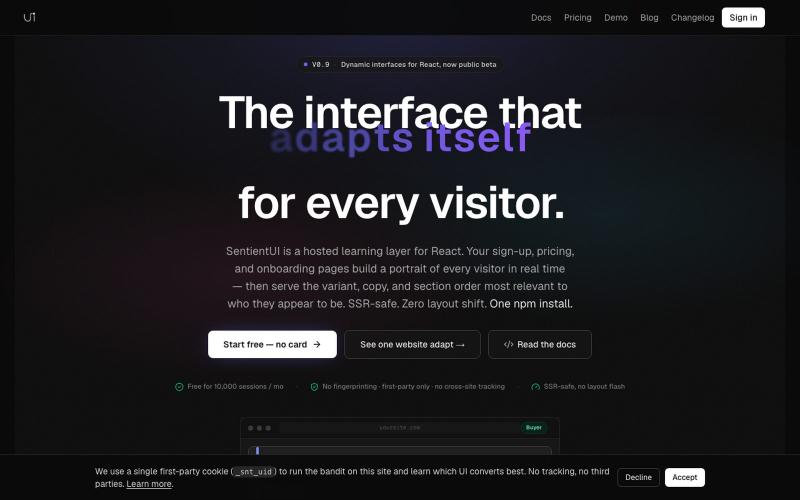
React library that serves personalized UI copy and layouts per visitor for conversion optimization.

@casancamdev · X

Get personalized travel, dining, and shopping recommendations as the system learns your preferences.

@JoinSjo · X
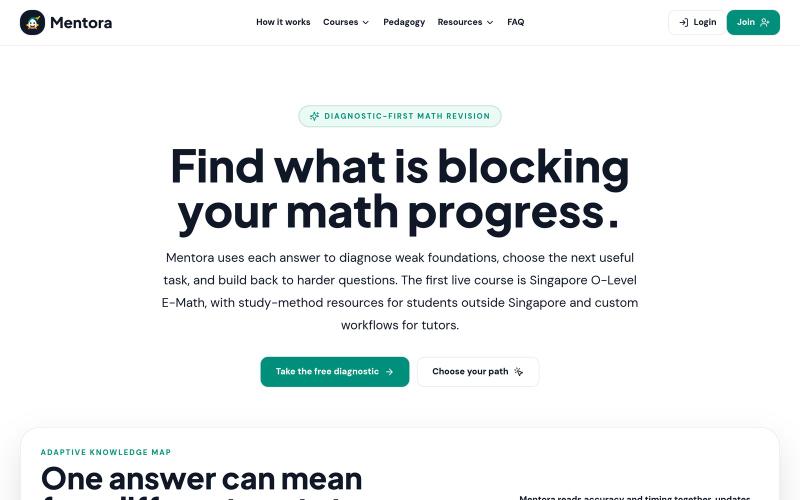
Personalized revision guide that adapts to your answers to identify what to review, repair, or prioritize.

@bellyencours · X
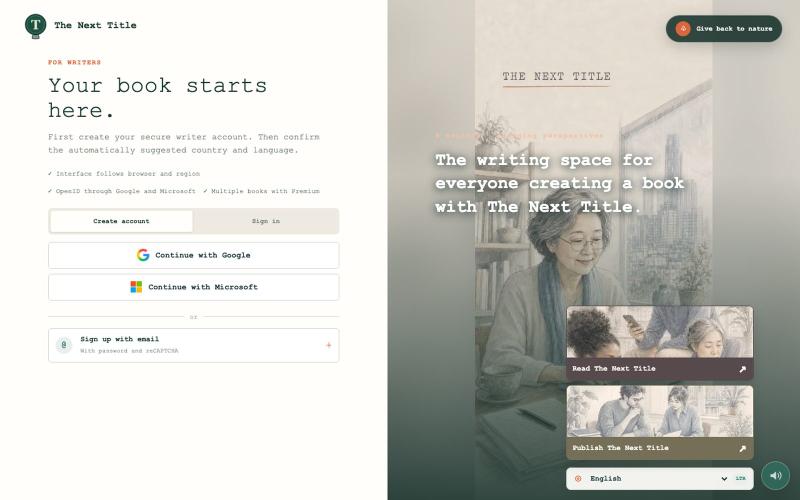
Write or import books online with AI narrative guidance and publisher connections.

@Tour71 · X
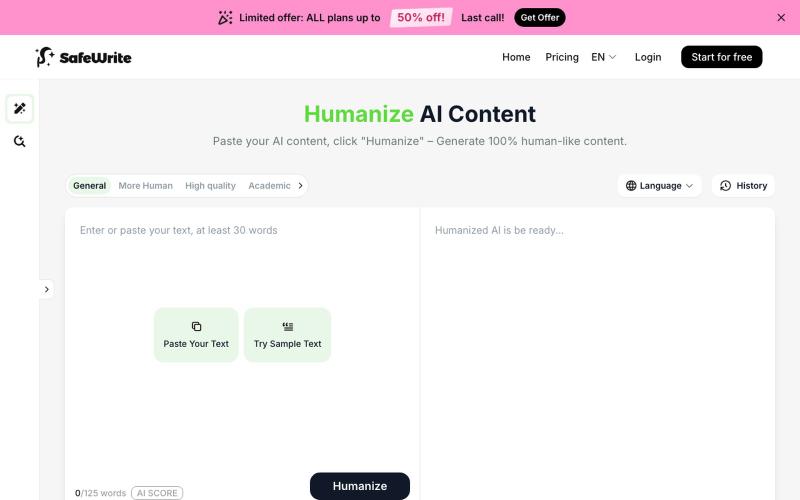
Transform AI-generated text to sound like your own writing with integrated AI detection.
SafeWrite AI — 结合 AI Humanizer 与 AI 检测功能的写作工具,帮助用户生成更自然、难以被检测为 AI 的内容。支持训练私有化的 Humanizer,模拟个人文风并确保隐私不泄露。同时整合 GPTZero、Turnitin 等检测器,一键获取多平台检测结果。通过“改写-检测-再改写”的自动流程,有效提升内容通过率,适用于学生、自由写手及内容创作者。
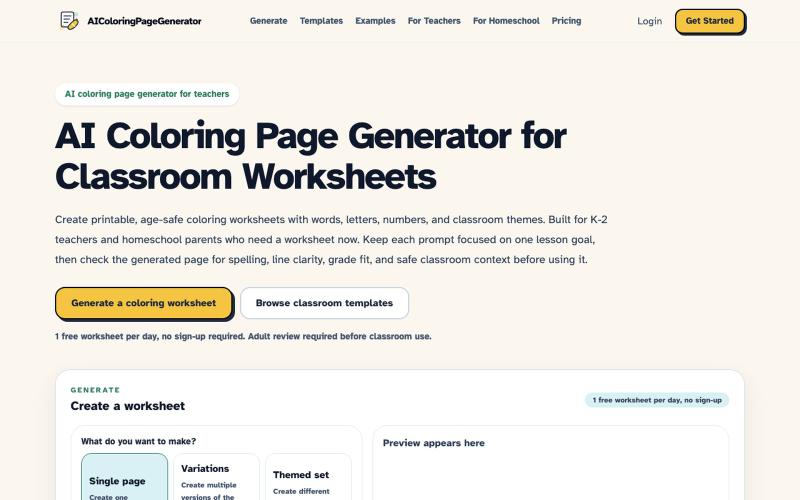
Generate AI coloring pages for K-2 classrooms from text prompts.
robot1996 · HN
AI Coloring Page Generator for printable classroom worksheets

Convert AI-generated text into natural-sounding human-like content.

@KASHIFALIKHAN94 · X
building to make ai text look human. what are u building?

A private tarot journal where AI provides personalized readings to help you explore relationships, emotions, and personal choices.
Fate Mirror — AI 塔罗占卜与自我探索工具,通过抽牌、AI 个性化解读、引导式问题和私人日记,探索爱情、事业、人际关系与重要选择,相比一次性出结果的传统塔罗网站更注重持续反思与记录
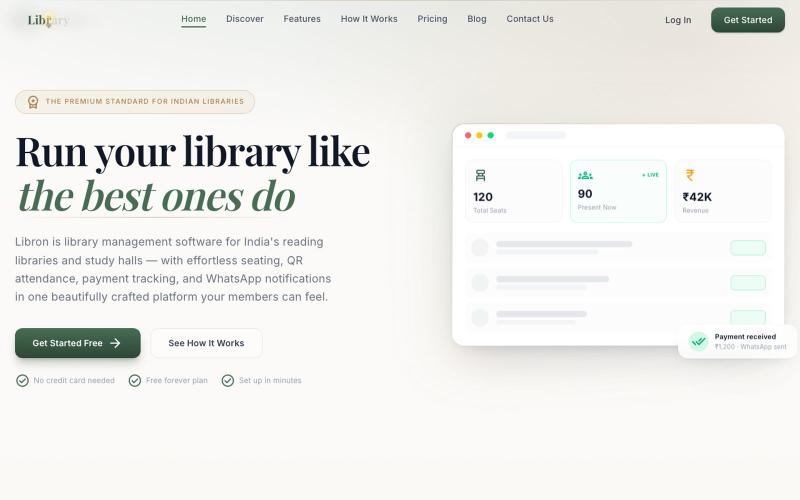
All-in-one library management platform with QR attendance, student tracking, and payment processing.

@itsarvinddev · X

Design custom themes for Codex Desktop with backgrounds, colors, transparency, and visual effects.
plutozc · V2EX
做了个 Codex Desktop 主题预览和切换工具,先调好再安装 最近一直在用 Codex Desktop ,觉得默认界面看久了有点单调,就顺手做了个主题编辑工具,分享一下: [Codex Skin]( https://getcodexskin.com) 可以先在网页里预览主题,调整背景透明度、面板透明度、颜色、模糊和圆角等参数,满意之后再下载并切换到 Codex Desktop 。 目前支持: - 自定义 JPG 、PNG 、WebP 背景 - 在线实时预览主题效果 - 调整透明度、颜色、模糊、圆角 - 预览满意后生成安装命令 - 不喜欢了可以恢复默认外观 目前主要面向 macOS 上的 Codex Desktop ,还是个人项目,功能和兼容性都在继续打磨。 欢迎试试,也想听听大家对主题参数、预览效果和安装流程的反馈。 直接网址: https://getcodexskin.com [轻喷 轻喷,可能还有些 bug