

Productivity2 weeks ago
Trezio — AI Bookmark Manager, Notes & Encrypted Password Vault
Organize bookmarks, notes, voice memos, and screenshots with AI summaries and password vault.

@aliuagon_ · X
The full gallery
Tech stack
28 projects
Organize bookmarks, notes, voice memos, and screenshots with AI summaries and password vault.
@aliuagon_ · X
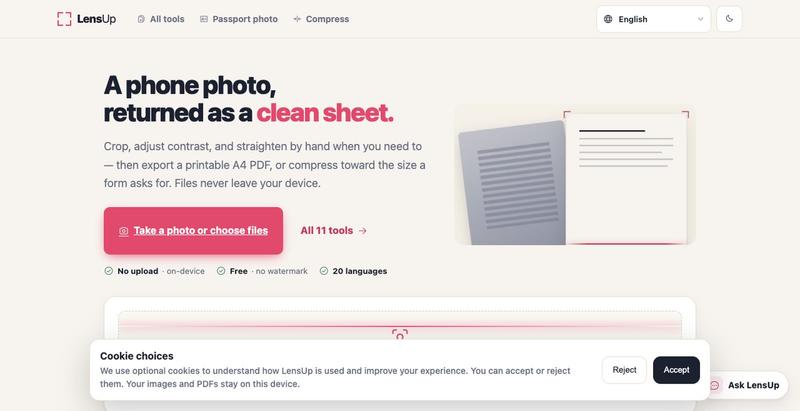
Turn photos into clean, printable PDFs with automatic cropping, de-shadowing, and compression.
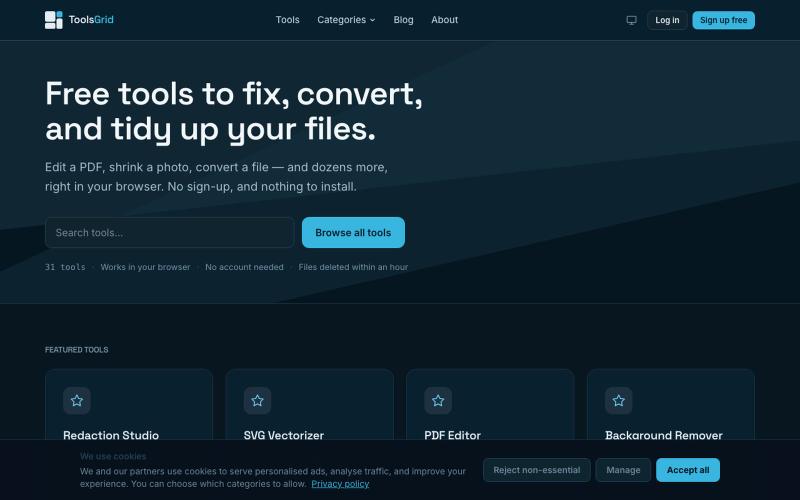
Free tools to edit and convert PDFs, images, videos, JSON, SVG, and email files online.

@bigchusstheory · X
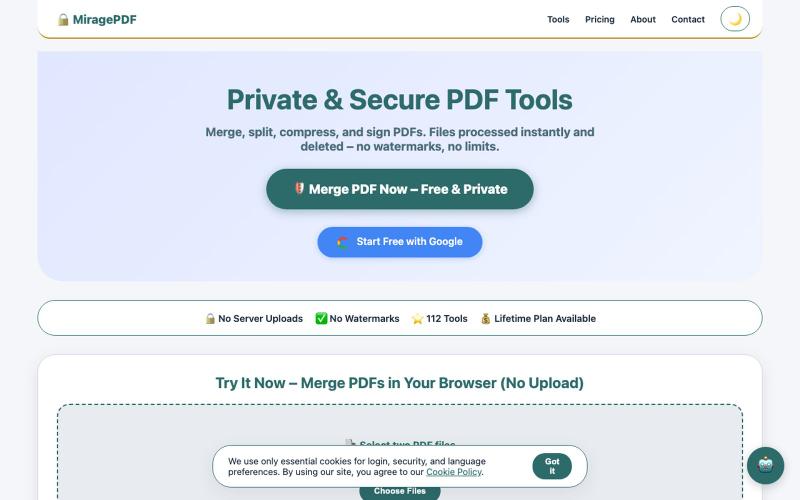
Free PDF tools in your browser for merging, splitting, compressing, and protecting files.

@magictoolshup · X
This unique website handles everything for you with great precision and professionalism. A key feature is that it never uploads your files—they remain solely within your browser for maximum privacy. Give it a try,you will discover something impressive.

Format, convert, and process PDFs and images with 450+ privacy-friendly browser tools.

@tentaco_cc · X
Hey! I built 🐙 It’s a privacy-first web space packed with over 450+ free micro-tools for tech, design, marketing, and PDFs. The best part? Everything runs 100% locally in your browser. No registration, no ads. Let's connect! 🛠️

Create professional screenshot mockups with frames, backgrounds, and annotations in your browser.

@Aticmatic_com · X
of course for people:
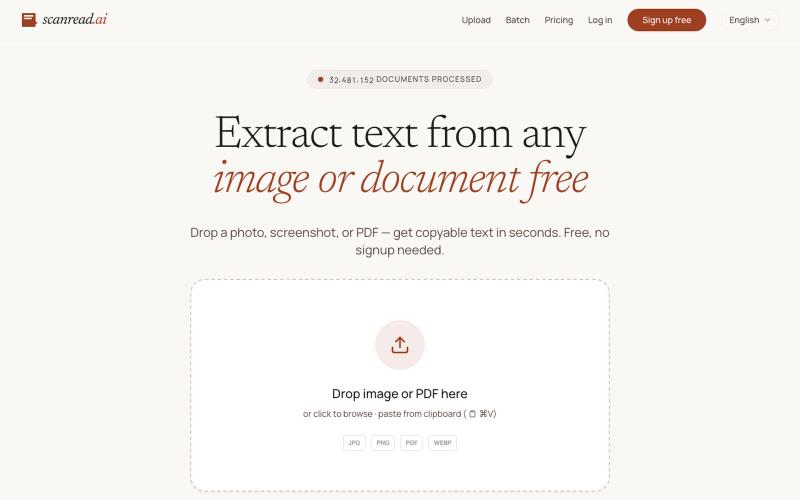
Extract text from images, documents, and PDFs in over 100 languages.
ScanRead.ai — OCR 文字提取工具,支持 100+ 语言,可从图片、PDF、截图和手写文档中提取文字
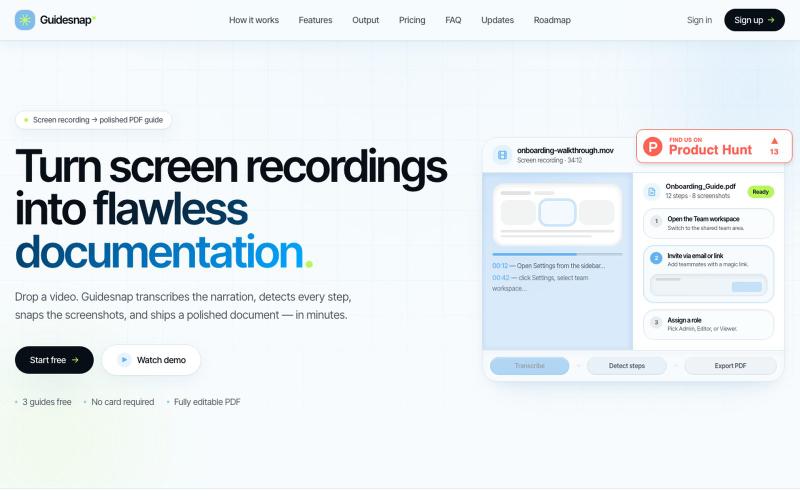
Convert screen recordings into formatted PDF guides automatically.

@vanmurten_eth · X
Guidesnap: turn any screen recording into a polished PDF guide.
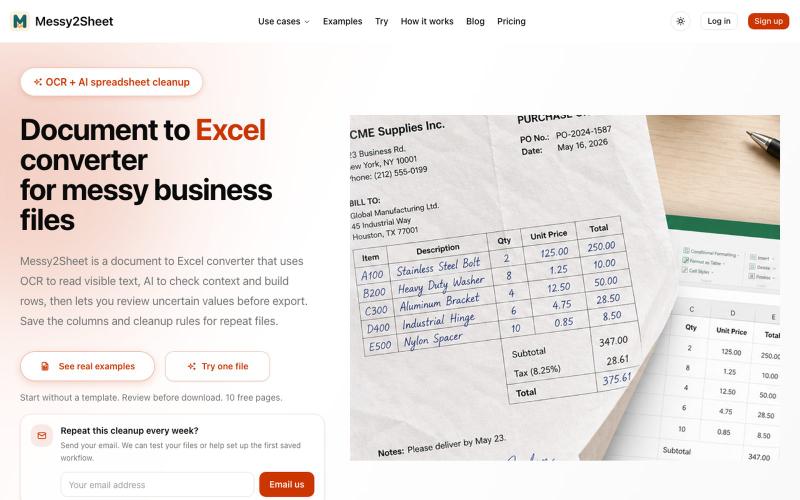
Convert PDFs, scans, emails and screenshots to organized Excel or CSV with AI.
Messy2Sheet — AI 文档转表格工具,把截图、邮件订单和 PDF 价格表按自定义字段整理成 Excel/CSV,支持保存可复用 Recipe
Mark and extract parts of screenshots to share with ChatGPT, Claude, or Gemini.
akshitdandyan · Product Hunt
Label.Photos Make screenshots easier for AI to understand
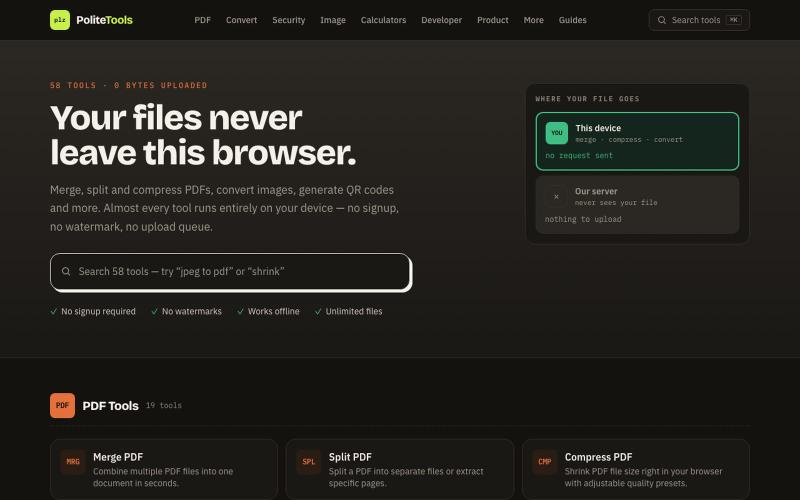
Free online PDF, image, QR and text tools. 100% private — every file is processed in your browser and never uploaded to a server.

@codechandra · X
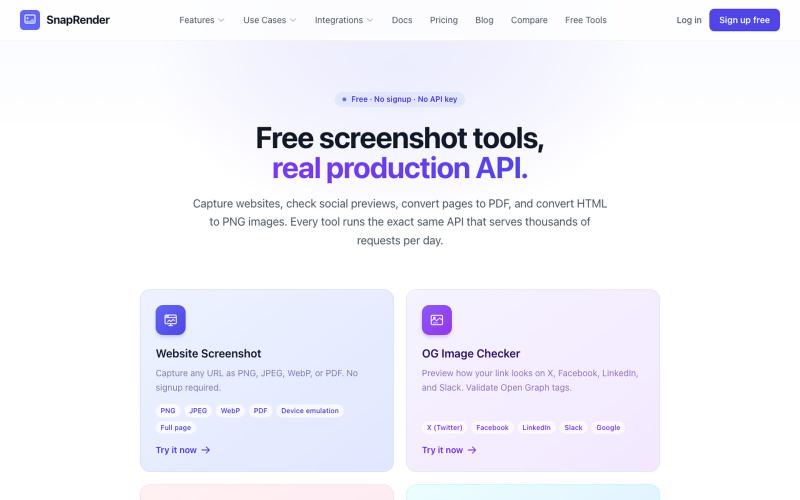
Screenshot websites, convert to PDF or PNG, and check Open Graph images—no login required.
u/SpecificNo8047 · Reddit
I built a screenshot API because my personal Puppeteer setup kept breaking. Six months later it has an MCP server and hundereds of users Solo founder here, this is my product, full disclosure. It started as super simple helper self hosted tool for myself: I needed website screenshots for a project, self-hosted Puppeteer, and spent more time babysitting Chromium than building. So I turned the babysitting into a product, because why not. What it does: one GET request in, rendered screenshot