
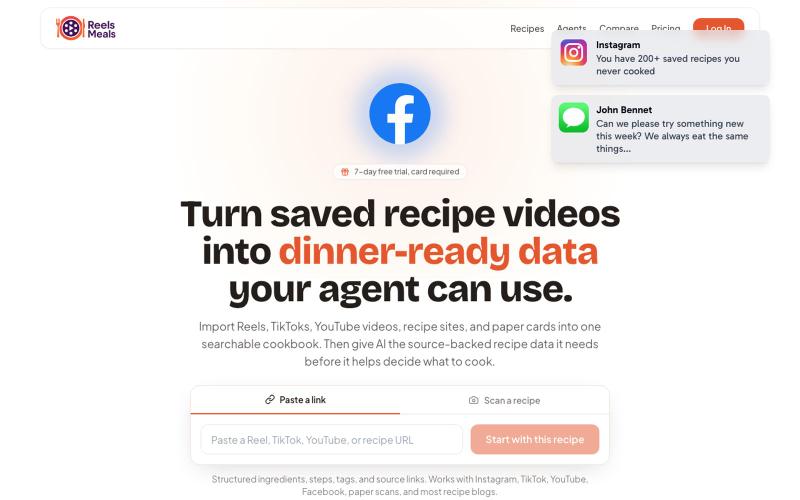
Productivity4 days ago
ReelsMeals - Turn Saved Recipe Videos Into Dinner-Ready Data
Convert recipe videos into a searchable cookbook your AI can help you cook from.

@jmqcooper · X
The full gallery
Tech stack
12 projects
Convert recipe videos into a searchable cookbook your AI can help you cook from.
@jmqcooper · X
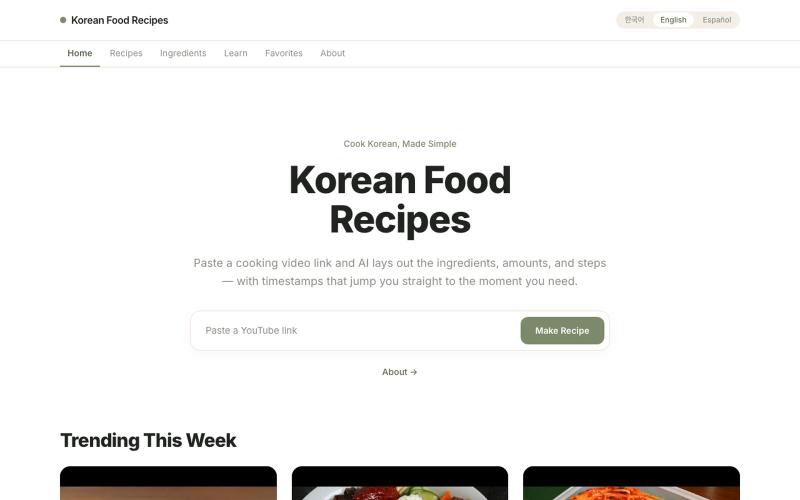
Extract recipes from YouTube cooking videos with ingredients, steps, and serving adjustments.
u/Federal-Turn1799 · Reddit
I built an AI tool that turns Korean cooking videos into recipes. Would love your honest feedback. Hey everyone! I’m working on a little side project called KRecipes: https://www.krecipes.app/ The idea is pretty simple. You paste in a YouTube cooking video, and AI turns it into: Step-by-step recipe instructions Ingredient list Serving size adjustments Cooking timestamps linked to the video English, Korean, and Spanish support Long term, I’m not just trying to summarize vid
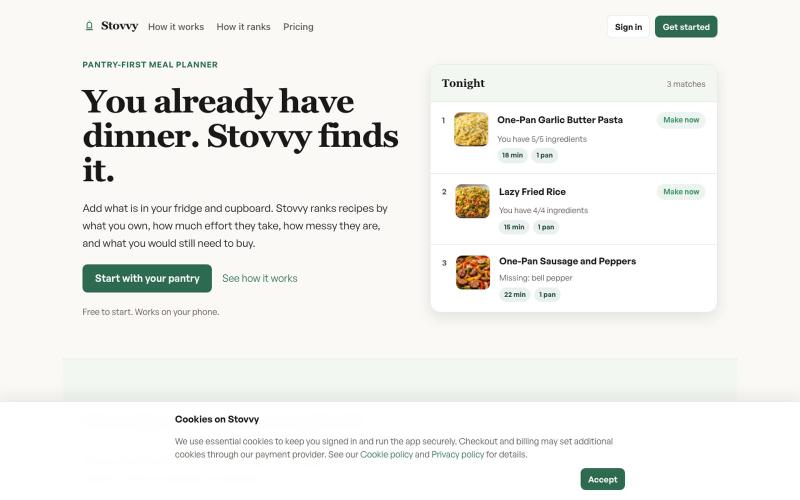
Ranks recipes by available ingredients, effort level, and additional shopping needs.

@adamm193 · X
- an app to provide quick and easy recipes using what you already have in your kitchen
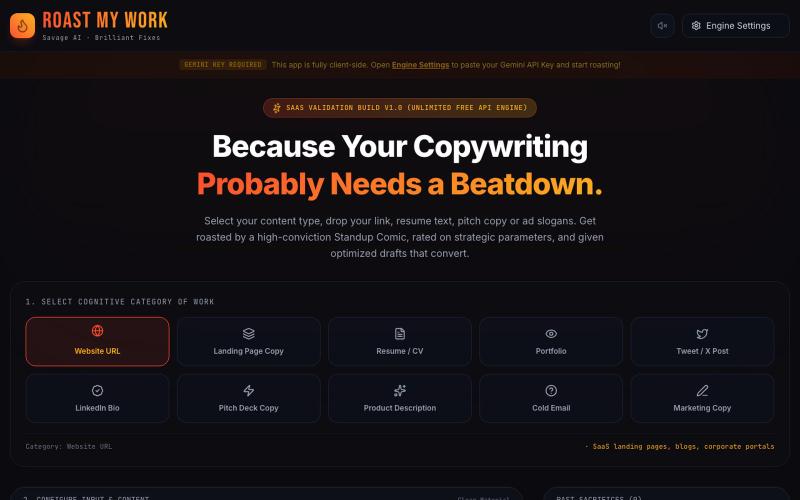
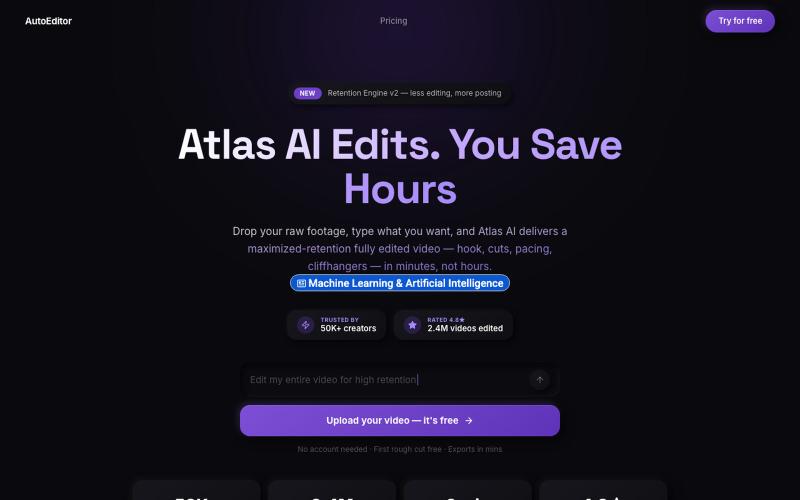
Upload raw video footage and get an AI-edited version optimized for viewer retention.

@QuiseBuilds · X
- drop raw footage. Atlas maximizes retention. No editing needed.
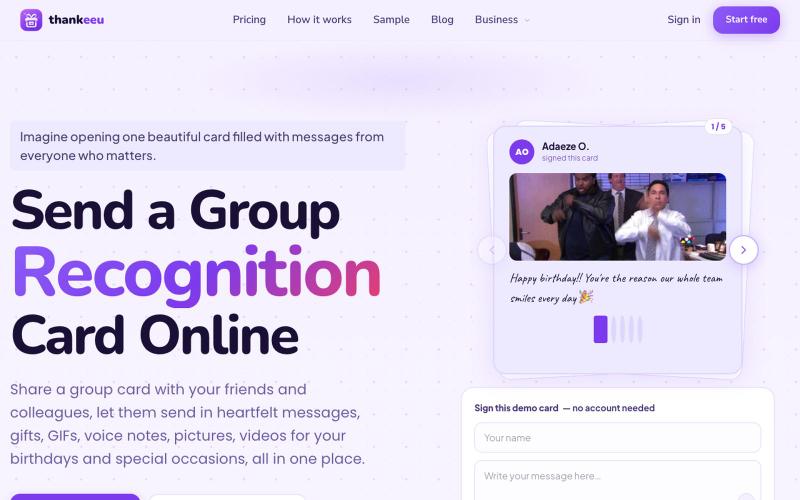
Create and share online group cards to collect wishes and gifts for celebrations and life events.

@puttythankeeu · X
online celebration group card to collect wishes in a central place
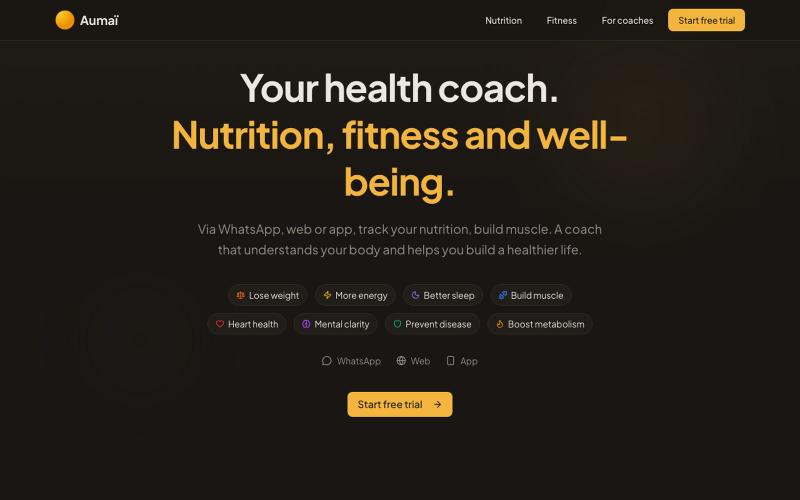
Track meals and workouts via text or photo, get instant AI nutrition analysis.

@_FrenchSalmon · X
Building Aumaï, nutrition coach Spoiler alert: you can connect via MCP
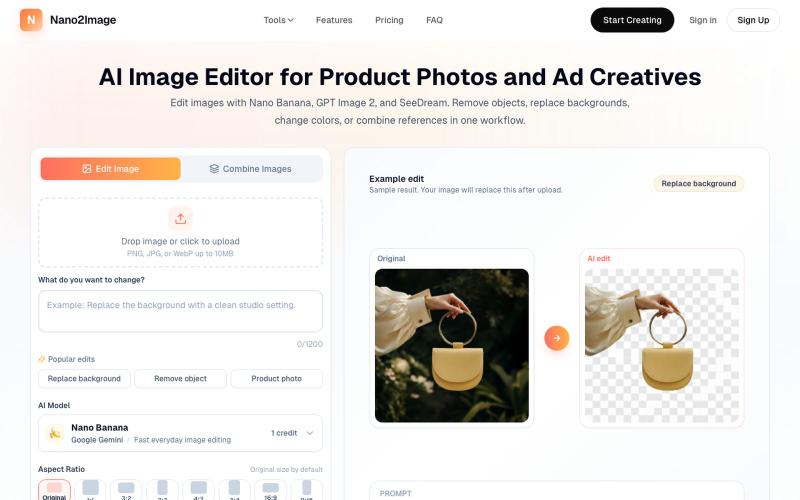
Upload photos and describe edits to remove objects, change backgrounds, or combine image references.
Nano Banana AI — AI 图像生成和编辑工具(免费在线),2-5 秒生成高质量图像,支持文生图和图像编辑
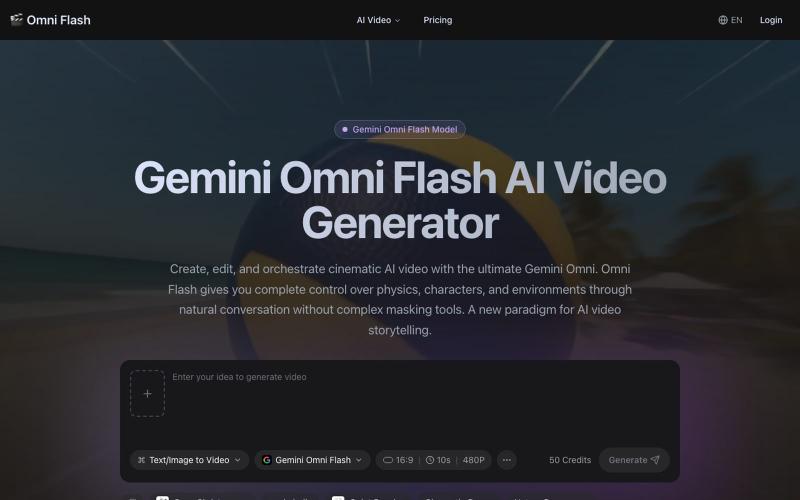
Generate 4K videos from text or images using Gemini Omni Flash with conversational editing.
Gemini Omni — AI 视频生成工具,支持文本/图片/对话生成带原生同步音效的 4K 电影级短视频,提供多模态参考、角色一致性锁定和对话式编辑,通过自然对话即可完全控制物理规律、角色和环境。

Turn screenshots into polished designs using a Chrome extension and web-based editor.

@buildwithshyam · X
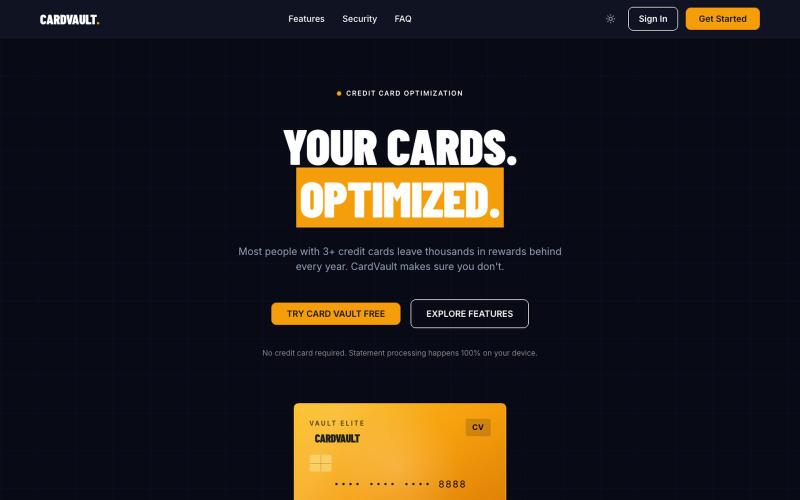
Track and optimize credit card rewards and benefits with AI insights.

@codew_rhp · X

Generate and edit AI images for product shots, ads, portraits, and thumbnails via text prompts.
Plugcamp · V2EX
最近在折腾一个小站,主要是围绕 Nano Banana 2 Lite 做图片生成和图片编辑: https://nanobanana2lite.me/ 一开始只是自己想要一个比较轻的入口,用来快速试 prompt 。后来发现每次测图都会遇到几个重复问题: - prompt 写完之后,不知道适合什么比例 - 文生图和图生图入口经常混在一起 - 想找几个可复制的 prompt 示例,但很多站要么太重,要么示例不够直观 - 只是想快速生成一张产品图、头像、广告图、封面图,不想进一个很复杂的工作台 所以就做了这个站。 目前主要有几个部分: - Text to Image:直接输入 prompt 生成图 - Image to Image:上传一张图,再用 prompt 做改图 - AI Image Editor:偏日常编辑,比如换背景、改光线、改风格 - Prompt Library:整理了一些可直接复制的 prompt - Gallery:放了一些 before/after 和示例图 我自己比较在意的是首页别太像传统 SaaS 落地页,所以最近一直在改视觉。之前太干了,后来加了一些更丰富的样张和暗色主题,但也还在调。 这个站不是 Google 官方产品,只是一个第三方工具站。现在更多是想把「轻量、直接、可复制」这件事做好。 如果大家有空的话,想请教几个问题: 1. 首屏看起来会不会太营销,还是说信息还算清楚? 2. 对图片工具来说,大家更想先看到生成表单,还是先看到效果案例? 3. Prompt Library 这种页面有没有用,还是大家更习惯直接自己写? 4. 如果你平时会用 AI 生成图,最常用的场景是产品图、头像、封面、广告图,还是别的? 欢迎拍砖,尤其是 UI 、文案、信息结构这块。 链接再放一次: https://nanobanana2lite.me/
