
Creative Tools11 hours ago
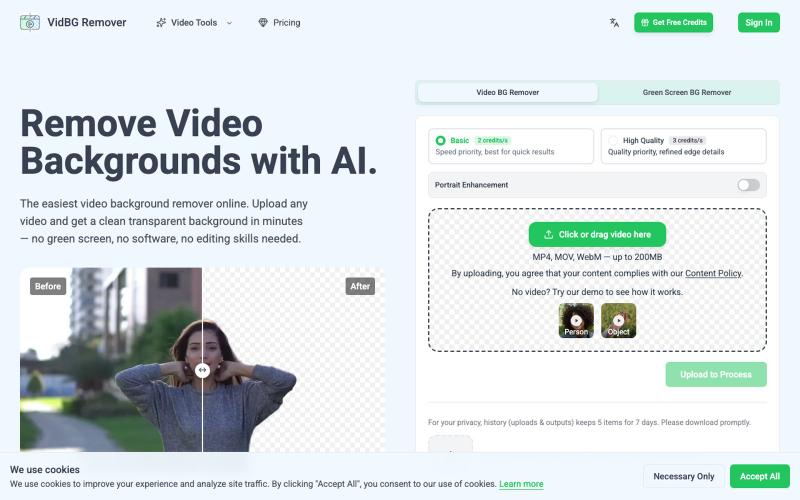
Remove Video Backgrounds in Minutes with AI
AI tool to remove video backgrounds without a green screen.
yee_jan · Product Hunt
VidBG Remover Remove video backgrounds with AI.
The full gallery
Tech stack
29 projects
AI tool to remove video backgrounds without a green screen.
yee_jan · Product Hunt
VidBG Remover Remove video backgrounds with AI.

Free, native macOS screen recorder with built-in editor and auto-zoom.

@screenkite_com · X
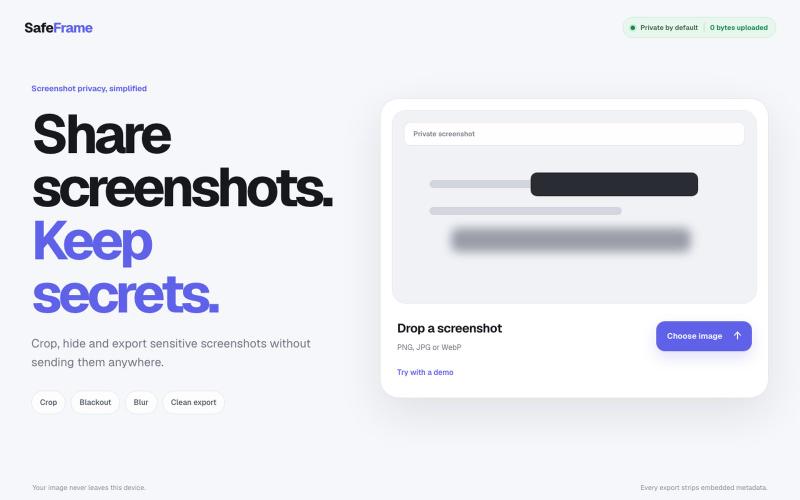
Crop, redact, blur, and export screenshots privately without uploading to any server.

@noshkass · X
Built SAFEFRAME a private, browser-only screenshot sanitizer. Crop, blackout, blur, and export sensitive screenshots without uploading a single byte. Try it: Built with ChatGPT Sites. @chatgptapp #Giveaway
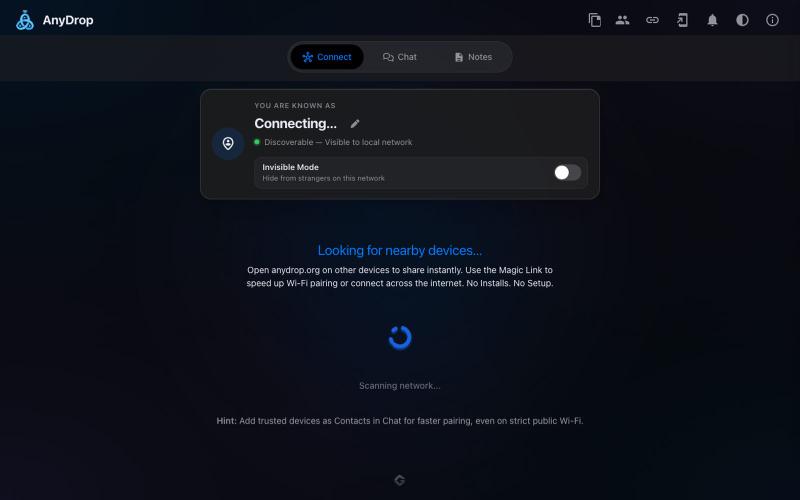
Instantly share files and text across devices (Mac, PC, iOS, Android, Smart TVs) via your browser, no signup needed.

@WackyCrocoGator · X
This one doesn’t require any signup or payment. Just load and multiple device by opening the site on them and connect them for an easy way to drop text and file to each other.
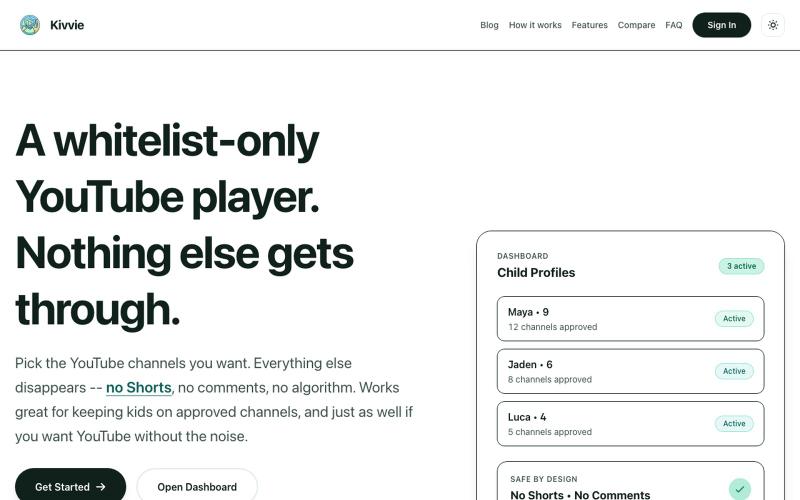
YouTube player with parental controls that whitelists safe channels and removes shorts and recommendations.

@AmblingLife · X
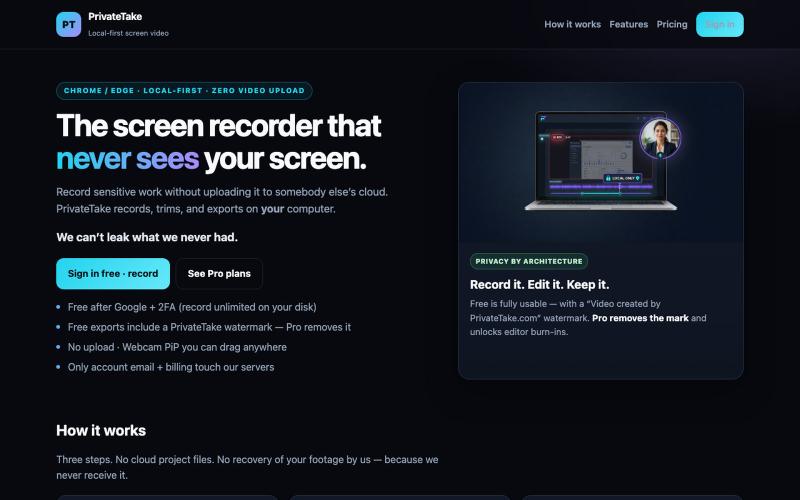
Record and edit screen videos locally with no cloud storage or uploads.

@MarkZofMarkZ · X
Screen Recorder that doesn't share your recordings to the cloud:

Screen recorder for Mac & Windows with auto-zoom on clicks, gradient backgrounds, and webcam overlay.

@zuess05 · X
Shipped some banger updates to

Create professional screenshot mockups with frames, backgrounds, and annotations in your browser.

@Aticmatic_com · X
of course for people:
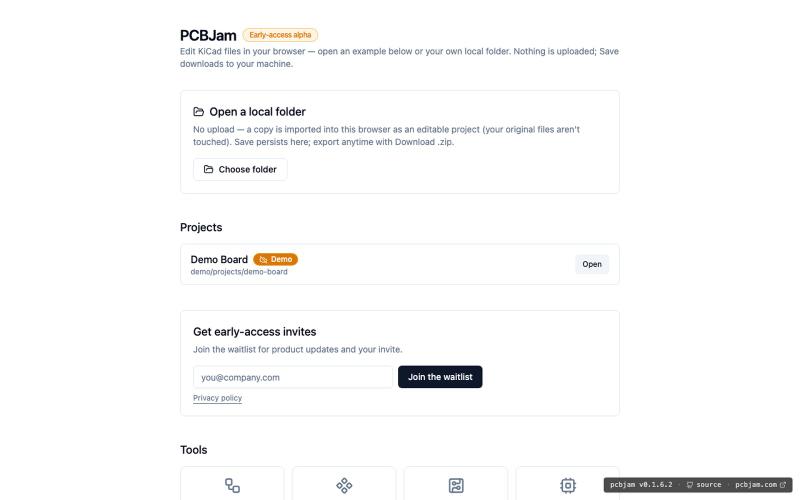
Design electronic circuits and PCBs in your browser with KiCad, no installation required.
ViktorEE · HN
KiCad, a PCB EDA suite is now working in a browser, you can try it at the link, there's a demo project or you can bring your own. Firefox is best, Chrome is good, Safari is "working". We’re Emergence Engineering, a dev shop from Hungary, mostly working with rich text editors, CRDTs. PCBJam started as my (Viktor, CTO, ex-electrical engineer) hobby project but as time went on I put more and more energy into it, and a product started shaping up in my head, in the last few months we’ve started to focus on this project a bit more, and this is the first MVP~ish result. This project is a ton of fun, ton of learning, ton of improvements over improvements: - I thought there must be ways to emulate the PCB canvas OpenGL code on the web. And yes, there are a lot of ways, all of them very buggy. Turns out it’s faster to just write WebGL code that works with KiCad’s Graphics Abstraction Layer if you add the right intermediate debugging steps. I (with Claude) implemented the features and compared
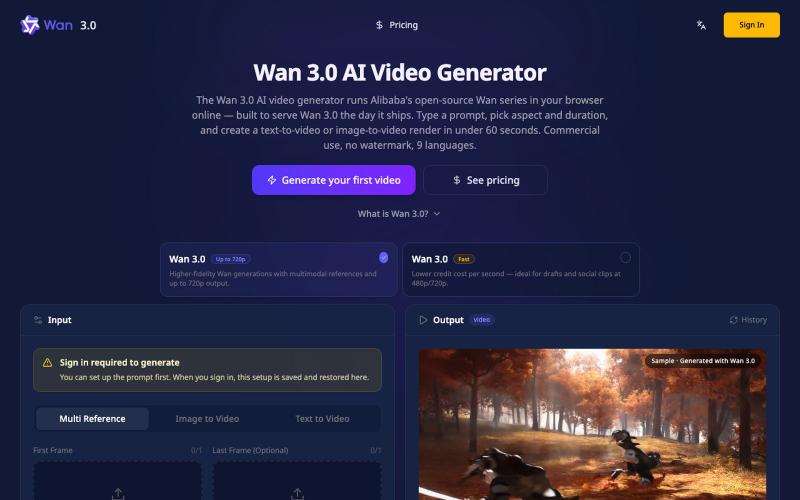
Generate 4K videos from text or images directly in your browser, no GPU needed.
Wan3Pro — AI 在线视频生成工具
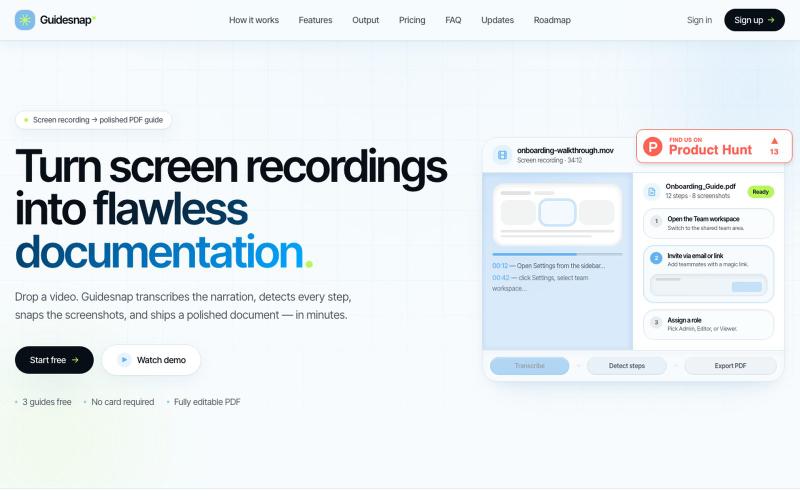
Convert screen recordings into formatted PDF guides automatically.

@vanmurten_eth · X
Guidesnap: turn any screen recording into a polished PDF guide.
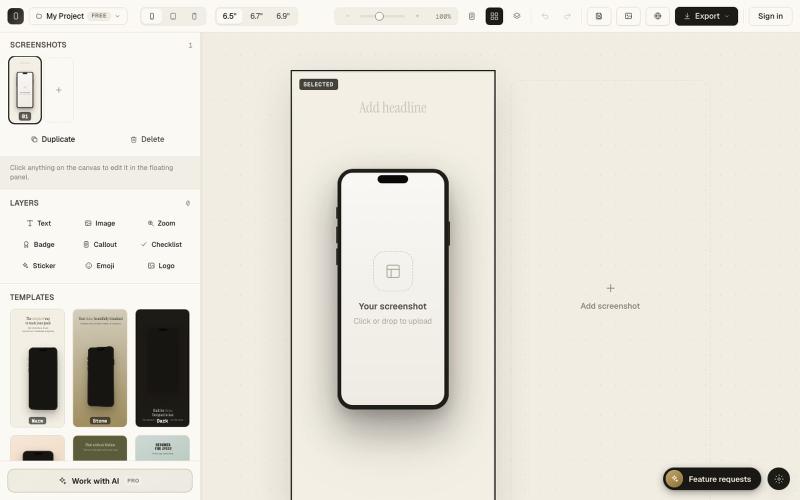
Create polished App Store and Google Play screenshots in your browser.

@SimonKroisi · X