NOLO · Private AI with no account · chat, web search, images and documents
Private AI that runs in your browser with no account, enabling chat, web search, and image generation.
@NoloAI_Official · X
The full gallery
Tech stack
60 projects

Private AI that runs in your browser with no account, enabling chat, web search, and image generation.
@NoloAI_Official · X

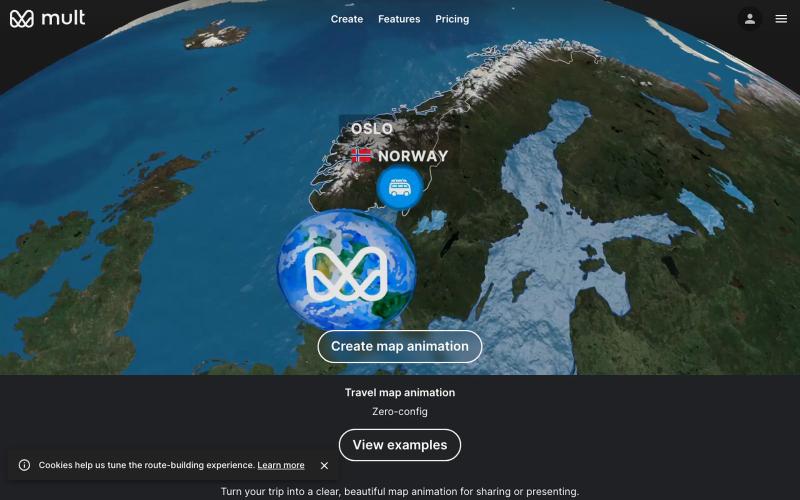
Create travel map animation videos from your trip stops without learning timeline tools.
@yan_ianthe · X
Shoutout to travelboast and — gorgeous travel map animations. I just wanted one for my own trip without learning a timeline. so with GPT 5.5 vibe coding I shipped ✨Free, browser-only, no login, type your stops → get a video. this is what "vibe coding a weekend project" actually looks like: no spec, no figma, just "build me X" in a chat window.

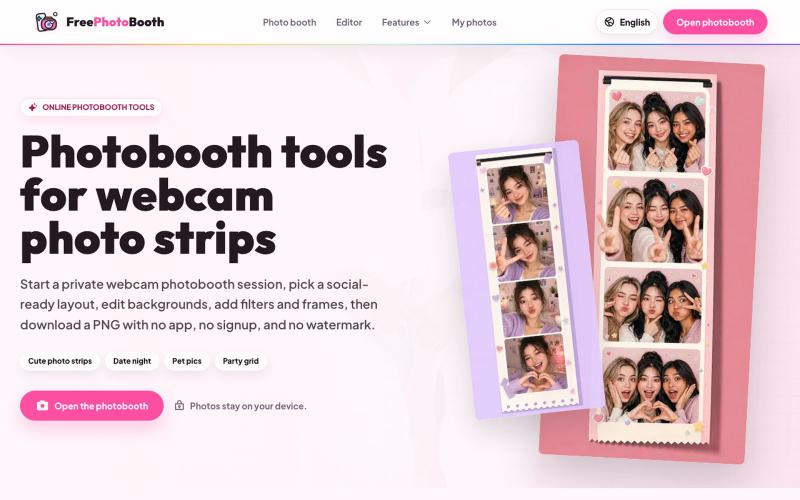
Create webcam photo strips with filters, frames, and background editing.
cmlanche · V2EX
做的在线照相亭本来还有点流量,结果我 301 瞎整一通,彻底废了,重新上了一个站 地址:[freephotobooth.online]( https://freephotobooth.online/) 上面是老地址,本来流量还可以,上站第二天就有 300 个新点击,但我嫌弃域名后期没有品牌优势,所以 301 到了另外一个域名,但上了之后看到流量没有了,又很焦虑,然后又把新站 301 到老站,现在彻底 game over 不得已重新写了一个站,再上,有兴趣可以围观一下,看看哪个更好,有啥问题我可以改改,主打听劝 新站地址:[https://photobooth100.com/]( https://photobooth100.com/)

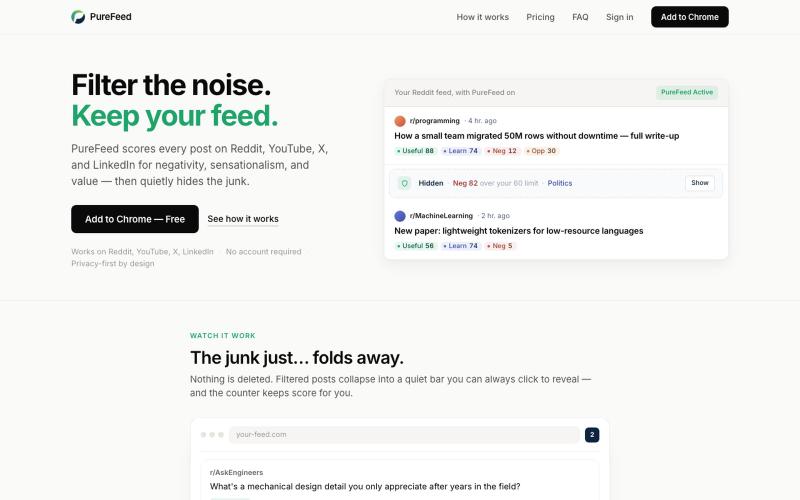
Automatically hide negative and sensational posts on Reddit, YouTube, X, and LinkedIn.
@zelvaio · X

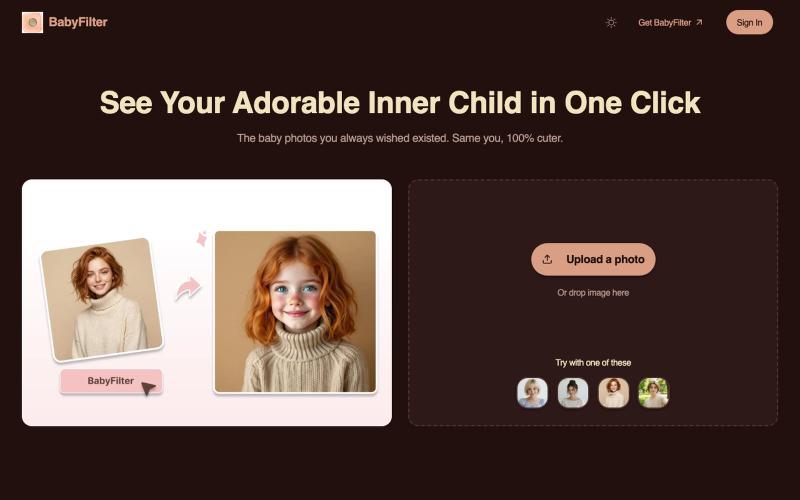
Transform any photo into an adorable baby version of yourself using AI.
BabyFilter AI — 将用户上传的人物照转换为小时候的照片

Search and filter AI image prompts for different image generation models.
@MaynorAI1 · X
我做了一个 AI 图片提示词生成器: Image Prompt Generator 它不是普通 prompt 列表,而是一个支持模型切换、搜索、筛选、作者署名、图片预览的 AI image prompt library。

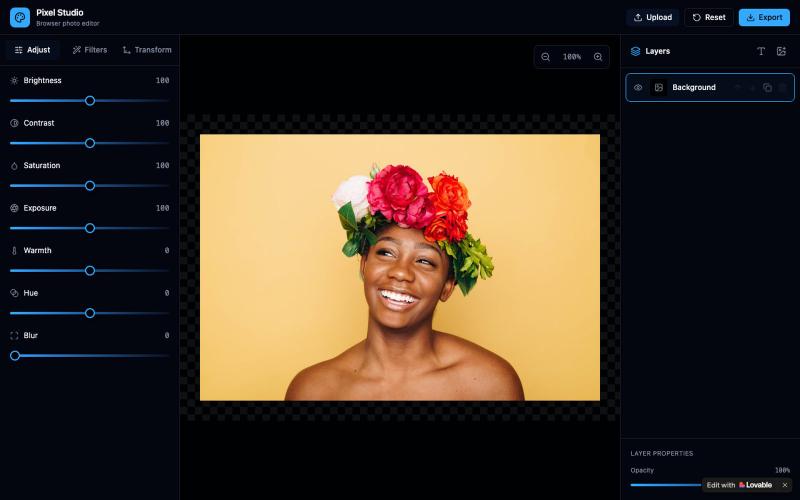
Free AI image editor with 12 tools for enhancement, watermark removal, style transfer, and background editing—no login needed.
AI Image Editor — AI 图片处理工具,支持图片增强、去水印、抠图、风格转换、线稿提取等十余种功能。无需下载软件,无需注册,上传图片即可一键生成专业效果。适用于电商设计、社交内容创作、摄影后期、教育教学等多种场景,让图片编辑变得更智能、更高效、更简单!

Upload a PowerPoint presentation and voice sample to generate a narrated slideshow in your cloned voice.
u/sludge_dev · Reddit
I built a tool that narrates PowerPoint slides in your cloned voice. Launching it today, keeping it small for a week to fix what breaks. I just got into my College holidays a few weeks ago and I spent the last 6 weeks building Moduvox . You upload a PPTX deck, record 30 seconds of your voice, and it generates per-slide narration audio with a shareable link and viewer analytics. The idea came from a friend manually record voiceovers for training decks. Every update meant re-recording whole

YouTube player with parental controls that whitelists safe channels and removes shorts and recommendations.
@AmblingLife · X

Resize, crop, compress, and convert images in batch — all locally in your browser.
@MaximMitenkov · X
🔒 Just launched Image Pipeline — batch image processing in your browser. 100% private. No signup. Pay once, use forever. #buildinpublic #webdev #privacy

Edit, compress, convert, and merge videos and audio files directly in your browser.
zhw2590582 · V2EX
最近对网站进行了重构,做成了免费的视频工具站:[ArtPlayer Tools]( https://artplayer.org/tools/) 主要是围绕着 ffmpeg.wasm 和 mediabunny 实现的一些可以直接在浏览器里用的视频/音频工具,常用的有: - 视频压缩:[Compress Video]( https://artplayer.org/compress-video/) - 视频裁剪:[Crop Video]( https://artplayer.org/crop-video/) - 视频合并:[Merge Video]( https://artplayer.org/merge-video/) - 视频尺寸调整:[Resize Video]( https://artplayer.org/resize-video/) - 视频旋转:[Rotate Video]( https://artplayer.org/rotate-video/) - 视频调速:[Change Video Speed]( https://artplayer.org/change-video-speed/) - 添加文字到视频:[Add Text to Video]( https://artplayer.org/add-text-to-video/) - 添加水印:[Watermark Video]( https://artplayer.org/watermark-video/) - 提取字幕:[Subtitle Editor]( https://artplayer.org/subtitle-editor/) - HLS 转 MP4:[HLS to MP4]( https://artplayer.org/hls-to-mp4/) - 音频可视化:[Audio Visualizer]( https://artplayer.org/audio-visualizer/) 大部分工具都是本地处理,文件不会上传到服务器。最开始是因为自己偶尔要处理一些视频,开剪辑软件又有点重,在线工具又担心隐私,所以就慢慢做成了一个站。 目前还在持续完善,体验肯定还有不少粗糙的地方,比如不同浏览器的兼容、移动端操作、长视频性能之类的。 网站: [ArtPlayer Tools]( https:

Merge PDFs, compress images, remove backgrounds, and access utilities entirely in your browser.
@damiadeh · X
Your files utility tools stacks in your browser. No uploads, files stays on your pc.