
Creative Tools3 days ago
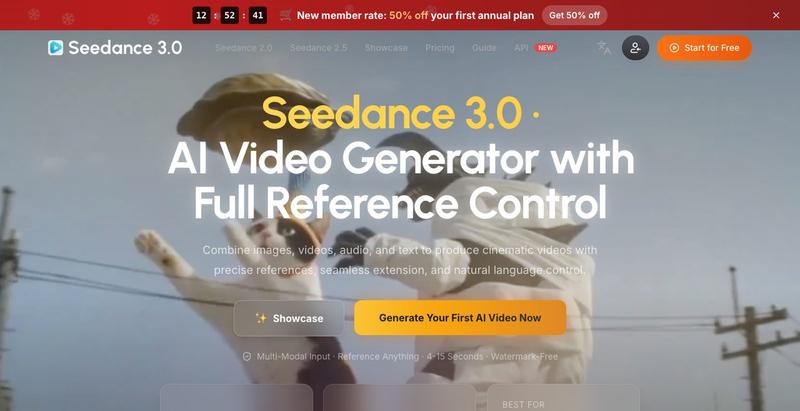
Seedance 3.0 AI Video Generator | Multi-Modal Reference to Video
Create AI-generated videos by combining images, videos, audio, and text references.
The full gallery
Tech stack
18 projects
Create AI-generated videos by combining images, videos, audio, and text references.
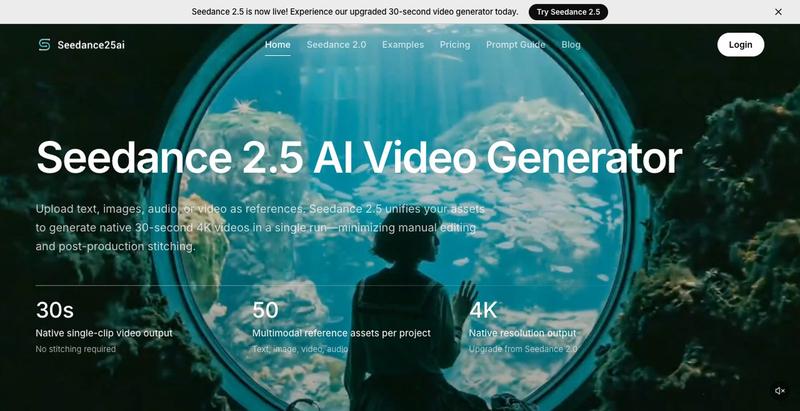
Generate 30-second AI videos from prompts, images, and reference assets with cinematic controls.
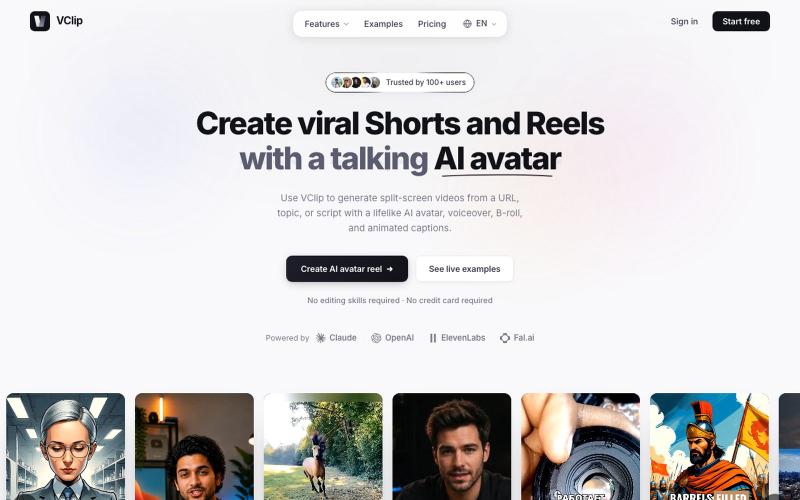
Create split-screen videos featuring AI avatars, voiceover, and animated captions.

@ilya990000 · X
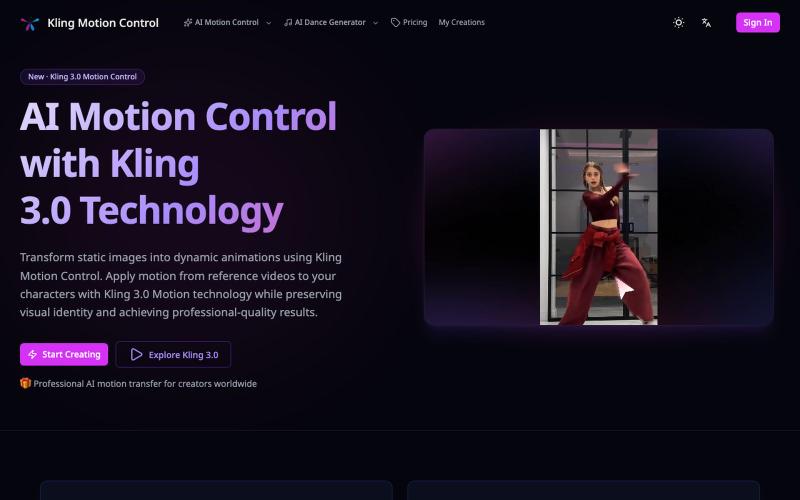
Apply motion from reference videos to turn static images into animated videos.
Kling Motion Control — AI Motion Transfer with Kling 3.0
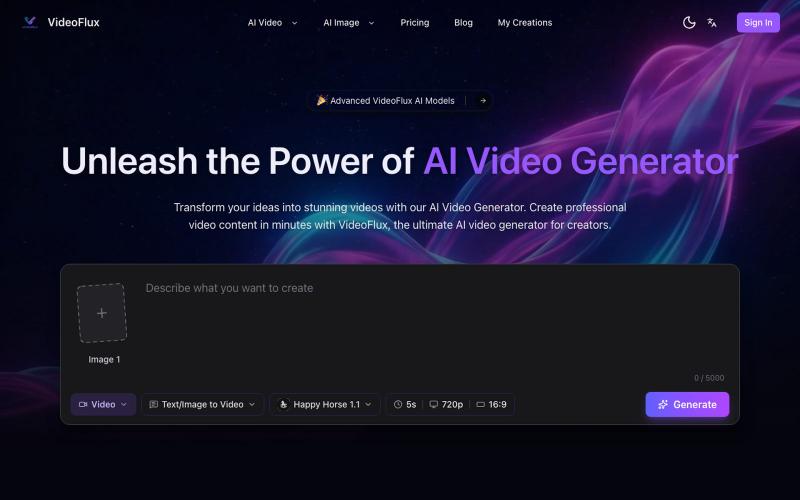
Create videos from text descriptions or images using AI generation and editing tools.
VideoFlux — AI 视频生成平台,支持文本生成视频、图片生成视频及多种创作模式,适用于营销视频、社媒内容、产品演示和创意短片制作,帮助用户快速产出高质量视频内容
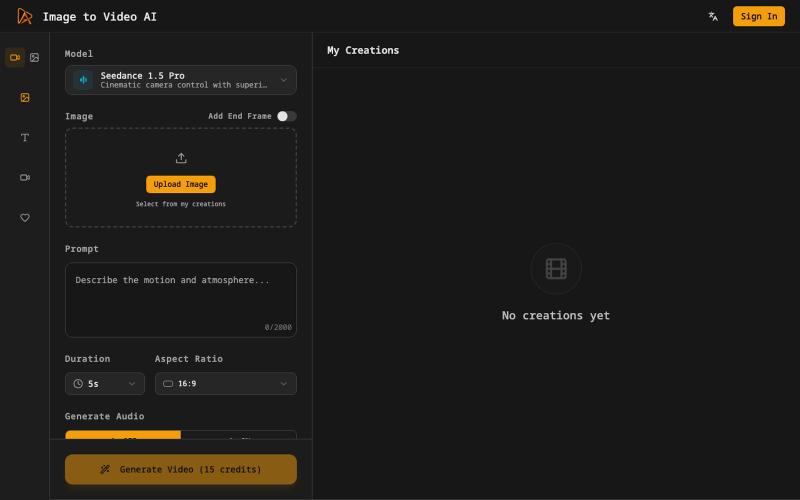
Generate cinematic videos from still images with AI motion and voiceovers.
Image to Video AI — 将静态图片生成视频的 AI 工具
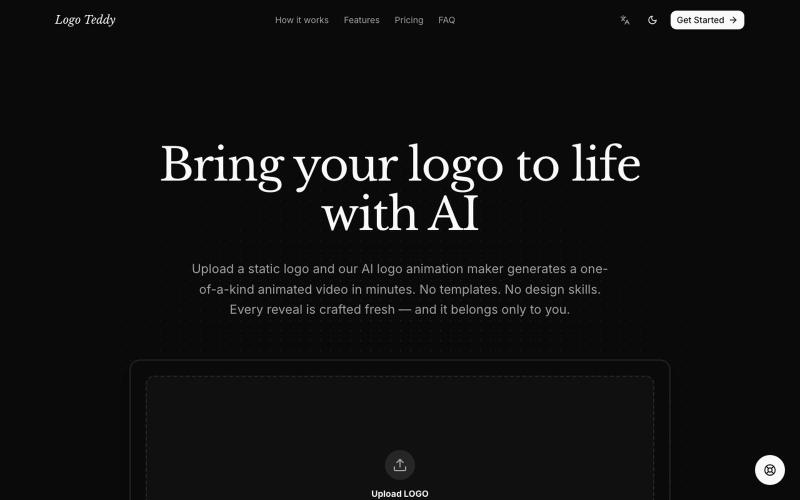
Transform static logos into animated videos with AI in minutes.
humphrey_liu · HN
LogoTeddy – Animate logos with AI (no templates)
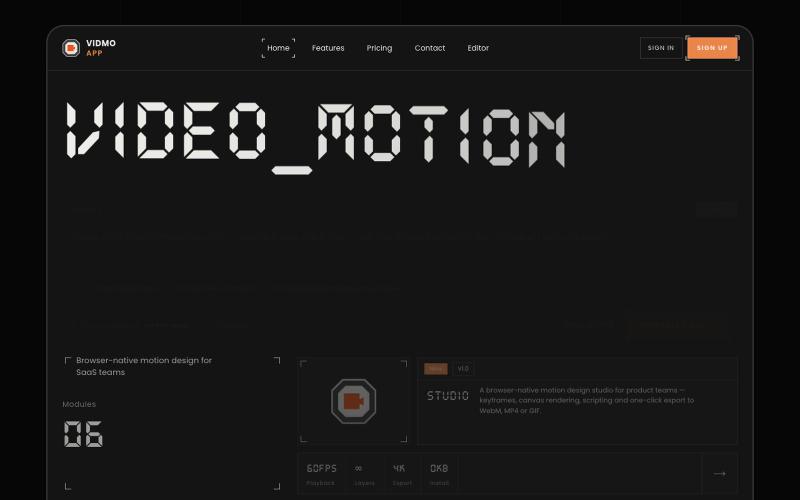
Create animated videos from prompts or URLs using AI; edit with keyframes and effects, export as MP4, WebM, or GIF.
u/Savings_Wolverine408 · Reddit
turns out you can make launch videos in the browser now! turns out you can make launch videos in the browser now, and Claude Opus is doing the heavy part we have been working on vidmo.app , a free browser based motion design editor for making product videos, launch clips, social ads, and simple motion graphics without opening After Effects. the idea is not to make another AI video toy where you type one prompt and get stuck with whatever comes out. the editor works more lik
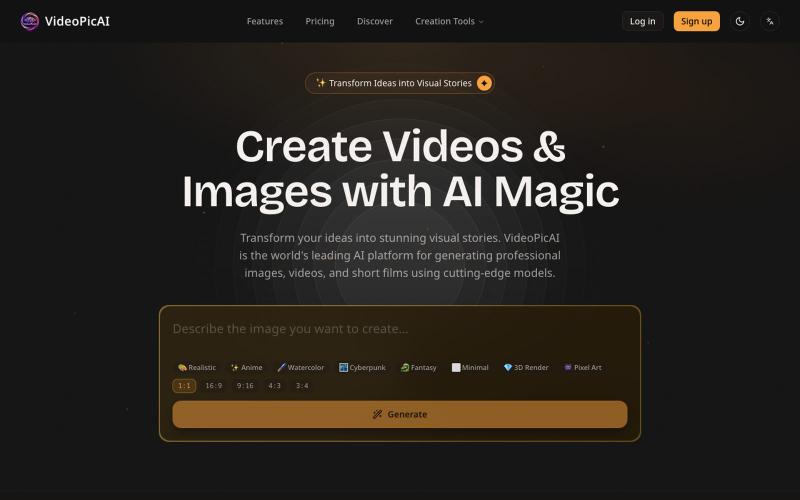
Generate images and videos by describing your ideas using AI.
struy · HN
Transform your ideas into stunning visual stories. VideoPicAI is the world's leading AI platform for generating professional images, videos, and short films using cutting-edge models.

Edit, compress, convert, and merge video and audio files in your browser.
zhw2590582 · V2EX
最近对网站进行了重构,做成了免费的视频工具站:[ArtPlayer Tools]( https://artplayer.org/tools/) 主要是围绕着 ffmpeg.wasm 和 mediabunny 实现的一些可以直接在浏览器里用的视频/音频工具,常用的有: - 视频压缩:[Compress Video]( https://artplayer.org/compress-video/) - 视频裁剪:[Crop Video]( https://artplayer.org/crop-video/) - 视频合并:[Merge Video]( https://artplayer.org/merge-video/) - 视频尺寸调整:[Resize Video]( https://artplayer.org/resize-video/) - 视频旋转:[Rotate Video]( https://artplayer.org/rotate-video/) - 视频调速:[Change Video Speed]( https://artplayer.org/change-video-speed/) - 添加文字到视频:[Add Text to Video]( https://artplayer.org/add-text-to-video/) - 添加水印:[Watermark Video]( https://artplayer.org/watermark-video/) - 提取字幕:[Subtitle Editor]( https://artplayer.org/subtitle-editor/) - HLS 转 MP4:[HLS to MP4]( https://artplayer.org/hls-to-mp4/) - 音频可视化:[Audio Visualizer]( https://artplayer.org/audio-visualizer/) 大部分工具都是本地处理,文件不会上传到服务器。最开始是因为自己偶尔要处理一些视频,开剪辑软件又有点重,在线工具又担心隐私,所以就慢慢做成了一个站。 目前还在持续完善,体验肯定还有不少粗糙的地方,比如不同浏览器的兼容、移动端操作、长视频性能之类的。 网站: [ArtPlayer Tools]( https:
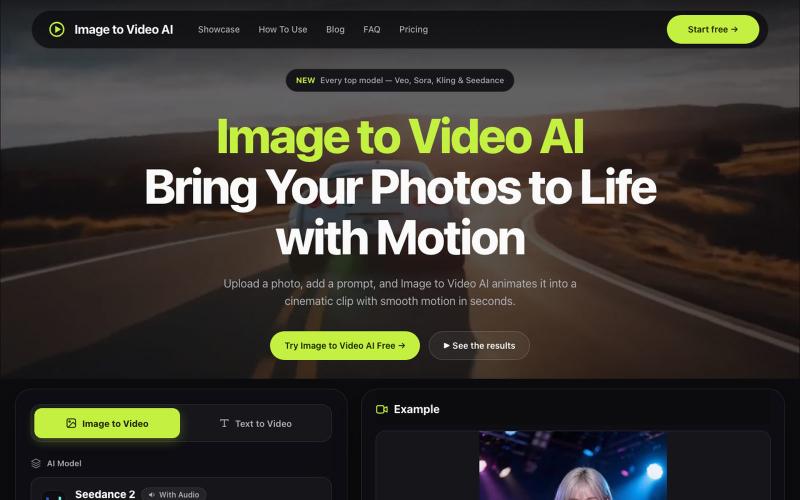
Convert photos into videos using multiple AI models with motion controls and 4K output.
alexwang0707 · V2EX
AI 视频生成也太好使了,一个入口体验多个图生视频模型 如果平时会用图片转视频,很容易遇到一个问题:不同模型各有所长,同一张图在 Veo 、Kling 或 Seedance 里的效果可能完全不同。 为了对比结果,经常要在几个网站之间切换,重复上传素材、调整参数,整个过程比较割裂。 Image to Video AI 把 Veo 、Sora 、Kling 、Seedance 、Runway 等模型放到了同一个入口。上传 JPG 、PNG 或 WebP 图片,再写一句运动提示词,就能选择模型和画面比例生成视频。它还支持镜头平移、缩放、倾斜、首尾帧控制,以及最高 4K 、无水印 MP4 输出。 网站里有一些不同场景的生成案例,可以直接看看各类图片动起来后的效果。如果你也在测试图生视频模型,可以体验一下,也欢迎分享实际效果和踩坑经验。 https://imagestovideoai.com/
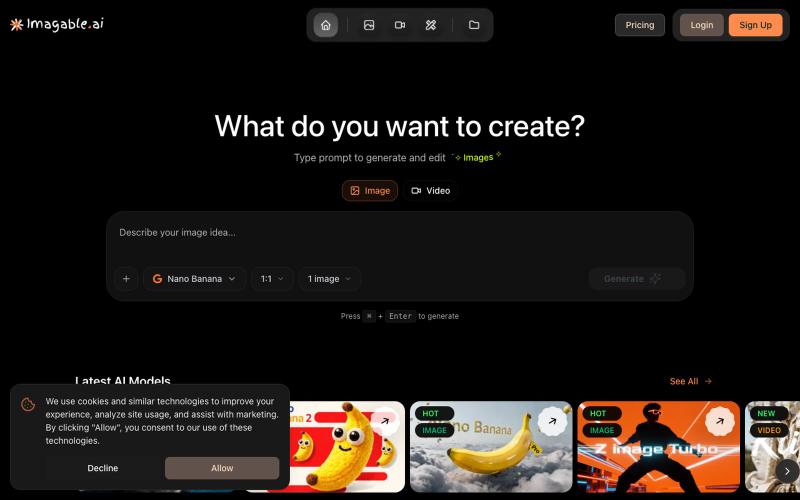
Generate and edit images and videos from text prompts with AI.
Imagable AI — 人工智能 图片编辑和生成工具,用户可以不需要设计的技术即可通过提示词一键生成和编辑照片或图片。