
Productivity1 month ago
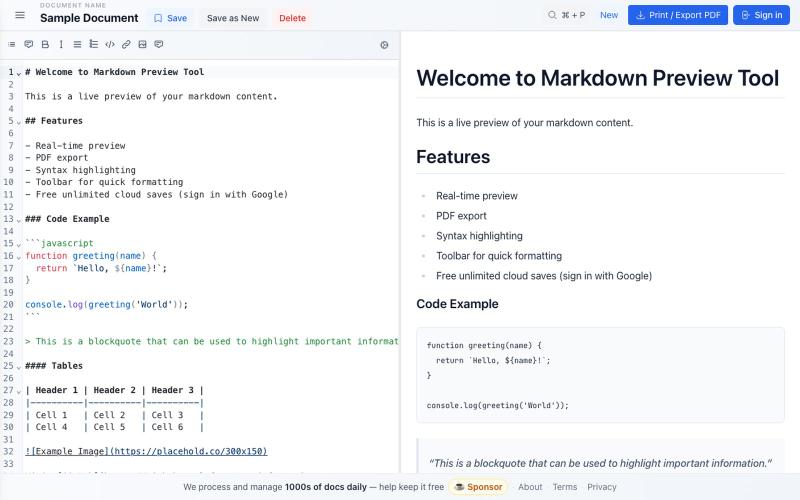
Docly — Free Online Markdown Editor with Live Preview & PDF Export
Free markdown editor with live preview, syntax highlighting, cloud saves, and PDF export.

@bheru_l · X
The full gallery
Tech stack
16 projects
Free markdown editor with live preview, syntax highlighting, cloud saves, and PDF export.
@bheru_l · X
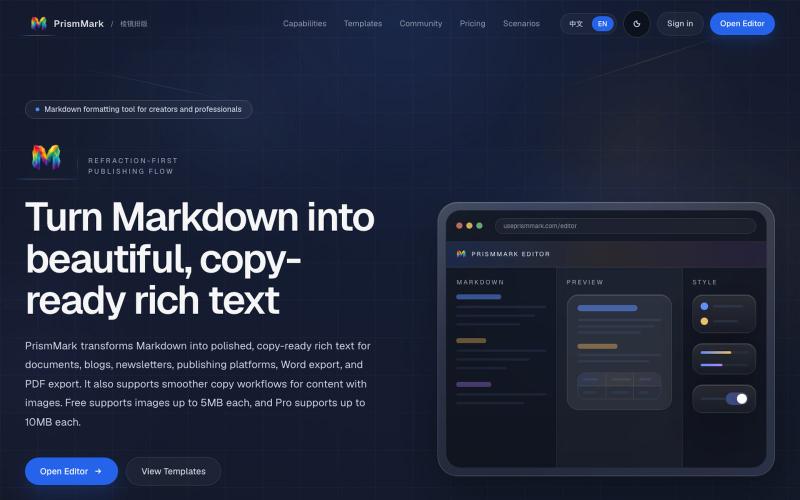
Convert Markdown to formatted content for WeChat Official Accounts, Word, and PDF export.

@bingobray · X
我做了一个类似的工具: 除了支持公众号,还支持word和pdf😁
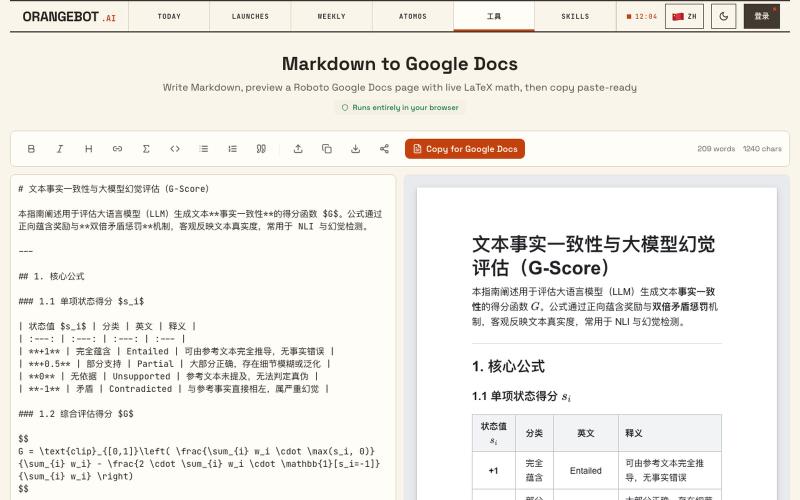
Convert Markdown to Google Docs with LaTeX math support, paste-ready.
shenhuang · Product Hunt
Markdown to Google Docs Paste AI markdown, get a clean Google Doc, math included
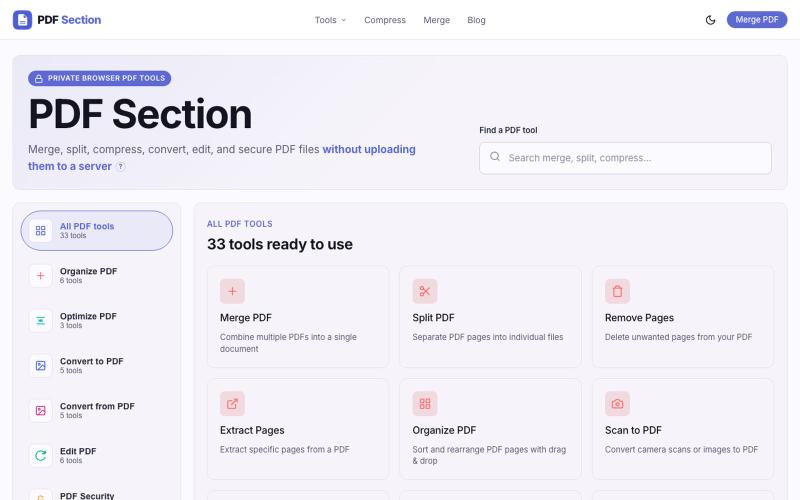
Merge, split, compress, convert, and edit PDFs in your browser without uploading.

@muzammilkarimi · X
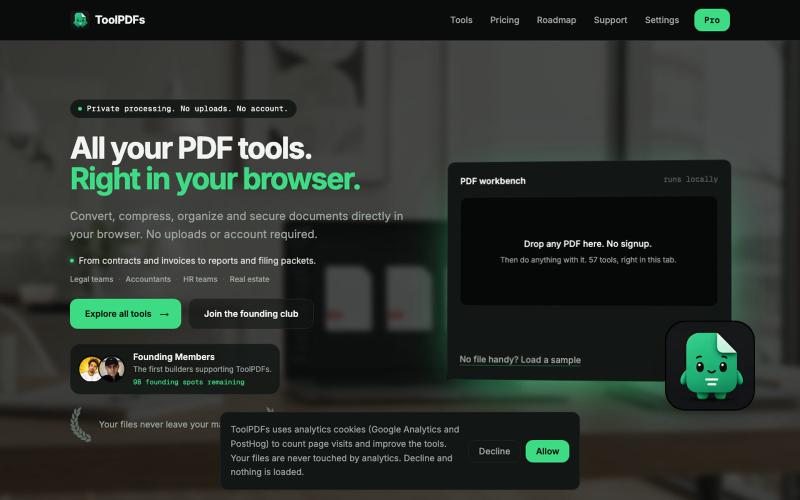
Edit, merge, compress, and convert PDFs with 57 free browser-based tools. No signup, uploads, or watermarks required.

@divvsaxena · X
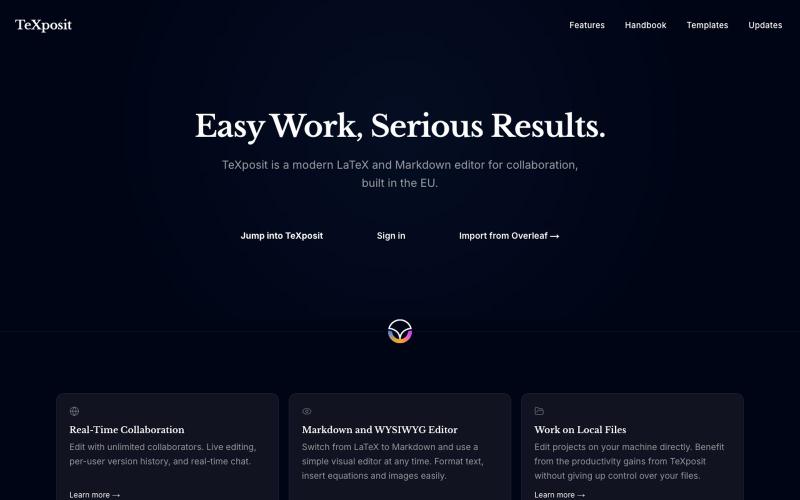
Collaborative LaTeX editor with Markdown support, real-time editing, and built-in reference management.
danielszabo · HN
Online editor with LaTeX, Markdown, LaTeX+Markdown Hybrid and WYSIWYG (MD only) support, AI assistant with resource lookup and anti-hallucination features, live collaboration and more fun things. Still in quite early beta. First institutional deployment scheduled in the autumn. Feel free to play around.

Merge PDFs, compress images, remove backgrounds, and access utilities entirely in your browser.

@damiadeh · X
Your files utility tools stacks in your browser. No uploads, files stays on your pc.
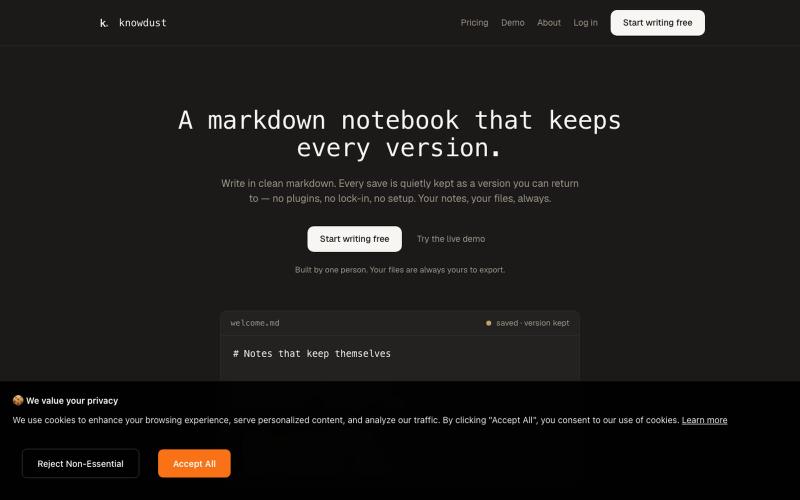
Markdown notebook that automatically saves every version so you can return to any past edit.

@khagankarimi · X
simple markdown notebook with version history
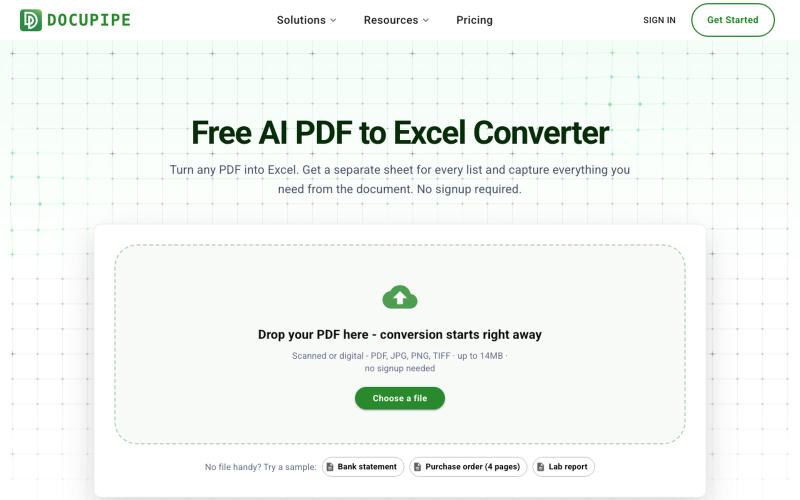
Convert PDF files to Excel spreadsheets using AI, handling both scanned and digital documents.
uri_merhav
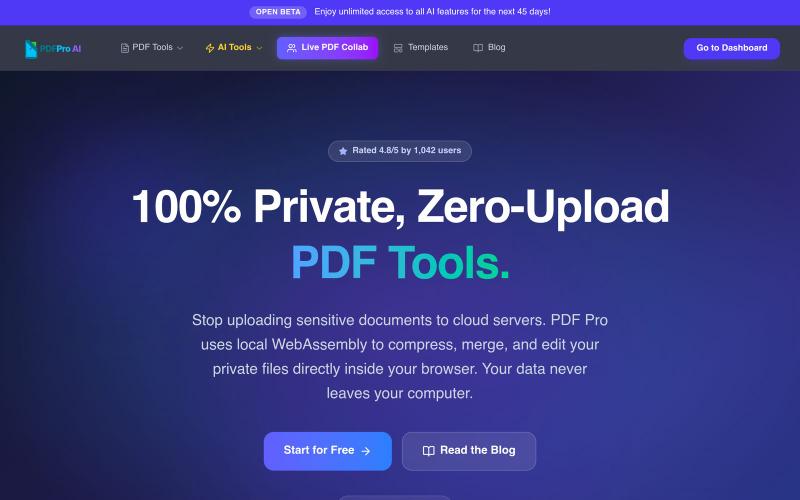
Edit PDFs in your browser with compression, merging, AI analysis, and no cloud uploads.

@pdfproindia · X
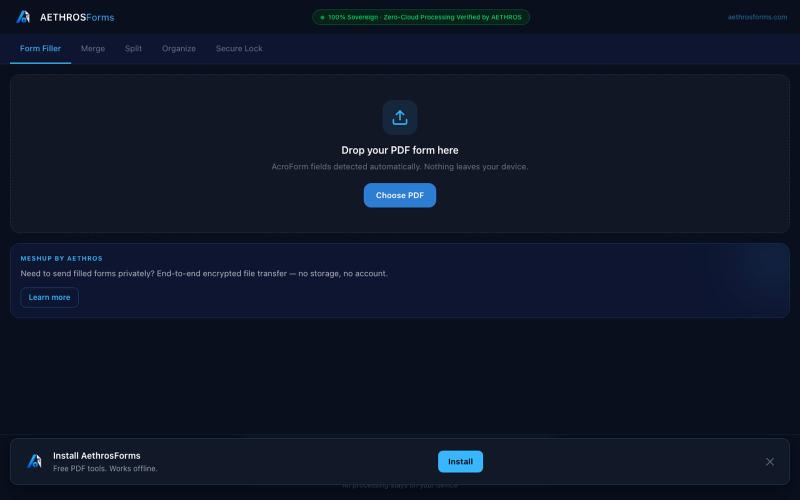
Fill, merge, split, organize, and encrypt PDFs entirely in your browser without uploads.

@aethrosX · X
- a free pdf utility tools
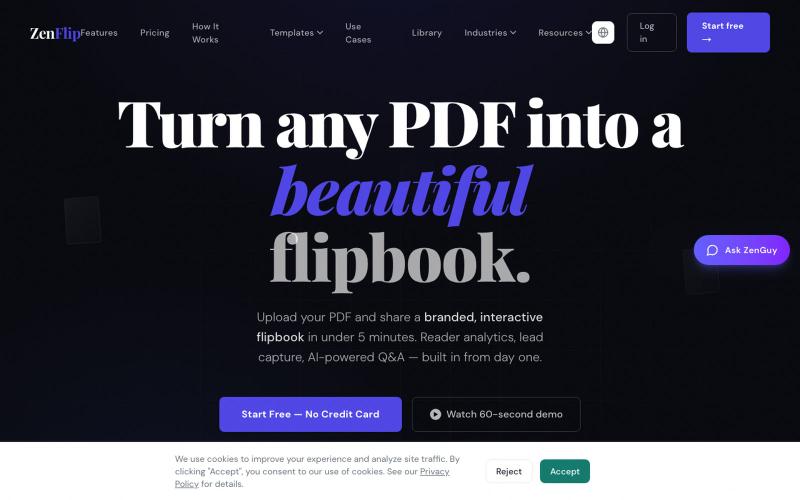
Turn PDFs into interactive flipbooks in seconds without watermarks; embed or share online.

@ZenFlipbook · X
Hey! Really excited to share ZenFlip - it turns any PDF, Word, or PowerPoint file into an interactive flipbook you can embed on any website or share via link. Feature-packed and free to get started. Would love to hear your feedback