
Creative Tools2 weeks ago
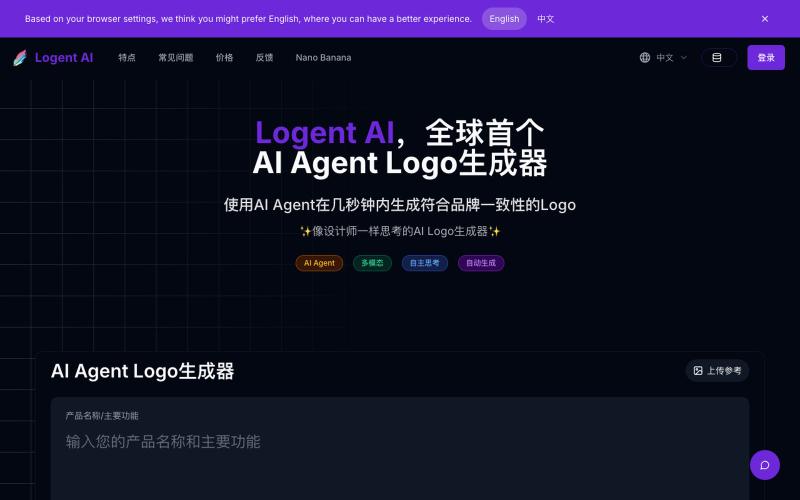
Logent AI,全球首个 AI Agent Logo 生成器
Generate professional logos by inputting your product name and reference images.
Logent AI — 全球首个 AI Agent Logo 生成器;只需要输入产品名称/主要功能,自动生成合适的精美 Logo
The full gallery
Tech stack
19 projects
Generate professional logos by inputting your product name and reference images.
Logent AI — 全球首个 AI Agent Logo 生成器;只需要输入产品名称/主要功能,自动生成合适的精美 Logo
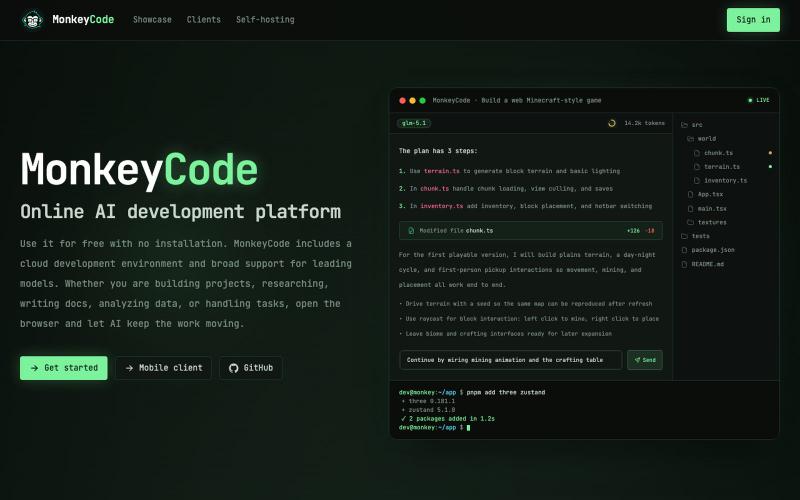
AI code generation platform with automated security scanning built in.

@MonkeyCodeAI · X
Claude Code: $2.5B ARR. Cursor: $500M. AI now writes half of all new code. Who's securing it? MonkeyCode is built by Chaitin — a cybersecurity company. 200+ security scan rules run on every AI-generated change.
@Kiriakoscls4 https://t.co/vL7v4J1TKx

@z5code0 · X
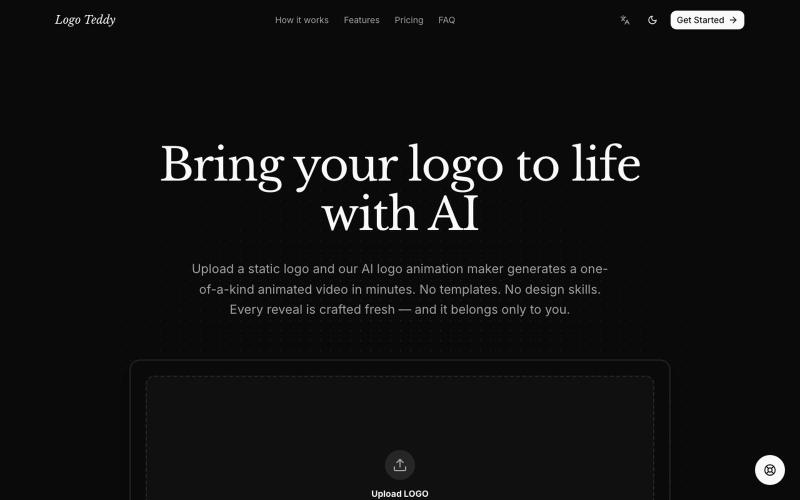
Transform static logos into animated videos with AI in minutes.
humphrey_liu · HN
LogoTeddy – Animate logos with AI (no templates)
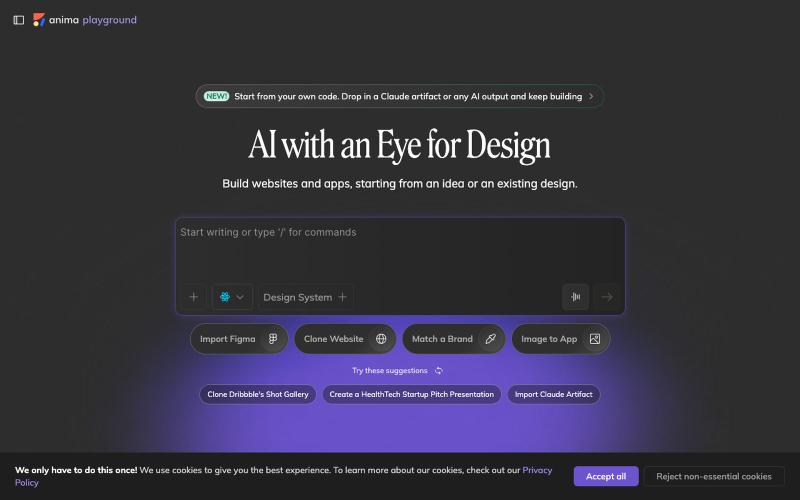
Convert design mockups and screenshots to code automatically.

@AnimaApp · X
Image to code in 1 minute - 20x faster than Claude Code and with much higher fidelity. Try it at and let us know how we did 🤘
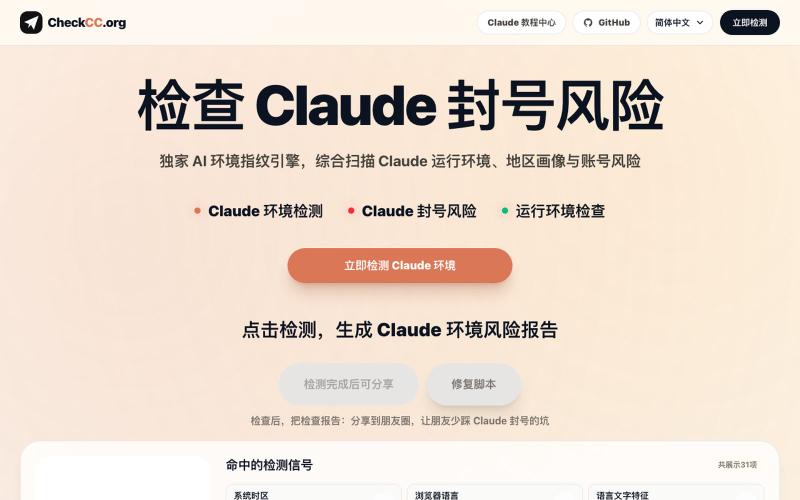
Detect Claude account ban risk and verify environment IP purity.
yacuo · GitHub
check-cc https://checkcc.org 是一个 Claude 运行环境检测与账号风险分析工具,面向正在注册 Claude 账号、订阅 Claude Pro、申请 Claude API、使用 Claude Code,或担心 Claude 封号、账号受限、订阅失败的用户。

Convert images to ASCII art, copy symbols, browse ASCII tables, and convert bases—all in your browser.
HeStudy · V2EX
做了个纯前端的 ASCII 工具站:图片转字符画、banner 生成、符号一键复制 平时偶尔需要查 ASCII 码表、复制一些特殊符号(箭头、制表符这类),每次都是搜一个满屏广告的老站凑合用,索性自己做了一个: https://getascii.com 目前有这些工具: 图片转 ASCII 字符画(拖一张图进去就行,支持调宽度/字符集/反色) 文字转 ASCII banner 大字 常用符号一键复制(箭头、制表符、数学符号、颜文字) 完整 ASCII 码表 + 一个交互式键盘映射图(点键盘上的键显示对应的 dec/hex 码) 进制转换器( hex/dec/bin ↔ ASCII ) 几个实现上的点: Astro 构建的纯静态站,所有工具都是纯客户端计算,图片不会上传到任何服务器 没有账号系统,没有付费墙,打开就用 整站是绿色荧光终端风( CRT 扫描线 + JetBrains Mono ),算是给终端审美交个作业 顺手给它做了个 25 秒的宣传片: https://www.youtube.com/watch?v=AjzU5mw1PrI
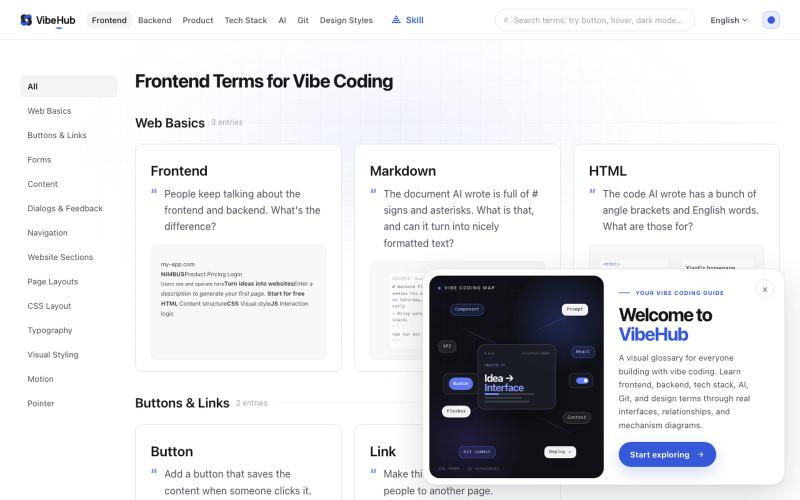
Interactive glossary of 198 technical terms with visual examples to help developers express ideas clearly to AI.

@I_am_oil_oil · X
最近 Vibe Coding 术语网站 做了一个小更新,之前有用户反馈卡片信息密度太高,比较难找到自己想要的术语。 于是我做了一些小调整,把卡片里原本的吧别名和小标签都移除了,加大了每一个卡片的标题字号,对应的英文术语调成主题色并且也加大字号。 我觉得一个最棒的调整就是将原本用于解释这个术语的描述,直接改为大家可能会去跟 AI 描述的话,比如鼠标的 hover 效果,它的描述: 修改前: “悬停是鼠标指针停在元素上但尚未点击时出现的交互状态” 修改后:“鼠标放上去的时候按钮变个色,让人知道它能点。” 经过这次修改,我自己能感觉到每一个术语在列表页上看都更加直观了,而且第一次访问可能会更有共鸣。 除此以外产品和后端相关的术语我也补充了更好的交互图解,相比干瘪的文字能够更好的让大家快速理解~ 下一步可能会做很棒的 AI 搜索功能了,目前大家如果要更方便的使用可以先用 vibe-hub 的 skill: 这个 Skill 可以让 Agent 获取网站里的任何信息。
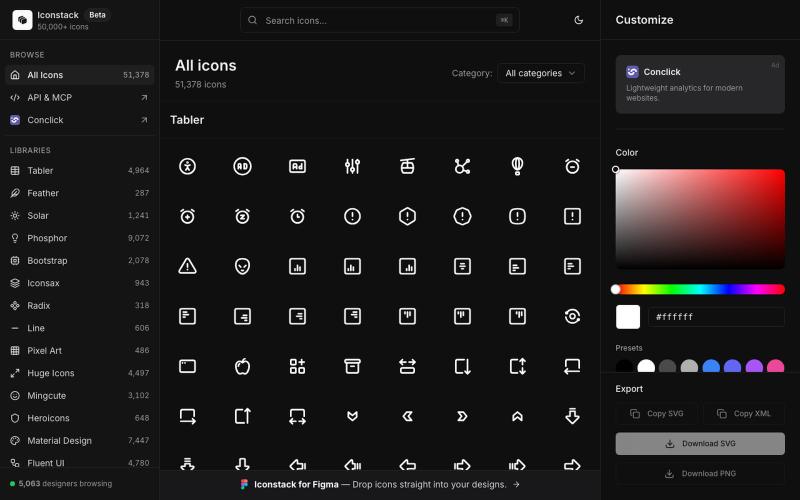
Search 50,000+ free SVG icons, customize colors and stroke, download as SVG/PNG/XML — no login required.

@thedeepflux · X
i'm shipping for designers who need a massive library of high-quality icons without the subscription. it solves the 'i need it now' problem. for other builders, how do you handle feature creep vs. sticking to the core problem?
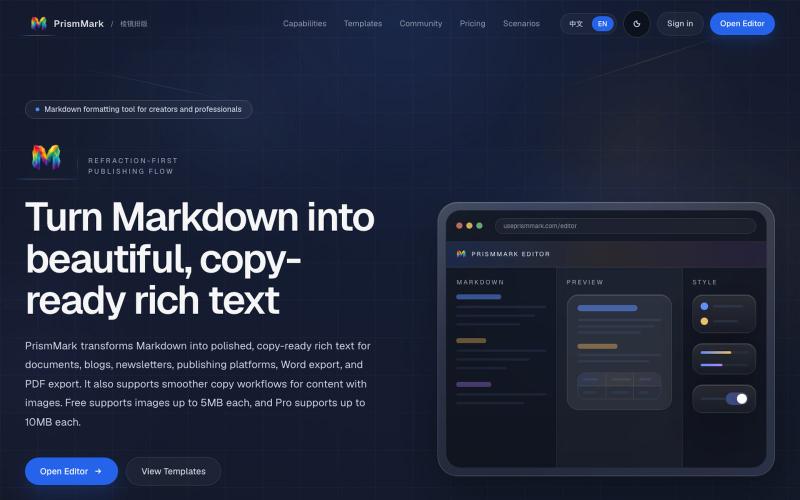
Convert Markdown to formatted content for WeChat Official Accounts, Word, and PDF export.

@bingobray · X
我做了一个类似的工具: 除了支持公众号,还支持word和pdf😁
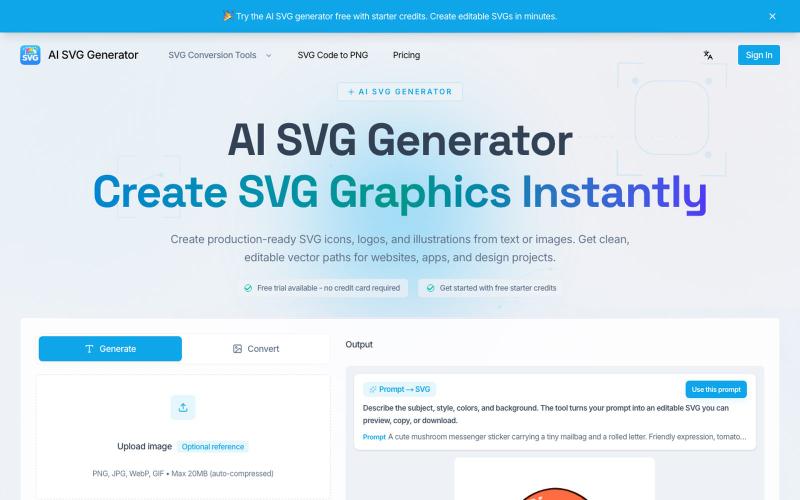
Transform text into SVG icons, logos, and vector graphics instantly.
AI SVG Generator — AI SVG 生成器,可将文本即时转换为精美的 SVG 图标、Logo 和矢量图形。
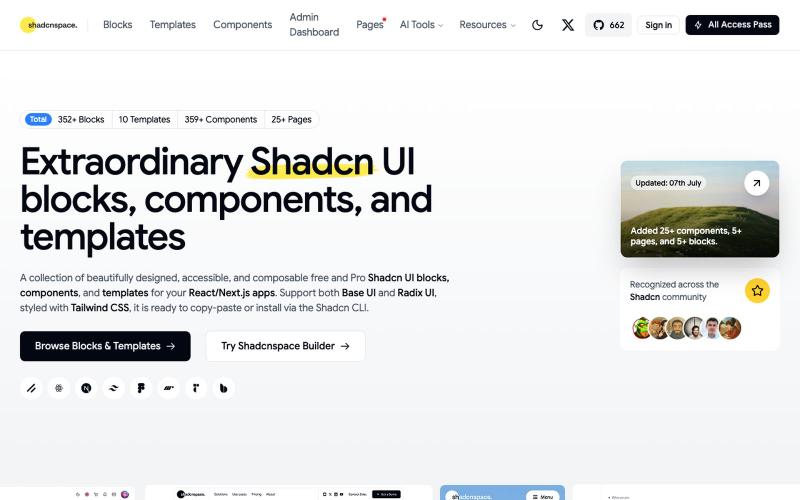
Browse and copy reusable Shadcn UI components, blocks, and templates for React development.

@gupta05_vaibhav · X