Creative Tools1 month ago
MuseUI - AI Interface Generator
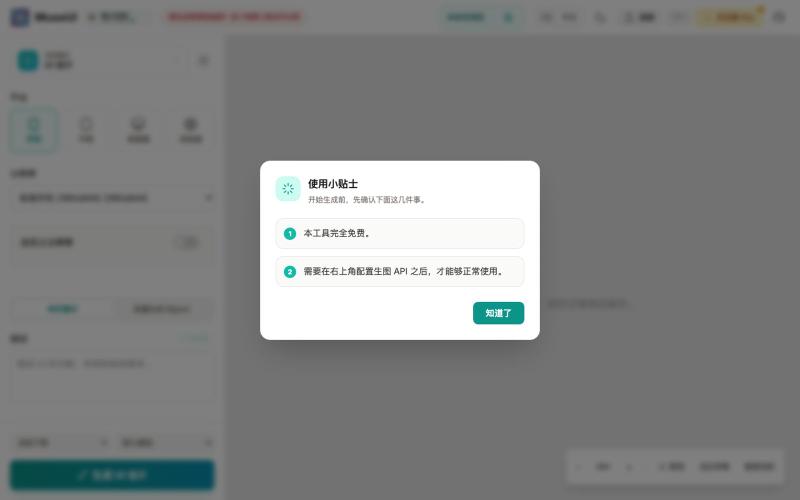
Open-source browser tool to generate UI prototypes, graphics, logos, and social media designs with AI.
Open source
MuseUI — 开源的纯浏览器运行的 AI 画布式图片工作台,可生成 UI 原型、文章封面、信息图、Logo、贴纸、社交媒体配图
The full gallery
Tech stack
19 projects
Open-source browser tool to generate UI prototypes, graphics, logos, and social media designs with AI.
MuseUI — 开源的纯浏览器运行的 AI 画布式图片工作台,可生成 UI 原型、文章封面、信息图、Logo、贴纸、社交媒体配图
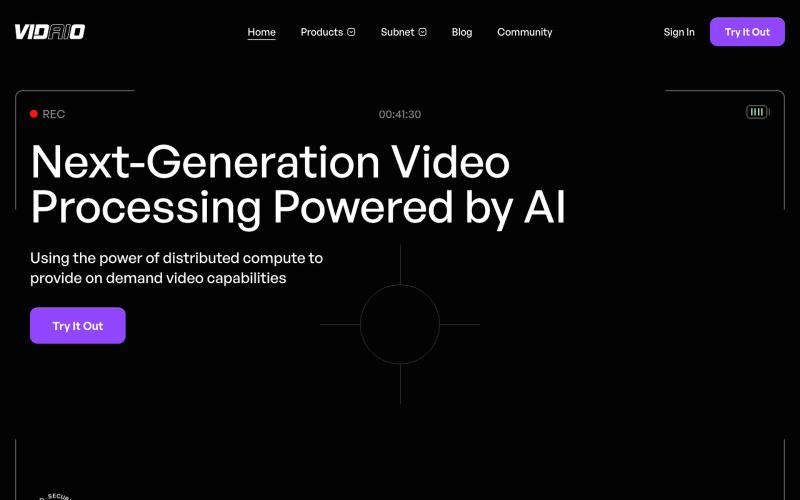
Leveraging the Bittensor ecosystem, Vidaio provides scalable, affordable, and high-quality video processing solutions.

@vidaio_ · X
Ai driven, video enhancement!
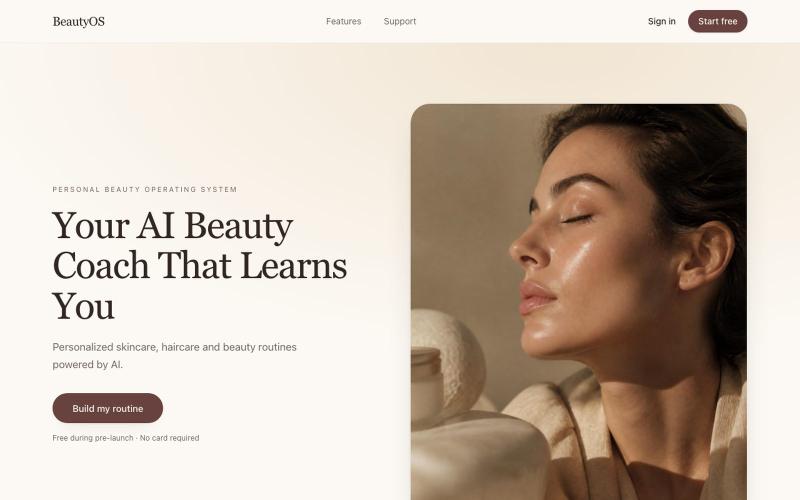
AI beauty coach that creates personalized skincare and haircare routines for you.
davidartemis9 · Product Hunt
BeautyOS launch Your personal AI beauty coach and routine builder
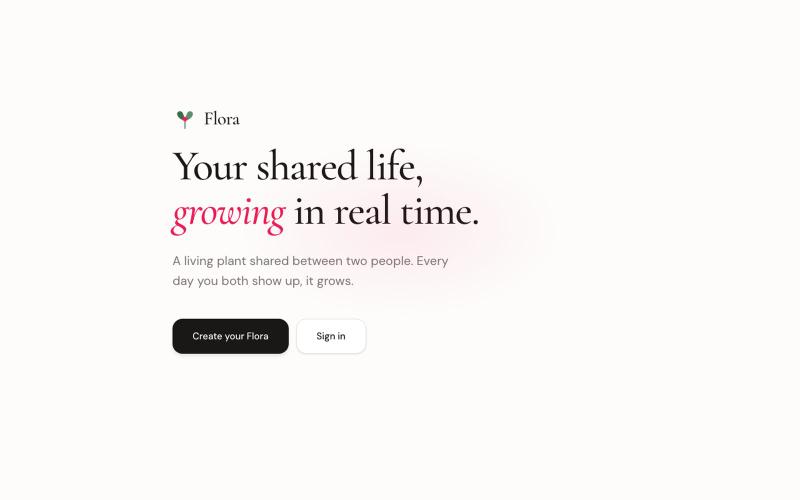
A shared plant app where two people care for and watch a virtual plant grow together.

@mmontshengmaoto · X
Yep, I recently shipped Flora, Mostly vibe coded with Cursor. The biggest win wasn't writing code faster; it was being able to iterate on product ideas much faster. You still need to guide the architecture and catch subtle bugs, but it's been a genuinely good experience.
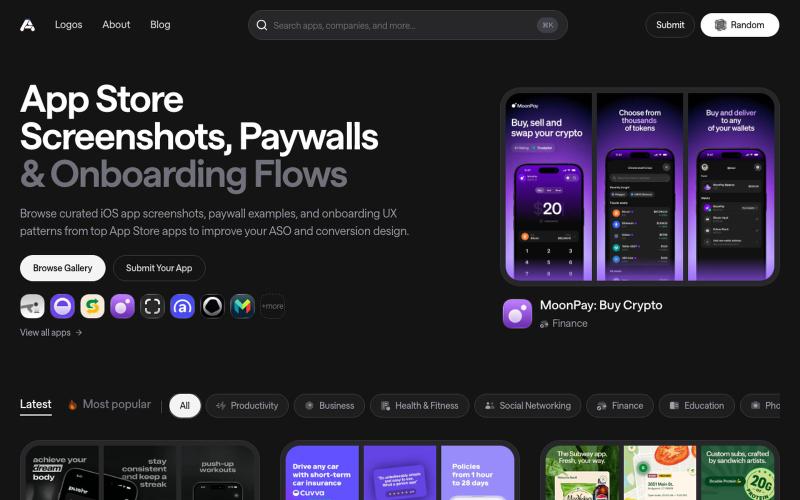
Discover the latest iOS App Store screenshot examples, onboarding ideas, and paywall inspiration.

@taher_max_ · X
Building and
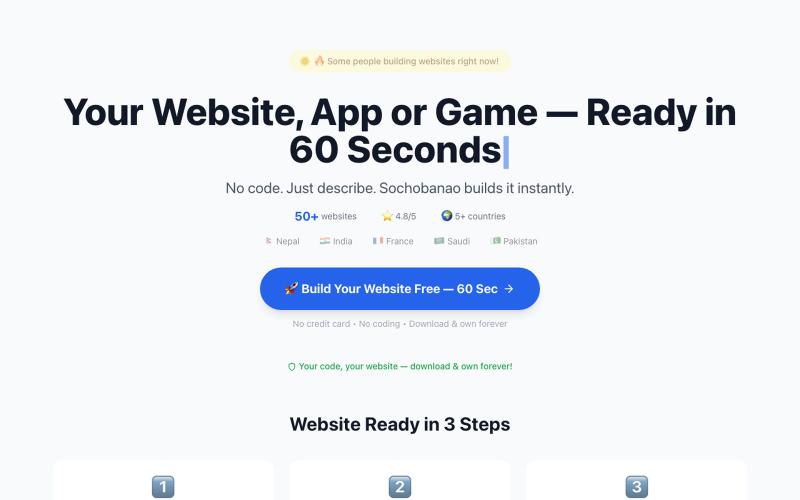
SochoBanao hai free AI website, app & game builder. Sirf apna idea type karo — Hinglish, Hindi, Urdu, Nepali, Bengali ya English mein. 60 seconds mein ready website download karo.

@sochobanao · X
SochoBanao Turn an idea into a working website, web app, browser game or digital product — without starting from scratch. 🎯 Built for founders, freelancers, creators & builders who want to go from idea → working product faster. 🔗

Generate and edit AI images for product shots, ads, portraits, and thumbnails via text prompts.
Plugcamp · V2EX
最近在折腾一个小站,主要是围绕 Nano Banana 2 Lite 做图片生成和图片编辑: https://nanobanana2lite.me/ 一开始只是自己想要一个比较轻的入口,用来快速试 prompt 。后来发现每次测图都会遇到几个重复问题: - prompt 写完之后,不知道适合什么比例 - 文生图和图生图入口经常混在一起 - 想找几个可复制的 prompt 示例,但很多站要么太重,要么示例不够直观 - 只是想快速生成一张产品图、头像、广告图、封面图,不想进一个很复杂的工作台 所以就做了这个站。 目前主要有几个部分: - Text to Image:直接输入 prompt 生成图 - Image to Image:上传一张图,再用 prompt 做改图 - AI Image Editor:偏日常编辑,比如换背景、改光线、改风格 - Prompt Library:整理了一些可直接复制的 prompt - Gallery:放了一些 before/after 和示例图 我自己比较在意的是首页别太像传统 SaaS 落地页,所以最近一直在改视觉。之前太干了,后来加了一些更丰富的样张和暗色主题,但也还在调。 这个站不是 Google 官方产品,只是一个第三方工具站。现在更多是想把「轻量、直接、可复制」这件事做好。 如果大家有空的话,想请教几个问题: 1. 首屏看起来会不会太营销,还是说信息还算清楚? 2. 对图片工具来说,大家更想先看到生成表单,还是先看到效果案例? 3. Prompt Library 这种页面有没有用,还是大家更习惯直接自己写? 4. 如果你平时会用 AI 生成图,最常用的场景是产品图、头像、封面、广告图,还是别的? 欢迎拍砖,尤其是 UI 、文案、信息结构这块。 链接再放一次: https://nanobanana2lite.me/
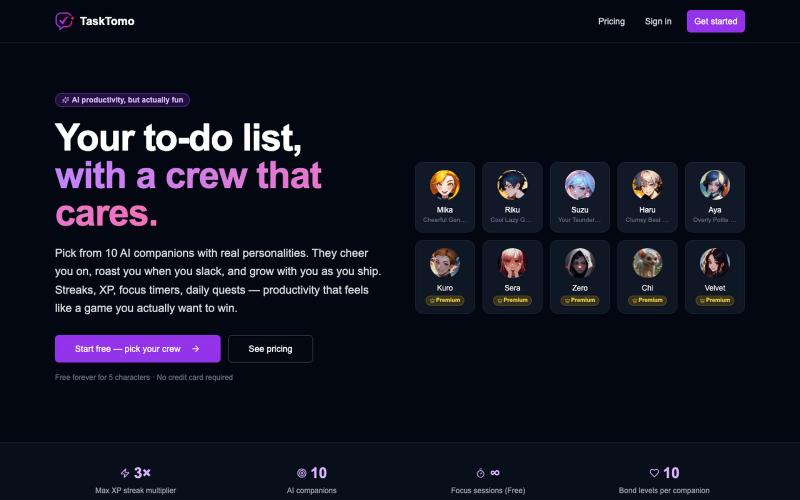
A gamified to-do app with streaks, XP, daily quests, focus timer, and AI-powered encouragement.

@sealionjaywalk · X
I got tired of todo apps feeling like spreadsheets, so I built one that feels like a game. ・Finish a task → your AI crew cheers for you ・Streaks, XP, daily quests, focus timer
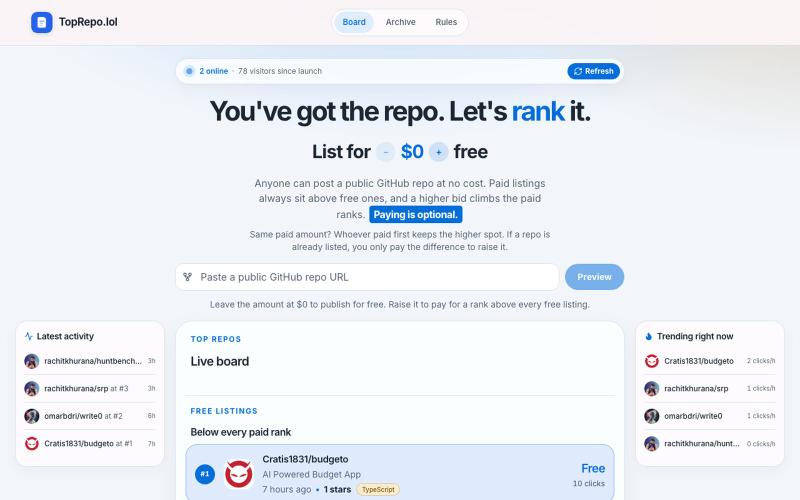
List a public GitHub repo for free, or bid to climb above every free listing on the board.

@ashkans_dev · X
just for fun while the trend lasts :
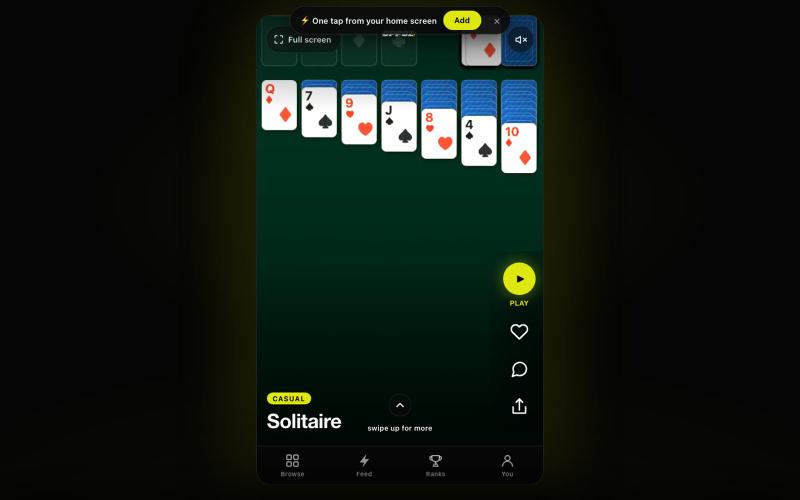
An endless feed of games you play in one tap. Swipe, tap, play — no downloads.

@officialoppoz · X