
Creative Tools1 month ago
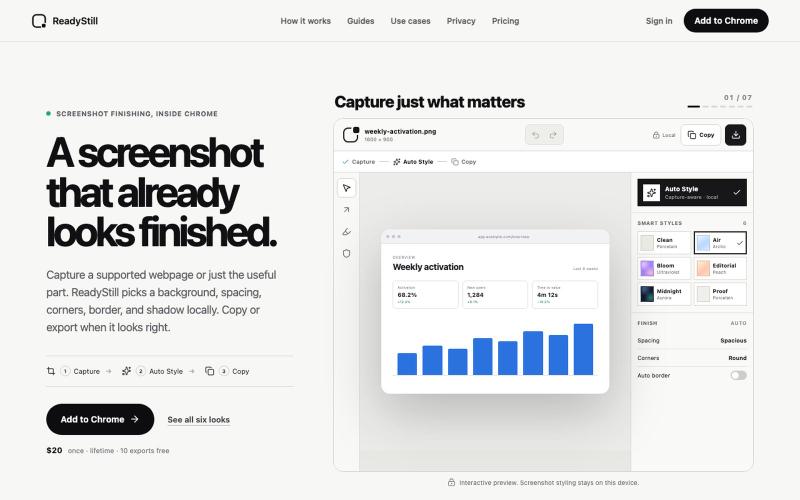
ReadyStill — Chrome Screenshot Editor & Launch Pack
Turn webpage screenshots into polished launch images with privacy-reviewed editing.

@pradeepXkapoor · X
It’s A simple screenshot beautifier chrome extension!
The full gallery
Tech stack
13 projects
Turn webpage screenshots into polished launch images with privacy-reviewed editing.
@pradeepXkapoor · X
It’s A simple screenshot beautifier chrome extension!
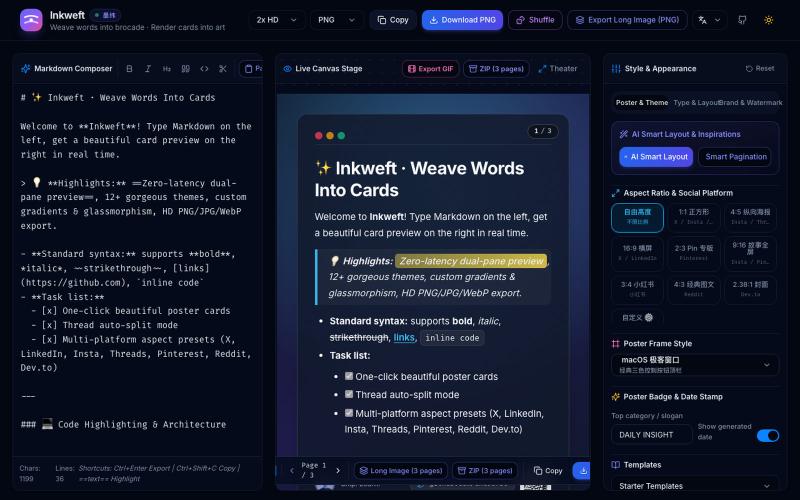
Convert Markdown notes into styled social media poster cards with 12 themes, export as PNG/JPG/WebP.

@dxer0730 · X
做了一个把 Markdown 笔记 3 秒变成高颜值社交海报的小工具,支持连载切图与无缝长图拼接 在线体验 / 开源:
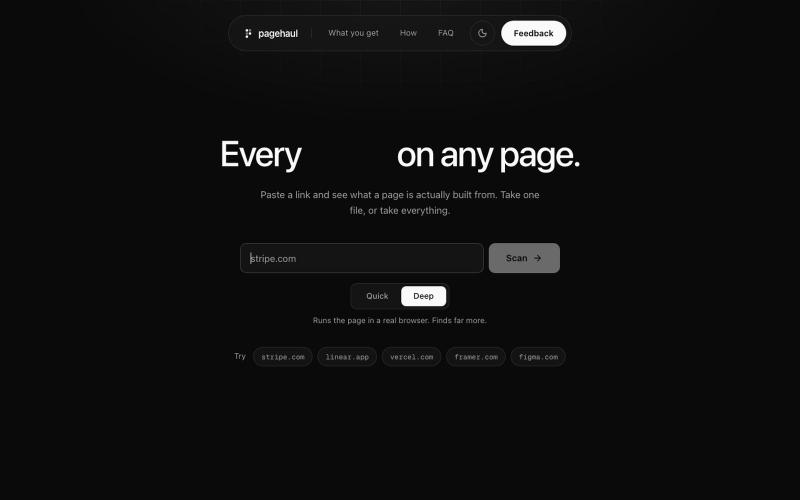
Extract images, icons, videos, fonts, and documents from any webpage into a single grid.

@gaurav_jain26 · X
Built a tool which will help developers and designers to extract resources without touching inspect try out and leave feedback

Merge PDFs, compress images, remove backgrounds, and access utilities entirely in your browser.

@damiadeh · X
Your files utility tools stacks in your browser. No uploads, files stays on your pc.
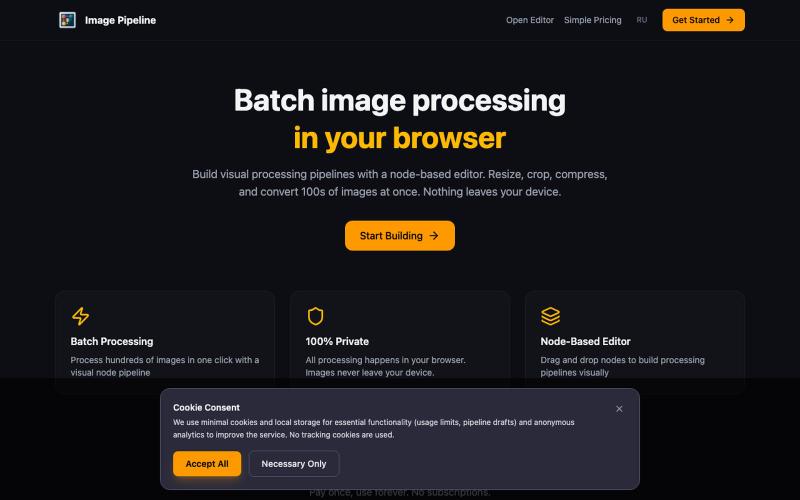
Resize, crop, compress, and convert images in batch — all locally in your browser.

@MaximMitenkov · X
🔒 Just launched Image Pipeline — batch image processing in your browser. 100% private. No signup. Pay once, use forever. #buildinpublic #webdev #privacy
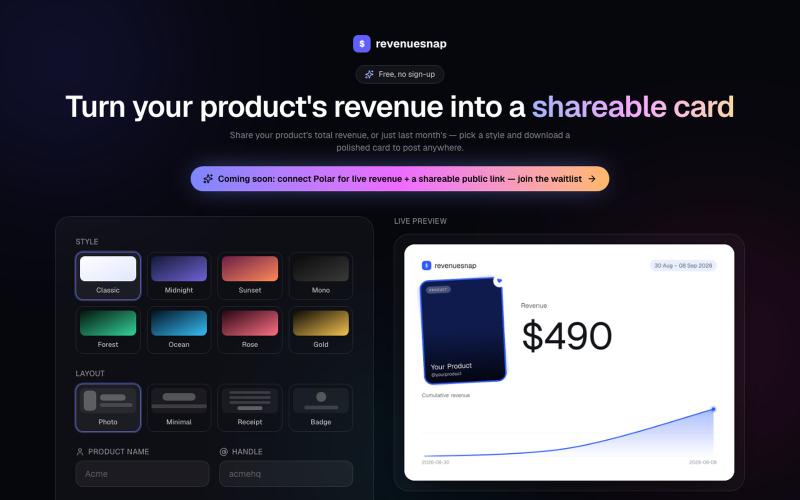
Turn your product's revenue into a polished, shareable card. Pick a style, fill in your numbers, and download a PNG to post anywhere. Free, no sign-up.

@AravindKumarV09 · X
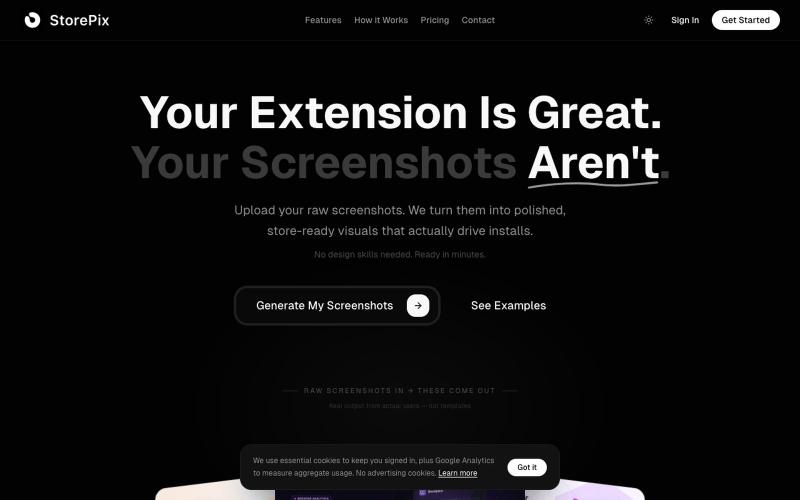
Generate Chrome Web Store and Firefox Add-ons screenshots with AI. Upload raw captures, get polished store-ready marketing visuals in 2 minutes. Free to try.

@sherifgjini · X
- store-ready screenshots for chrome extension devs
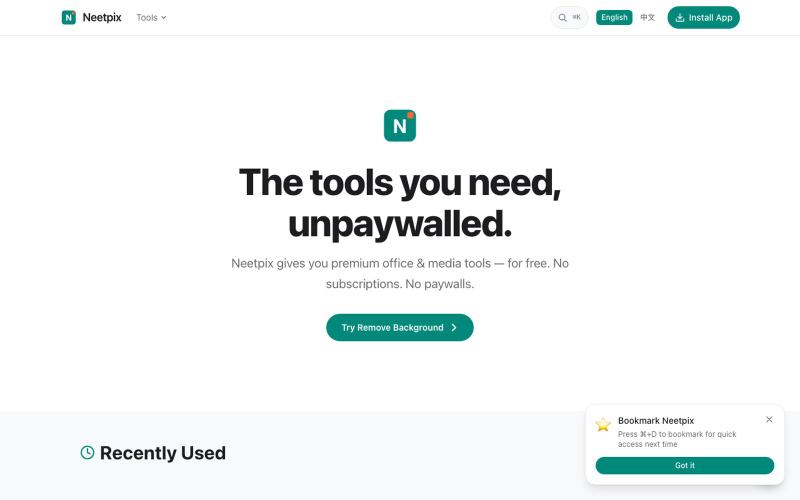
Browser-based PDF and image tools for merging, converting, compressing, editing, and generating — no signup needed.

@badbyeseason · X
Just shipped a big update to file transfer: resume broken transfers, multi-file queue, end-to-end encryption, custom room codes, and 2GB limit. Still 100% P2P, no server stores your files. 28+ tools live now. #buildinpublic #privacy
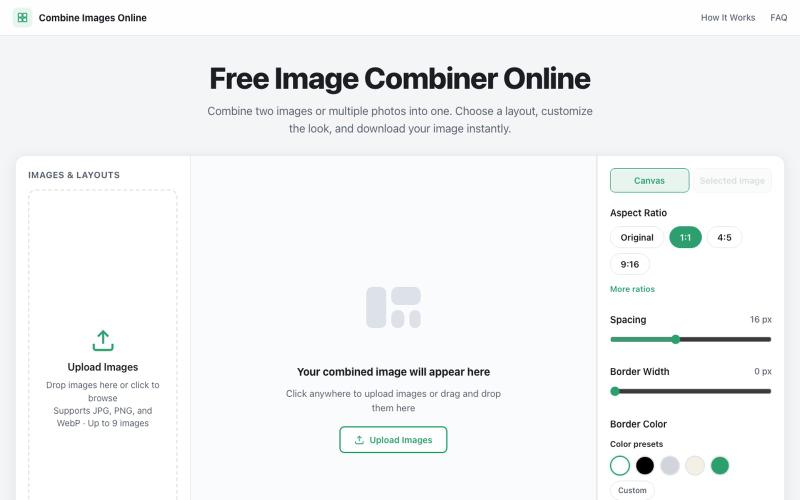
Combine multiple images into custom grids with adjustable spacing, borders, and backgrounds.

@dais33923 · X
新手村一号作品在这里: 做了一个免费的在线拼图工具,可以上传多张图片、自由排版、换背景和边框,再导出成图。 欢迎路过玩玩,也欢迎狠狠挑刺:不好用、缺功能、哪里丑,都可以告诉我(虽然我自己也知道嘿嘿)。 先把它养活,后面慢慢养大or再换一个站玩玩哈哈哈😄🧩
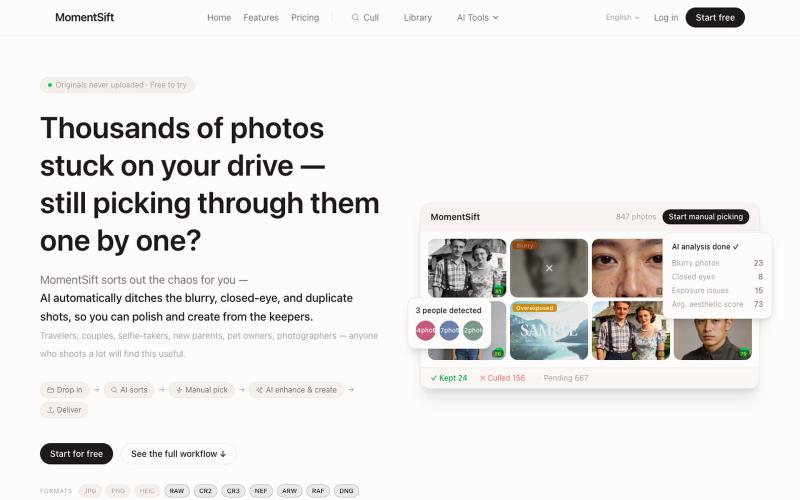
Cull, enhance, and generate photos with AI in your browser.
ansheng_hu · Product Hunt
MomentSift Cull, enhance, and create better photos with AI
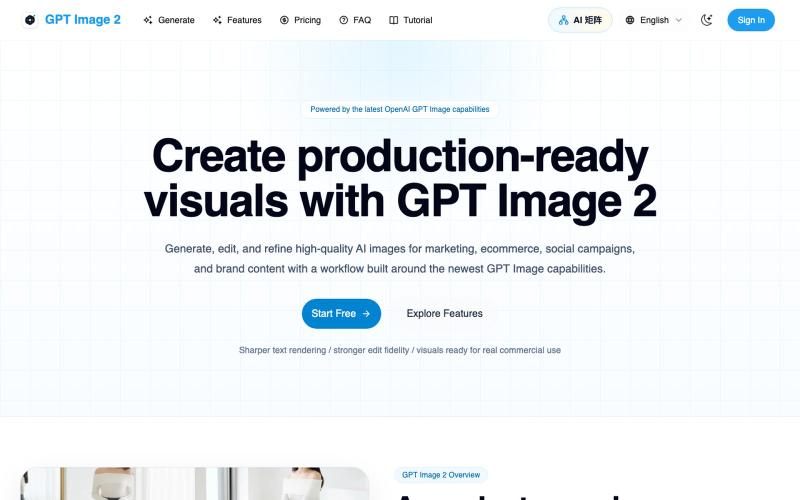
Generate and edit AI images for marketing, ecommerce, social media, and branded content.
Gptimage2 — AI 图片生成工具

Convert photos and videos to ASCII art, pixel art, mosaic, and more in your browser.

@kail_designs · X
Jokes aside but honestly (Landing page) was built with Claude (Opus 4.7) in 1 day. But no, it was not just four prompts or some random skills. Here's how I built the entire AsciiMagic landing page with Claude in one day👇 Started with a rough sketched wireframe. Then designed it in @paper Then I used the Paper MCP with Claude to recreate that design in code and get a solid first version running. From there, the real work began. I kept iterating with specialised Claude skills: • impeccable • frontend-design • emil-design-eng • review-animations • responsive-design • seo-audit Each one improved a different part of the experience. By the end, the page had: • Mobile-first responsiveness • Better SEO optimised copy • Smooth micro-interactions • Cleaner frontend architecture Then came the part people don't see. For the next 5–6 hours, I wasn't asking Claude to "make it prettier." I was: • Fine-tuning layouts • Uploading and compressing assets • Moving files across diff