

Creative Tools1 month ago
Rawnd — Open, cull and develop RAW photos in your browser
Cull and edit RAW photos in your browser with local processing.

@am56ay · X
The full gallery
Tech stack
9 projects
Cull and edit RAW photos in your browser with local processing.
@am56ay · X
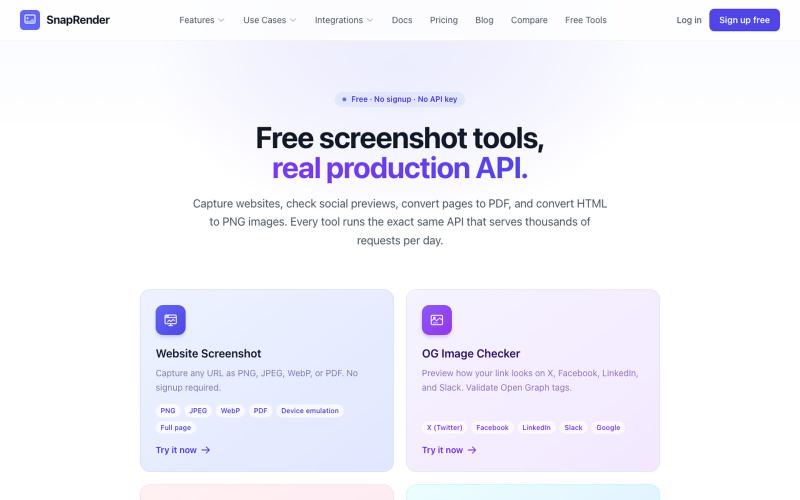
Screenshot websites, convert to PDF or PNG, and check Open Graph images—no login required.
u/SpecificNo8047 · Reddit
I built a screenshot API because my personal Puppeteer setup kept breaking. Six months later it has an MCP server and hundereds of users Solo founder here, this is my product, full disclosure. It started as super simple helper self hosted tool for myself: I needed website screenshots for a project, self-hosted Puppeteer, and spent more time babysitting Chromium than building. So I turned the babysitting into a product, because why not. What it does: one GET request in, rendered screenshot
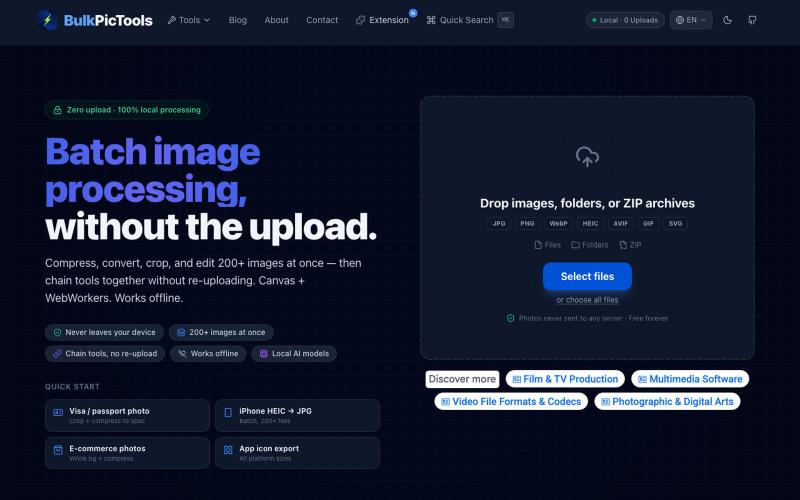
Batch edit images in your browser with tool chaining, compression, and format conversion.
BulkPicTools — 免费浏览器端图片批量处理工具,支持**工具链串联**(压缩→转格式→裁剪一次完成,无需重复上传),本地 AI 去背景/人脸模糊(WebGPU,无需 API Key),支持 200+ 张图片批量处理,文件不上传服务器。
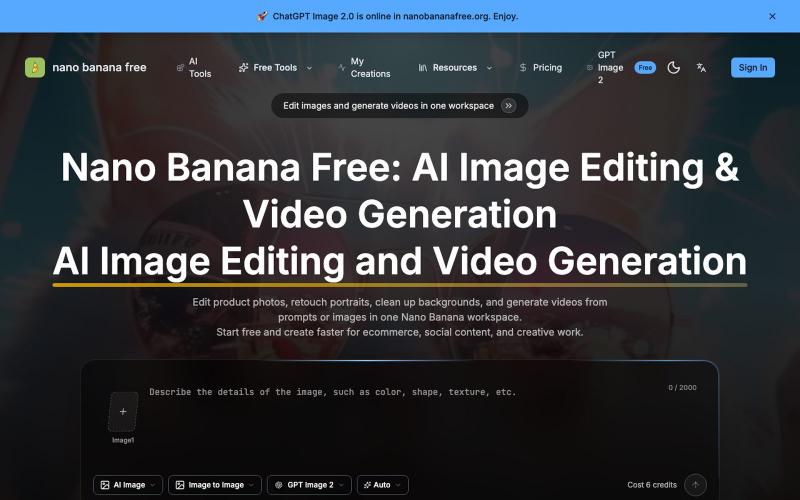
Edit photos with AI, generate videos, and remove watermarks online.
Nano Banana Free — 图像编辑与视频生成工作台,支持产品图精修、人像润色、背景替换和视频生成,并在一个工作流里整合多个 AI 工具。
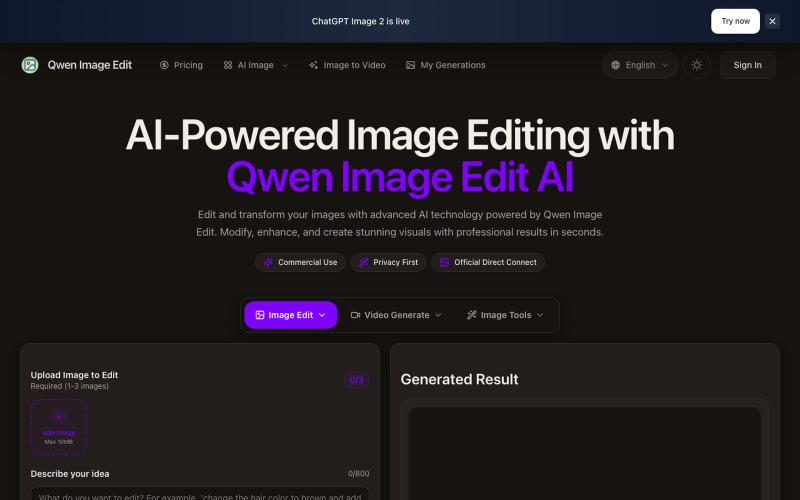
Text-driven image editor for photo restoration, watermark removal, and avatar generation.
Qwen Image Edit — AI 图像编辑工具,支持文本指令编辑、照片修复、去水印、专业头像生成和多图像处理
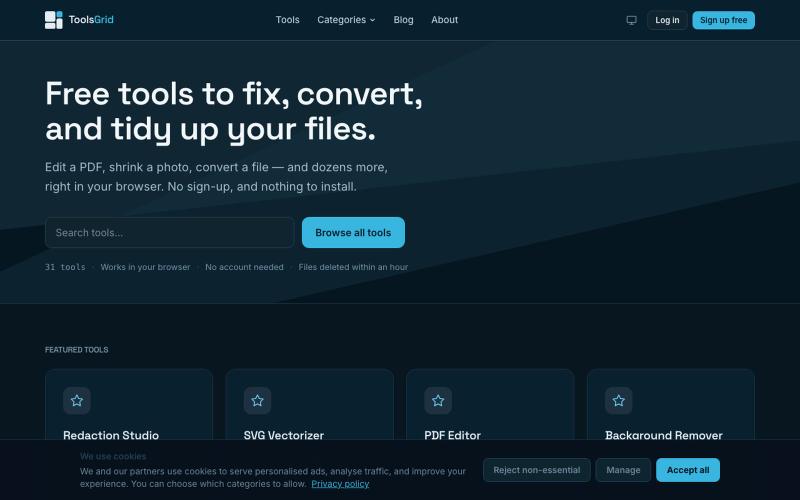
Free online tools for editing and converting PDFs, images, videos, JSON, SVG, and email files.

@bigchusstheory · X
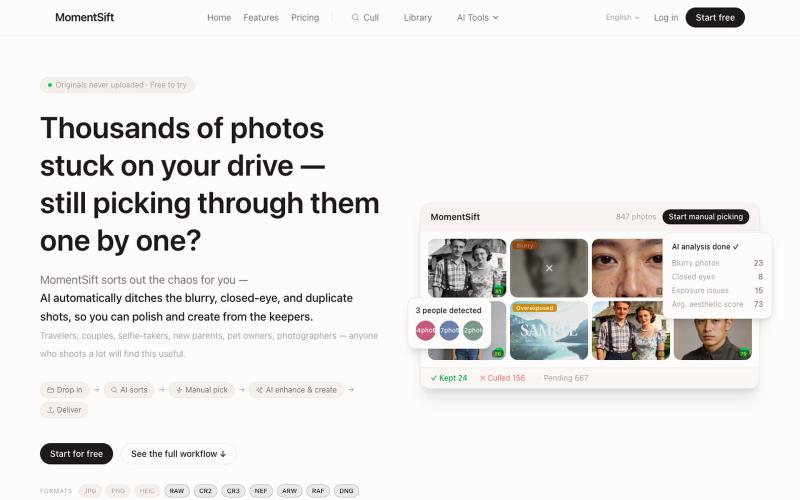
Cull, enhance, and generate photos with AI in your browser.
ansheng_hu · Product Hunt
MomentSift Cull, enhance, and create better photos with AI
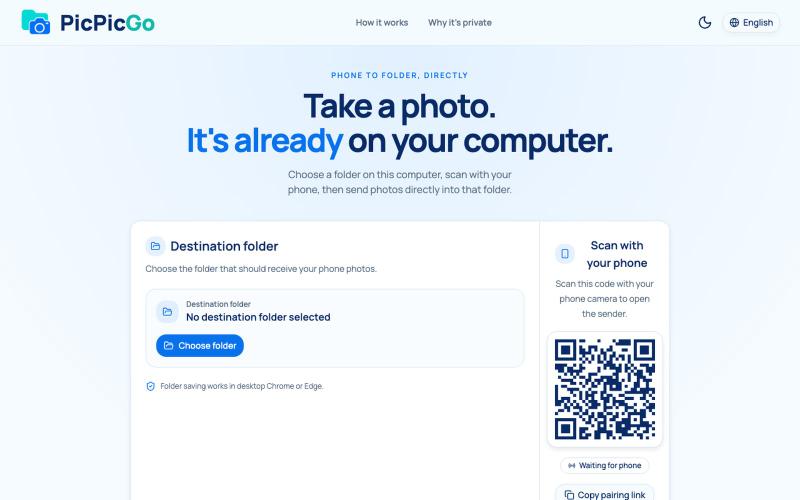
Transfer photos from your phone to your computer folder in real-time without creating an account.
1010115121 · V2EX
做了个网站,将手机的照片实时同步到电脑指定的文件夹,不需要复杂的操作! 最近自己有个需求:需要把手机刚拍的一批图(十来张)快速传到电脑 试了一圈手机和电脑的同步方案,都有点麻烦,所以自己做了个工具站:PicPicGo https://picpicgo.com 使用很简单: 1 、电脑打开网页,选择一个文件夹 2 、手机扫码进行连接 3 、手机拍照或选择照片 4 、照片自动保存到电脑刚才选择的文件夹 不需要安装电脑软件,也不需要安装手机 App ,打开网页就能用 照片通过 WebRTC 在设备之间直接传输。 目前只支持同局域网的设备,刚发布,发出来看看有没有人也有类似需求,欢迎试用和提意见。
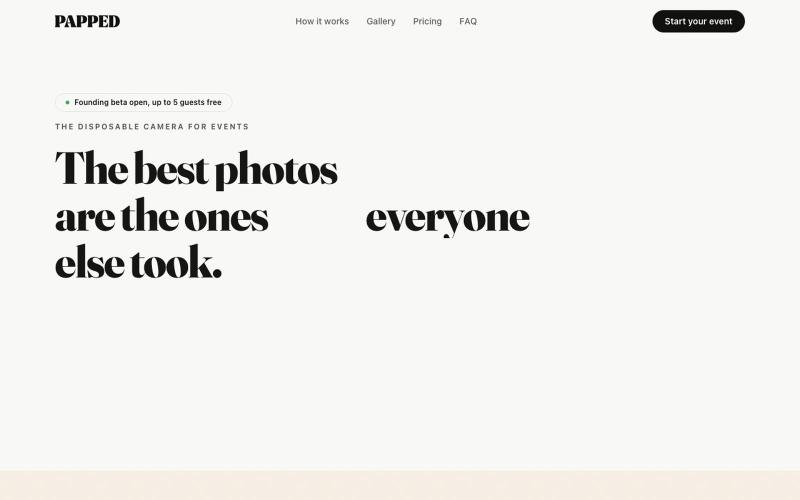
Collect event photos via QR code; submitted pictures auto-screen and appear in a live shared gallery and Google Drive.

@OneEyedAbhay · X
it's fun and optimised..open for suggestions or roast