
Creative Tools1 month ago
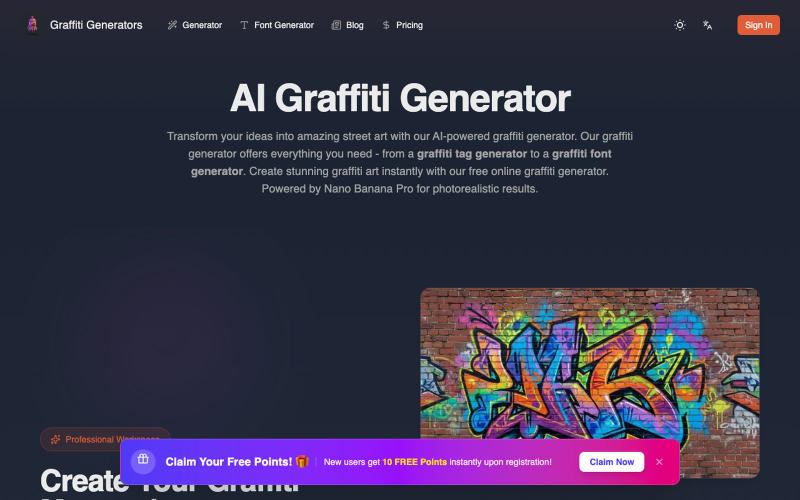
Graffiti Generator - AI Street Art Creator
Transform your ideas into photorealistic graffiti art using AI.
Graffiti generator — AI 街头涂鸦艺术生成器(基于 Nano Banana Pro)
The full gallery
Tech stack
15 projects
Transform your ideas into photorealistic graffiti art using AI.
Graffiti generator — AI 街头涂鸦艺术生成器(基于 Nano Banana Pro)
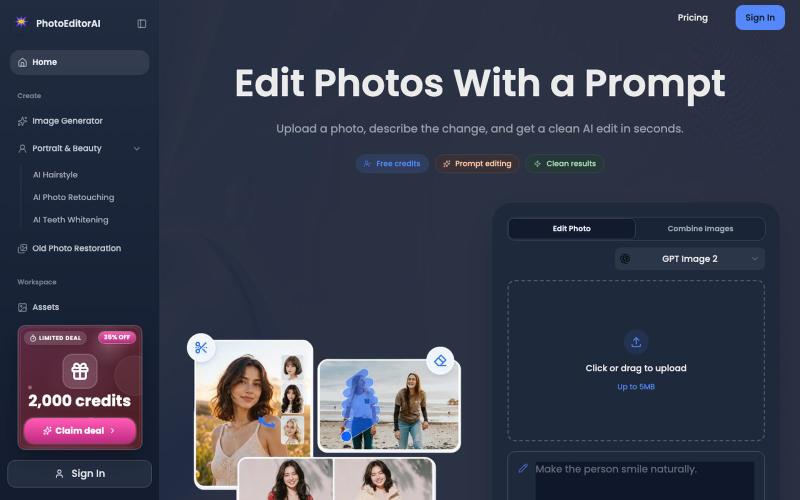
Online AI photo editor for portrait retouching, photo restoration, and image generation.
PhotoEditorAI — 在线AI 图片编辑工具,一句话将图片变为自己想要的样子,支持 NanoBanano 2, GPT images 2 模型,支持无限画布。

Upload a product image and choose a scene to generate studio-quality AI photos.

@aftertakenai · X
for AI e-commerce product photography
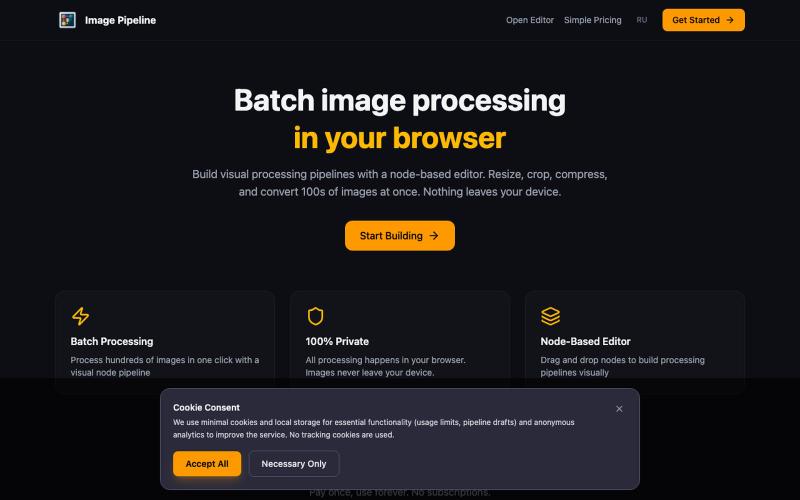
Resize, crop, compress, and convert images in batch — all locally in your browser.

@MaximMitenkov · X
🔒 Just launched Image Pipeline — batch image processing in your browser. 100% private. No signup. Pay once, use forever. #buildinpublic #webdev #privacy

Track links and QR codes, create bio pages, and pitch to sponsors with verified engagement data.

@saifcodes_exe · X

Turn screenshots into polished designs using a Chrome extension and web-based editor.

@buildwithshyam · X
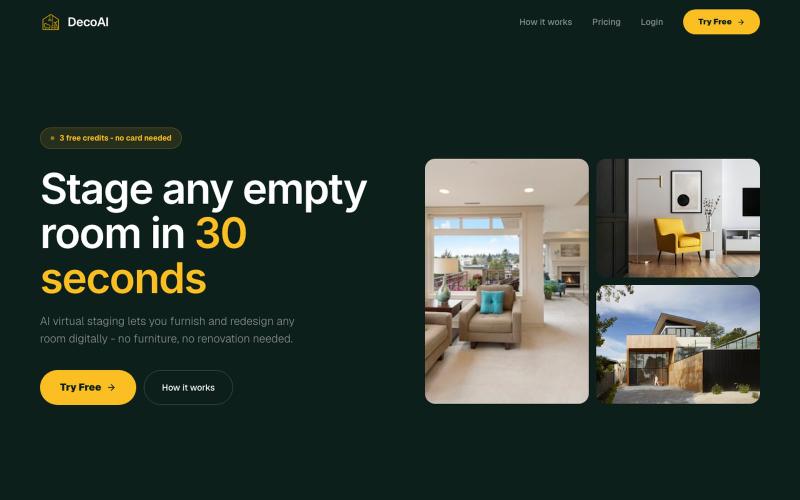
Transform empty room photos into professionally staged interiors using AI.
@amitkushh
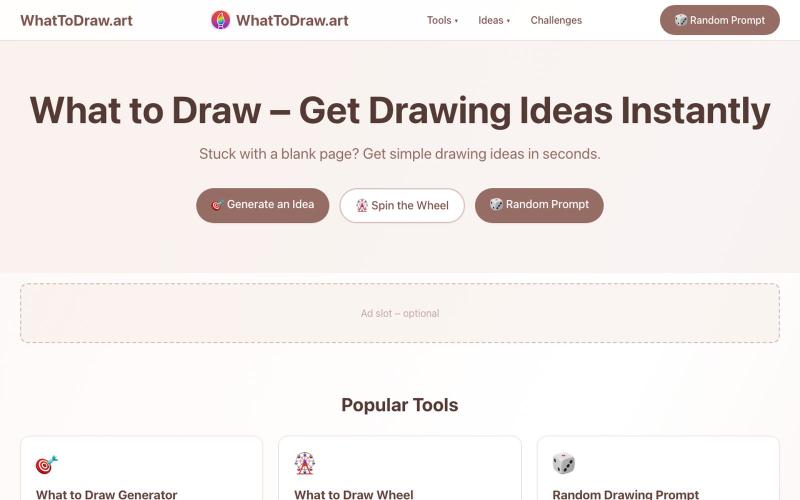
Get drawing prompts and ideas with an interactive game that scores your sketches.
画什么 — 从画圆开始,看看你画的圆可以得多少分
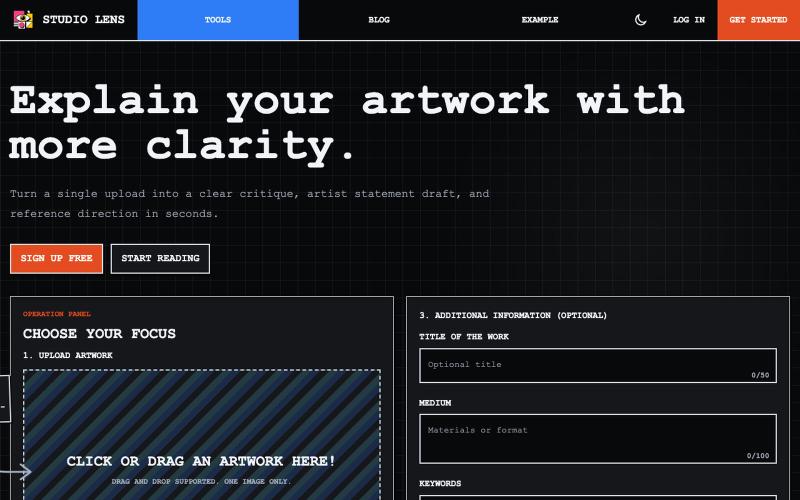
Turn artwork images into visual reflection and portfolio-ready artist statements.

@dvd1932 · X
An SaaS that explains Art for/to you. (Free) 🧙♂️
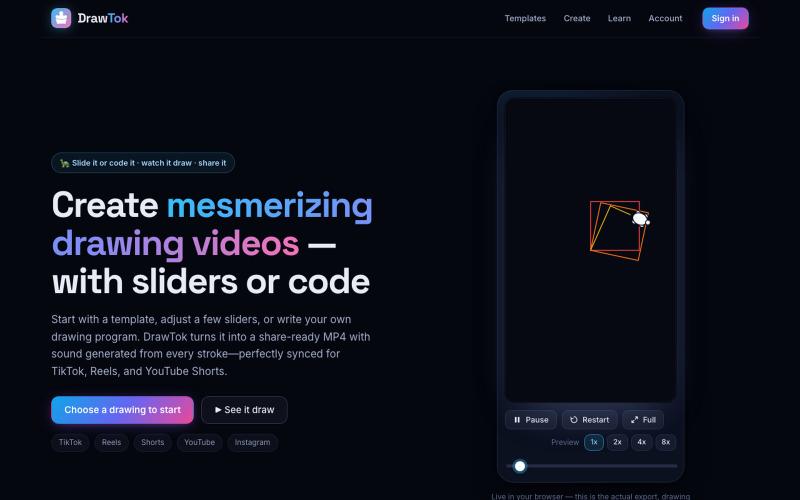
Generate drawing videos from templates or code, ready to share on social media.

@xfrigle · X
turn tiny Logo code into stunning drawing videos ready to share on social

Convert photos and videos to ASCII art, pixel art, mosaic, and more in your browser.

@kail_designs · X
Jokes aside but honestly (Landing page) was built with Claude (Opus 4.7) in 1 day. But no, it was not just four prompts or some random skills. Here's how I built the entire AsciiMagic landing page with Claude in one day👇 Started with a rough sketched wireframe. Then designed it in @paper Then I used the Paper MCP with Claude to recreate that design in code and get a solid first version running. From there, the real work began. I kept iterating with specialised Claude skills: • impeccable • frontend-design • emil-design-eng • review-animations • responsive-design • seo-audit Each one improved a different part of the experience. By the end, the page had: • Mobile-first responsiveness • Better SEO optimised copy • Smooth micro-interactions • Cleaner frontend architecture Then came the part people don't see. For the next 5–6 hours, I wasn't asking Claude to "make it prettier." I was: • Fine-tuning layouts • Uploading and compressing assets • Moving files across diff
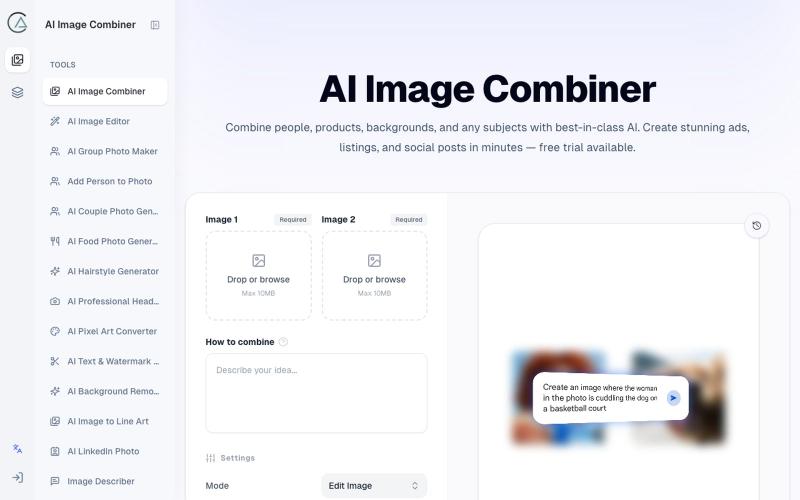
Blend two photos using AI with preset scenarios for studio-quality results.
ai image combine — AI 图像站,预设了一些场景的 prompt ,不用编写复杂的 prompt 直接使用