
Productivity1 month ago
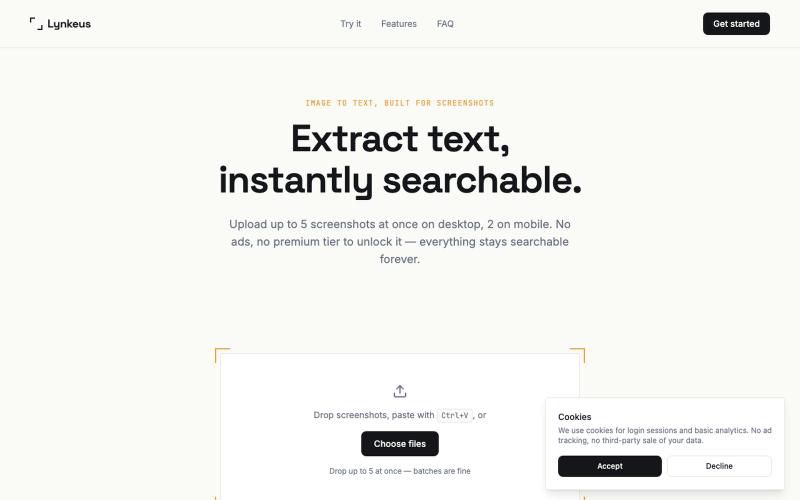
Lynkeus — Image to Text Converter, Built for Screenshots
Extract text from screenshots and images, instantly searchable and editable.

@DoriaJefferson3 · X
The full gallery
Tech stack
60 projects
Extract text from screenshots and images, instantly searchable and editable.
@DoriaJefferson3 · X
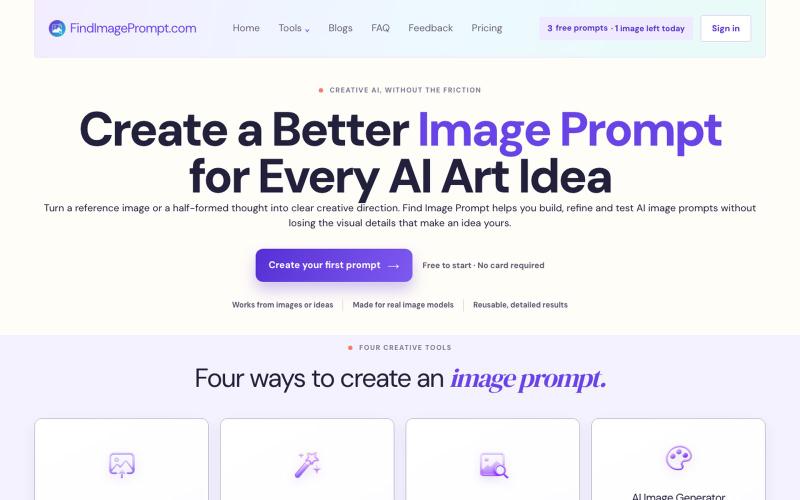
Convert images or text into prompts optimized for AI image generation.
weijiejason119 · V2EX
独立开发了一个「图片转 AI 绘画 Prompt」的小工具,欢迎体验 大家好,最近利用业余时间做了一个小工具站 Find Image Prompt ( https://findimageprompt.com ),主要是想解决自己平时刷到好图、 但写不出对应 prompt 的问题,顺手做出来给大家用。 目前有四个小工具: - 图生 Prompt ( Image to Prompt ):上传一张参考图,生成保留构图、 光影、风格的详细 prompt - 文生 Prompt ( Text to Prompt ):一句话想法扩写成结构化的 prompt - AI 图片描述( Image Describer ):拆解一张图的主体、氛围、构图 - AI 生图:直接拿 prompt 出图,方便对照迭代、反复微调 不需要注册,有免费额度可以直接试。生成的 prompt 是比较通用的 描述性语言,理论上换到 Midjourney / SD / 其他模型也能用。 刚上线不久,功能还比较简单,欢迎大家来体验,有 bug 或者想加的 功能欢迎在帖子里说,我会尽量回复。
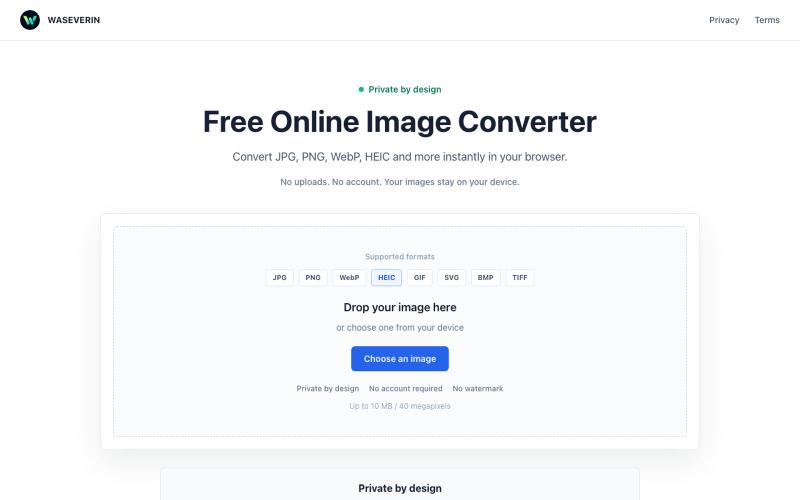
Convert images between formats like JPG, PNG, WebP, and HEIC directly in your browser.

@wGzKjDhsac93581 · X
Just launched my first side project 🚀 WASEVERIN Image Converter A lightweight browser-based image converter. ✓ No uploads ✓ No account required ✓ Privacy-friendly Convert JPG, PNG, WebP, HEIC and more. Building AI tools & digital products.
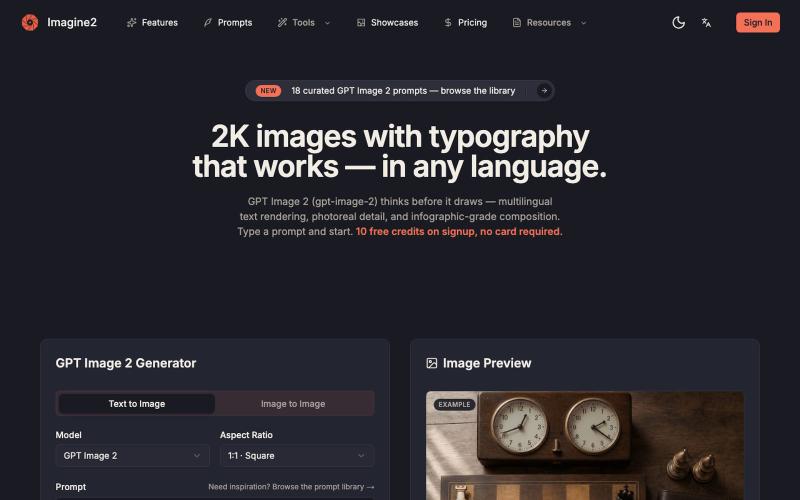
Generate AI images from text or images with support for 2K-4K quality and typography control.
GPT Image 2 — AI 图片生成器,支持文生图、图生图、4K 图片、图中文字生成与 Prompt 示例库,适合制作产品图、海报、广告图和社媒配图
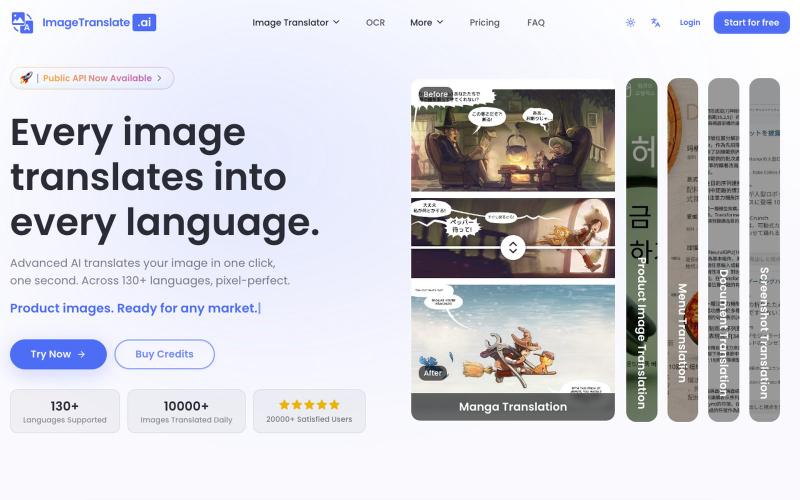
Upload an image to translate its text to 130+ languages instantly.
Image Translate AI — AI 图片翻译软件,翻译 70 多种语言的图片文本,专为专业人士,电商商家打造。保持图片原始布局,扩大全球影响力,并简化本地化流程
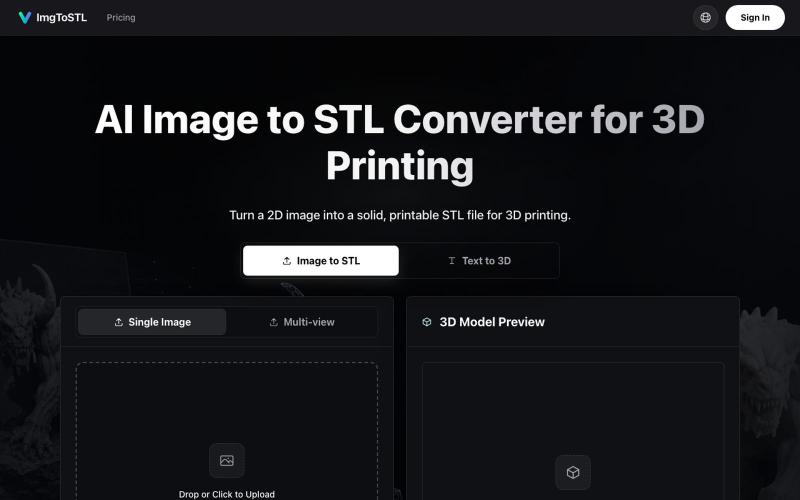
Convert images to STL files for 3D printing using AI.
ImgToSTL — 面向 3D 打印的 AI 图片转 STL 转换器
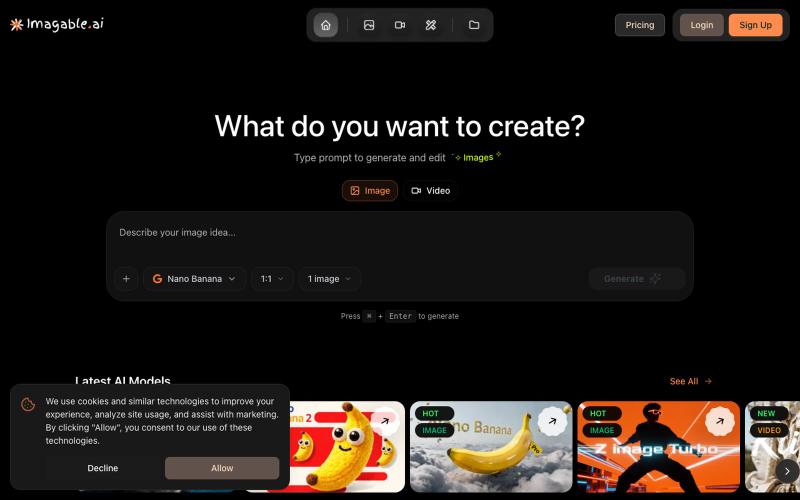
Generate and edit images and videos from text prompts with AI.
Imagable AI — 人工智能 图片编辑和生成工具,用户可以不需要设计的技术即可通过提示词一键生成和编辑照片或图片。
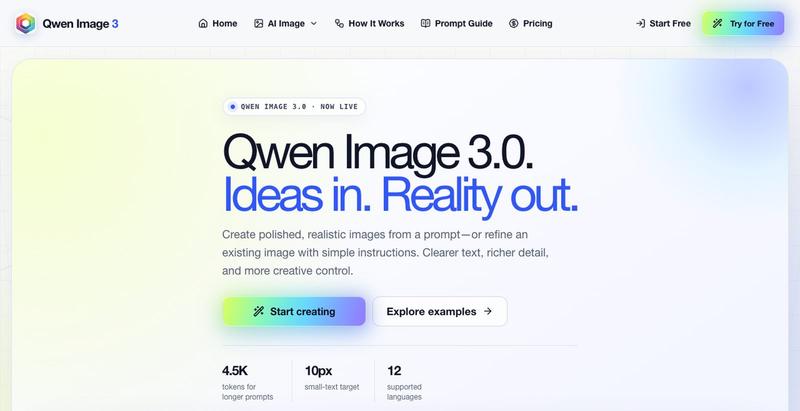
Generate realistic AI images from text prompts with editing tools.
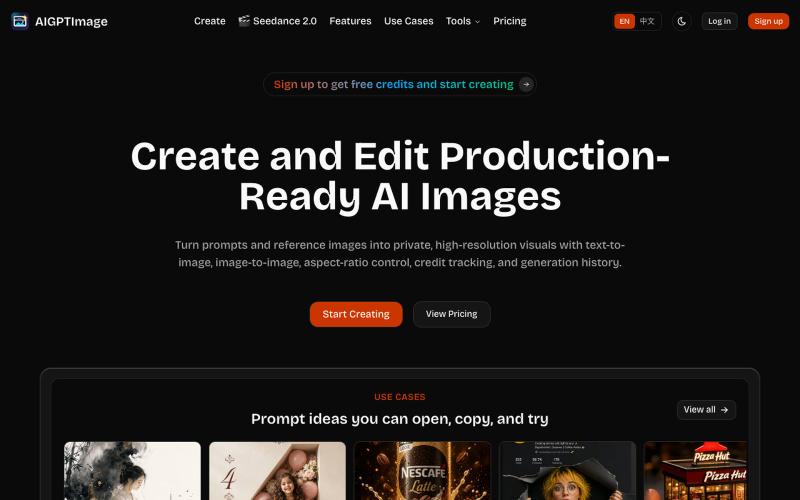
Create production-ready AI images using text-to-image and image-to-image generation.
AIGPTImage — 基于 GPT Image 2 的私有、生产级 AI 图像工作室
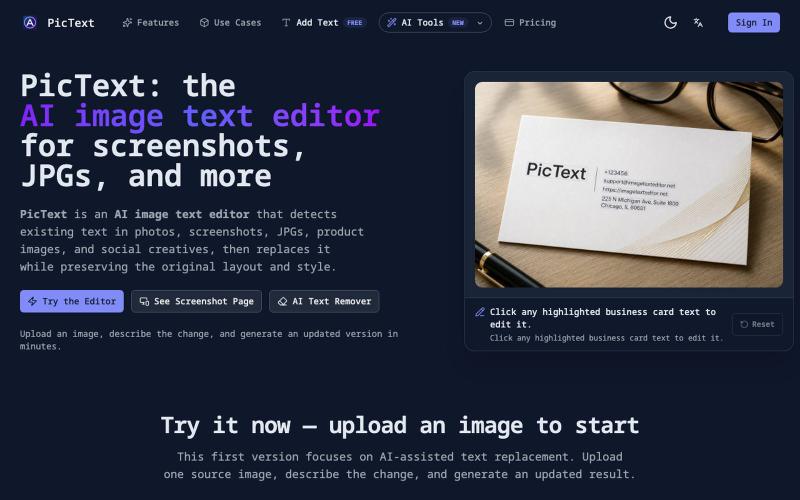
Detect and replace text in images while preserving layout and style.
PicText - 图片文字编辑器 — AI 驱动的图片文本编辑器,检测并替换照片、截图和产品图中的文本,同时保留原始布局和字体
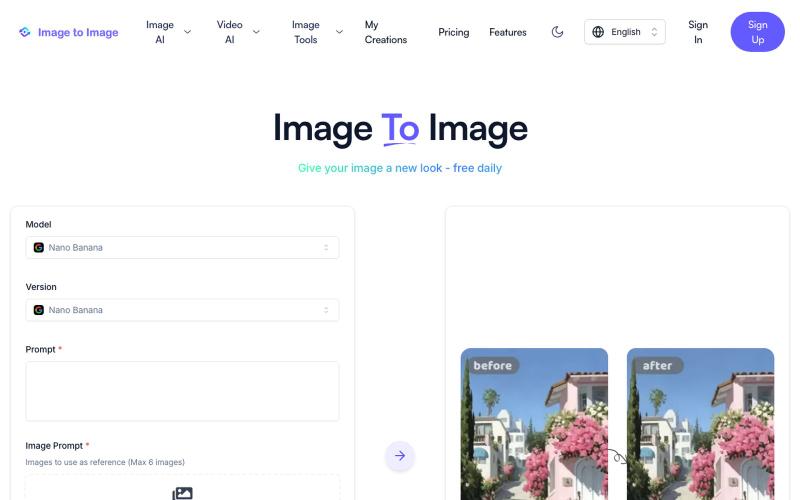
Instantly transform images using AI editing and redrawing capabilities.
Image to Image AI — 基于 AI 的图片修改和重绘工具
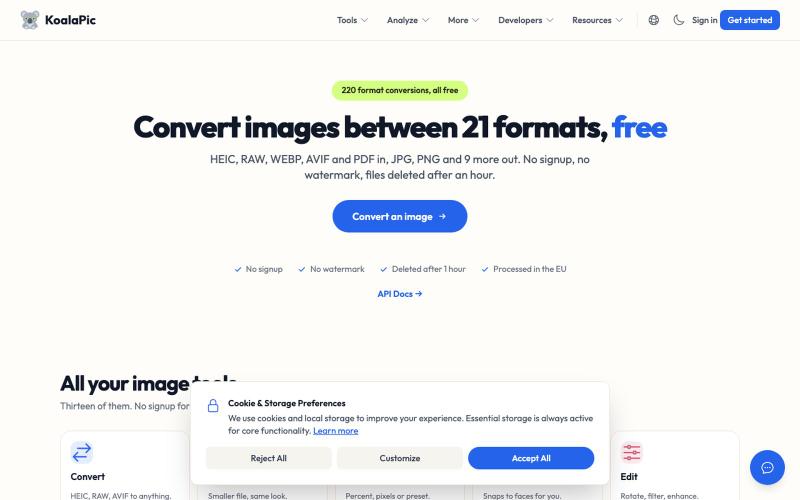
Convert HEIC, WEBP, AVIF images to JPG, PNG instantly. Free, private, no signup. Works on the web and in Telegram, Discord, WhatsApp and Slack.

@philippenamias · X