
Productivity3 weeks ago
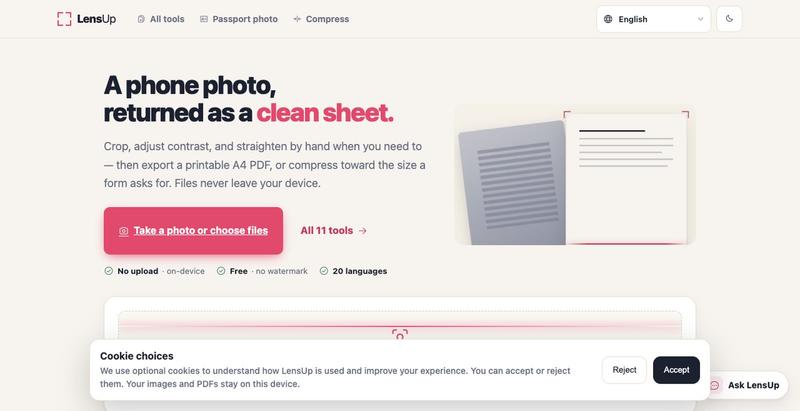
LensUp — Free online document scanner (photo → PDF)
Turn photos into clean, printable PDFs with automatic cropping, de-shadowing, and compression.
Open source
The full gallery
Tech stack
27 projects
Turn photos into clean, printable PDFs with automatic cropping, de-shadowing, and compression.

Format, convert, and process PDFs and images with 450+ privacy-friendly browser tools.

@tentaco_cc · X
Hey! I built 🐙 It’s a privacy-first web space packed with over 450+ free micro-tools for tech, design, marketing, and PDFs. The best part? Everything runs 100% locally in your browser. No registration, no ads. Let's connect! 🛠️
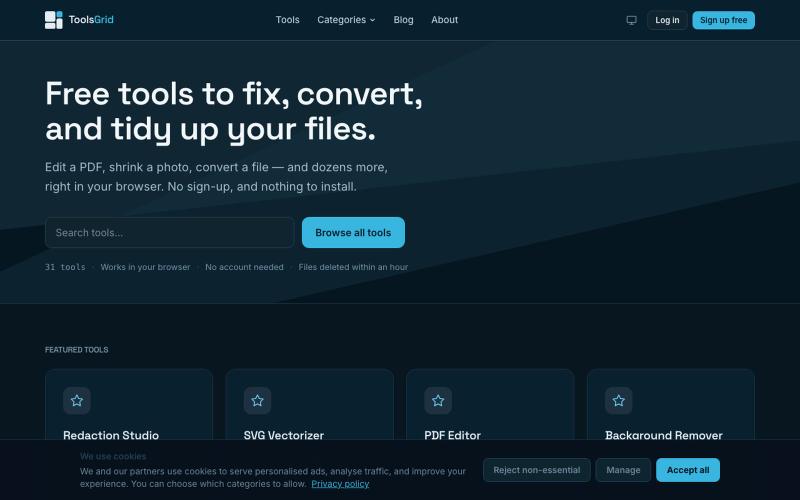
Free tools to edit and convert PDFs, images, videos, JSON, SVG, and email files online.

@bigchusstheory · X

Browser tools for image resizing, JSON formatting, PDF processing, text analysis, and design without login.
musekit · Product Hunt
Free AI Tools Free browser tools for everyday tasks, no login
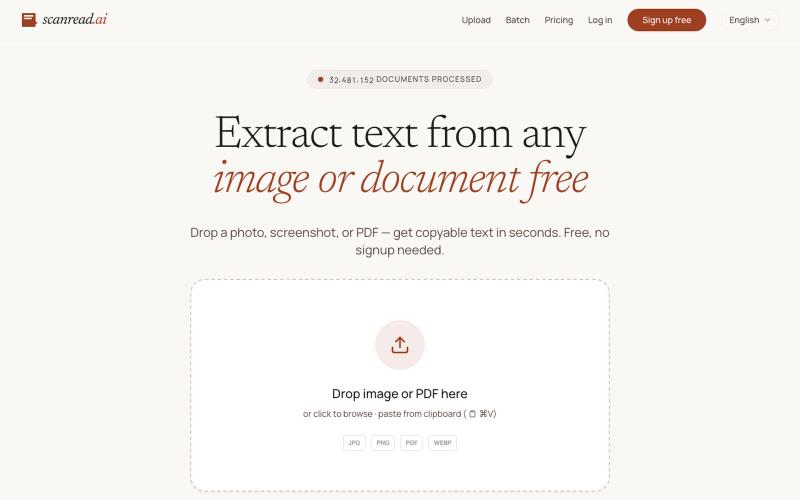
Extract text from images, documents, and PDFs in over 100 languages.
ScanRead.ai — OCR 文字提取工具,支持 100+ 语言,可从图片、PDF、截图和手写文档中提取文字
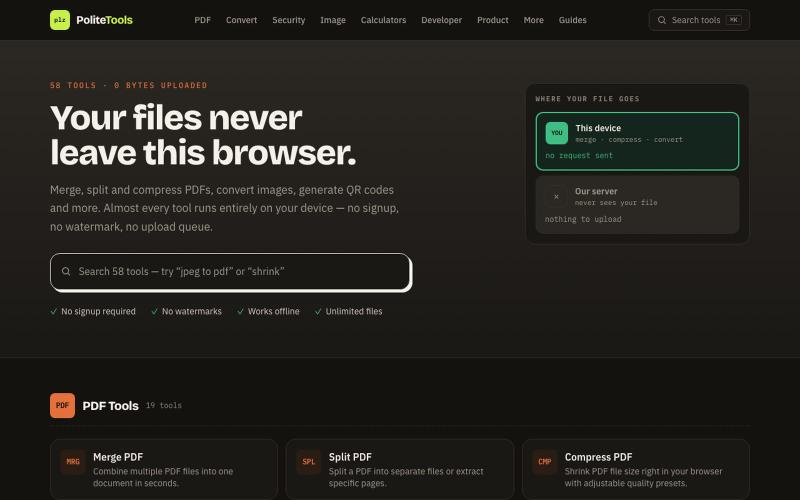
Free online PDF, image, QR and text tools. 100% private — every file is processed in your browser and never uploaded to a server.

@codechandra · X
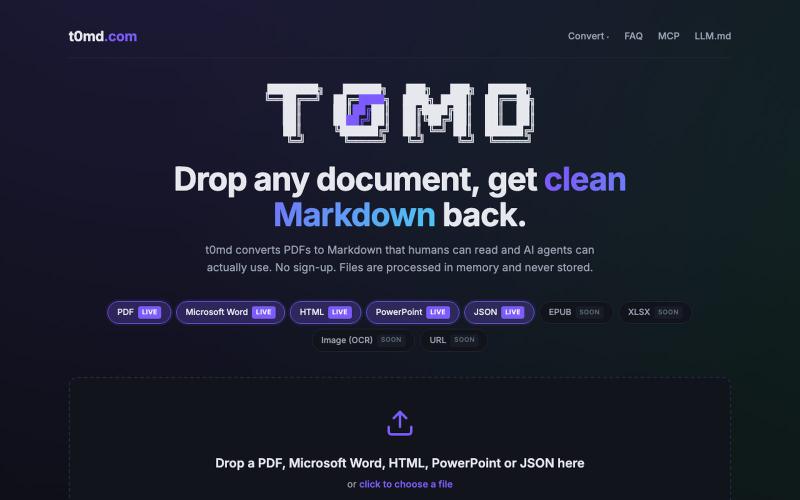
Convert PDFs, Word docs, and more to clean Markdown for AI context windows.
u/kirillzubovsky · Reddit
Selling t0md.com – Privacy-first multi-format to Markdown converter A few months ago I was dumping research PDFs and Word docs into Claude and Cursor and watching the token bill climb for no good reason. Heavy formats are terrible for context windows as the agents have to first convert the documents, then parse the MD files, then do the processing. I thought I could help the agents, and I built t0md.com. However exciting it was to make something quickly that solves a big problem, it's not
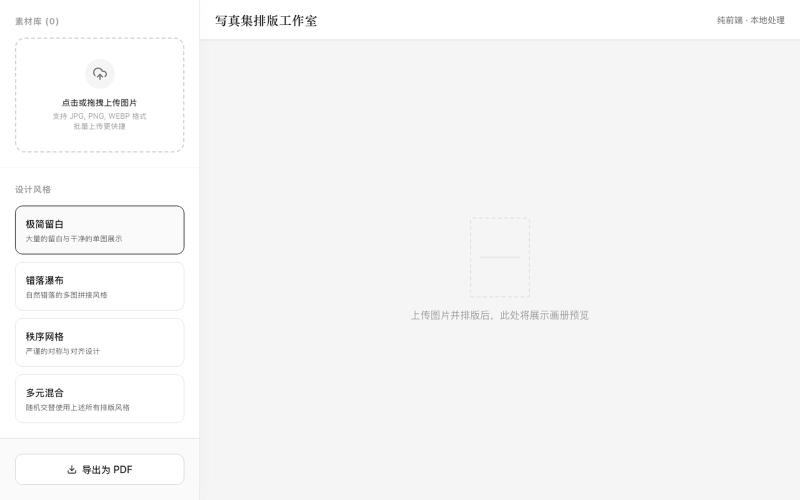
Upload photos, select a design style, and generate a PDF layout for printing.
mqx · V2EX
根据上传图片生成写真集网站 简介:纯前端,图片不经过服务器放心食用,上传图片后选择设计风格,一键自动排版,最后导出 pdf 打印 网站地址: https://8ceb3650.pinme.dev/
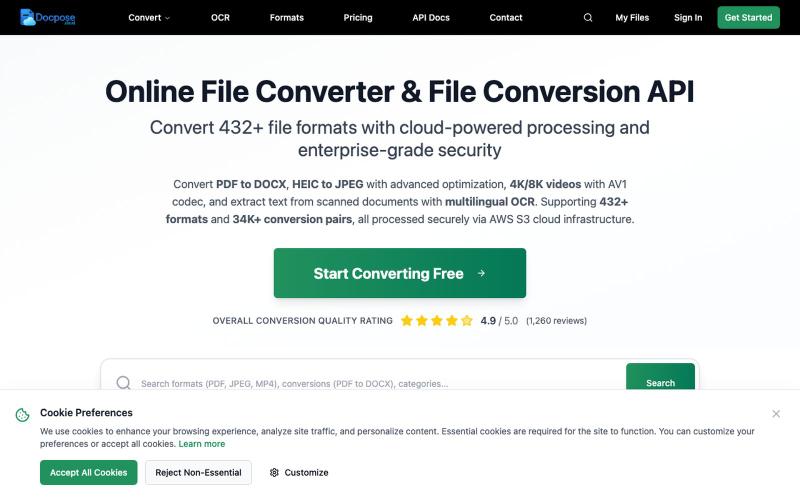
Convert and view documents, PDFs, and various file formats online.

@FileProInfo1 · X
🚀 has successfully launched! helps users convert, view, process, and manage files online — including documents, PDFs, OCR, archives, email formats, and more. We’re excited to share it with the community. Check it out here:
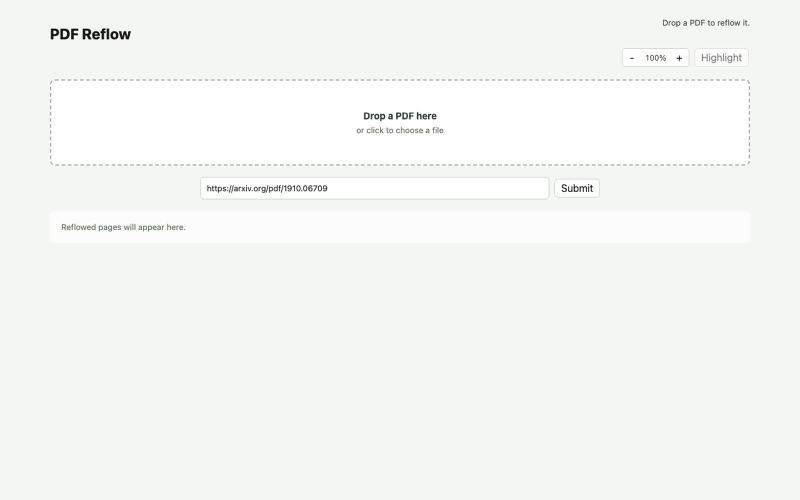
Reflow PDFs in your browser using a local AI model.
ldenoue · HN
Show HN: PDF reflow in the browser with local AI model
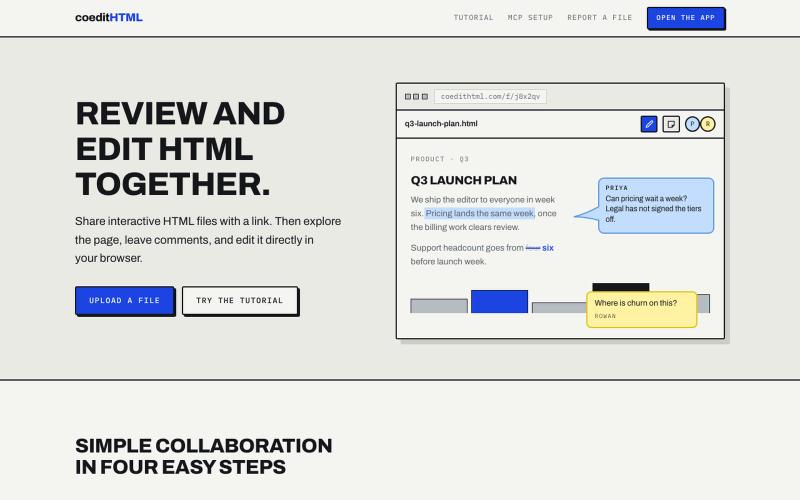
Share and collaborate on standalone HTML files in real time. Leave comments, drop sticky notes, and edit files directly in your browser.
u/Vast-Grapefruits · Reddit
I built a tool to collaborate on HTML artifacts like a PowerPoint As a consultant, I've watched artifacts become more common as a way to communicate ideas and insights, both internally and with clients. The problem is there's no good way to comment on them, collaborate, or make quick edits; so in practice, they're slow to actually use. I built a free tool that lets you leave comments and edit directly, all while sharing with your team. After you make your edits you can export
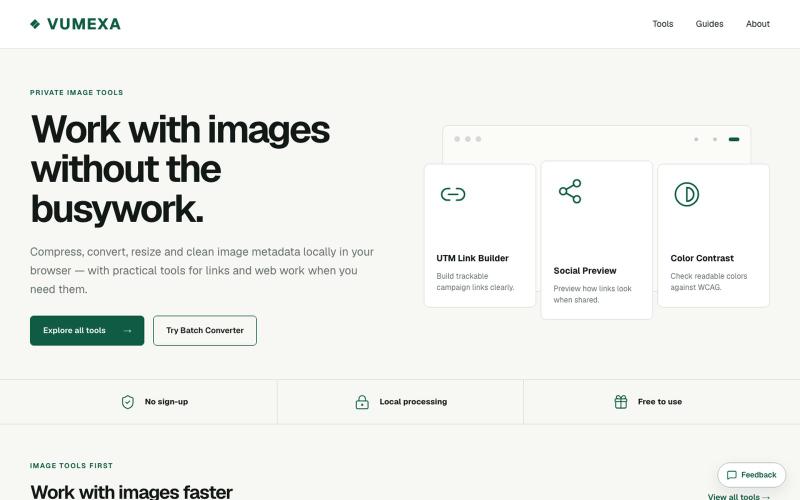
Compress, convert, and resize images in your browser with support for JPG, PNG, WebP, GIF, AVIF, HEIC, and TIFF.

@VumexaAi · X
Building VUMEXA — free browser tools for small image/file tasks. Current focus: compress images, hit exact KB limits, resize, and convert WebP/JPG. No uploads, no sign-up. Files stay local in the browser.