
Creative Tools1 month ago
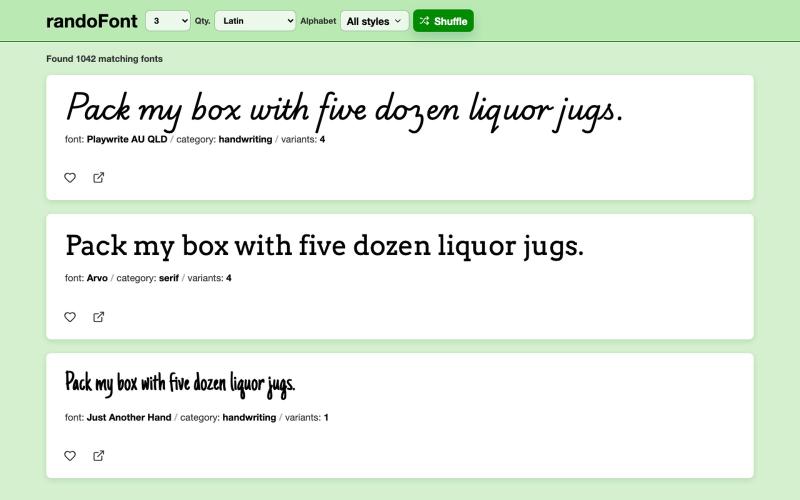
randoFont
Browse and preview Google Fonts with an interactive interface.
aleshh · HN
RandoFont – A browser for Google Fonts
The full gallery
Tech stack
18 projects
Browse and preview Google Fonts with an interactive interface.
aleshh · HN
RandoFont – A browser for Google Fonts
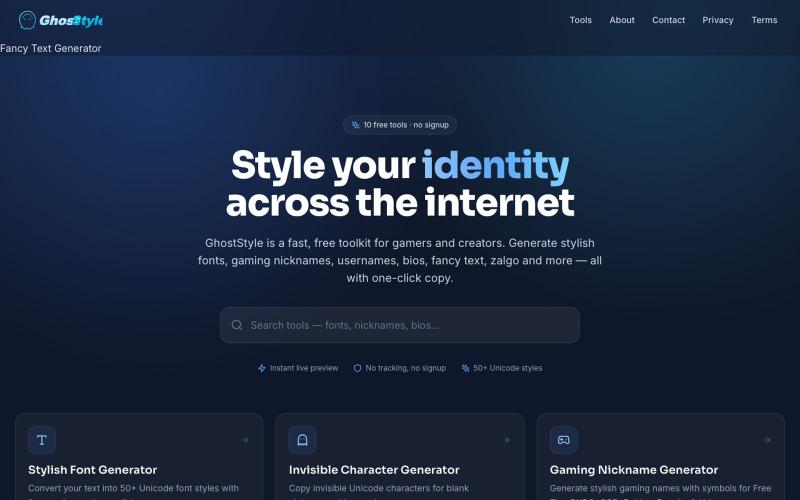
Generate 100+ fancy fonts, zalgo, and symbols to style your social media bios and gaming usernames.

@phijay0 · X
🚀 Tired of having the same boring username as everyone else? ✨ Create stylish fonts 👻 Generate invisible names 🔥 Copy aesthetic symbols for your bio, games & social media — all in seconds. Try GhostStyle for free 👇 #GhostStyle #Gaming #FreeTools
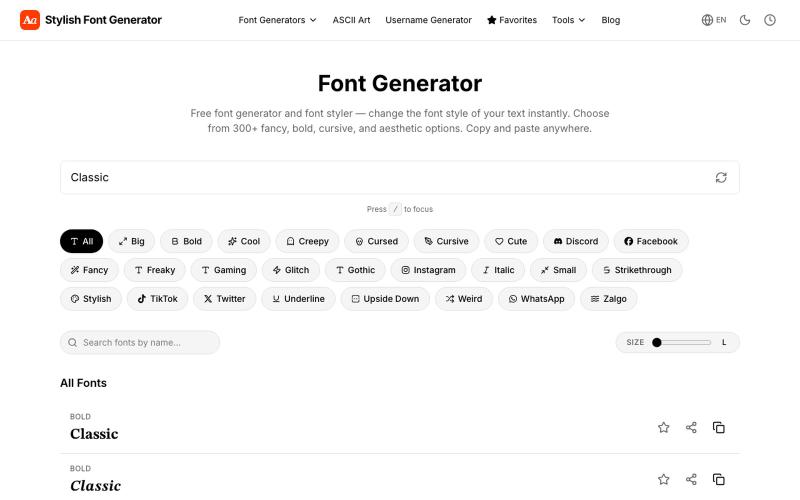
Generate fancy fonts and stylized text to copy and paste into social media.
vertex_apps1 · Product Hunt
Stylish Font Generator Turn plain text to fancy fonts, bold, cursive & Zalgo style
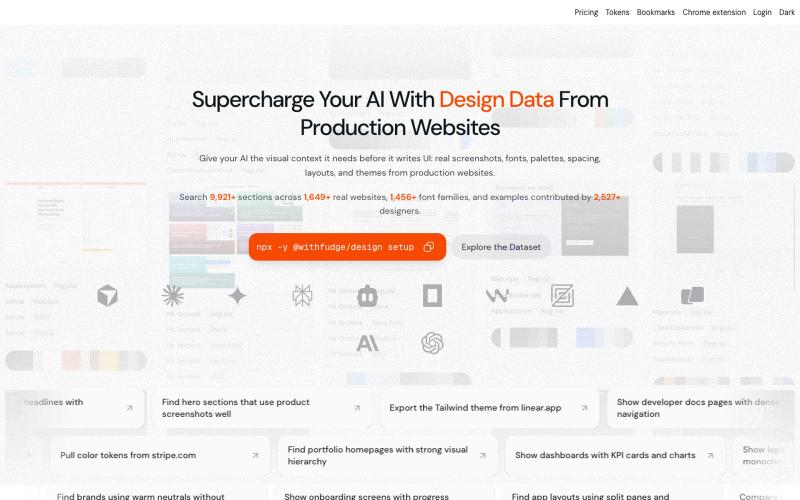
Browse design inspiration, fonts, and color palettes curated from real websites.
sim04ful · HN
Fudge – Web Design References for AI
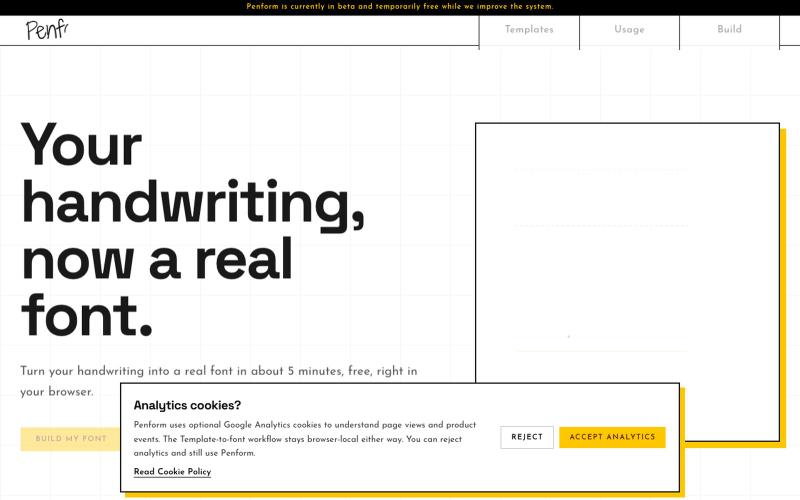
Turn your handwriting into an installable OTF font.

@alpsariyer · X
Building Penform, a browser-based tool that turns handwriting into a real installable font with supporting alternates.
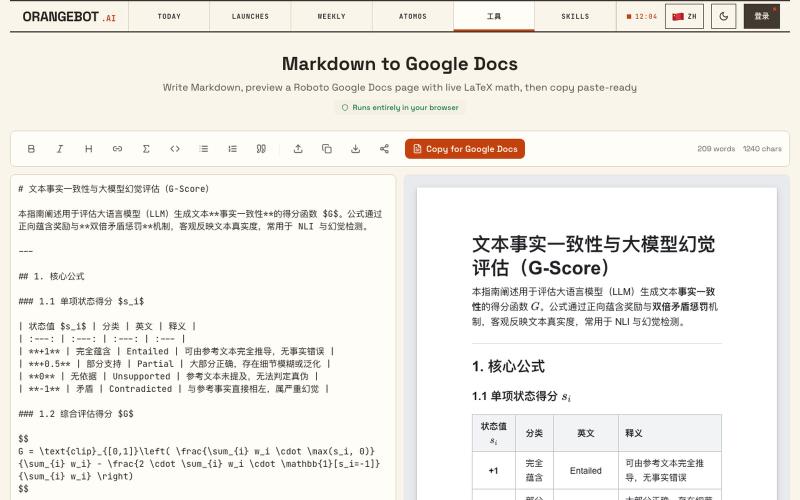
Convert Markdown to Google Docs with LaTeX math support, paste-ready.
shenhuang · Product Hunt
Markdown to Google Docs Paste AI markdown, get a clean Google Doc, math included
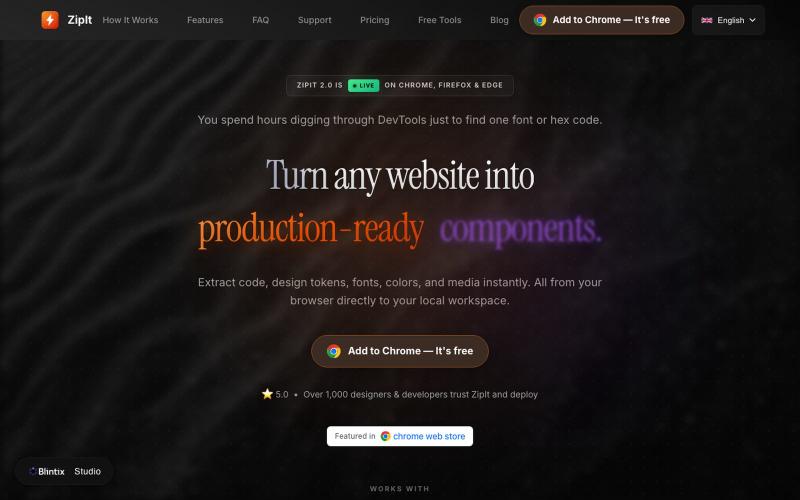
Download code, fonts, colors, and design assets from any website directly to your workspace.

@bharatmodi2014 · X
Extract code, design tokens, fonts, colors, and media instantly. All from your browser directly to your local workspace
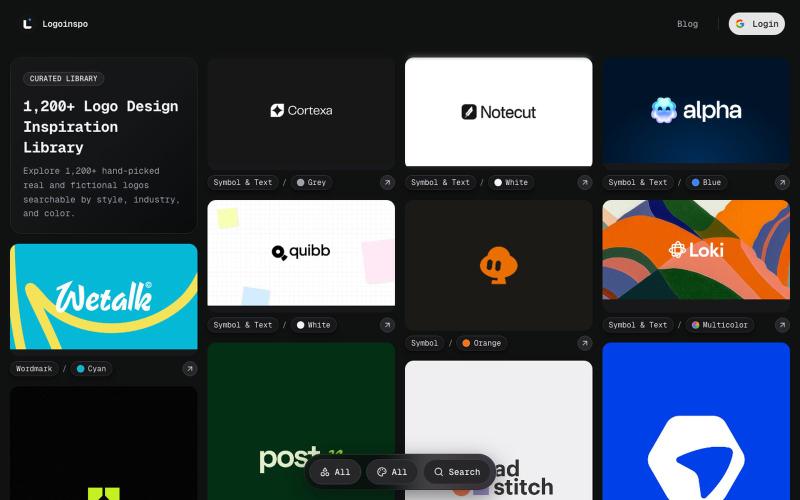
Explore 1,200+ curated logo references — symbol, wordmark, symbol and text, and animated.

@taher_max_ · X
Building and

Generate UI screens for mobile and web apps from text descriptions in seconds.

@ninakolari · X
Google just dropped Stitch and it changes the entire vibe coding workflow. You describe what you want your app to look like. It builds full high-fidelity screens in seconds. No Figma. No designer. No credit card. Here is how to use it: Go to Sign in with your Google account. That’s it. You’re in. Instead of typing “make me an app” type this: “A lesson planning app for teachers. Clean and calm. Inspired by Notion. Minimal. White space.” The more specific you are the better your screens. Then refine with follow up prompts. Change the nav. Try dark mode. Get 3 menu variations. Or just speak it. Your screens become a clickable prototype in seconds. Click a button and Stitch generates the next screen automatically. Your entire app flow. Before you write one line of code. Then take it further. Export to Lovable or Cursor and build the logic on top. Use the MCP server to keep your design and code in sync. Pull any website’s design system in seconds. Save everything as
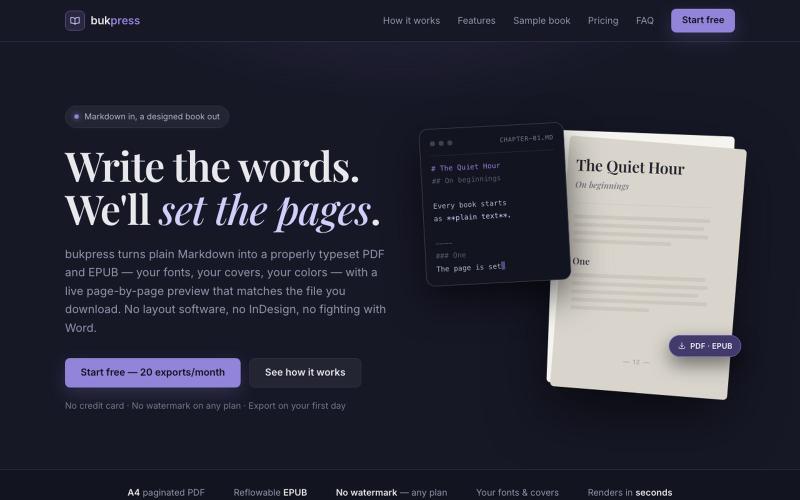
Converts Markdown into typeset PDFs and EPUBs with custom fonts, covers, and colors.

@hiddenbydigital · X
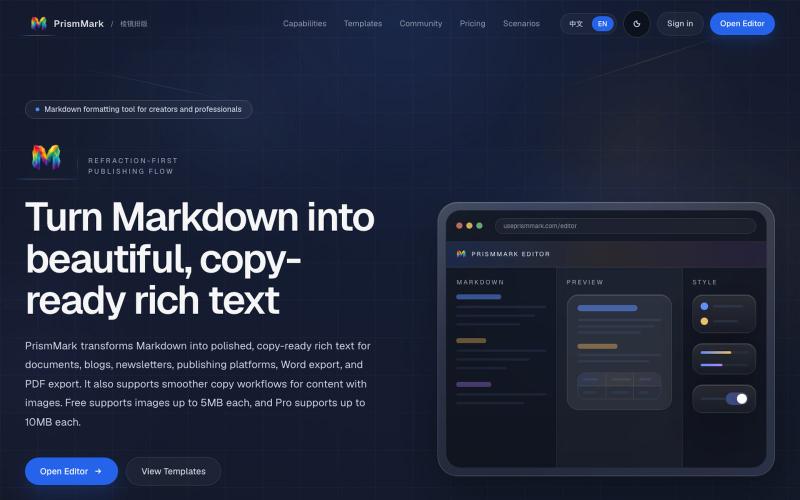
Convert Markdown to formatted content for WeChat Official Accounts, Word, and PDF export.

@bingobray · X
我做了一个类似的工具: 除了支持公众号,还支持word和pdf😁
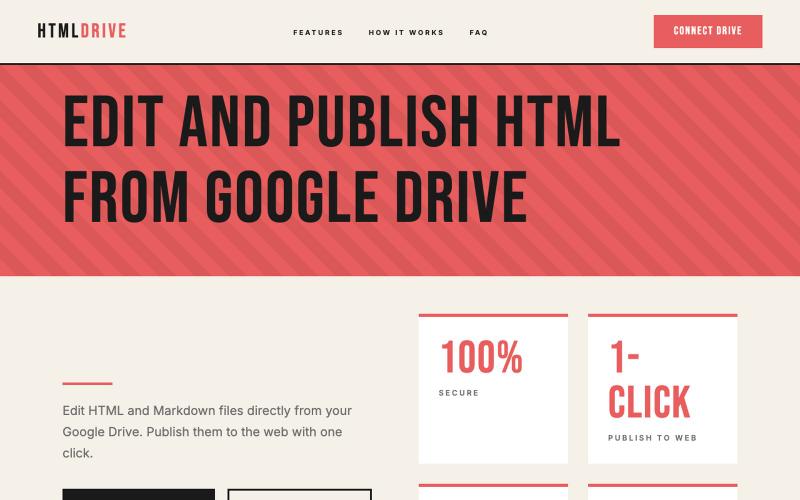
Serve and publish HTML files directly from your Google Drive.
debamitro · HN
I found that AI tools are generating excellent HTML documents nowadays, yet there's no easy way to show them to others. Yes, there's GitHub pages - but I don't know if it is user-friendly for non-technical people. This app allows you to keep your HTML file in your Google Drive and serve it from there. Feedback is most welcome.