
Creative Tools1 month ago
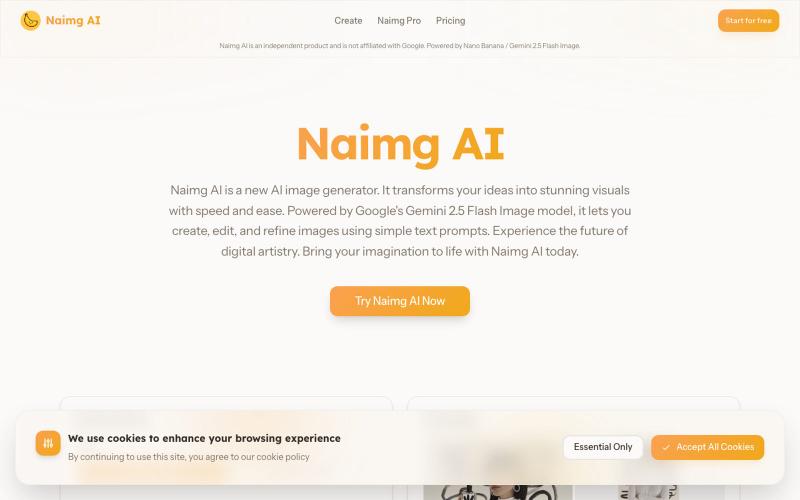
Naimg AI: AI Image Generator for Instant Creativity
Generate and edit images with AI using Google's Gemini 2.5 Flash.
Nano Banana AI — 基于市面上最强的 AI 图像编辑模型 Nano Banana 开发的图片编辑器,用嘴改图、保持角色一致性、控制细节、图片融合
The full gallery
Tech stack
34 projects
Generate and edit images with AI using Google's Gemini 2.5 Flash.
Nano Banana AI — 基于市面上最强的 AI 图像编辑模型 Nano Banana 开发的图片编辑器,用嘴改图、保持角色一致性、控制细节、图片融合
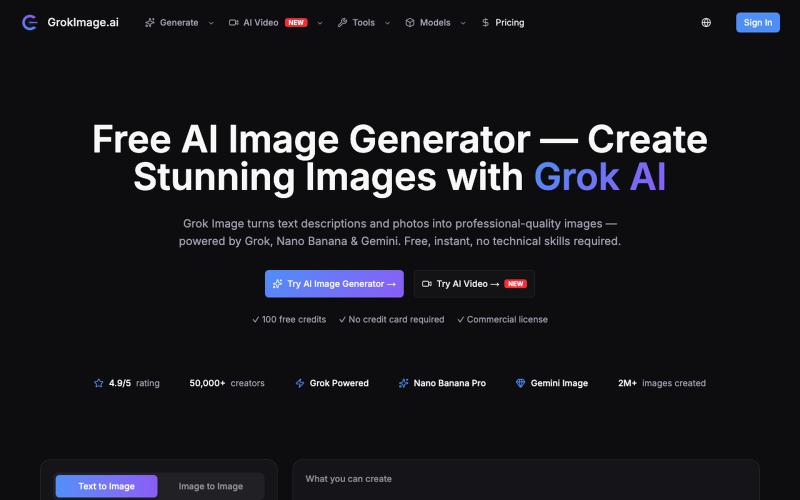
Generate AI images with multiple models (Grok, Gemini, GPT) instantly without signing up.
sxliusir · V2EX
谁说好用的多模型 AI 绘图与视频工具必须挨个买会员? GrokImage.ai 难道不香吗? 平时做项目、搭建 Landing Page 或者给自媒体找素材时,大家可能经常需要在多个 AI 绘图平台之间切换(比如看重 Midjourney 的画质、又想试 Grok 的文字渲染能力)。 最近在使用 <a href="https://grokimage.ai" rel="dofollow">GrokImage.ai</a>,体验不错,简单给社区的 V 友们分享一下使用体会: ### 核心亮点: 1. **多模型集成**:在一个后台里直接切 Grok Imagine 、Nano Banana Pro 和 Gemini Flash 。 2. **文字渲染准确**:用 Grok 那个模型画海报、招牌或者含字母的商品时,英文和数字基本不会出现乱码。 3. **内置实用小工具**:包含 AI 商务头像是( AI Headshot )、电商产品图生成( Product Photography )以及壁纸生成。 4. **支持文生视频 / 图生视频**:生成完静态图后可以一键转成
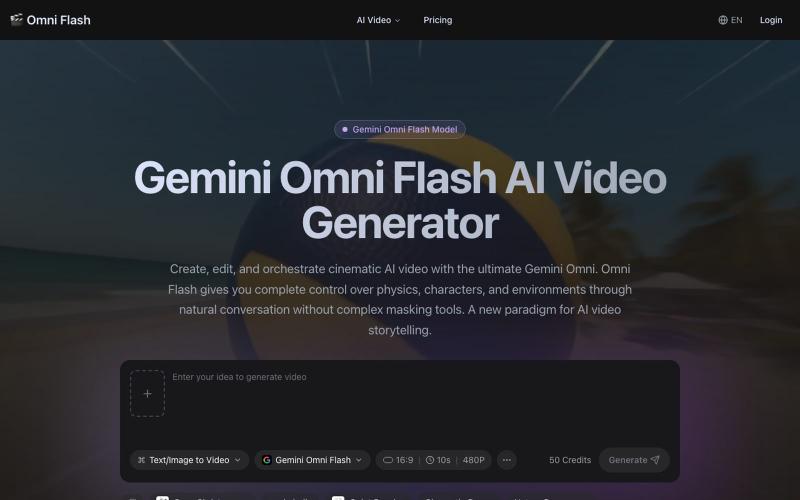
Generate 4K videos from text or images using Gemini Omni Flash with conversational editing.
Gemini Omni — AI 视频生成工具,支持文本/图片/对话生成带原生同步音效的 4K 电影级短视频,提供多模态参考、角色一致性锁定和对话式编辑,通过自然对话即可完全控制物理规律、角色和环境。
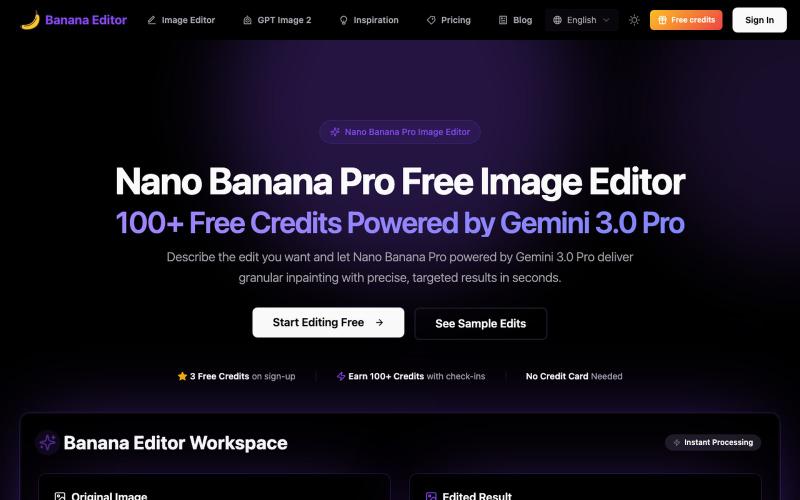
Edit photos with AI commands: remove objects, change backgrounds, edit portraits for free.
Banana Editor — 基于 Gemini 3.0 Pro 的免费 AI 图片编辑器,支持精确修图、背景替换、服装更换等功能,提供 3 个免费积分 + 每日签到可获 100+ 积分
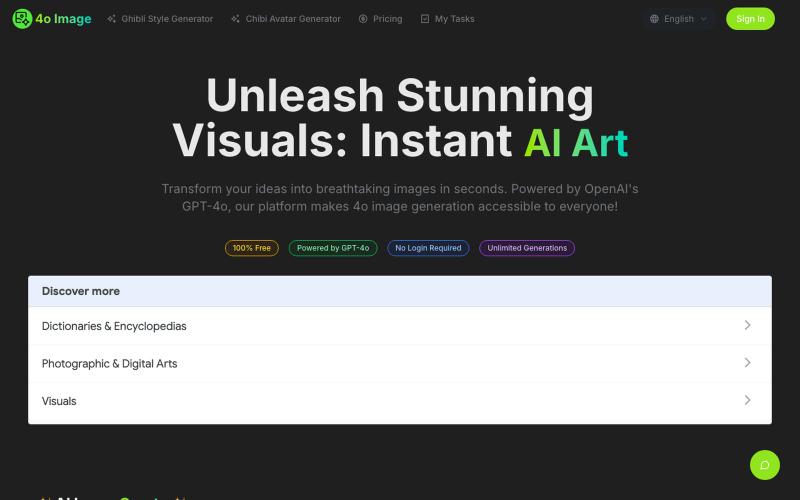
Generate AI images from text using GPT-4o and Gemini technology.
4oimage — 文生图网站,基于 Gemini 和 GPT4o
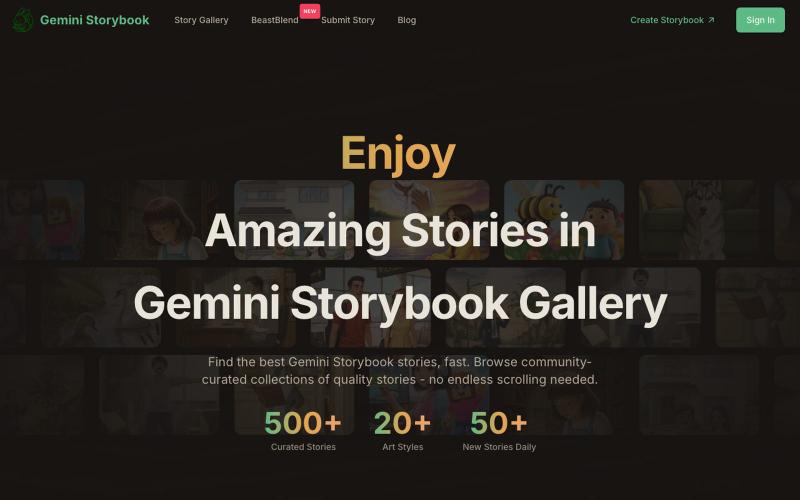
Browse curated AI-generated stories in an interactive reading gallery.
Gemini Storybook Gallery — Gemini Storybook 汇总,分类,保留原生的交互式阅读体验
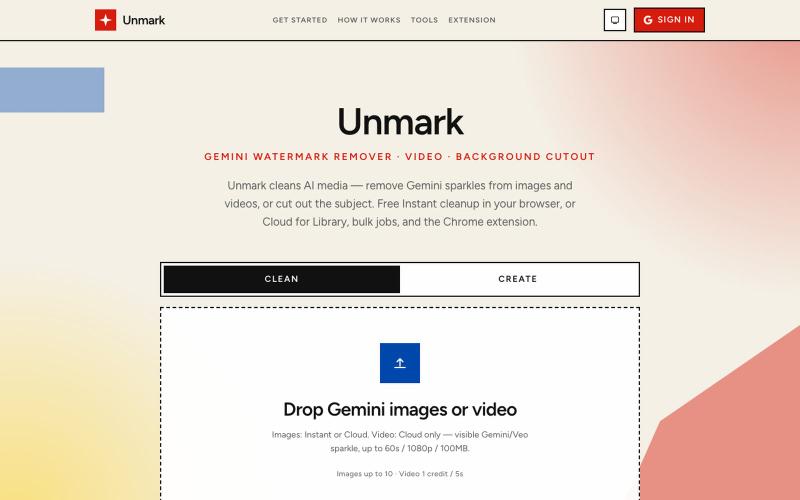
Remove AI watermarks from images and videos, or cut out subjects in your browser.
sumit_bighaniya · Product Hunt
Unmark Remove Gemini & Veo watermarks from images and video
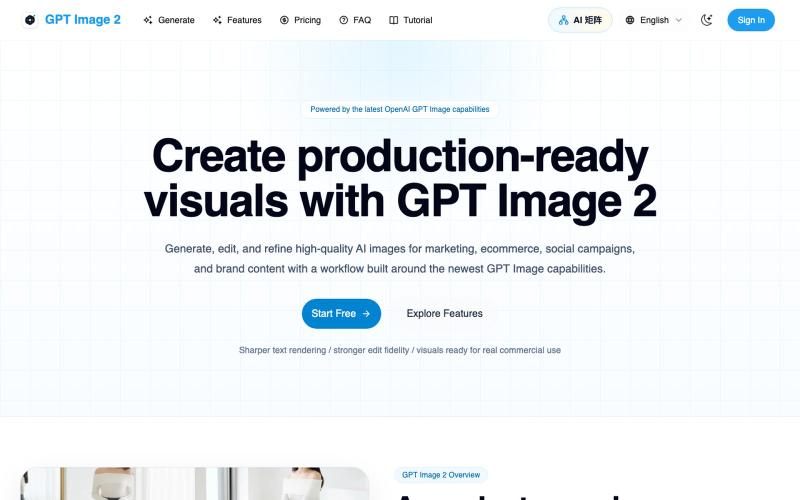
Generate and edit AI images for marketing, ecommerce, social media, and branded content.
Gptimage2 — AI 图片生成工具
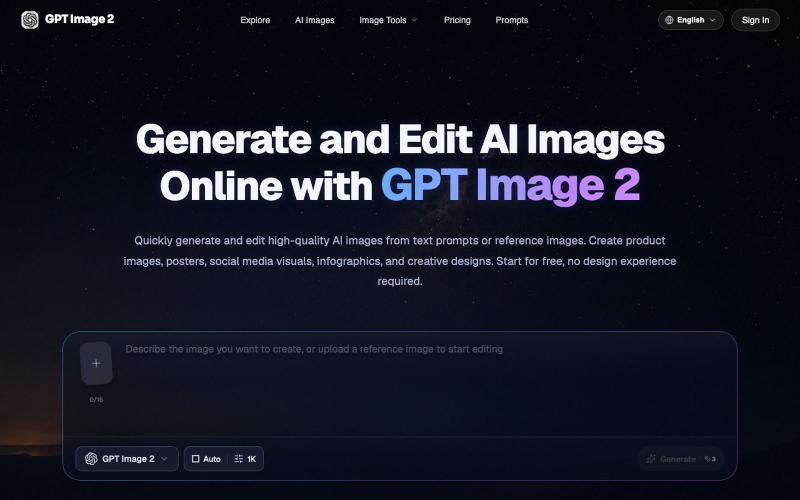
Generate and edit AI images from text prompts or reference images in your browser.
GPT Image 2 AI — AI 图像与视频创作平台
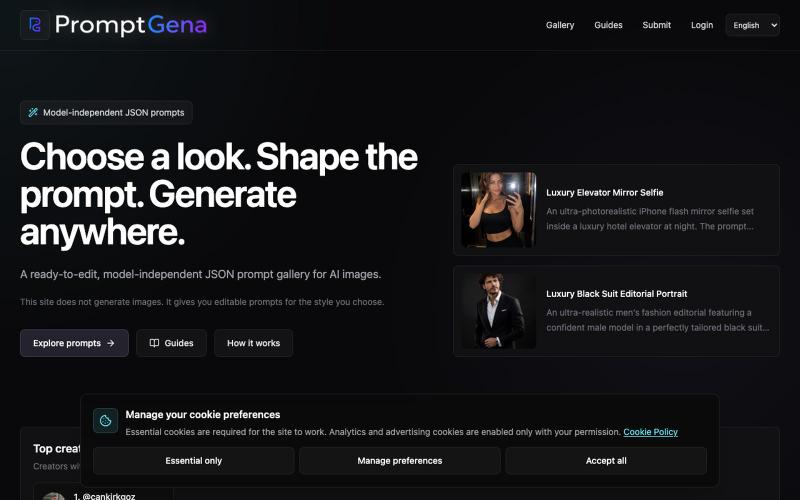
Access curated, editable prompts for AI image generation with model adaptation guidance.
u/cankirkgoz · Reddit
I kept rewriting AI portrait prompts for every reference photo, so I built a tool for it Over the past few months, I’ve been experimenting a lot with realistic AI portraits, and I kept running into the same problem. Finding a good-looking result online is easy. Finding the prompt behind it is harder, but still possible. The real problem starts when you try to use that prompt with your own reference photo. Change the person, outfit, location, or number of people, and the pr
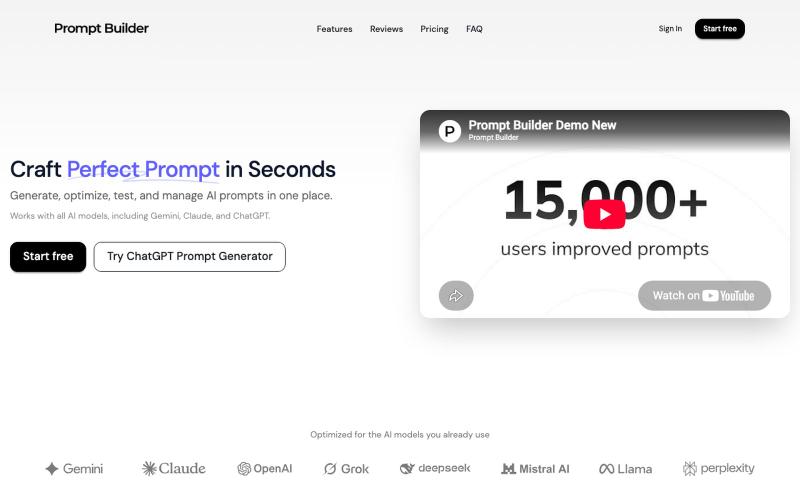
Generate prompts for ChatGPT, Claude, Gemini, Grok using model-specific templates and comparison tools.

@nicklaunches · X
thats a great article. If you interested we can exchange links with Let me know

Generate and edit AI images for product shots, ads, portraits, and thumbnails via text prompts.
Plugcamp · V2EX
最近在折腾一个小站,主要是围绕 Nano Banana 2 Lite 做图片生成和图片编辑: https://nanobanana2lite.me/ 一开始只是自己想要一个比较轻的入口,用来快速试 prompt 。后来发现每次测图都会遇到几个重复问题: - prompt 写完之后,不知道适合什么比例 - 文生图和图生图入口经常混在一起 - 想找几个可复制的 prompt 示例,但很多站要么太重,要么示例不够直观 - 只是想快速生成一张产品图、头像、广告图、封面图,不想进一个很复杂的工作台 所以就做了这个站。 目前主要有几个部分: - Text to Image:直接输入 prompt 生成图 - Image to Image:上传一张图,再用 prompt 做改图 - AI Image Editor:偏日常编辑,比如换背景、改光线、改风格 - Prompt Library:整理了一些可直接复制的 prompt - Gallery:放了一些 before/after 和示例图 我自己比较在意的是首页别太像传统 SaaS 落地页,所以最近一直在改视觉。之前太干了,后来加了一些更丰富的样张和暗色主题,但也还在调。 这个站不是 Google 官方产品,只是一个第三方工具站。现在更多是想把「轻量、直接、可复制」这件事做好。 如果大家有空的话,想请教几个问题: 1. 首屏看起来会不会太营销,还是说信息还算清楚? 2. 对图片工具来说,大家更想先看到生成表单,还是先看到效果案例? 3. Prompt Library 这种页面有没有用,还是大家更习惯直接自己写? 4. 如果你平时会用 AI 生成图,最常用的场景是产品图、头像、封面、广告图,还是别的? 欢迎拍砖,尤其是 UI 、文案、信息结构这块。 链接再放一次: https://nanobanana2lite.me/