Convert PDF to Excel Free - AI, Scanned PDFs, No Signup | DocuPipe
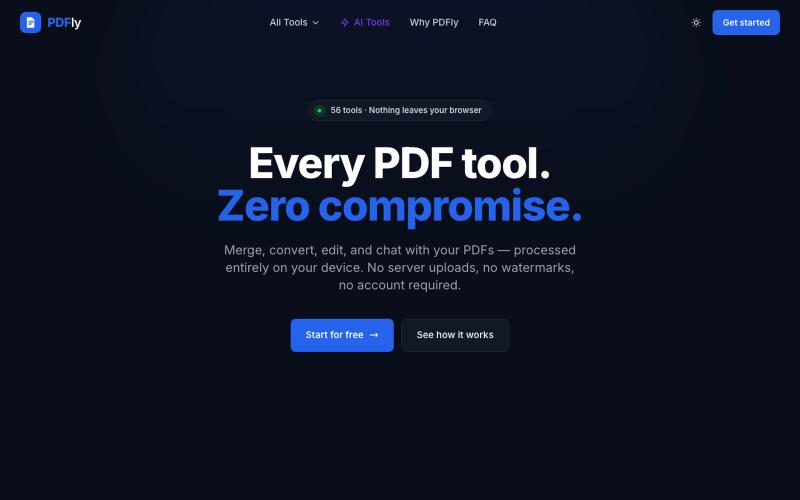
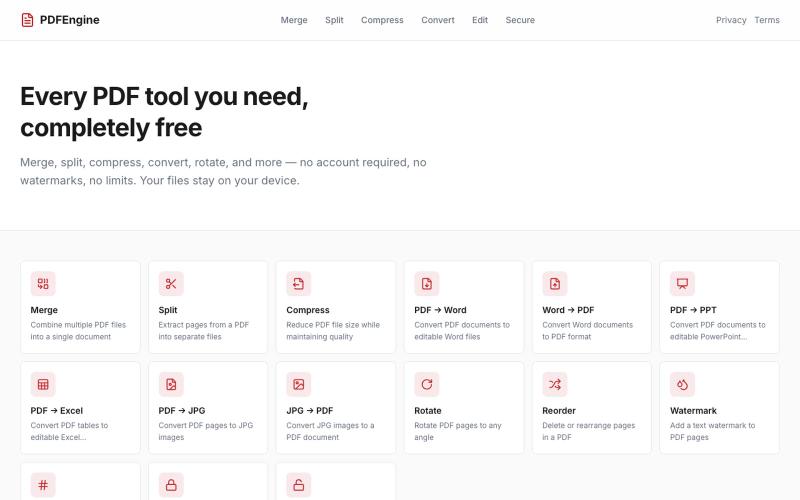
Convert PDF files to Excel spreadsheets using AI, handling both scanned and digital documents.
uri_merhav
The full gallery
Tech stack
7 projects

Convert PDF files to Excel spreadsheets using AI, handling both scanned and digital documents.
uri_merhav

Turn PDFs into a calm reading experience with a beautiful library and AI-powered page guidance.
@dshelf_app · X

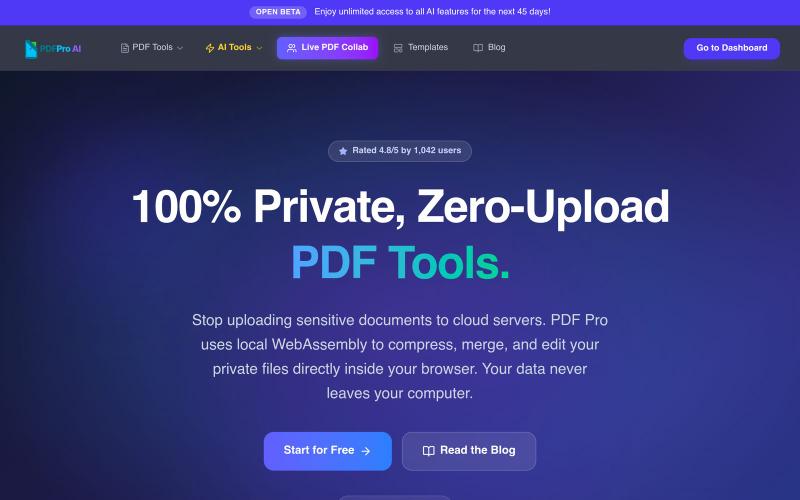
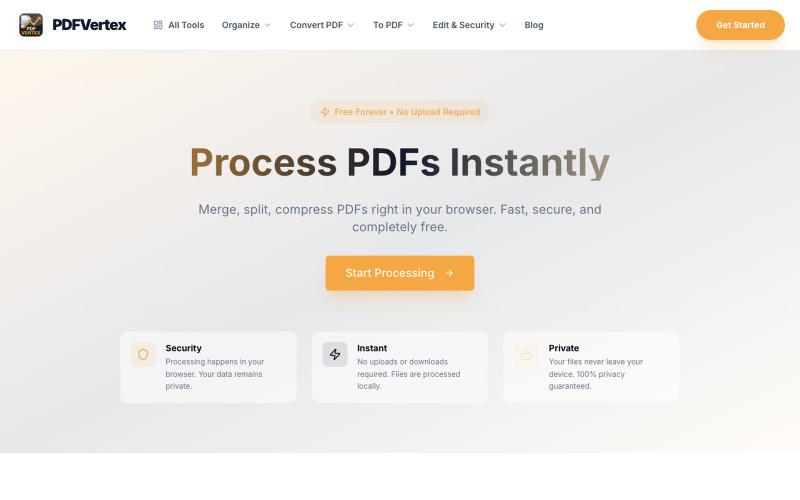
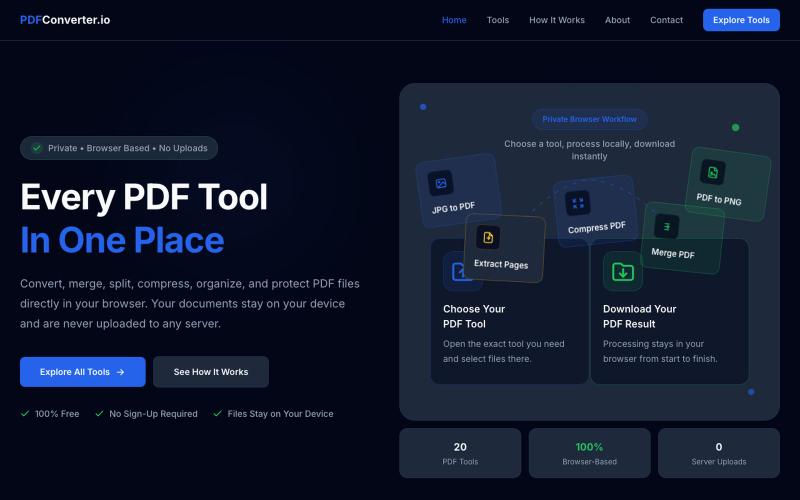
Free online tools for image compression, PDF merging, and document handling without account creation.
u/Numerous_Western_146 · Reddit
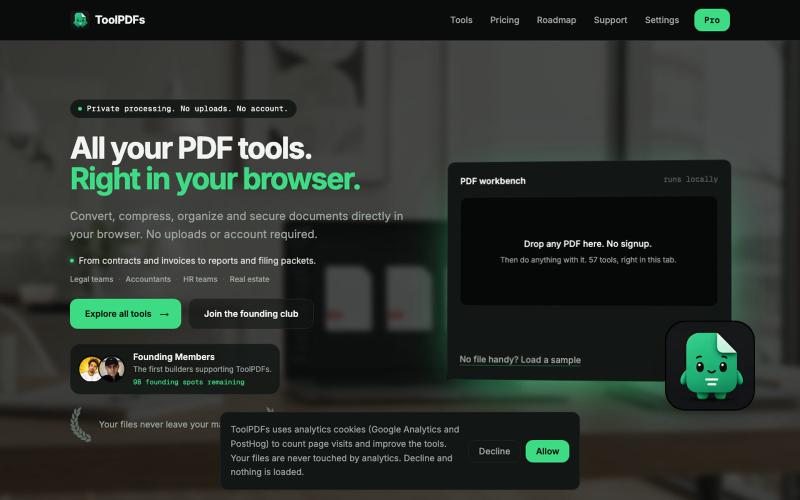
Literally guyss u need to check this 🤯 Hey guys, I was getting really annoyed with all those "free" online tools that compress images or merge PDFs but then force you to create an account or pay a premium fee to download your file. Also, uploading sensitive documents to random servers always felt sketchy to me. So, I built a collection of 9 web tools that process everything 100% locally in your browser. No data is ever uploaded to a server, there are no signups, and it's completely free.

Eight free browser-based tools including JSON formatter, password generator, and color picker.
@Supportpintutec · X
Just launched QuickTools — 8 free online tools 🛠️ Word Counter • JSON Formatter • Password Generator • Color Picker 100% browser-based, no signup 🔗 #SideProject #WebDev #FreeTools #BuildInPublic

Upload raw video footage and get an AI-edited version optimized for viewer retention.
@QuiseBuilds · X
- drop raw footage. Atlas maximizes retention. No editing needed.

Converts study PDFs into flashcards, quizzes, and audio podcasts with weak-area detection.
@indiesaasgrowth · X
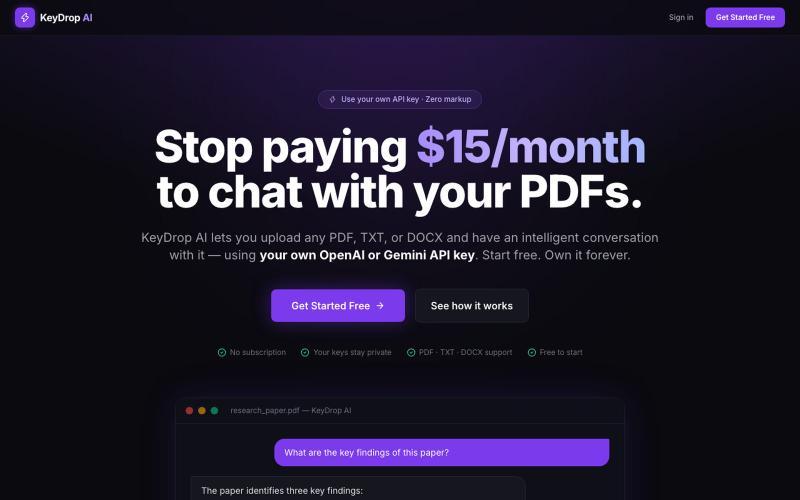
I built a study app. . It's a study app for medicos , it turns pdf into flash cards , audio podcasts, quizzes and so on. It makes study easier. And also reminds them to study and analyses their weak points and then it trains us accordingly. It also shows their performance and progress over time .

Generate and edit AI images for product shots, ads, portraits, and thumbnails via text prompts.
Plugcamp · V2EX
最近在折腾一个小站,主要是围绕 Nano Banana 2 Lite 做图片生成和图片编辑: https://nanobanana2lite.me/ 一开始只是自己想要一个比较轻的入口,用来快速试 prompt 。后来发现每次测图都会遇到几个重复问题: - prompt 写完之后,不知道适合什么比例 - 文生图和图生图入口经常混在一起 - 想找几个可复制的 prompt 示例,但很多站要么太重,要么示例不够直观 - 只是想快速生成一张产品图、头像、广告图、封面图,不想进一个很复杂的工作台 所以就做了这个站。 目前主要有几个部分: - Text to Image:直接输入 prompt 生成图 - Image to Image:上传一张图,再用 prompt 做改图 - AI Image Editor:偏日常编辑,比如换背景、改光线、改风格 - Prompt Library:整理了一些可直接复制的 prompt - Gallery:放了一些 before/after 和示例图 我自己比较在意的是首页别太像传统 SaaS 落地页,所以最近一直在改视觉。之前太干了,后来加了一些更丰富的样张和暗色主题,但也还在调。 这个站不是 Google 官方产品,只是一个第三方工具站。现在更多是想把「轻量、直接、可复制」这件事做好。 如果大家有空的话,想请教几个问题: 1. 首屏看起来会不会太营销,还是说信息还算清楚? 2. 对图片工具来说,大家更想先看到生成表单,还是先看到效果案例? 3. Prompt Library 这种页面有没有用,还是大家更习惯直接自己写? 4. 如果你平时会用 AI 生成图,最常用的场景是产品图、头像、封面、广告图,还是别的? 欢迎拍砖,尤其是 UI 、文案、信息结构这块。 链接再放一次: https://nanobanana2lite.me/