
Productivity6 days ago
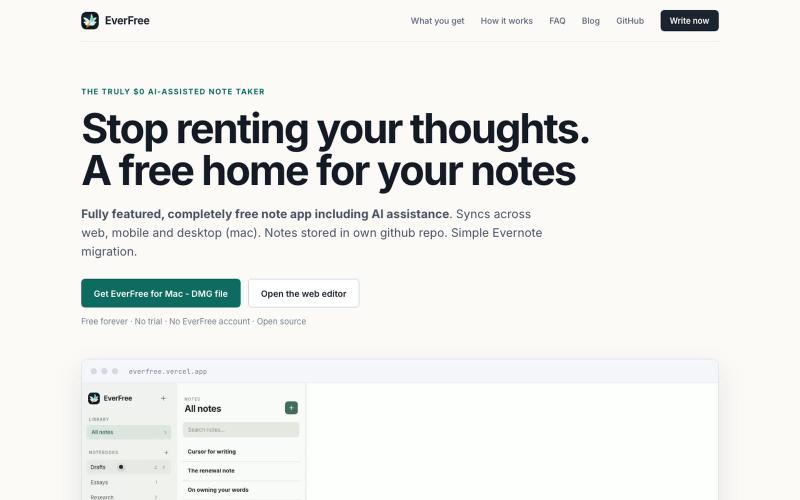
EverFree — Easy and Free
Write and organize notes with AI assistance, completely free.
Open source
adi2907 · HN
Everfree -AI cowriter note app on GitHub backend & Evernote migration
The full gallery
Tech stack
60 projects
Write and organize notes with AI assistance, completely free.
adi2907 · HN
Everfree -AI cowriter note app on GitHub backend & Evernote migration
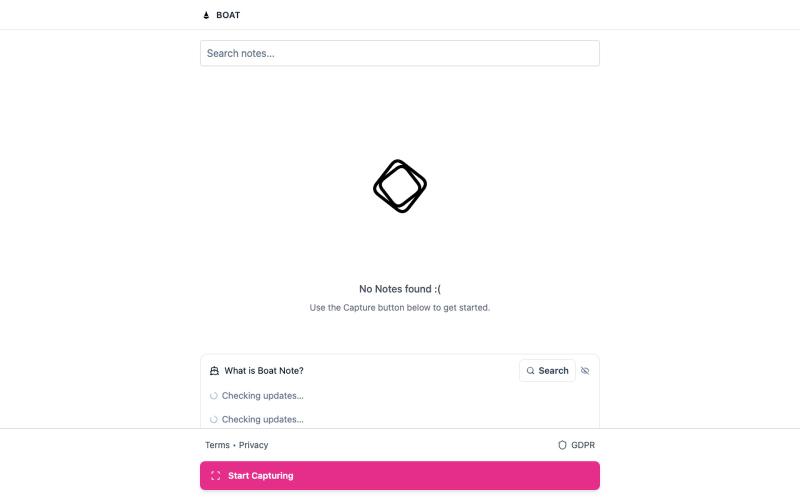
Save ideas in any format, stored locally and synced across your devices via Google.

@boatnote_app · X
- Capture to Complete ⛵️
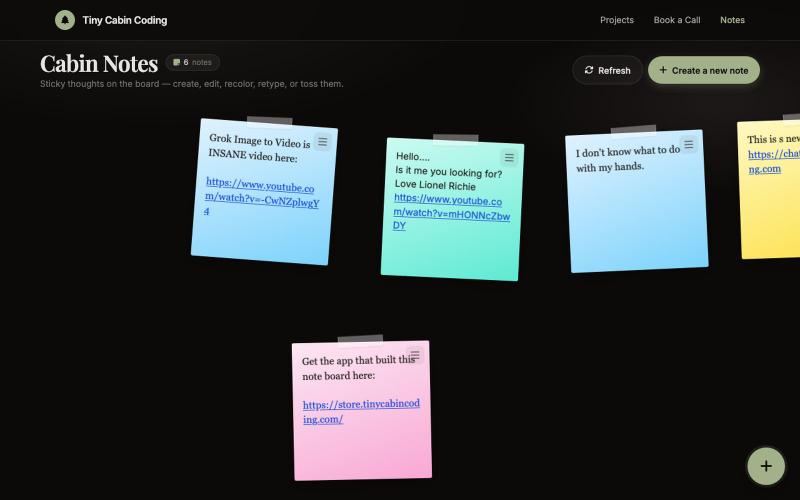
AI-powered notes app built with Codex and refined with Grok.

@Number1AIFanboy · X
I got to go to bed. More coding tomorrow. I just had a realization that I'm building cool shit, using @grok in an app that I built with Codex and refined with Grok. And now Grok just works on himself. LFG🚀 Drop me a note here: Get the app here (use LAUNCH50):
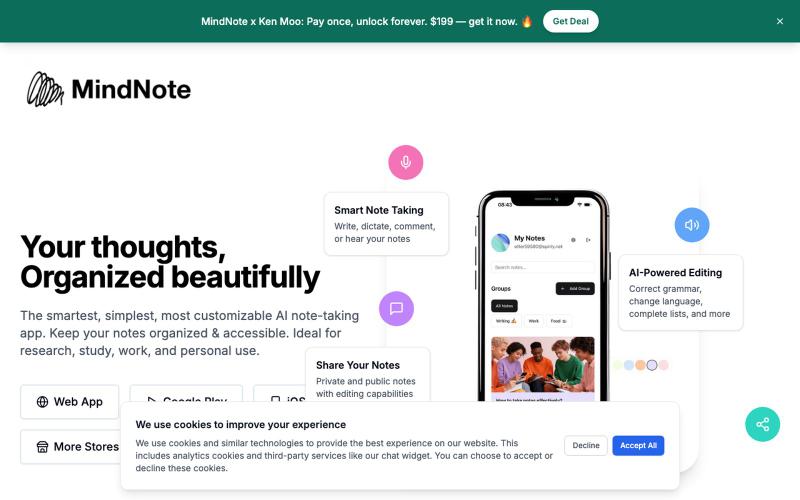
AI notetaking app with automatic transcription, OCR, and meeting minutes for Zoom/Google Meet/Teams.

@tomyamateo · X
MindNote - Multimodal AI Notetaker
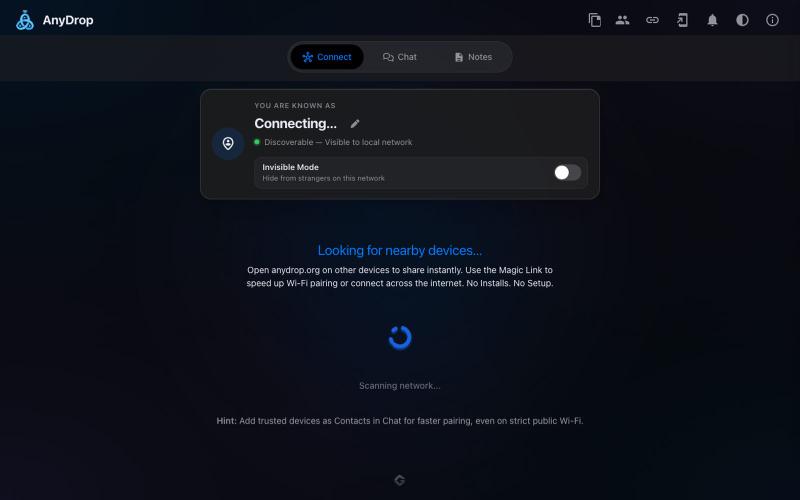
Instantly share files and text across devices (Mac, PC, iOS, Android, Smart TVs) via your browser, no signup needed.

@WackyCrocoGator · X
This one doesn’t require any signup or payment. Just load and multiple device by opening the site on them and connect them for an easy way to drop text and file to each other.
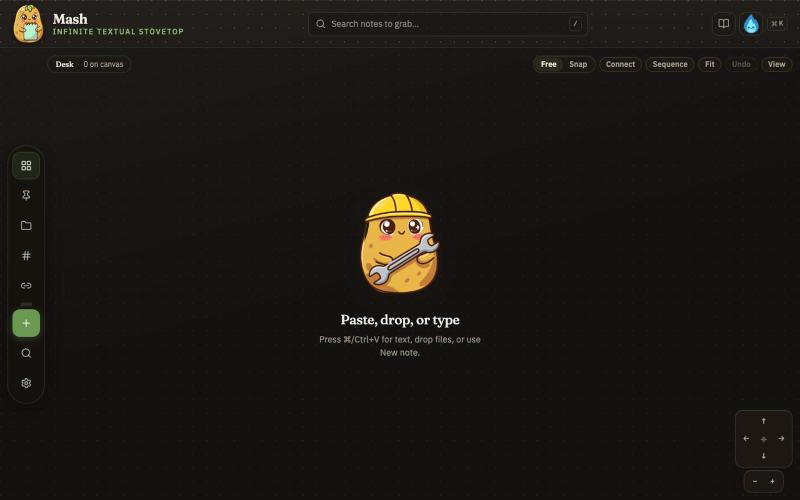
Combine notes on an infinite canvas and export sequences as PDF pages.

@JonnyD · X
I'm happy to announce "Mash" A local first browser based app for compiling notes and ideas on an infinite canvas. Make as many notes as you want, drag and drop to "Mash" them by combining. Create "sequences" that allow you to export a pdf with each sticky as it's own page. Drop in PDF or DocX or images to easily browse the file and select your favorite clippings to a new canvas, and manipulate them or export them how you want to. Drop a GIF to get all the individual frames. Mash features a roster of cute food themed mascots because this is your infinite textual stove top. Pull in some ingredients, mash them together, stitch them together, arrange them into a flow chart, whatever you find useful, and then get out quickly. Mash is for the little moments that speed up work, and the spontaneous thoughts that inspire new directions. There is no fancy AI feature, no data collection, no login, just a utility for you. Free open source licence. Run it offline if you want
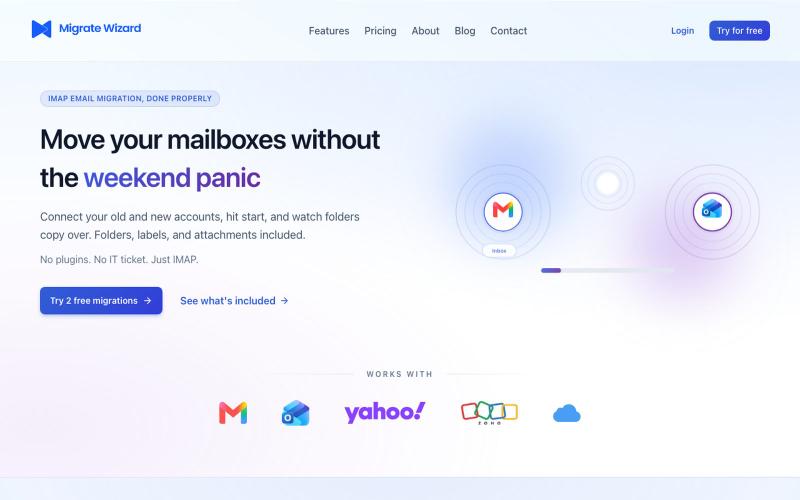
Email migration that just works — Gmail, Outlook, Yahoo, and more.

@migratewizard · X
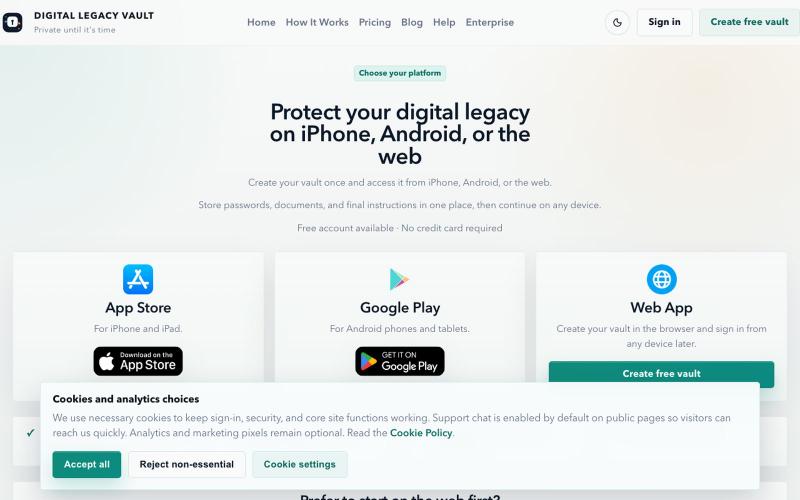
Organize passwords, documents, and digital legacy information in one secure place.

@DLVaultApp · X
Most families aren't prepared for someone's digital life. Passwords. Documents. Recovery information. Important instructions. Digital Legacy Vault helps you organize everything securely and decide exactly who can access it when it's needed. #buildinpublic
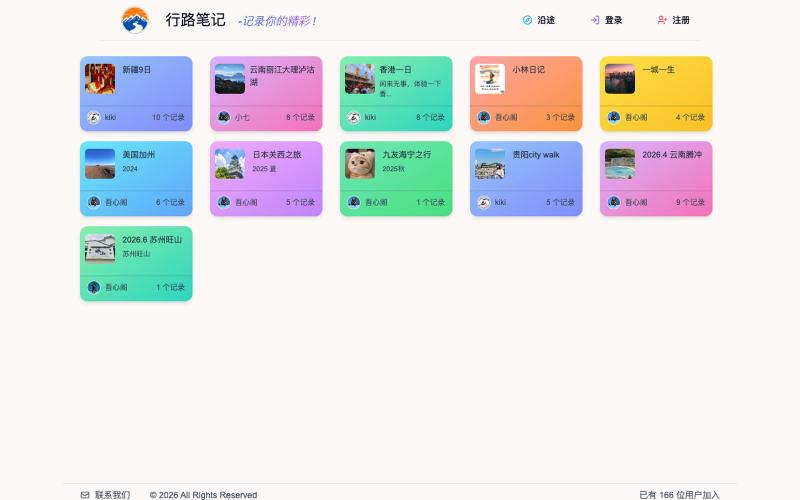
A platform to save and share your travel and life experiences with others.
zero2me · V2EX
我提供一个地方来保存时光 欢迎大家来我家分享旅游和生活经历,感觉现在市面上的这种分享旅游和生活的网站都不是我想要的,我自己花了很多时间做了这个,虽然还在优化中,但感觉具体功能是自己想要的。 (行路笔记) https://www.zero2me.com 手机端还在开发中... 不靠这个做商业化,主业不是这个,这个纯粹是个人兴趣,希望能找到一帮志同道合有趣的朋友。
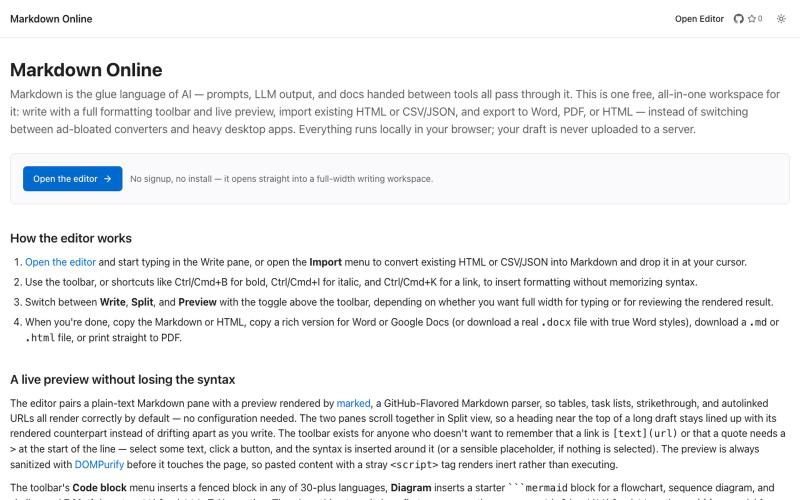
Browser-based markdown editor with live preview and export to HTML, Word, and PDF.
u/Eleraffa · Reddit
Built a browser-only Markdown editor for my own daily LLM workflows — live DBML schemas, proper DOCX export, token counts Hey r/SideProject , I move a lot of text between LLMs, local docs, and web tools every day. I couldn't find a lightweight browser editor that handled a few specific micro-annoyances without shoving ads in my face, requiring a signup, or routing text through a server. So I vibe-coded Markdown Online (mostly hacked together with Claude) to solve my own itch. It’s a plai
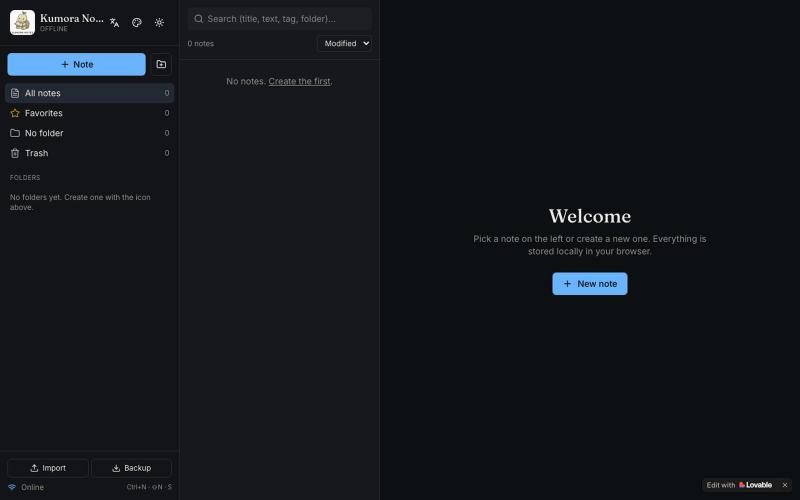
Offline notebook with folders, tags, and Markdown for notes and tasks.

@fuckingologist · X
🚀 Fully offline notes that actually work! 📱 KUMORA NOTES — ideas & tasks, no internet needed. Try now 👉 #OfflineNotes #Productivity #LovableAl #BuiltWithAl #SecondBrain Built with @Lovable @antonosika

Take notes, organize them into a knowledge base, and collaborate with your team on structured documents.
lerongwan1 · V2EX
上班前的三小时,属于我的独立开发时间 - - # 上班前的三小时,属于我的独立开发时间 白天要上班,真正能留给自己的整块时间并不多。 所以我开始在早上 5 点多起床。城市还没完全醒来,我已经坐到电脑前,用上班前的三个小时做自己的产品。 这段时间很安静,没有临时消息,也没有其他事情打断。每天只推进一点,可能只完成一个很小的任务,但它确实属于我。 早起并不轻松。不过一天最清醒的时间,正在被我用来完成真正想做的事。 我的产品,怎么才能有用户 -> [使用 NoteDeep 开始整理你的知识库]( https://www.notedeep.com) #独立开发 #副业 #程序员日常 #个人产品 #NoteDeep