
Creative Tools1 month ago
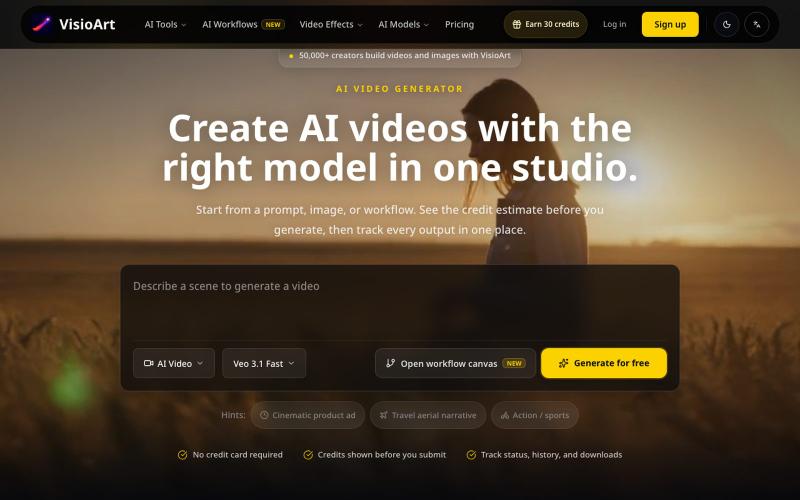
AI Video Generator, Image Creator and Effects Library | VisioArt
Generate AI videos and images with multiple AI models like Veo, Kling, and Sora.
VisioArt — 一站式 AI 图片和视频创作平台
The full gallery
Tech stack
20 projects
Generate AI videos and images with multiple AI models like Veo, Kling, and Sora.
VisioArt — 一站式 AI 图片和视频创作平台
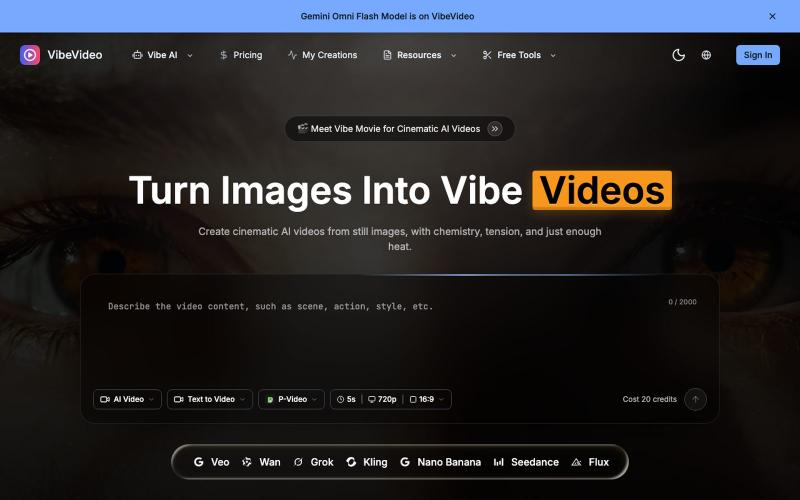
Generate cinematic videos from images and text with AI-controlled motion effects.
Vibe Video — 面向普通用户的 AI 视频生成网站,支持文生视频、图生视频、参考图生视频和电影化镜头控制,适合创作者和营销团队快速产出视频
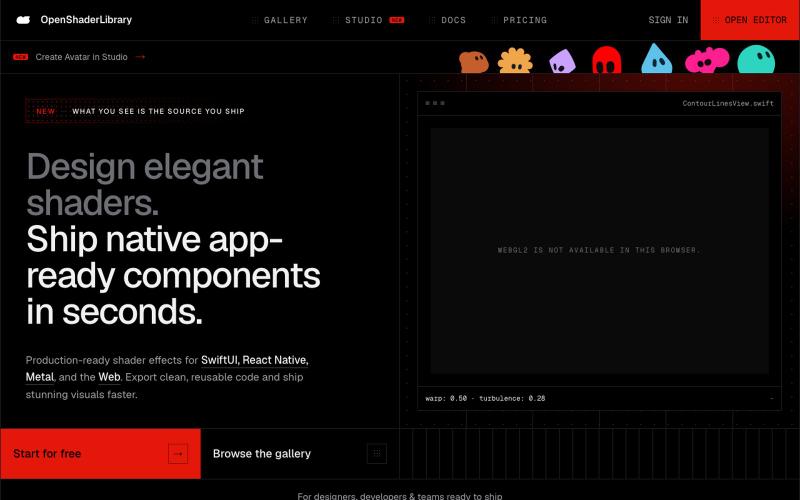
Browse parametric visual effects, tune them live in the browser, and export compiling source for SwiftUI, React Native, and the web.

@dotvonesy · X
Beautiful Effects for Mobile and Web:
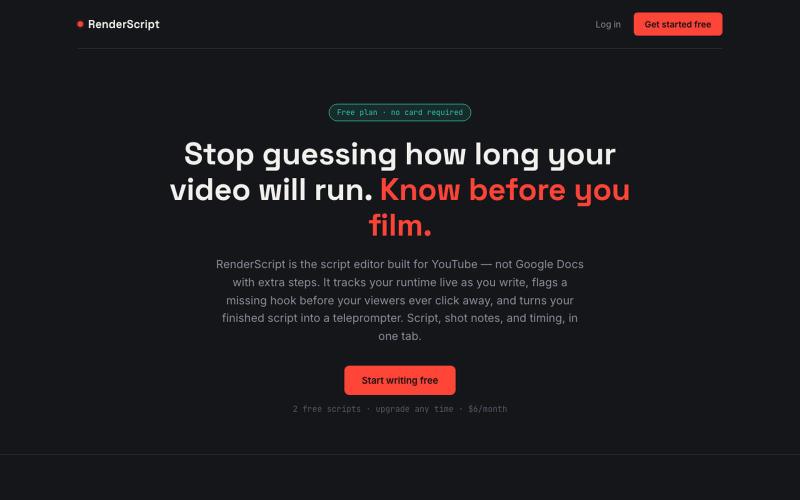
RenderScript tracks your video's runtime as you write, flags weak spots before your viewers do, and turns your script into a teleprompter. Templates, dual-column shot notes, one-cl

@TakeBaseInfo · X
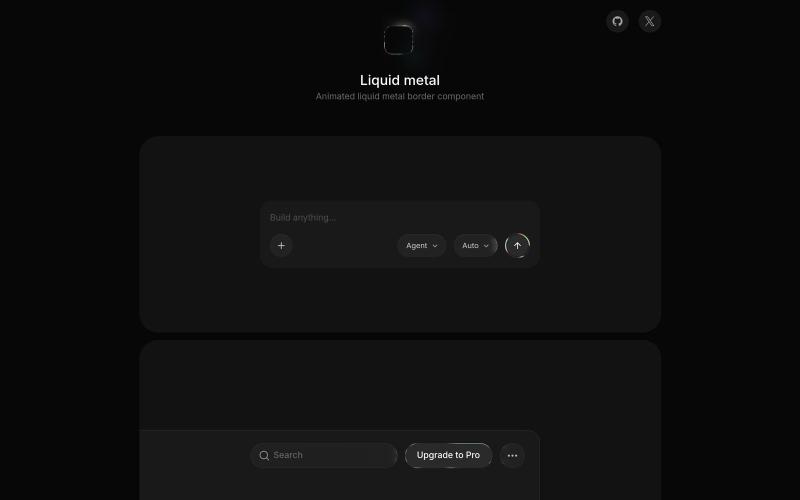
Real-time WebGL shader creating liquid metal effects for UI components.

@MengTo · X
These will instantly make your vibe-coded projects look less generic. Free, open-source libraries from the same creator: • • •
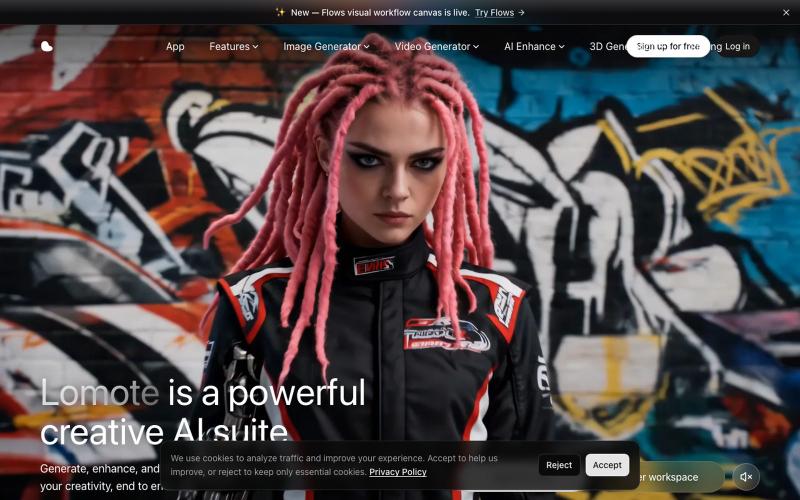
Create, enhance, and edit images, videos, and 3D models with AI in one unified studio.

@Agueroyps3 · X
折腾了一段时间,我做的 Lomote 终于上线了。 想解决的问题很简单:生成图片、视频、3D 模型,做图片或视频增强、搜索相似图片时,不用在一堆工具之间来回切换。 在 Lomote 里,这些能力都可以通过工作流组合起来。 感兴趣可以试试:

Design custom themes for Codex Desktop with backgrounds, colors, transparency, and visual effects.
plutozc · V2EX
做了个 Codex Desktop 主题预览和切换工具,先调好再安装 最近一直在用 Codex Desktop ,觉得默认界面看久了有点单调,就顺手做了个主题编辑工具,分享一下: [Codex Skin]( https://getcodexskin.com) 可以先在网页里预览主题,调整背景透明度、面板透明度、颜色、模糊和圆角等参数,满意之后再下载并切换到 Codex Desktop 。 目前支持: - 自定义 JPG 、PNG 、WebP 背景 - 在线实时预览主题效果 - 调整透明度、颜色、模糊、圆角 - 预览满意后生成安装命令 - 不喜欢了可以恢复默认外观 目前主要面向 macOS 上的 Codex Desktop ,还是个人项目,功能和兼容性都在继续打磨。 欢迎试试,也想听听大家对主题参数、预览效果和安装流程的反馈。 直接网址: https://getcodexskin.com [轻喷 轻喷,可能还有些 bug
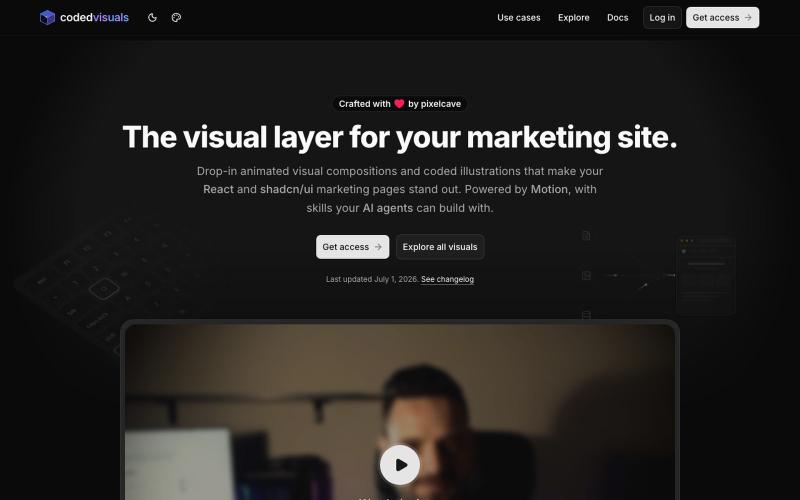
React and shadcn/ui components for creating animated visual elements on marketing and landing pages.

@pixelcave_john · X
Hey Germán! I recently launched and a major update to Tailkit!
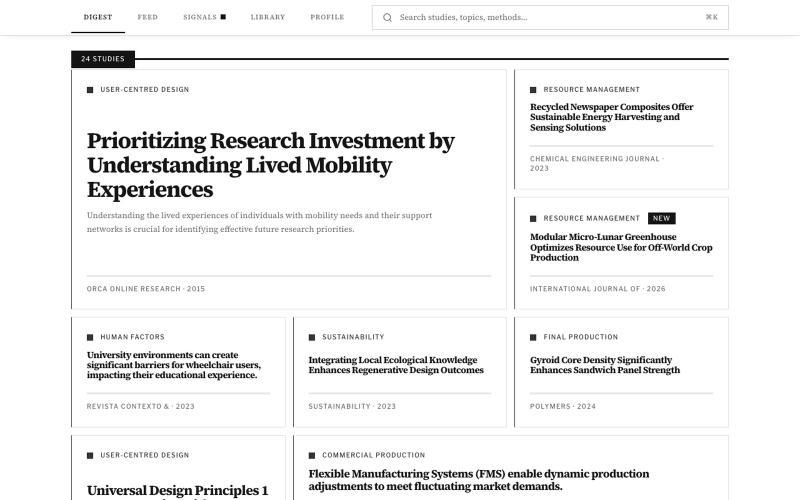
Browse research-backed design evidence for UX, ergonomics, materials, and sustainability.

@DesignDexx · X
organises and simplifies relevant research for designers to read, bookmark, and make informed design decisions — instead of relying on AI.
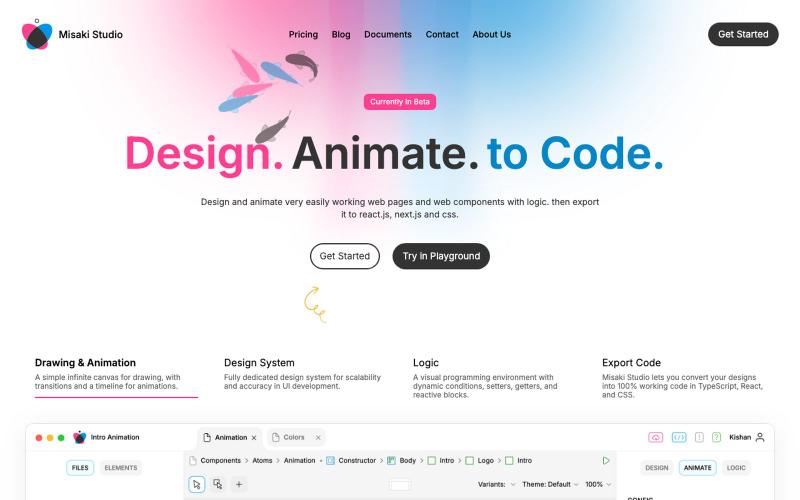
@JamesAuble https://t.co/GdUqHtJjbA

@Jasoliyaharsh1 · X

Edit, compress, convert, and merge video and audio files in your browser.
zhw2590582 · V2EX
最近对网站进行了重构,做成了免费的视频工具站:[ArtPlayer Tools]( https://artplayer.org/tools/) 主要是围绕着 ffmpeg.wasm 和 mediabunny 实现的一些可以直接在浏览器里用的视频/音频工具,常用的有: - 视频压缩:[Compress Video]( https://artplayer.org/compress-video/) - 视频裁剪:[Crop Video]( https://artplayer.org/crop-video/) - 视频合并:[Merge Video]( https://artplayer.org/merge-video/) - 视频尺寸调整:[Resize Video]( https://artplayer.org/resize-video/) - 视频旋转:[Rotate Video]( https://artplayer.org/rotate-video/) - 视频调速:[Change Video Speed]( https://artplayer.org/change-video-speed/) - 添加文字到视频:[Add Text to Video]( https://artplayer.org/add-text-to-video/) - 添加水印:[Watermark Video]( https://artplayer.org/watermark-video/) - 提取字幕:[Subtitle Editor]( https://artplayer.org/subtitle-editor/) - HLS 转 MP4:[HLS to MP4]( https://artplayer.org/hls-to-mp4/) - 音频可视化:[Audio Visualizer]( https://artplayer.org/audio-visualizer/) 大部分工具都是本地处理,文件不会上传到服务器。最开始是因为自己偶尔要处理一些视频,开剪辑软件又有点重,在线工具又担心隐私,所以就慢慢做成了一个站。 目前还在持续完善,体验肯定还有不少粗糙的地方,比如不同浏览器的兼容、移动端操作、长视频性能之类的。 网站: [ArtPlayer Tools]( https:
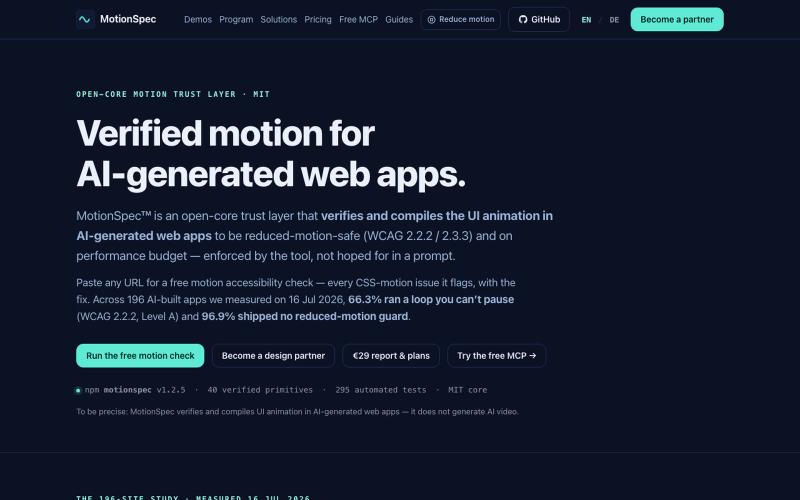
Test AI-generated web app animations for performance budget and reduced-motion safety.

@Adolphi13543532 · X
An new technology for WebUi on scale, (lovable,base44,emergent…) who ever will get it first will be the 🤴🏽👇🏼